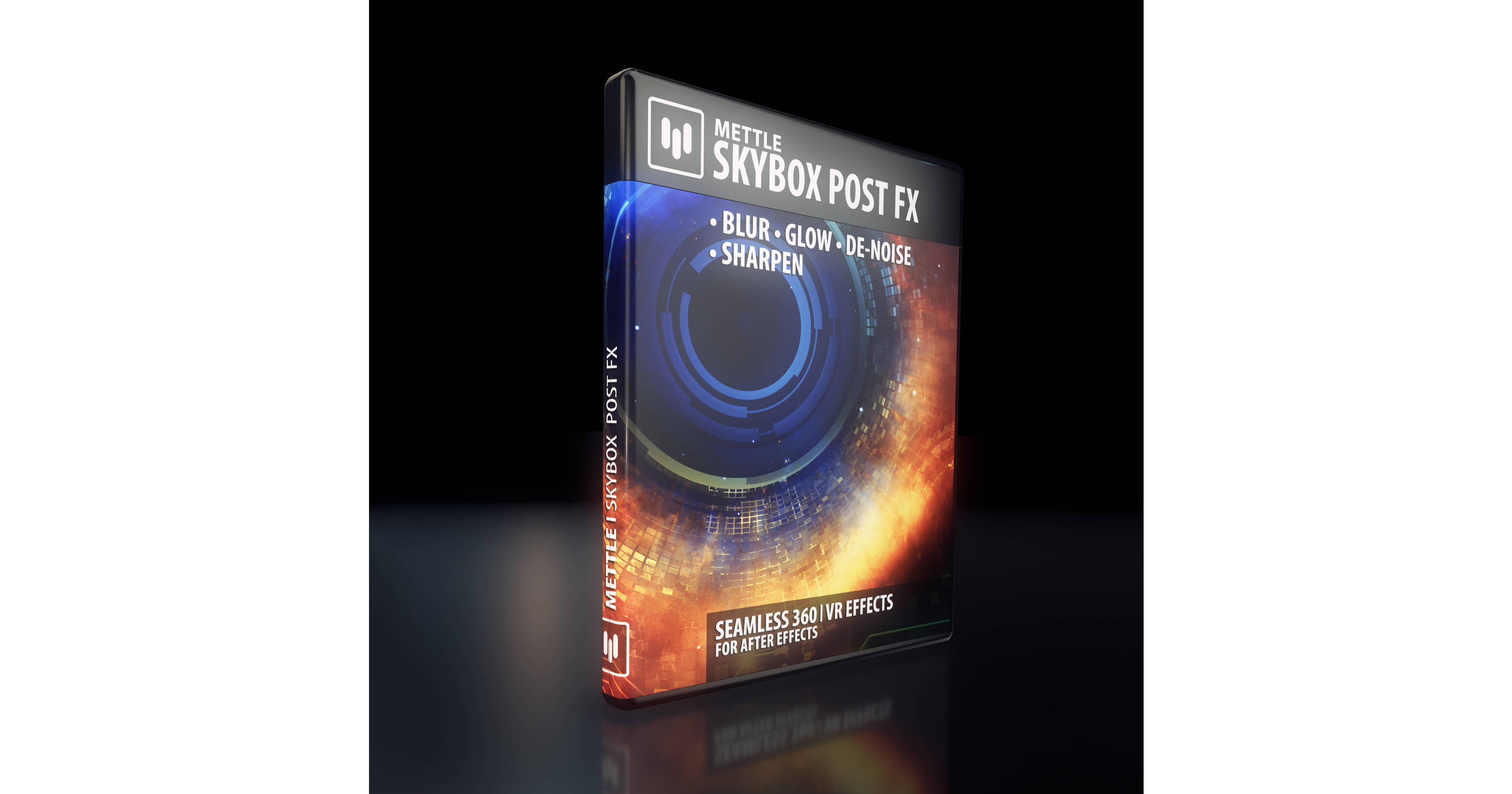
Apply seamless effects to your 360 videos in After Effects with Mettle's SkyBox 360 Post FX. When you apply a native After Effects effect to 360 footage, the stitch seam is clearly visible, but with this application it isn't at all. The effects can be applied directly to your footage or to an Adjustment Layer. Four adjustable effects are included: Blur, Denoise, Sharpen, and Glow. SkyBox 360 Post FX supports Equirectangular mono 2:1 and Stereo 1:1 over-under formats. It is compatible with After Effects CS6 and higher on Mac and Windows.
Effects
Blur
Blurriness:
Represents convolution kernel radius.
Glow
Luma Threshold:
Defines image region that will glow between 0.0 (black) and 1.0 (white).
Glow Radius:
Defines radius of glowing halo, in pixels.
Glow Brightness:
Multiplier for glow brightness intensity; default is 1.0.
Glow Saturation:
Multiplier for glow saturation (color) intensity; default is 1.0.
Use Tint Color:
When checked, Tint Color will be blended to the resulting glow color.
Tint Color:
Choose tint color, which has effect only when Use Tint Color is checked.
Sharpen
Sharpen Amount:
Adjusts relative sharpen amount between 0 and 100.
Denoise
Noise Type:
Choose noise type to suppress - Random Valued or Salt-and-Pepper.
Noise Level:
Adjust hypothetical input noise level until best output result is found.