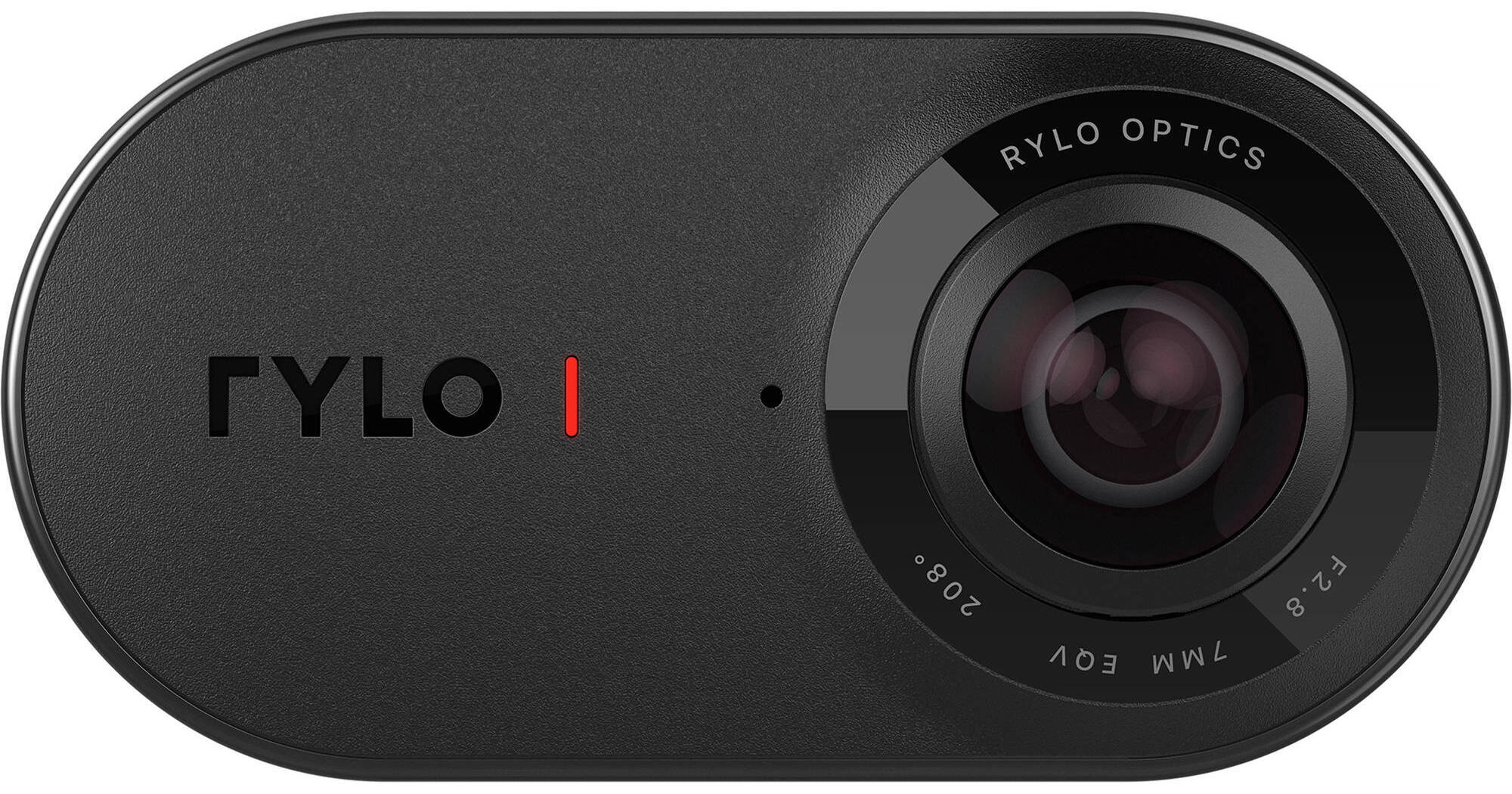
The Rylo 360, in this iOS version, captures video from all angles at the same time in 4K resolution and gives you intuitive tools to make creative videos with the 360° footage. It's designed very small and in a robust aluminum enclosure, so whether you're going for a jog, walking the dog, or doing something action-packed, the Rylo 360 is compact and tough enough to come along. Pull it out of your bag or pocket and hold it with your hand, use the included Everyday Case ergonomic handgrip, or get an optional water-resistant Rylo Adventure Case and mount it on handlebars or pretty much anything else. Recording begins at the press of just a single button.
The Rylo 360 is designed with two lenses that simultaneously capture a 208° angle of view each. It also features two microphones and integrated horizon-leveling stabilization technology. Altogether, these provide you with an immersive 360° spherical view of all around you in 4K at 30 fps, along with stereo audio, and with significantly reduced camera shake and hence much smoother video.
When you're done shooting, connect the Rylo 360 to your iPhone with the supplied iOS sync cable, and go to work on your footage using the Rylo iOS app. Swipe and drag your iPhone screen in any direction to find the shot you want from the 360° video. Set the angle on your face, or keep swiping and dragging until you see your back. Whatever angle you select, the video will play from that angle.
Add to these cinematic panning and tracking movements with the One-Tap Editing feature. Just tap the points on your screen that you want the shot to move towards during playback. It's like directing a movie after having shot it. Plus, the advantage here is that your movements can be much more expansive because you're moving across 360° footage. Furthermore, insert a picture-in-picture shot of yourself right in the middle of all the action using the FrontBack feature. This will allow you to show your reaction to the action. You can also create cinematic time-lapse videos by speeding up your video by up to 16x with Dynamic Speed Control. In addition to all this, there are standard editing tools, such as trim and crop, which are also applied with simple taps on your phone screen. The Rylo 360 also allows you to capture 6K panoramic photos and edit each photo's field of view according to your preference. When you're done, you can share your videos and photos on Instagram, Facebook, and other social media venues directly from your phone.
The Rylo 360 records to a microSD card (a 16GB card is included) and performs fast transfers to your phone over the included sync cable. You can then play back, edit, and save your videos and photos on your phone (iOS 10+). The Rylo 360 and your iPhone combine into a mini production studio right in your hands.
- 4K 360° video at 30 fps
- Capture the scene, find the shot later—swipe and drag through the 360° footage on your phone screen until you find the angle you like, and the video will play from that angle
- Intuitive, cinematic editing tools provided within the Rylo app—one-tap panning and tracking, picture-in-picture, trim, crop, time-lapse videos, and more
- 6K panoramic photos
- Dual 208° FOV lenses and dual mics
- Built-in stabilization
- iOS 10+
- iPhone 5s or newer
- iPad (5th generation, 2017)
- iPad Air 2
- iPad mini 4
- iPad Pro (1st generation or newer)
- iPod Touch (6th generation)