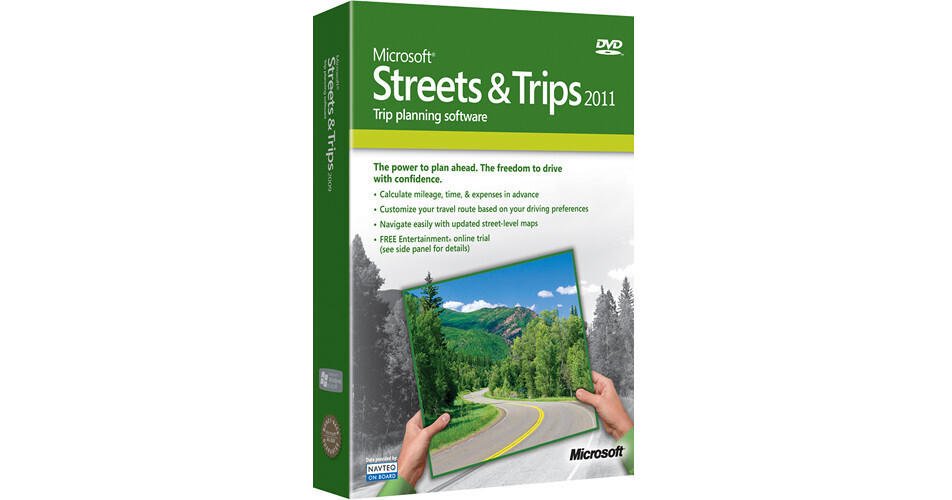
Microsoft Streets & Trips 2011

BH #MIB1700492 • MFR #B17-00492
Print
Microsoft Streets & Trips 2011
Key Features
  • Comprehensive Trip Planner
  • Intuitive, Personalized Interface
  • Turns Laptop into a GPS Device
  • Send Location Info to Mobile Device
Streets & Trips 2011 from Microsoft makes planning your next road trip easy. The intuitive interface features powerful trip-customization options that give you incredible flexibility in routing your journey. Streets & Trips 2011 lets you customize your trip by indicating desired start and stop times, driving speed and road types. If you find yourself lost or wanting to reroute your journey while on the road and without internet, the program provides full maps and rerouting features. The software can also send directions, maps and trip information to compatible mobile devices and GPS units*.
More Details
No Longer Available
No Store Display
Ask an Expert
800-952-1815

Microsoft B17-00492 Overview

Streets & Trips 2011 from Microsoft makes planning your next road trip easy. The intuitive interface features powerful trip-customization options that give you incredible flexibility in routing your journey. Streets & Trips 2011 lets you customize your trip by indicating desired start and stop times, driving speed and road types. If you find yourself lost or wanting to reroute your journey while on the road and without internet, the program provides full maps and rerouting features. The software can also send directions, maps and trip information to compatible mobile devices and GPS units*.

Note:
GPS device sold separately. To share your route with your other GPS devices you must export a GPX file to a GPX-compatible device. Not all GPS devices are supported.
Personal Driving Profile
Plot your own route with Personal Driving Profile, with flexible trip-planning options like personalized start times, driving speeds, and rest stops
Find Nearby Places
Find Nearby Places lets you find more than 1.5 million locations such as parks, ATMs, hotels, landmarks, and more
Personalize Trips
Customize your maps and printouts by adding notes, addresses, and phone numbers for your planned stops
Live Search
Live Search lets you add additional business locations to your map when you're online, then take them with you when you go
Helpful Calculations
Know what to expect before you go and adjust your plans accordingly with easy mileage, time, and expense calculation. Estimated drive time always lets you know how far you are from your destination
Mobile Device Support
Send location info to your mobile device and share maps and itineraries with friends and family via email
Note:
Microsoft Office Outlook 2007 / 2010 is required to use "Send to Mobile," "Send To as attachment" and "Send To as picture."

Microsoft B17-00492 Specs

System Requirements
Operating System: Windows 7, Vista, XP, Server 2008 (64-bit versions of Windows XP and Windows Server excluded)
RAM: 1GB for Windows 7, 1GB for Vista, 256MB for XP, 512MB for Server 2008
Available Disk Space: 1.8GB
Display: Super VGA (1024 x 768) or higher-resolution monitor
DVD-ROM or high-speed Internet access required for installation
Microsoft Mouse or compatible pointing device
Internet Explorer required for some features
Optional
For Voice Output: Compatible Sound Card
Microsoft Office Outlook is required to use "Send to Mobile" and "Send To as attachment." Office Outlook 2007 / 2010 is required to use "Send To as picture"
Broadband Internet service recommended for certain features
GPS functionality requires a GPS device that supports NMEA 2.0 or later and an available USB port
Certain features require Internet Explorer. If not present, Internet Explorer will be installed but will not displace your primary browser.

Microsoft B17-00492 Reviews

See any errors on this page?
Whatever You Need, We've Got It