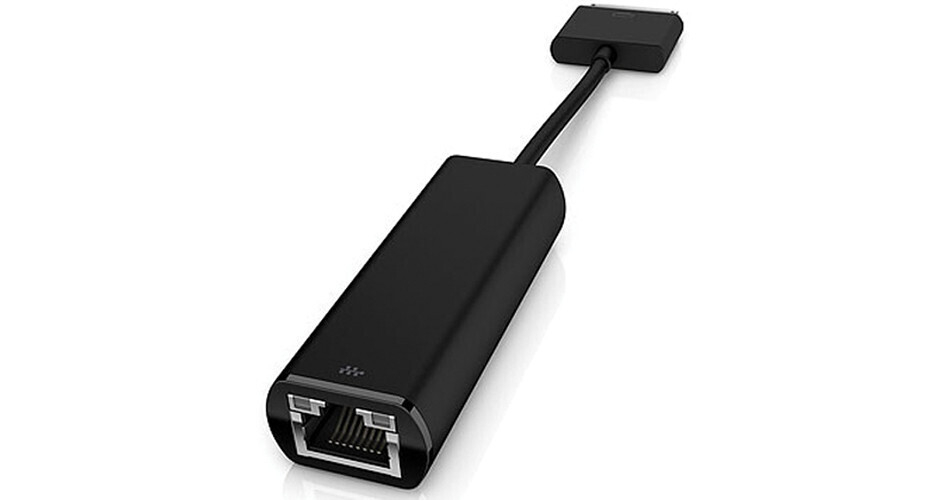
The ElitePad Ethernet Cable from HP allows you to quickly connect to a corporate network* and transfer data, share files or print documents. You simply need to connect one end of this Ethernet Cable to your HP ElitePad and then connect the other end to your network cable.
Note:
*Network cables sold separately. Internet access required.
Connections
Simply connect one end of this Ethernet Cable to your HP ElitePad and then connect the other end to your network cable.
24/7 Support
The ElitePad Ethernet Cable comes with a 1 year limited warranty. Additional support is available* seven days a week, 24 hours a day by phone as well as through online support forums.
Note:
*North America only.