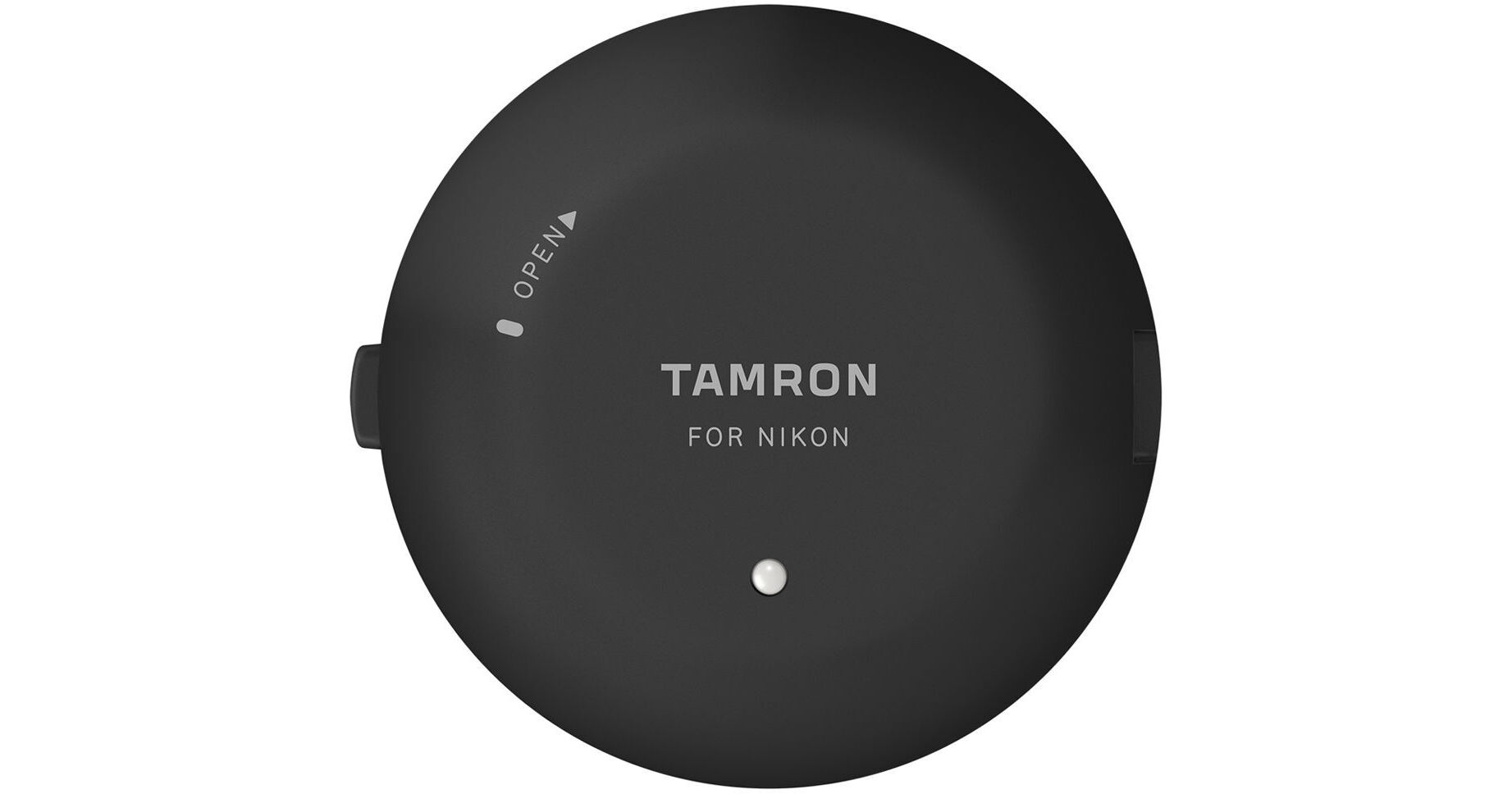
Allowing users to fine-tune the performance and update the firmware of select Sony A-mount Tamron lenses, the TAP-in Console is a simple attachment that gives more control over how SP-series lenses respond during operation. Used in conjunction with the TAP-in Utility software for Mac and Windows, this console connects to Sony A lenses at the bayonet mount and permits customization over focus adjustment, focus distance limiter, and full-time manual focus override settings. Additionally, lens firmware can also be updated by accessing a dedicated website while the lens is attached to the console. Offering enhanced and personalized control over a range of lens settings, the TAP-in Console ensures lens' firmware is kept up-to-date and permits configuring settings to suit specific shooting tasks.
- SP 35mm f/1.8 Di USD
- SP 45mm f/1.8 Di USD
- SP 85mm f/1.8 Di USD
- SP 90mm f/2.8 Di USD 1:1 Macro
- Focus Adjustment: Focus can be adjusted in three distance ranges-close, intermediate, and far-and for zoom lenses, an additional eight segments are available for a combined total of 24 adjustable regions. This lets you make micro adjustments to how a lens focuses, as well as compensate for any unwanted front- or back-focusing issues.
- Focus Distance Limiter Customization: For lenses featuring a Focus Limiter switch, this setting lets you configure the specific distance ranges, using near and far distances, the lens-based switch will constrain focus to.
- Full-Time Manual Focus Override Customization: For lenses with full-time MF override, this setting lets you set the mode to ON or OFF as well as fine-tune the sensitivity of the focusing ring between High and Low ranges.