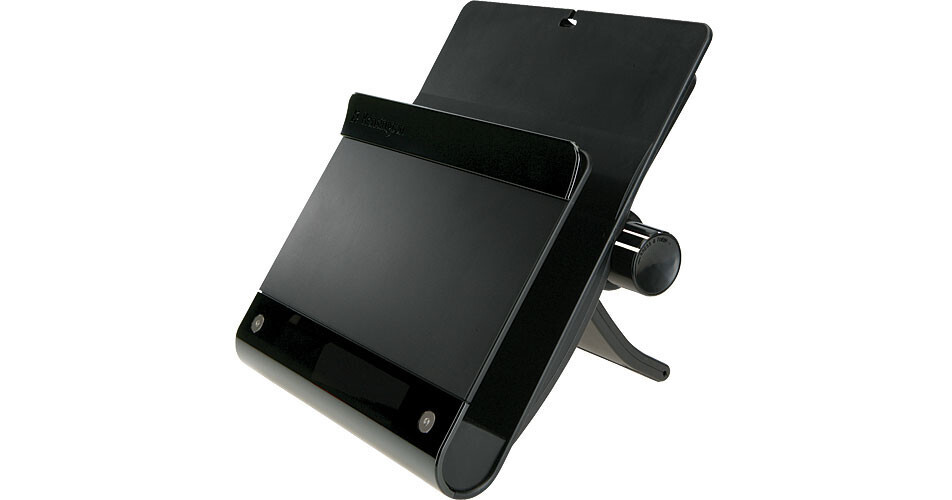
The sd100s Notebook Docking Station with Stand from Kensington allows you to dock your Windows notebook computer at your desk without disconnecting several cables. The dock also doubles as a stand that elevates the notebook screen so it is at a more natural height for working at a desk. Simply connect your peripherals to the docking station and connect one USB 2.0 cable between it and your laptop. This is a great solution for the professional who uses a laptop as their primary computer at the office and on the go.
Laptop to Desktop
The docking station allows you to easily use your notebook computer just like a desktop computer. It features connections for five USB devices, speakers, microphone and a standard network connection. Simply add your laptop to the mix, and you won't be able to tell the difference between using it and a standard desktop computer.
Quick Connection
You can easily connect and disconnect your laptop from the docking station with one cable. This saves a lot of time that is spent looking for cables and making sure they are going into the right port on your laptop, as well as the time that is spent disconnecting cables when you need to take your computer with you.
Elevated Design
The desktop stand raises your notebook's screen to eye level. This is more ergonomically sound and can help to reduce the neck and back strain that can come when working on your computer for longer periods of time.
Always-On USB
The docking station features always-on USB ports for your convenience. These ports receive power via an AC adapter, regardless of whether or not a laptop is connected. They are ideal for charging iPods, cell phones, and other devices that can be charged via USB.