Video Chat with a Pro Audio Expert - Live

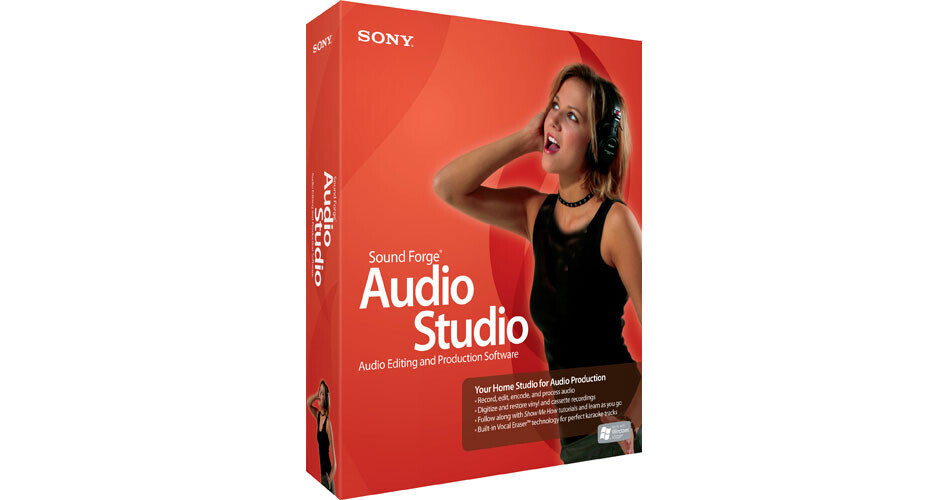
Sony Sound Forge Audio Studio 9 - Audio Editing and Production Software

BH #SOSFAS9000 • MFR #SFAS9000
Print
Sony Sound Forge Audio Studio 9 - Audio Editing and Production Software
Key Features
  • Easy Drag-and-Drop Editing
  • Extract Audio from CDs and MP3s
  • Studio-Quality Effects
  • Video Support
Sound Forge Audio Studio 9 software from Sony Media Software is an easy-to-use program, containing everything that is needed to produce professional-quality audio on a home computer. The program is deep despite its designation as a home studio product, and multiple enhancements add to its comprehensive feature list.

This includes recording from any source at 24-bit/96kHz resolution, editing and restoring audio, burning CDs, creating streaming media and converting files with lightning speed, simply by using drag-and-drop actions and other simple commands.

Updates over previous versions include the higher resolution recording, the ability to customize the user interface, burning CD directly from the application with Gracenote Music ID identification, and new restoration tools for transferring vinyl. A vocal eraser plug-in allows users to create karaoke type projects, with various presets available for removing audio from pre-recorded material.

Built right into Sound Forge Audio Studio 9 are "Show Me How" interactive tutorials that cover fifteen topics and that go way beyond the booklets and basic tutorials that other solutions provide.

More Details
No Longer Available
No Store Display
Ask an Expert
800-606-6969

Sony SFAS9000 Overview

Sound Forge Audio Studio 9 software from Sony Media Software is an easy-to-use program, containing everything that is needed to produce professional-quality audio on a home computer. The program is deep despite its designation as a home studio product, and multiple enhancements add to its comprehensive feature list.

This includes recording from any source at 24-bit/96kHz resolution, editing and restoring audio, burning CDs, creating streaming media and converting files with lightning speed, simply by using drag-and-drop actions and other simple commands.

Updates over previous versions include the higher resolution recording, the ability to customize the user interface, burning CD directly from the application with Gracenote Music ID identification, and new restoration tools for transferring vinyl. A vocal eraser plug-in allows users to create karaoke type projects, with various presets available for removing audio from pre-recorded material.

Built right into Sound Forge Audio Studio 9 are "Show Me How" interactive tutorials that cover fifteen topics and that go way beyond the booklets and basic tutorials that other solutions provide.

Capturing Audio from Any Source
Recording directly into the software is as easy as plugging a microphone or instrument directly into the computer's sound card. CDs and MP3s can also be imported for immediate mixing and editing.
Editing Tools
Professional level control over audio editing, EQ, volume and effects processing. Audio tracks can be mixed, sound levels balanced and custom fades created. Precise, real-time editing of audio files can be performed with simple drag-and-drop operations to balance sound levels, trim unwanted sections and synchronize audio with video.
Effects Processing
Studio quality effects such as EQ, delay, chorus and reverb. For livening up presentations, recordings and music, the software includes 1,001 sound effects and also supports DirectX and VST plug-in formats for further enhancement of a mix.
Karaoke Tracks
Vocal Eraser plug-in easily removes vocals from most recordings or isolates them. The user can also use this plug-in to extract vocals from songs for remixing. The plug-in contains presets for various recording situations.
Integrated CD Burning
CD burning is fully integrated into Sound Forge Audio Studio software so the user can easily create professional-sounding CDs. Burn one track at a time or choose disc-at-once (DAO) to burn a disc with full control over the pauses between tracks.
Ways to Share
Encoding tools allow one to save audio in popular formats including .mp3, .wav, and .wma. Additionally one can burn a CD, export to an MP3 player, or upload songs to the Web.
Show Me How Tutorials
Tutorials guide the user through the entire creative process. Whenever help is needed, clicking the "Show Me How" button presents the tutorial topic. Helpful text dialogue boxes, pointers, and guides will actually display what to do and where to click.

Sony SFAS9000 Specs

Software Type
2-track audio editor
Audio Tracks
2
MIDI Tracks
No
Sends/Inserts per Track
Single insert
Plug-In Support
DirectX
VST
Included Effects
30
Score Editor
No
MIDI Timing Resolution
Not applicable
Movie Support
Yes
Sync Functions
No
Supported Hardware
Any Windows-compatible sound card
System Requirements
900MHz processor
Windows XP SP2, Vista or Windows 7
256MB RAM
150MB hard-disk space for program installation
Windows-compatible sound card
DVD-ROM drive (for installation)
Supported CD-Recordable drive (for CD burning only)
Microsoft DirectX 9.0c or later (included on DVD-ROM)
Specialties
1001 high quality, professional sound clips for enhancing audio projects
Packaging Info
Package Weight
0.55 lb
Box Dimensions (LxWxH)
9.6 x 7.9 x 1.9"

Sony SFAS9000 Reviews

See any errors on this page?
Whatever You Need, We've Got It