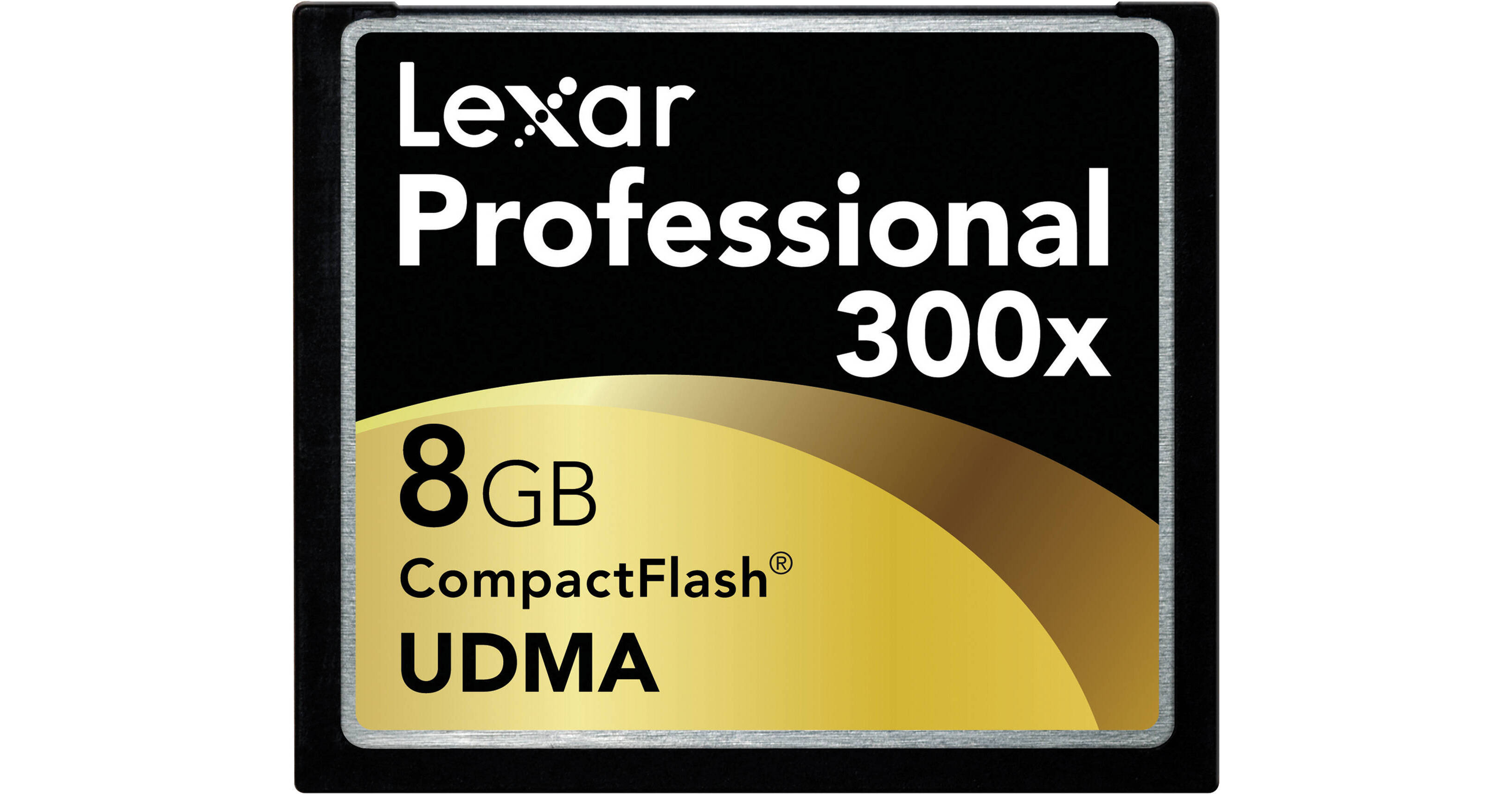
The Lexar Professional UDMA 300x CompactFlash Card provides the ultimate high-speed memory card performance for professional photographers and photo enthusiasts. The high-speed UDMA performance and reliability of this CF card dramatically improves transfer speeds from card to computer when paired with a UDMA-enabled reader, and also provides support for the next generation of high-resolution UDMA-enabled digital SLR (DSLR) cameras, yet these cards are still fully compatible with all CF devices.
With huge capacities, the Lexar Professional UDMA 300x CF card provides advanced memory card performance so you can focus on the business of photography.
REVIEW SNAPSHOT®
by PowerReviewsPros
Cons
Best Uses
Most Liked Positive Review
Best CF Cards on the Market! Period!!
I recently purchased a D3, from B&H back in January. Prior to receiving the D3, I often captured images at Med/Fine to Lrg/Fine resolution, but mostly Med/Fine with...Read complete review
I recently purchased a D3, from B&H back in January. Prior to receiving the D3, I often captured images at Med/Fine to Lrg/Fine resolution, but mostly Med/Fine with my D2X or 5D. After getting the D3 and seeing the beautiful files, I knew that I wanted to only capture worth while images at Lrg/Fine resolution or RAW and in RAW format, the D3 produces 25+ MB files. That's crazy hugh! That said, I knew then that my current 4GB Lexar CF cards were no match for the D3. So, I decided to immediately upgrade my CF cards. Say what you will, but one can never have to much storage space.
Now, I have no reservations of leaving the file size set to Lrg/Fine or RAW no matter which cameras I'm using.
Lastly, why I trust Lexar? It's simple, I still have 2 Lexar 1GB Pro CF cards that I purchased and they work without flaw to this day. In parting, I tend to stick with things that work well.
D. Cherry
a.k.a "JMD"
VS
Most Liked Negative Review
Reliable Memory
We have always trusted Lexar products and continue to use them. There is a sense of relief that images will be transferred and saved correctly. Read/Write speeds may not always be the greatest,...Read complete review
We have always trusted Lexar products and continue to use them. There is a sense of relief that images will be transferred and saved correctly. Read/Write speeds may not always be the greatest, but that is likely due more to the camera's limitations than the CF card, in this case.
REVIEWS
Reviewed by 333 customers
Sort by
Displaying reviews 1-20
Previous | Next »
Pros
Cons
Best Uses
Comments about Lexar 8GB UDMA 300x CompactFlash Card:
Lexar or SanDisk is great, but 300x (45MB/s) is too slow for my computer, hence I have to sit at my computer while I transfer my RAW images into Adobe Bridge using Nikon Transfer. You'll be happy you purchased a 600x (90MB/s) card. Believe me. However, I don't notice any in camera difference.
Pros
Cons
Best Uses
Comments about Lexar 8GB UDMA 300x CompactFlash Card:
Updating my card inventory - found this great!
Pros
Cons
Best Uses
Comments about Lexar 8GB UDMA 300x CompactFlash Card:
I have a busy photo studio and my cards get lots of use. Great card.
Pros
Cons
Best Uses
Comments about Lexar 8GB UDMA 300x CompactFlash Card:
Have enjoyed having a larger card (I only had two 2 gb cards). I also bought a 4 gb so that I could shoot, download, and not erase my cards until I have time to back them all up.
Pros
Cons
Best Uses
Comments about Lexar 8GB UDMA 300x CompactFlash Card:
Reliable product from an established manufacturer
Pros
Cons
Best Uses
Comments about Lexar 8GB UDMA 300x CompactFlash Card:
Fills up a bit quickly shooting RAW on a 5DmkII, but a great size just in case you have a corruption issue -- which I have NEVER had with a Lexar card. Bonus, it comes with recover software and a discount on Adobe Lightroom!
Pros
Cons
Best Uses
Comments about Lexar 8GB UDMA 300x CompactFlash Card:
I use this product in my Canon EOS 7D Dslr. Prior to this card I was using a Sandisk Extreme III and the difference in speed is very noticeable. The 7D will shoot continuously at 8fps and the card is so fast that after a couple seconds of shooting, it takes only about a second before I can review the images or shoot another burst. I also see a major speed difference when importing my images from the card to Lightroom. If you need speed, go for a UDMA CF card. I have nothing negative to say about this card so far. It's more expensive than most other cards but you get what you pay for.
Pros
Cons
Best Uses
Comments about Lexar 8GB UDMA 300x CompactFlash Card:
The speed of the 300x makes using this card incredible. Have used during multiple shoots with no problems at all.
Comments about Lexar 8GB UDMA 300x CompactFlash Card:
What can I say? Fast and roomy.
Pros
Cons
Best Uses
Comments about Lexar 8GB UDMA 300x CompactFlash Card:
This flash is fast and holds alot of pics.You can shoot all day and not run out of space
Pros
Cons
Best Uses
Comments about Lexar 8GB UDMA 300x CompactFlash Card:
Works great.
Pros
Cons
Best Uses
Comments about Lexar 8GB UDMA 300x CompactFlash Card:
You are the best online supplier that I have ever had the pleasure to do business with. Your employees are helpful, knowledgeable and on point at all times. Sheri Lazzaro
Pros
Cons
Best Uses
Comments about Lexar 8GB UDMA 300x CompactFlash Card:
After reading a few well known pro photographer's ratings of this as a reliable memory card I have settled on this brand and size. I have at least 5 and to date have had no problems at all (using it with a nikon D200 or D300.)
Pros
Cons
Best Uses
Comments about Lexar 8GB UDMA 300x CompactFlash Card:
Super fast, reliable. Excellent choice!
Pros
Cons
Best Uses
Comments about Lexar 8GB UDMA 300x CompactFlash Card:
The card is great. Lexar Professional is a fabulous cf. The 8 Gb holds a good number of photographs.
Pros
Cons
Best Uses
Comments about Lexar 8GB UDMA 300x CompactFlash Card:
transfer rate its very good, i use it in a Nikon D300s , looks Great.
Pros
Cons
Best Uses
Comments about Lexar 8GB UDMA 300x CompactFlash Card:
brought 2 Lexar CF Cards worrk great. [...]
Pros
Cons
Best Uses
Comments about Lexar 8GB UDMA 300x CompactFlash Card:
This is a great product, but hey, be warned about this, if you are a Canon 10D,20D, 30D or 5D owner/user, then this might be a bit slow for you, yes, that's right, and the reason is simple. This CF card was designed for cameras equipped with fast processors. The ones that come with the models mention above have have a bit of hard time when they have to deal with big capacity CF's. Just my own experience.
Pros
Cons
Best Uses
Comments about Lexar 8GB UDMA 300x CompactFlash Card:
great memory
Pros
Cons
Best Uses
Comments about Lexar 8GB UDMA 300x CompactFlash Card:
I am using this product in my Canon 7D. With the fast transfer rate I have no trouble shooting in rapid fire mode or HD video mode with this 300x speed memory.
Displaying reviews 1-20
Previous | Next »
Lexar Image Rescue 3 software is available for free download with purchase of this card.