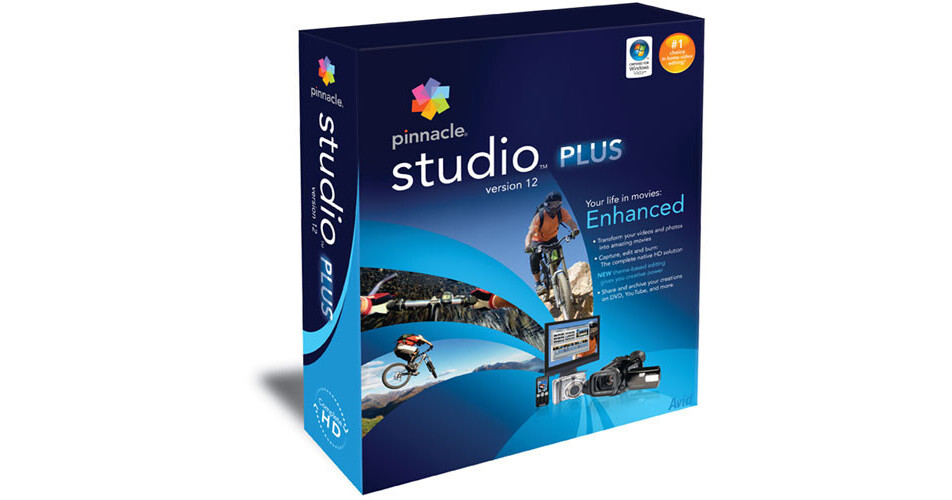
The Studio Plus v12 Video Editing Software for Windows from Pinnacle allows you to edit video and output it to DVD, tape or to a video file that can be optimized for the Internet, iPod or PSP. The program supports both analog and digital video capture, and native HDV support. It is fully compatible with Windows Vista. These features and more make this an excellent solution for adding video editing capability to your computer.
HD Editing and Burning
Pinnacle fully supports native HDV and AVCHD editing for high-definition video. You'll even be able to burn HD DVD content onto standard DVD media. This lets you view your own high-definition content natively on an HD DVD player, without having to buy an expensive HD DVD burner.
Simplicity & Ease-of-Use
Pinnacle features an intuitive interface that lets you easily capture, edit and share your video with friends and family. This takes the confusion out of video editing, allowing novice users to learn the basics and achieve impressive results.
Built-In DVD Authoring
Pinnacle features a powerful DVD authoring tool that allows you to create professional DVD discs, complete with animated menus. DVD is a wonderful medium to preserve your home movies, now the means to create a DVD disc are at your fingertips. You'll even be able to instantly transfer your movie to DVD at the press of a button.
Realtime Effects with Preview
The software lets you create effects which you'll be able to preview in real-time, directly on your computer screen or on an external monitor. Advanced film looks and effects are available for the demanding user.
Scorefitter Music Generator
The Scorefitter music generator automatically generates a soundtrack from any of 40 source tracks. This allows you to add a Hollywood-style music score to your video, without having to hire John Williams or Philip Glass.
Format Versatility
Pinnacle is compatible with the latest consumer video cameras, including DVD video cameras. You can even import video from non-encrypted DVDs to use in your projects.
Yahoo! Video Upload
The software lets you output your finished video to the Yahoo! Video Service with a single-click. This allows you to share your video with friends and family over the web with ease.