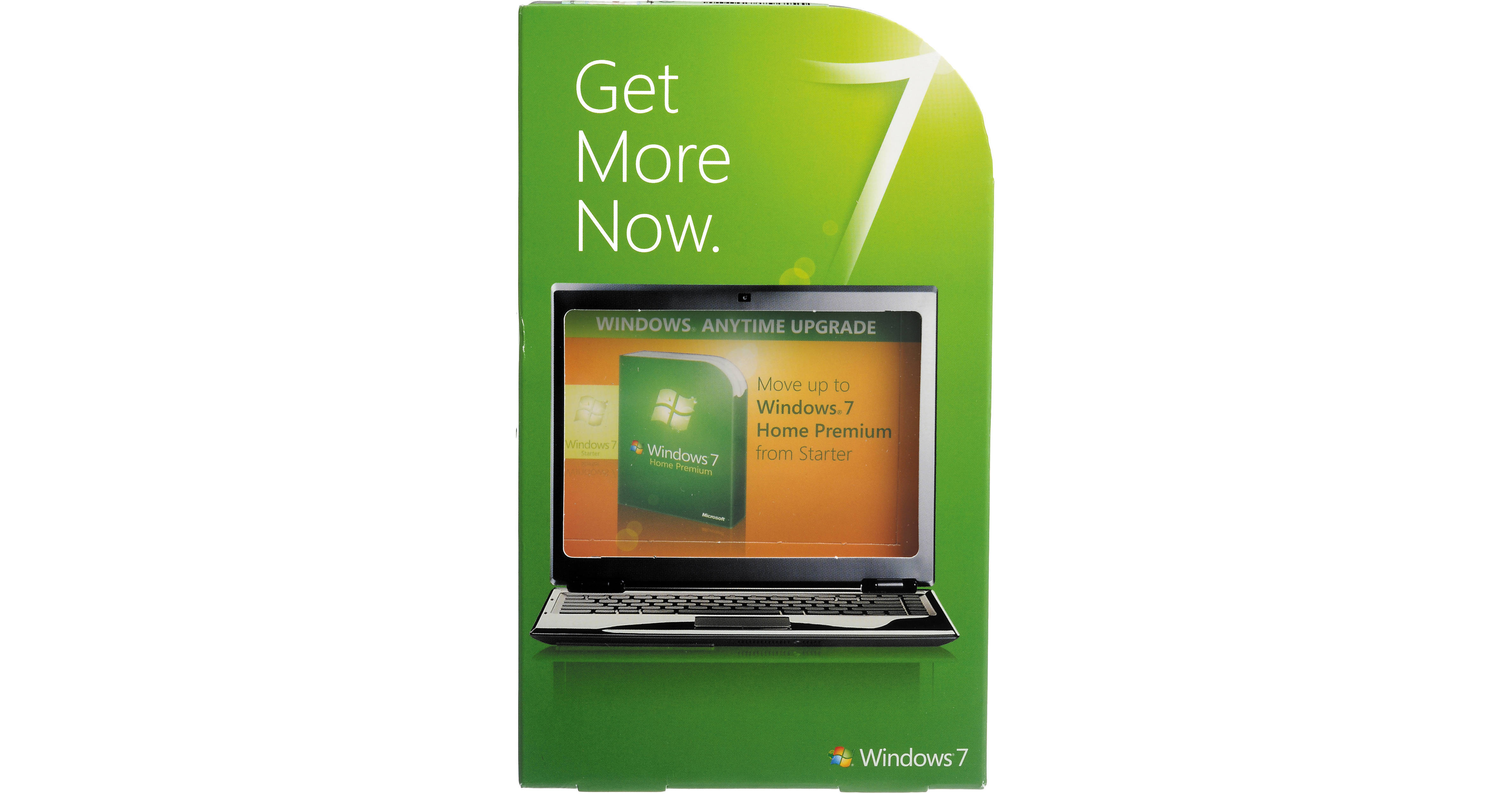
Windows 7 Home Premium from Microsoft is the long-awaited successor to the ubiquitous Windows Vista operating system. Building upon Vista's impressive feature set, Windows 7 adds many features which simplify the way you use your PC, as well as the way that your PC connects to the world.
The Home Premium edition of Windows 7 is designed to meet the needs of the modern home. Designed with entertainment and Internet use in mind, the OS features improved desktop navigation, improved speed, the Internet Explorer 8 web browser, Windows Media Center, and HomeGroup networking. Both the 32-bit and 64-bit editions of the operating system are included on the disc, allowing you to install the edition which best suits your needs.
Note:
This product comes with a license product key. There is no CD or DVD.
User Interface Enhancements
An improved taskbar allows you to launch programs and switch between them when they're open. You can pin any program to the taskbar, making it just a click away. Rearrange icons via clicking and dragging, Icons are bigger than in previous versions, making them easier to identify. Hover over an icon and view thumbnails of every file or window that is currently open in that program; hover over the thumbnail and see a full-screen preview of that window. Move the cursor away, and the preview disappears.
Jump Lists allow you to quickly reach files with which you've been working. Simply right-click an application icon to see which files it has recently opened. You can even pin files to a Jump List, ensuring they always appear on it, allowing you to access frequently-used files with only a few clicks.
Certain programs, including Windows Media Player, can pre-populate their Jump Lists with common tasks. You can play all of your music or resume the most recently played playlist via the Media Player Jump List. In Internet Explorer, frequently-visited and recently-visited websites will appear.
Certain programs, including Windows Media Player, can pre-populate their Jump Lists with common tasks. You can play all of your music or resume the most recently played playlist via the Media Player Jump List. In Internet Explorer, frequently-visited and recently-visited websites will appear.
There are numerous Desktop enhancements present in Windows 7. Snaps allow you to quickly grab a window and pull it to either edge of your screen, automatically resizing the window to occupy half of your screen.
You can also quickly view gadgets, or grab a file from your desktop. Move your mouse to the lower right corner of your desktop and all open Windows will become transparent. Need to hide all but one window? Grab the one you would like to keep at the top and shake it, all other windows will hide. Shake the window again, and they'll return.
You can also quickly view gadgets, or grab a file from your desktop. Move your mouse to the lower right corner of your desktop and all open Windows will become transparent. Need to hide all but one window? Grab the one you would like to keep at the top and shake it, all other windows will hide. Shake the window again, and they'll return.
Windows Search has been improved since its introduction in Windows Vista. You'll be able to find files, e-mail messages, and applications via the search box, conveniently located at the bottom of the Start menu. Simply enter a word or a string of letters from the file name: you'll receive an organized list of results.
Search results are organized by file type. Programs, items in your control panel, documents, music, and photos that match your search will be grouped together by file type. You can further customize search results via filters: filter by creation date, document author, and more.
Search results are organized by file type. Programs, items in your control panel, documents, music, and photos that match your search will be grouped together by file type. You can further customize search results via filters: filter by creation date, document author, and more.
Windows 7 includes Internet Explorer 8, the latest iteration of Microsoft's popular web browser. Rendering web pages much faster than previous versions, IE8 includes an address bar, search tabs, and a Favorites bar to help you better navigate the web.
Instant Search starts returning results as soon as you start typing your query. In addition to searching the web, the search also looks through your browsing history, making it easier to locate a previously-visited page. There is no need to wait for a search to complete if you see your result beforehand: simply click on the page you'd like to visit and IE will take you there.
Accelerators allow you to highlight any part of a web page, and feed it into a frequently-used service as a search. See an address on a web page? Highlight it, and use an Accelerator to immediately display a map. You'll have access to Accelerators for e-mail, eBay, Facebook, blogging, mapping, search, translation, and more.
IE8 also supports Web Slices. Allowing you to capture only a portion of a web site, you can create web slices for auction items, sports scores, weather reports, and more. When the content contained in the slice changes, it will be highlighted in your Favorites Bar.
Instant Search starts returning results as soon as you start typing your query. In addition to searching the web, the search also looks through your browsing history, making it easier to locate a previously-visited page. There is no need to wait for a search to complete if you see your result beforehand: simply click on the page you'd like to visit and IE will take you there.
Accelerators allow you to highlight any part of a web page, and feed it into a frequently-used service as a search. See an address on a web page? Highlight it, and use an Accelerator to immediately display a map. You'll have access to Accelerators for e-mail, eBay, Facebook, blogging, mapping, search, translation, and more.
IE8 also supports Web Slices. Allowing you to capture only a portion of a web site, you can create web slices for auction items, sports scores, weather reports, and more. When the content contained in the slice changes, it will be highlighted in your Favorites Bar.
Device management has been greatly enhanced in Windows 7. Rather than spreading devices across several different screens, as had been done in previous versions of Windows, you'll be able to access all of your devices from one screen. The Devices and Printers screen will allow you to manage all of your printers, phones, peripherals, MP3 players, and other devices.
Windows 7 also features Device Stage technology. Use Device Stage to interact with any compatible device that is connected to your computer. You'll be able to view device status, and run common tasks from a single window. Device icons reflect the type of peripheral, allowing you to easily see what is connected.
Windows 7 also features Device Stage technology. Use Device Stage to interact with any compatible device that is connected to your computer. You'll be able to view device status, and run common tasks from a single window. Device icons reflect the type of peripheral, allowing you to easily see what is connected.
While most folks with multiple computers already have a home network setup for Internet sharing, it is often difficult to share other files between computers. Enter HomeGroup. You'll be able to use this function to more easily setup a home network, allowing you to share printers and files among all of the computers in your home.
Joining networks can often cause a headache, especially for users who have access to different networks in different locations. Whether it be a corporate network, a VPN, your home Wi-Fi, mobile broadband, or dial-up, all of your networks are visible in the View Available Networks (VAN) window. You'll have one-click access to any available network, and you can configure automatic connection to frequently-used networks.
Performance and Compatibility
Windows 7 is optimized so that PCs start up, shut down, and resume from standby faster than previous versions. Added features, including the aforementioned Taskbar and Jump Lists, allow you to complete common tasks. You'll be able to use the Action Center to control how the OS notifies you of systems changes. Windows 7 helps you recover from problems when they occur, walking you through the steps necessary to address common issues.
Mobile computers rely on an all-too-often anemic battery for power. Windows 7 features a number of power-saving enhancements, designed to prolong battery life. Adaptive display brightness dims a display when you've been away from your PC, and playing DVD movies requires less power than in previous versions of Windows.
We all have existing hardware and software, and it is essential that they work with a new operating system as well as they did with the old. Most devices that work with Windows Vista will work with windows 7. Microsoft has implemented a "Compatible with Windows 7" program, which allows manufacturers to place a logo on devices and applications that are compatible with the OS.
In past versions, Windows would notify you via a pop-up or other message if there was something that needed attention on your computer. Instead of using intrusive pop-up messages, Windows 7 simply adds an icon to the Action Center.
Entertainment Features
Windows Media Center allows you to watch TV, movies, and other types of video on your computer. When used with TV tuner hardware, it allows you to record television programming. It features a streamlined programming guide, which contains both standard and digital HD program lists.
With more and more media becoming available in digital formats, it is often desirable to stream media from your PC to your home theater. Windows 7 simplifies streaming, making it much easier to send media to compatible networked media devices.
Windows Media Player features a "Play To" feature, which allows you to push media to a compatible network device, while maintaining playback control from your computer. Typing away on the laptop and in the mood to listen to some music, but not through a pair of tinny computer speakers? Play To can send music to a networked stereo, Xbox 360, or other compatible device. You'll have full control over playback from the familiar Windows Media Player interface.
In a perfect world you could keep all of your movies, music, and photos on every computer you own. However, we all know that notebook hard drives are not always spacious enough to allow for this. With Windows 7, you can access media stored on your home computer from your laptop via the Internet. Simply connect to your home PC remotely and listen to music, view pictures, or watch videos over the Internet. Both systems must be using Windows 7, of course.
Windows Live Essentials, a free download for Windows 7 users, adds several features that were present in Windows Vista, but have been omitted from Windows 7. It adds supports for multiple e-mail accounts, digital photo editing, instant messaging, and online security.
Windows 7 adds support for touch-screen computers, including those that support multi-touch gestures. Larger, touch-friendly icons are present throughout the OS. Interact directly with the OS and applications via touch: control media playback, scroll through documents and web pages, resize windows, and pan and zoom across large photos.
Multi-touch technology allows you to control the screen with more than one finger. You can zoom in on an image by moving 2 fingers closer together, in a pinching motion, or zoom out by moving them apart. Rotate an image by rotating 1 finger around another, and right-click by holding 1 finger on your target and tapping the screen with a second.
Multi-touch technology allows you to control the screen with more than one finger. You can zoom in on an image by moving 2 fingers closer together, in a pinching motion, or zoom out by moving them apart. Rotate an image by rotating 1 finger around another, and right-click by holding 1 finger on your target and tapping the screen with a second.