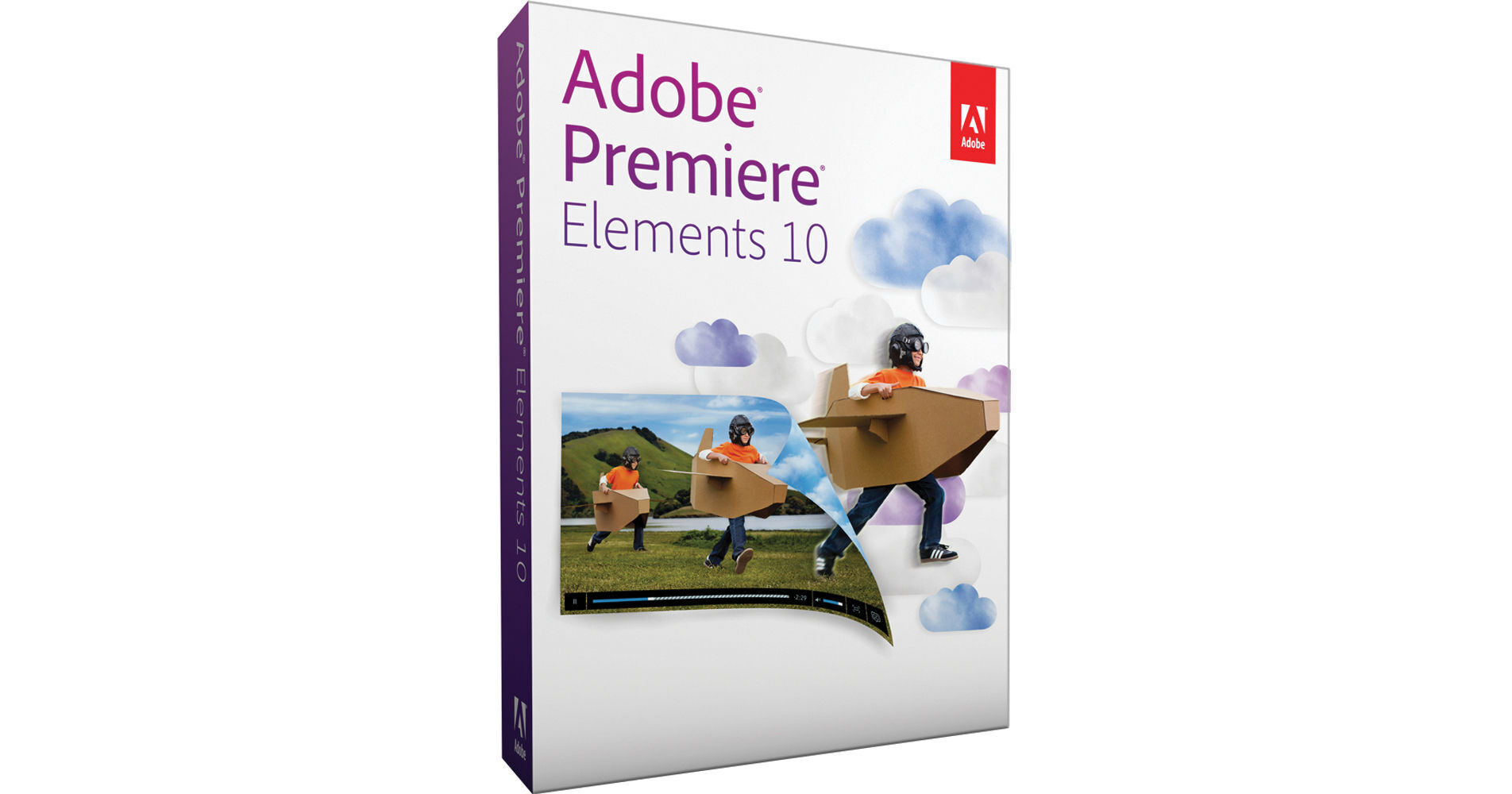
Adobe Premiere Elements 10 for Mac & Windows is a simple, comprehensive software tool for editing video, whether HD or SD. Drag-and-drop clips into the Sceneline and fine-tune them to create the perfectly crafted movie, or use Premiere Elements' InstantMovie feature, which automatically edits together your best clips with coordinated music, titles, and effects based on the movie theme that you choose. Whatever way you want to edit, Premiere Elements 10 will help you along the way, enabling you to turn your video memories into polished presentations that you can proudly share with your closest friends – or the whole world.
Offering hundreds of included effects and transitions, Premiere Elements 10 also includes automatic tools for fixing some of the most common problems of video footage: camera shake, uneven audio, and lifeless color. The color-correction tools help you unify the look of group of clips, globally enhancing the vibrancy of their tones. You can also make subtle adjustments to highlights, midtones, and shadows, giving your projects a professional sheen.
Once you're done editing your video clips & photos and adding effects and a soundtrack, you have several choices for output. Elements 10 allows you to share to several device types simultaneously – from iPhones to HDTVs – and you can automatically share to sites such as Facebook and YouTube.
| System Requirements |
Windows • 2 GHz or faster processor with SSE2 support; dual-core processor required for HDV or AVCHD editing and Blu-ray or AVCHD export • Microsoft Windows XP with Service Pack 2, Windows Media Center, Windows Vista (all applications run native on 32-bit operating systems and in 32-bit compatibility mode on 64-bit operating systems), or Windows 7 (Adobe Premiere Elements Editor runs native on 32-bit and 64-bit operating systems; all other applications run native on 32-bit operating systems and in 32-bit compatibility mode on 64-bit operating systems) • 2 GB of RAM • 4 GB of available hard-disk space to install applications; additional 5 GB to install content • Graphics card with latest updated drivers • Color monitor with 16-bit color video card • 1024 x 768 display resolution • Microsoft DirectX 9 or 10 compatible sound and display driver • DVD-ROM drive (compatible DVD burner required to burn DVDs; compatible Blu-ray burner required to burn Blu-ray discs) • DV/i.LINK/FireWire/IEEE 1394 interface to connect a Digital 8, DV, or HDV camcorder, or a USB2 interface to connect a DV-via-USB compatible DV camcorder • QuickTime 7 software • Windows Media Player (required if importing/exporting Windows Media formats) • Internet connection required for Internet-based services* Mac • Multicore Intel processor • Mac OS X v10.5.8 through v10.7 (all applications run native on 32-bit operating systems and in 32-bit compatibility mode on 64-bit operating systems) • 2 GB of RAM • 4 GB of available hard-disk space to install applications; additional 5 GB to install content • Graphics card with latest updated drivers • 1024 x 768 display resolution • DVD-ROM drive (compatible DVD burner required to burn DVDs; compatible Blu-ray burner required to burn Blu-ray discs) • DV/i.LINK/FireWire/IEEE 1394 interface to connect a Digital 8, DV, or HDV camcorder, or a USB2 interface to connect a DV-via-USB compatible DV camcorder • QuickTime 7 software • Internet connection required for Internet-based services* *Adobe online services and other third-party online services are available only to users 13 and older and require agreement to additional terms and Adobe's online privacy policy (available at www.adobe.com/go/terms). Online services are not available in all countries or languages, may require user registration and may be subject to change or discontinuation without notice. Additional fees or subscription charges may apply. Internet or wireless Internet connection required for Internet-based services. |
| Supported Formats | AVCHD, Blu-ray Disc (export only), DV-AVI (import/export on Windows, import only on Mac OS), DVD, Dolby Digital Stereo, H.264, HDV, MPEG-1 (import only), MPEG-2, MPEG-4, MP3, QuickTime, Windows Media (Windows only), and many more. Import/export of some formats may require activation via an Internet connection. Activation is fast, easy, and free. |