Video Chat with a Pro Video Expert - Live

Red Giant Magic Bullet Quick Looks 1.4 Upgrade From 1.2 (CS5 Ready)

BH #REMBTQU • MFR #MBT-QLOOKS-UD
Print
Red Giant Magic Bullet Quick Looks 1.4 Upgrade From 1.2 (CS5 Ready)
Key Features
  • Light Version Of Full Looks Software
  • Over 100 Look Presets
  • Free Update Matches Looks Render Engine
  • Look Theater For Easy Browsing
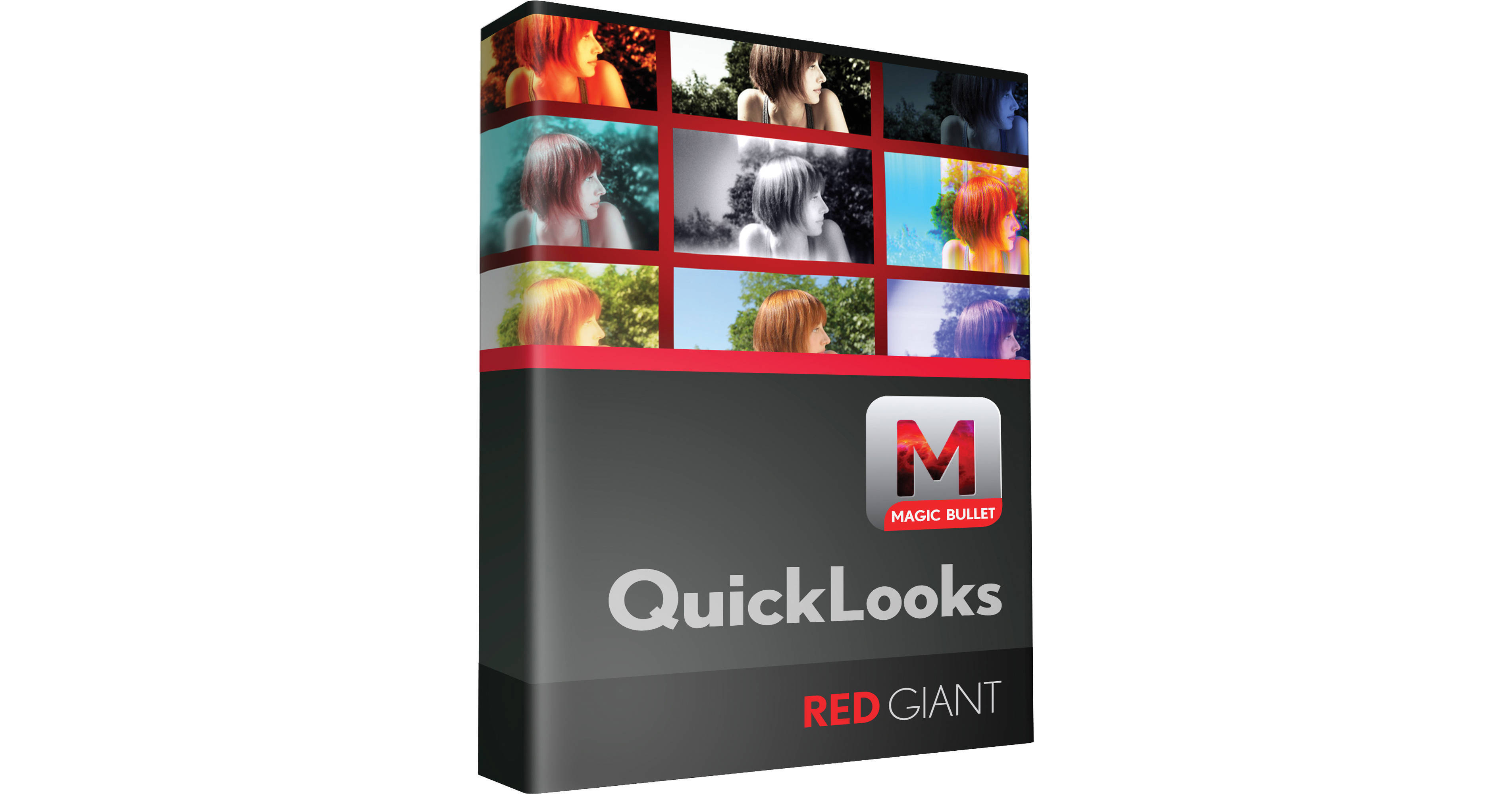
The Red Giant Magic Bullet Quick Looks 1.4 Upgrade From 1.2 (CS5 Ready) bumps you up from Magic Bullet Quick Looks 1.2 to the 1.4 version. This software allows you to give your footage just the right look in a matter of seconds. Whether your material is urban grunge, a desert sunrise, or film stock footage from classic movies, Quick Looks 1.4 has you covered. A light version of Red Giant's complete Looks tool, Quick Looks features the same speed and quality at a more affordable price. Define the style of your video or film by selecting from more than a hundred look presets, which assist you in setting the perfect mood for everything from a wedding to the next Sundance hit.
More Details
Digital
No Longer Available
No Store Display
Ask an Expert
800-952-1815

Red Giant MBT-QLOOKS-UD Overview

The Red Giant Magic Bullet Quick Looks 1.4 Upgrade From 1.2 (CS5 Ready) bumps you up from Magic Bullet Quick Looks 1.2 to the 1.4 version. This software allows you to give your footage just the right look in a matter of seconds. Whether your material is urban grunge, a desert sunrise, or film stock footage from classic movies, Quick Looks 1.4 has you covered. A light version of Red Giant's complete Looks tool, Quick Looks features the same speed and quality at a more affordable price. Define the style of your video or film by selecting from more than a hundred look presets, which assist you in setting the perfect mood for everything from a wedding to the next Sundance hit.

So what's new in version 1.4, you ask? Adobe CS5 64-bit compatibility, for one thing. This addition provides substantial performance gains. You also get a free update called Version 1.2, which matches the render engine version with Looks 1.2. Quick Looks lets you capture video in color neutral mode, affording you the flexibility to select the best look in post-production. You can add warmth to wedding videos, as well, even those shot on cold, overcast days.

Enjoy over 100 unique Looks, conveniently organized by category within the Look Library. These provide a great starting point for setting the mood of any scene. Presets range from easy exposure and film process simulation to radical color alterations. What's more is that you can utilize the Look Theater to browse the library with your own images. Finding the right look has never been easier.

Quick Looks software features the same professional presets as the more expensive full edition of Looks, but has a streamlined interface without the tools for creating your own Looks. Instead, select a Look from the library, modify one Strength control, and voila--you're done! Easy enough for you?

You can maximize your performance by harnessing the power of the DeepColor RT engine. Enjoy real-time playback of SD and HD (720p) projects via the efficient use of your system's graphics processing unit. The next-generation DeepColor RT engine keeps quality intact in all application hosts, ensuring that 10-bit projects stay 10-bit.

The Power Of HDR
A unique linear-light processing engine and HDR support deliver realistic results
100 Unique Looks
Assembled by category, these looks range from easy exposure and film process simulation to radical color alterations
Look Theater
Rummage through the looks library automatically, using your own images as a jumping-off point
Blazing Speeds
Graphics processing unit (GPU) acceleration via your ATI or NVIDIA card (not included) offers real-time playback with lots of different Looks
Go Big
The software can handle SD, HD, 2K and 4K images on standard hardware, or up to 8K x 8K pixels via the most up-to-date NVIDIA GPUs (GPU not included)
Multiple Hosts
Quick Looks enjoys compatibility with the following host applications: After Effects, Premiere Pro, Final Cut Pro, Motion, Avid and Sony Vegas

Red Giant MBT-QLOOKS-UD Specs

System Requirements
Mac:
Mac OS X 10.5.8, 10.6 - 10.6.8
Intel processor
2.0 GB of RAM
30 MB of hard drive space

PC:
Windows XP SP1 or later, Vista 32-bit and 64-bit, 7 32-bit or 64-bit
Pentium 4 2.4 GHz or faster (or AMD equivalent) processor
2.0 GB of RAM
30 MB of hard drive space
Compatible Host Applications
Adobe After Effects:
CS5.5: Windows 7 64-bit, Vista 64-bit only
CS5: Mac OS X 10.6, 10.5, or Windows 7 64-bit, Vista 64-bit only
CS4: Mac OS X 10.6, 10.5, 10.4, or Windows 7 64-bit or 32-bit, Vista 64-bit or 32-bit, XP only
CS3: Mac OS X 10.5, 10.4, or Windows 7 64-bit or 32-bit, Vista 64-bit or 32-bit, XP only

Adobe Premiere Pro:
CS5.5: Windows 7 64-bit, Vista 64-bit only
CS5: Mac OS X 10.6, 10.5, Windows 7 64-bit, Vista 64-bit only
CS4: Windows 7 64-bit, Vista 64-bit only
CS5: Mac OS X 10.6, 10.5, 10.4, Windows 7 64-bit and 32-bit, Vista 64-bit and 32-bit, XP only
CS3: Mac OS X 10.5, 10.4, Windows 7 64-bit and 32-bit, Vista 64-bit and 32-bit, XP only

Apple Final Cut Pro:
7: Mac OS X 10.6, 10.5 only
6: Mac OS X 10.6, 10.5, 10.4 only

Final Cut Express 4

Apple Motion:
3.0.2: Mac OS X 10.6, 10.5, 10.4 only
Compatible Video Cards
ATI 9600 XT or greater, X series card starting with X700 series or greater, with at least 256 MB of RAM (320 MB recommended for newer cards)
NVIDIA 6600 model or higher, QuadroFX 1300 or higher, with at least 256 MB of RAM (320 MB recommended for newer cards)
For 2K projects: 512 MB of RAM recommended
Rendering
Max render size: 8192 x 8192 (dependent on the video card)
Most cards support 2K media (2048 x 1536) rendering
Only NVIDIA 8800 series or Quadro 4600 / 5600 cards support 8K output (at time of this writing)

Red Giant MBT-QLOOKS-UD Reviews

See any errors on this page?
Whatever You Need, We've Got It