
Producing a podcast is not an easy challenge. And for beginner and intermediate podcasters who are tasked with handling post-production, there are always new things to learn and fresh ways to approach the editing and mixing process. So, I sat down with B&H’s own podcast producer of the B&H Photography Podcast, Mike Weinstein, to glean into some of his editing and mixing methods.
So, let’s start from the beginning. What kind of recording setting are you working with?
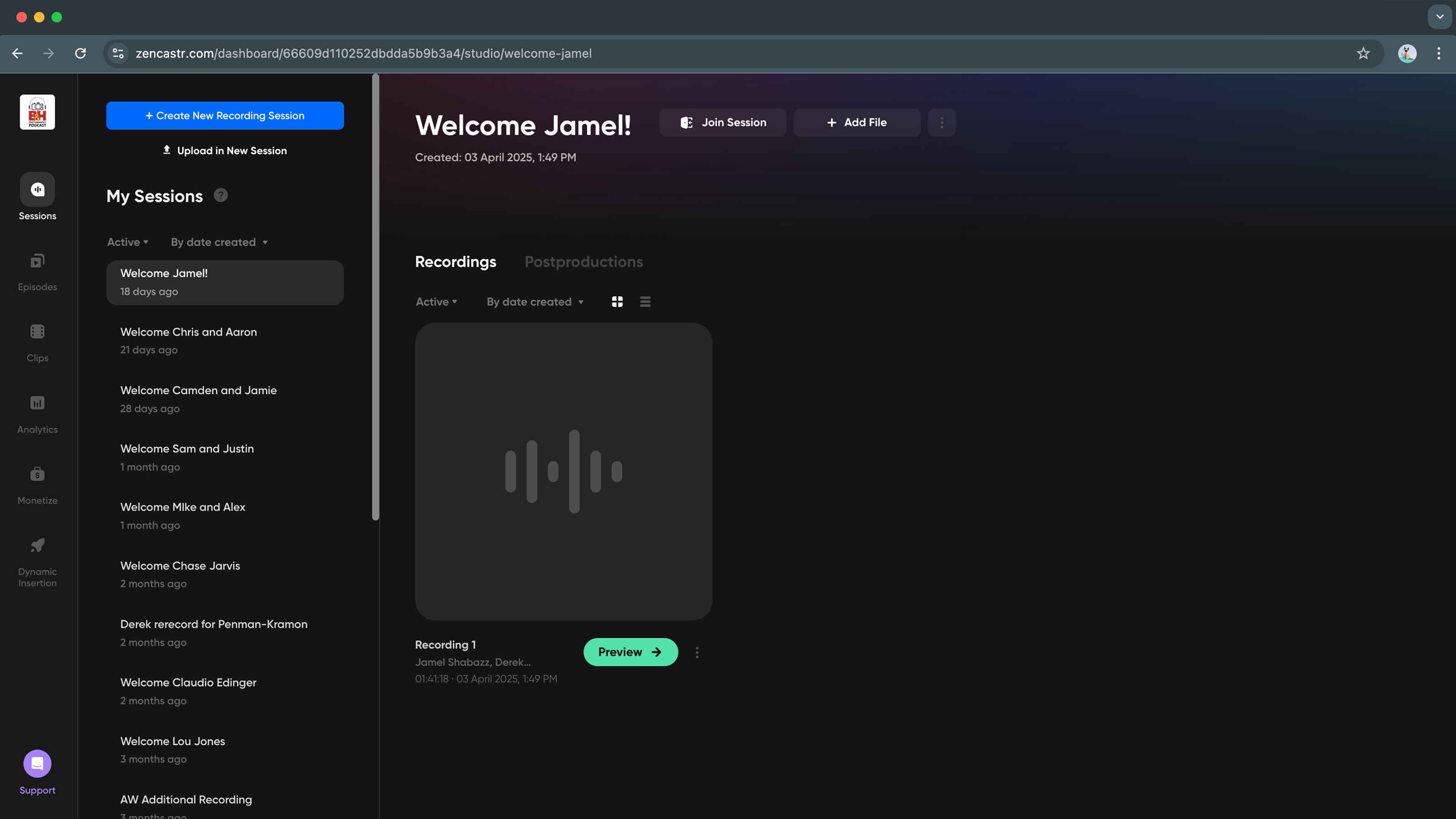
Well, I've worked with Pro Tools for a really long time and so that's what I use, and I think all of these digital audio workstations are fairly similar. So, a lot of this information you can transpose onto other systems. Our podcast host, Derek Fassbender, records locally from his apartment. He has a great setup there, and we use a service called Zencastr, to basically act as a virtual space where our guests can enter with a link that I send them via an email. And I'm on there, obviously, hosting the Zencastr session from the B&H studio.
So, you’ve recorded the audio for your podcast. What are the first steps in your editing process?
The editing stage happens first with syncing the multiple tracks that I've gathered from everybody, basically downloading all the tracks from Zencastr. And those have to be synced with Derek's audio and our audio here at the studio. Once the tracks are synced, I move to the F1 key in Pro Tools, which is called shuffle mode. For editing long stretches, two hours of audio, shuffle mode is the mode I'm in 90% of the time.
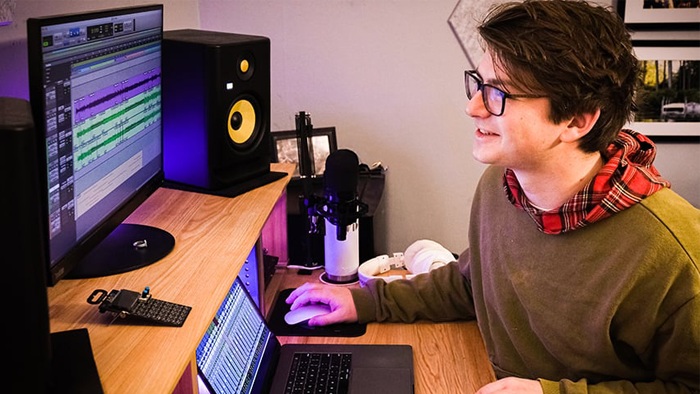
The other thing that is really imperative is to edit these tracks as a block, as a chunk of audio. And in every DAW there's something similar to Pro Tools I'm assuming, where you can group tracks. And you want to group all of your tracks. Then when I make a cut—when someone coughs or lobs a line and has to redo their thoughts—I can cut and the audio tracks stay in sync. This is called ripple editing. I think that’s the vernacular, which is a good word. I think ripple must be that mode for a bunch of other DAWs, maybe Logic or GarageBand. In Pro Tools, it's shuffle editing. And you're just taking out chunks. You're just removing stuff and slowly, slowly moving through the two hours of audio. So, taking out chunks and chunks and chunks of all of the ums, ahs, breaths, coughs.
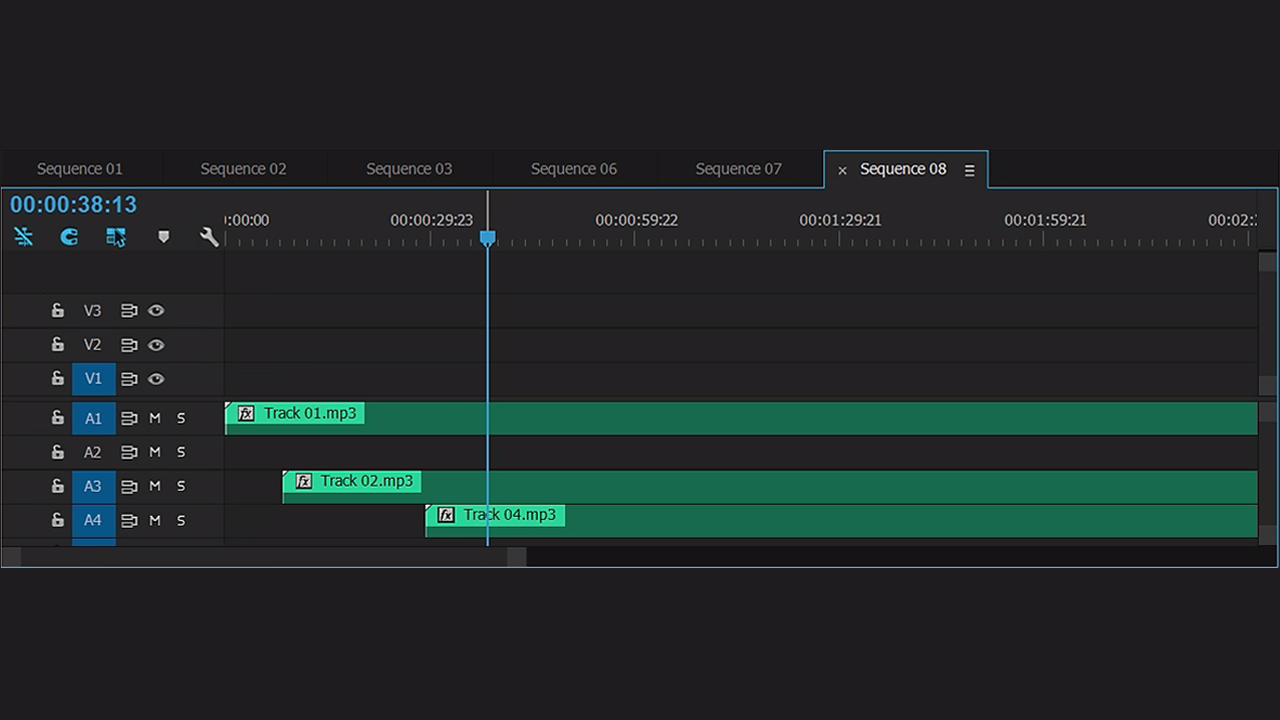
I highly recommend to everybody to key bind one of their mouse buttons. Get a gaming mouse or something so that very quickly you can move out of group all mode and into single track mode where you just want to nudge a track. For example, so that the laugh hits at the right moment or that, you know, some other type of creative edit. That’s a once-in-a-while thing, but you want to easily snap in and out of group all. And as this progresses over time, as this edit sort of unfolds, I'll be moving back and forth between group all and group none very often, hundreds of times an hour, probably. And so that's why I have it as a dedicated key binding, or mouse binding, I should say.
Are there key shortcuts that can do the same thing?
On the Mac, it's Shift-Command-G. But very quickly, I was like, 'no, I'm not going to do that.' Over time (it'll take you a couple weeks to learn this stuff) you'll figure out which are the 1, 2, and 3 most commonly used key commands where you have to push a bunch of keys all at once. And to avoid carpal tunnel syndrome and just aggravation, I recommend as soon as you can identify what those three primary key binding or key actions are, to bind that with three buttons on your gaming mouse that you've purchased. It just a whole new game and you get into a flow state more easily that way, where you're not sort of having to think about things too much. And that's the way it really should be.
Can you describe your decision-making process when making your cuts?
That first edit is not a creative edit. There's a creative producer, Jill Waterman, who does a lot of the post or pre-leg work, booking guests, doing research, writing out questions, like all of it. And the first edit, which I borrowed a term from the film editing world, I call an assembly edit. It’s a rough edit, and it doesn't really contain any creative decisions. I'm keeping everything in there for Jill to hear. And I usually shave about half an hour out of that two-hour conversation. And then I bounce that out to an mp3. I throw that into Adobe Premiere and create a transcript from that audio. And then the transcript gets sent over to Jill, where she can look at that edit and think about if there's creative decisions that need to happen further.
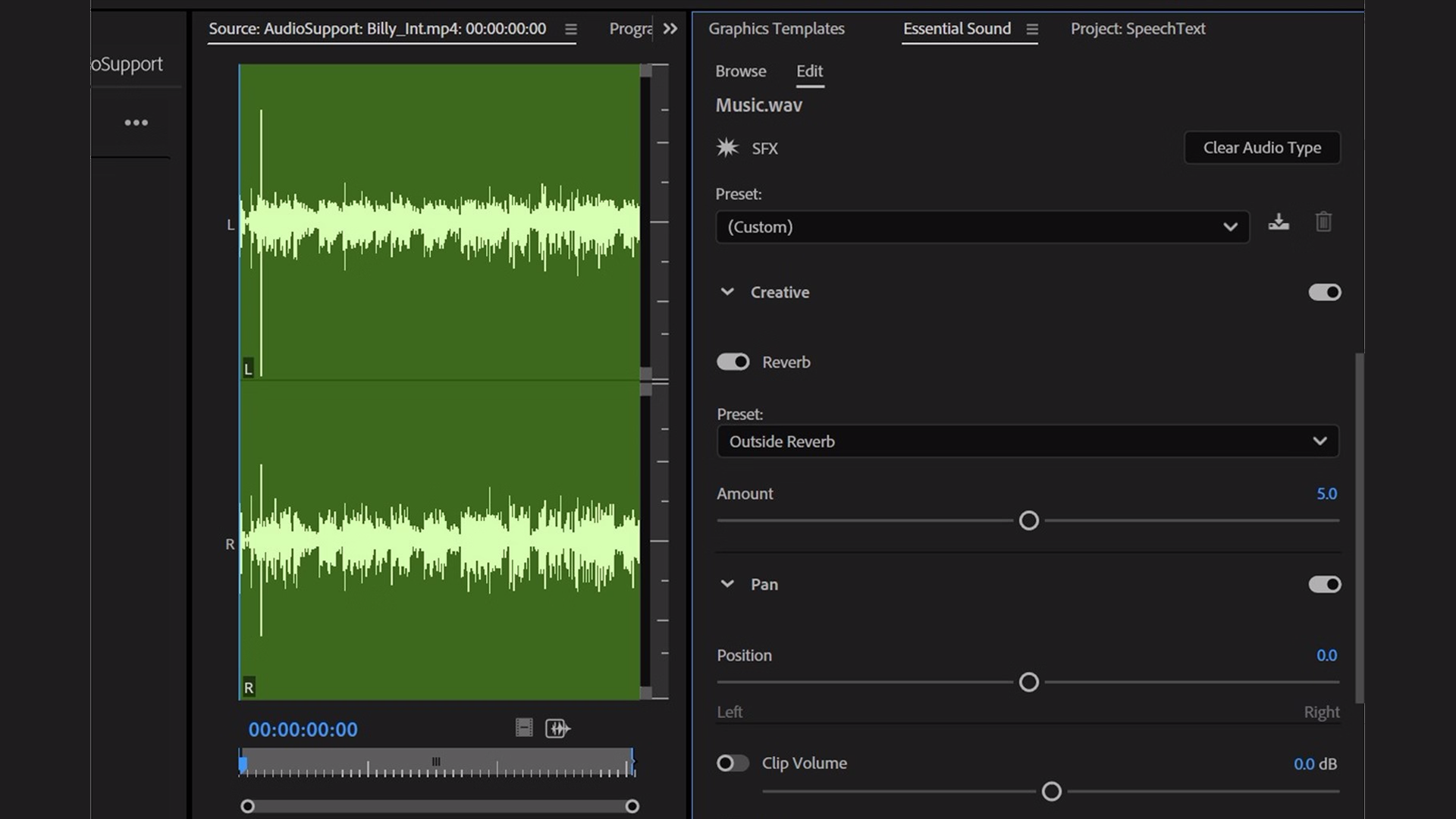
Sometimes, she'll change entire conversations so that the stuff we talked about at the backend gets shifted an hour further or an hour up in time. And when I get that edited word doc back from Jill, that's sort of an instruction manual for me. Then I embark on what's called the final edit. I'll open a new session that I’ve sort of pre-configured with lots of different plug-ins and some simple routing. And then I’ll import the audio from the assembly edit and use Jill’s word doc to continue working.
We’ve briefly touched on plug-ins. Continuing this subject, how do you approach the mixing stage?
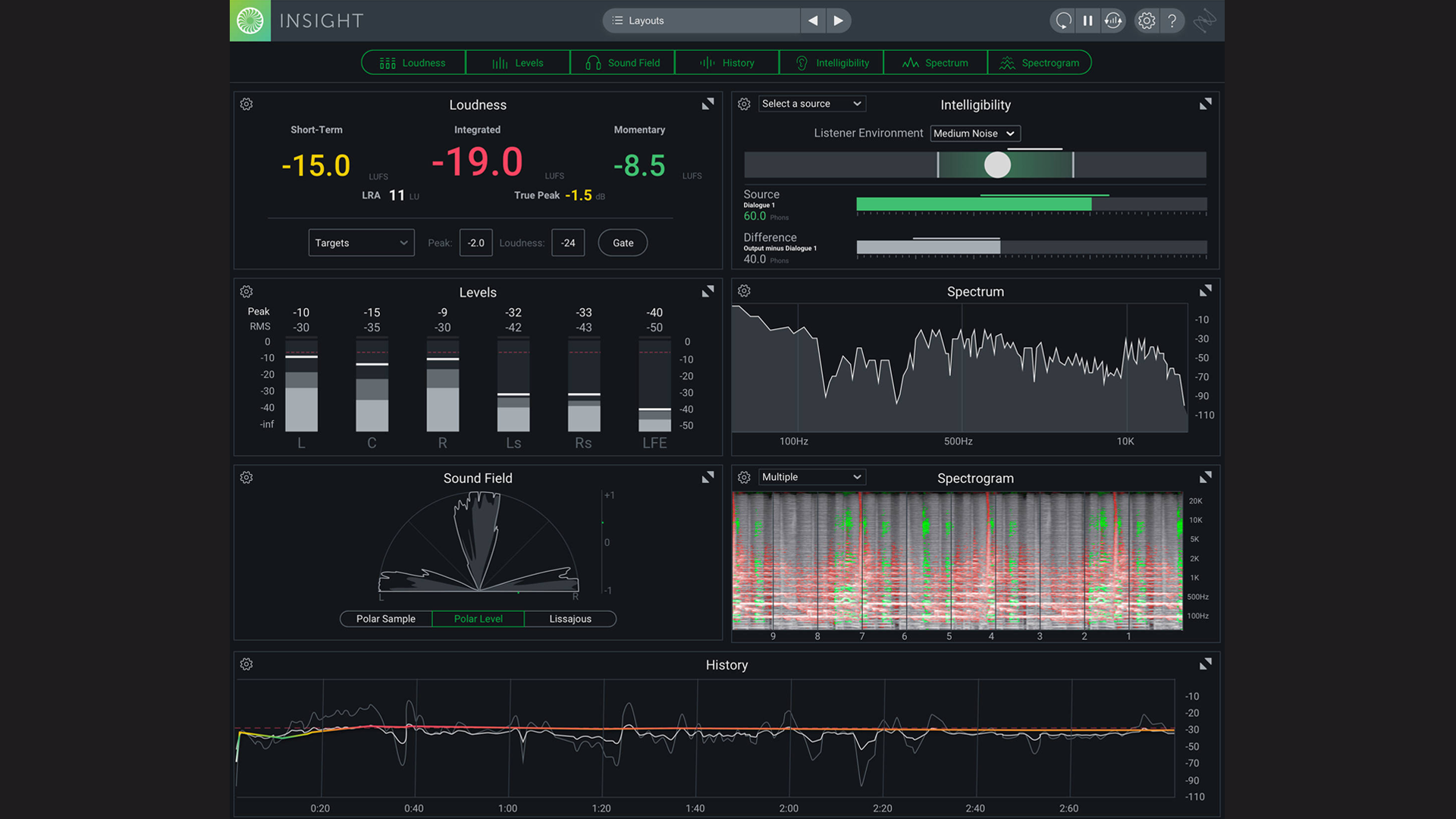
So, I should say that even during the assembly edit, I will have a plug-in open on the master channel. It’s made by iZotope, called Insight, which is basically a loudness meter. When audio comes in from our guests who are using all sorts of different ways to record themselves, they're coming in at all different types of levels. So even in the assembly edit, I'm clip-gaining those pieces of audio to roughly hit an integrated or long-term loudness of roughly 24 decibels (which changes before publishing). And so, there's already some mixing but it's a very rudimentary form of that. It’s just so that the tracks are listenable when it's time for the final edit after I've gotten the word document back from Jill.
Can you give me a couple of other examples of the plug-ins you use?
There's some really important and time-saving plug-ins. For me, the most important, probably, of all of these is a plug-in called WaveRider by Quiet Arts. By the way, I recommend buying plug-ins as you need them. Don't buy subscriptions if you can. Don't buy packages. It’s just not worth it. WaveRider is a type of volume automation. I set it as the last plug-in on my chain. And you can control some elements here, including the loud range ratio and the soft range ratio. It levels things out, reducing the loudest and the softest parts of someone's speaking voice. And it does it really transparently. So, it’s like a compressor, except it's not squashing the signal. It's just riding a virtual fader much faster than you can and adjusting the volume automation by the millisecond.

There's also a couple of noise reduction plug-ins that I use all the time. We here at B&H have a nice podcast room, but it's not silent. There's some HVAC that leaks in and a pretty steady state kind of hum. That can be virtually eliminated with a plug-in called Clear by Supertone, which is an AI algorithmically based noise reduction plug-in that works on the fly, so it's inserted. It's not an audio suite or a plug-in that's working after the fact. It's working as the audio passes through it. It works really well on-air conditioning or a computer fan or something like that. It's great and it's relatively inexpensive.
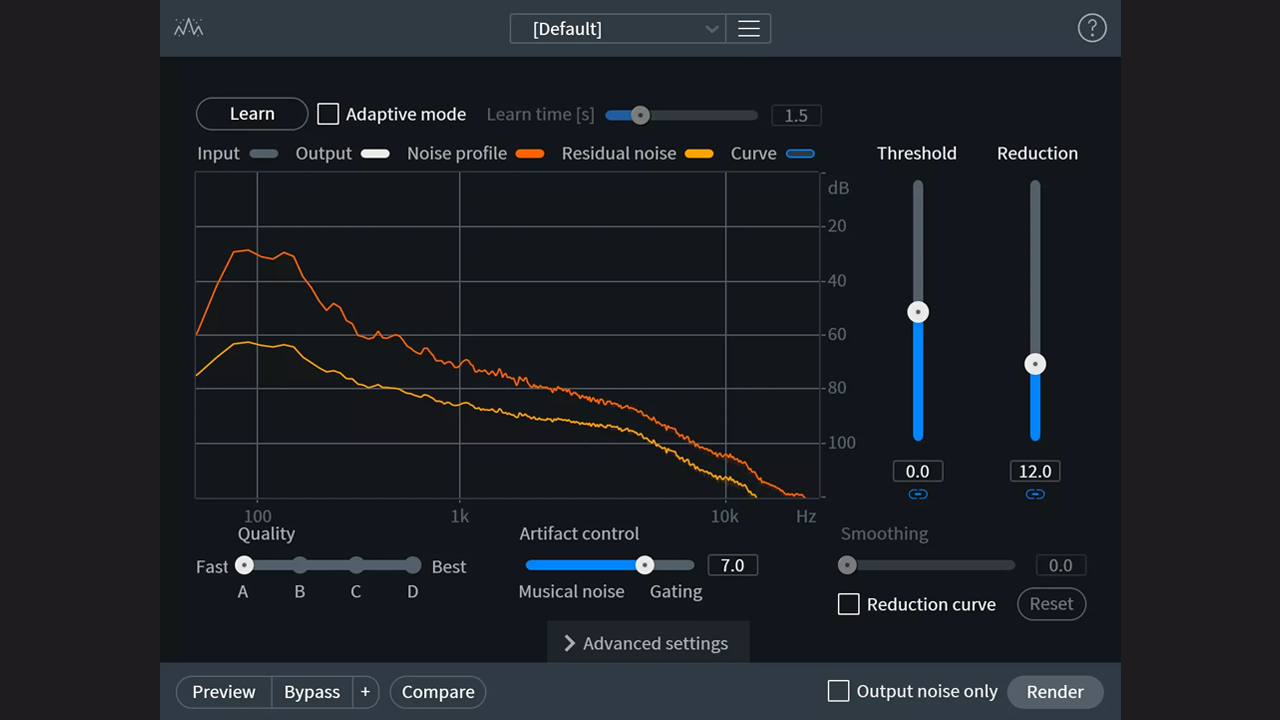
For more difficult noise challenges, you want to use something from iZotope. RX Spectral Denoiser is the one to use for removing low-end frequency hum. There’s a little more effort here in that you can’t just set it and forget it. You have to sort of sample a piece of the noise and then apply it to the voice and make sure it's not cutting out too much the low end. But it's great for just totally silencing stuff.
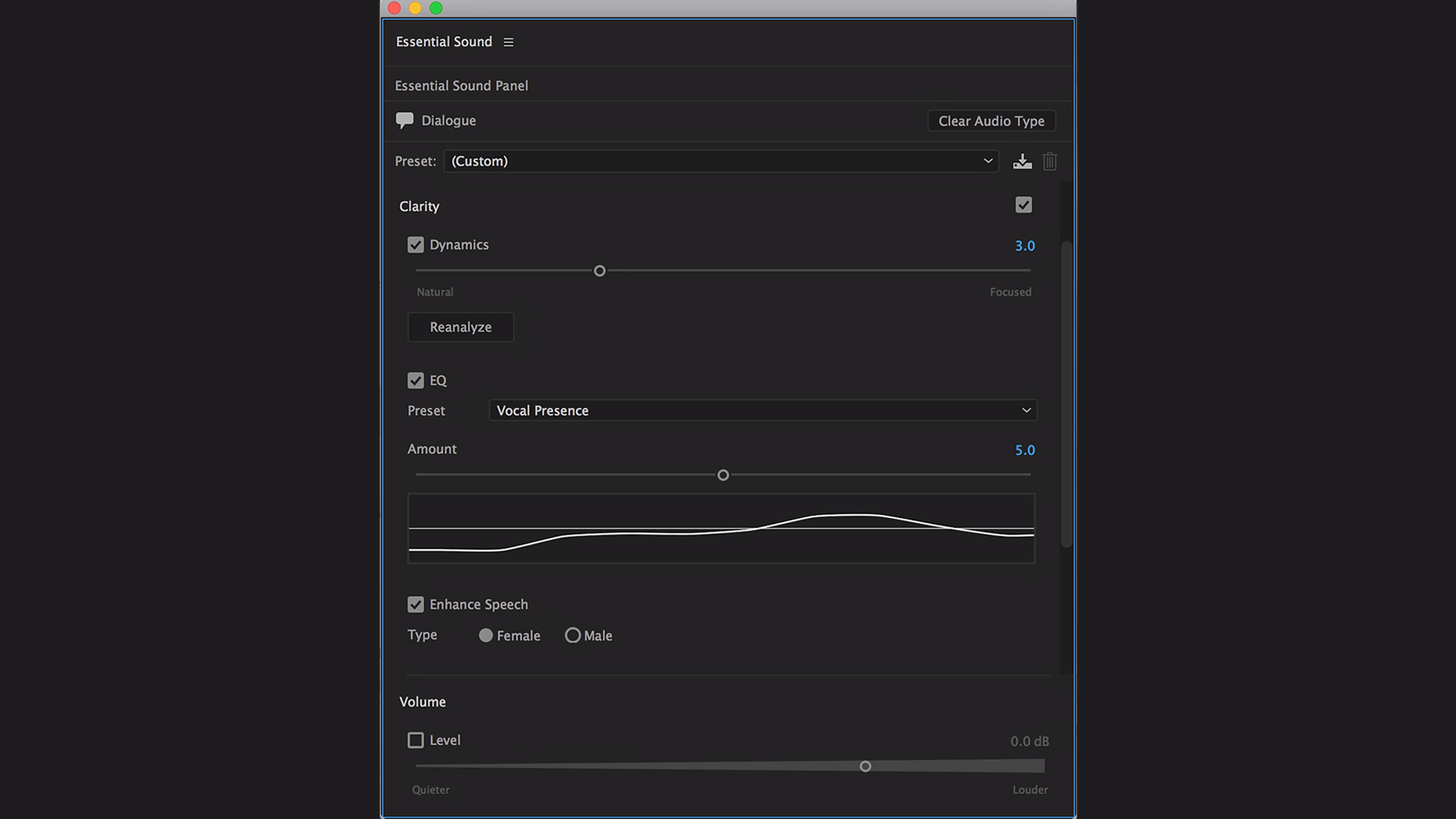
Adobe also has a great podcast dialogue algorithm. It's trained on, who knows, six million hours of speech. And it does a pretty decent job of sucking out reverb and recreating the lost signals from either bandwidth-limited microphones or audio that's coming over voiceover IP at a low data rate.
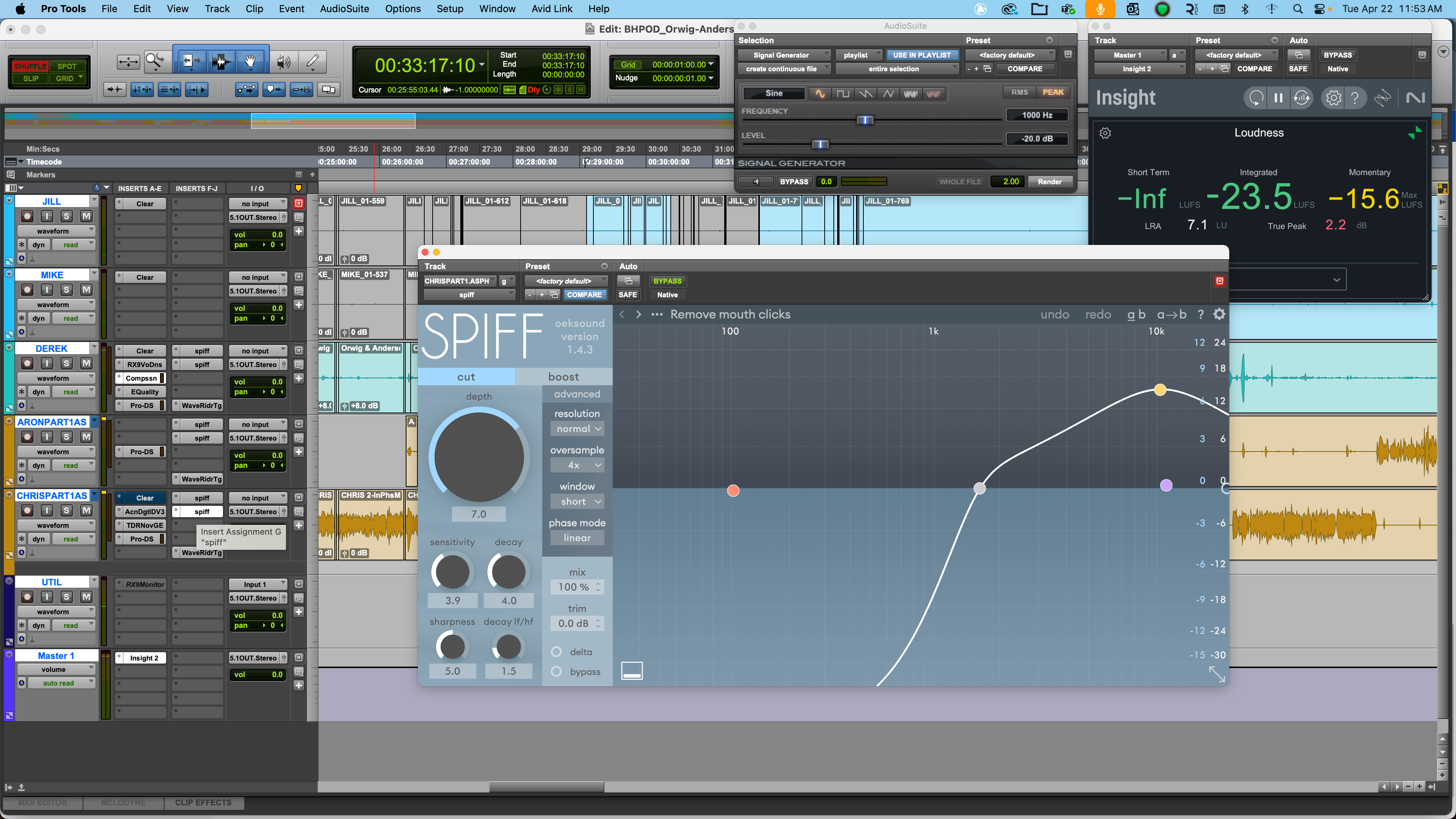
I actually use a bunch of plug-ins for every track. It starts at the very top with noise reduction because you just want to get that out first. Then EQ. I have all sorts of EQs. You can just go crazy. There are so many options. And you get paralyzed. So, just buy one at a time. I can't emphasize that enough.
We all know it’s important to monitor your signal while recording to avoid clipping, but it doesn’t always work out perfectly. Is there a way to deal with distortion?
There's only a couple plug-ins that do this. And I think only one works with any with any degree of success, which is iZotope's De-Clipper. It can reconstruct clipped waveform.
Speaking of levels, is there a set LUFS (Loudness Units relative to Full Scale) for podcasts?
LUFS or LKFS. It’s the same thing. Loudness units relating to full scale which is a digital conception of signal. So, the different platforms have adopted similar delivery specs. What that means is if you upload a podcast to, let's say, to Spotify, Apple or YouTube, which comprise the vast majority of podcast downloads, they adjust those incoming mp3 files to their own loudness specifications. But, you know, it's a brute force process. I mean they have just powerful, compressors and limiters clamping down and moving audio in all sorts of crazy ways to get them to like -16 I think in Apple and Spotify's case. And maybe -14 for YouTube.
Talk a little bit about the final stages of mixing before you upload your bounced track.
Because in the mix session, there are, you know, six or seven, tracks with a music track, with advertising tracks, with ad tracks, I like to record these tracks to a new stereo track. This way I get a chance to listen to the podcast episode in its entirety. This sort of resets your brain in a way so you're out of editing mode you're into just observing. And you become more in the headspace of the audience at that point. So, you can sort of take a slightly more objective look at what's happening. And that's, you know, an hour and a half long process. Hearing it, hearing everything, making sure everything is sounding good and nothing is going public without my hearing it first.
Before we end the interview, do you have any secret tips or words of wisdom for all the budding podcasters out there?
There’s a couple tips and tricks great for podcasting. The tip of the month for me, maybe of the past three months, is two words: Ezra Klein. Ezra Klein is a brilliant journalist/podcaster for the New York Times, who I've been listening to for nearly 20 years. By the way, I’m coming from the film post audio world. I've done a lot of dialogue editing for film and it's a different beast. So you know, the actual end result of a voice processed for television or film is different than a podcast. I should mention it's also very different for radio, for NPR. Totally different. NPR has high pass filters that start at 200 Hz. I mean, really, there's no bass happening there. They're using Neumann, I think, 67 mics with the 200 Hz filter on it.
So, it doesn't sound like a typical booming broadcast voice.
It's totally different, yeah. Now, Ezra Klein doesn't happen to have a very mellifluous voice. There's nothing interesting about Ezra Klein’s voice necessarily, except that he has a really great engineer. Thank you, Mr. Engineer. And on his podcast, I can sample and listen and, most importantly, reference Ezra Klein's voice and hear what's happening there. Also, Ezra Klein has just released a book. So, he's been on lots of other big time podcasts the past three months. I've got 20 versions of Klein loaded into a Pro Tools session. And I can hear the way different engineers are using their tools to adjust Ezra Klein to their tastes. And I can pick and choose and say, I like that one better than this one. In my opinion, his New York Times engineer, I think, does a better job. He should also hire me probably.
You kind of apply that engineer’s vision to your own. Or suggest that people study how other podcast hosts are mixed and pick what speaks to them.
Yeah. I'm sort of obsessive about this. I’ve got multiple sessions of different reference tracks and those are built up over time. You can go and download podcast streams as mp3s. And some of my favorite podcasts, where I think they're doing a really good job, I've included those in those reference Pro Tools files.
I’m guessing you have a saved signal chains for Jill and yourself?
Yes, I have one for me and Jill, which will remain relatively static. But she will often do voiceovers where we just want to rearticulate a question or create a new question. And depending on the day of the week and the time of the day, sometimes our voices sound different. And if you look at those EQs, they're pretty different because the VO just had a smoother voice that day.
Mike, thanks so much for your time. I’ll let you get back to your podcasting.
My pleasure.
While Mike walked us through the process that works best for his situation, there are multiple ways to approach podcast mixing, such as choosing the type of plug-ins that work for your specific needs and finding a plug-in chain that optimizes the quality of your host’s voice. After a little practice, you’ll likely find a method that works best for you. That said, we hope we’ve provided some useful editing and mixing insights to help you achieve a professional sounding final product.
