Whirlwind
Troubleshooting doesn’t have to drive you insane. It can and will if you let it. We’ve all been there. Maybe the setup took more time than you thought it would, things got a little rushed, and now you’re not getting signal from the singer’s mic. Or, maybe you’re watching a movie with your family, and all of a sudden there’s no sound. Whether you’re troubleshooting in a professional live sound or recording studio setting, or in your home theater, the same general rules apply.
The first rule, and the most important one, is “don’t panic.” When
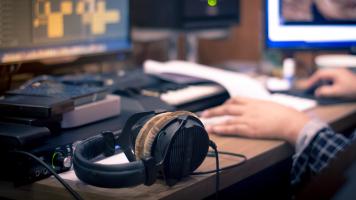
When I first started mixing, I had an interface and a pair of monitors, but something didn’t sound right. The audio wasn’t as loud, full, and rounded as I knew it could be. I did some research, and it seemed my connections were mismatched: My interface sported unbalanced outputs, while the monitors boasted balanced inputs. Herein lay the problem, right?
Right—but also wrong. As it was explained to me by the pro-audio dealer, the primary problem turned out to be a matter of signal level (-10 dBV versus +4 dBu). Balanced versus Unbalanced