In October 2025, support for Microsoft Windows 10 will end with version 22H2 as its final release. This has a few implications for your daily computing depending on several factors that you may or may not be aware of. Due to this, we are going to answer two very important questions when it comes to the true retirement of Windows 10: What does Windows 10 end of support mean to you and what happens if you stay past the end of service?
What Happens if You Stay Past End of Service?
The latter of the two questions is the easiest to answer right out of the gate. If you keep Windows 10 past the end of service, you become more susceptible to digital attacks and malicious applications. Not staying up to date with your operating system, and therefore your security updates, puts you at risk of losing your essential data as well as your personal information. Luckily, Microsoft is offering a 1-year service extension for you and your system, but it will come at an additional cost.
What Windows 10 End of Support Means to You
Now the more nuanced question. What does this end of support mean to you? Ultimately, it means you must upgrade to Windows 11 if you plan on maintaining your system. Upgrading to Windows 11 means you still retain all the information you have amassed over the years while also ensuring years of security updates. But, not all systems can update to Windows 11. Luckily, Microsoft does offer a few tools to assist with figuring this out.
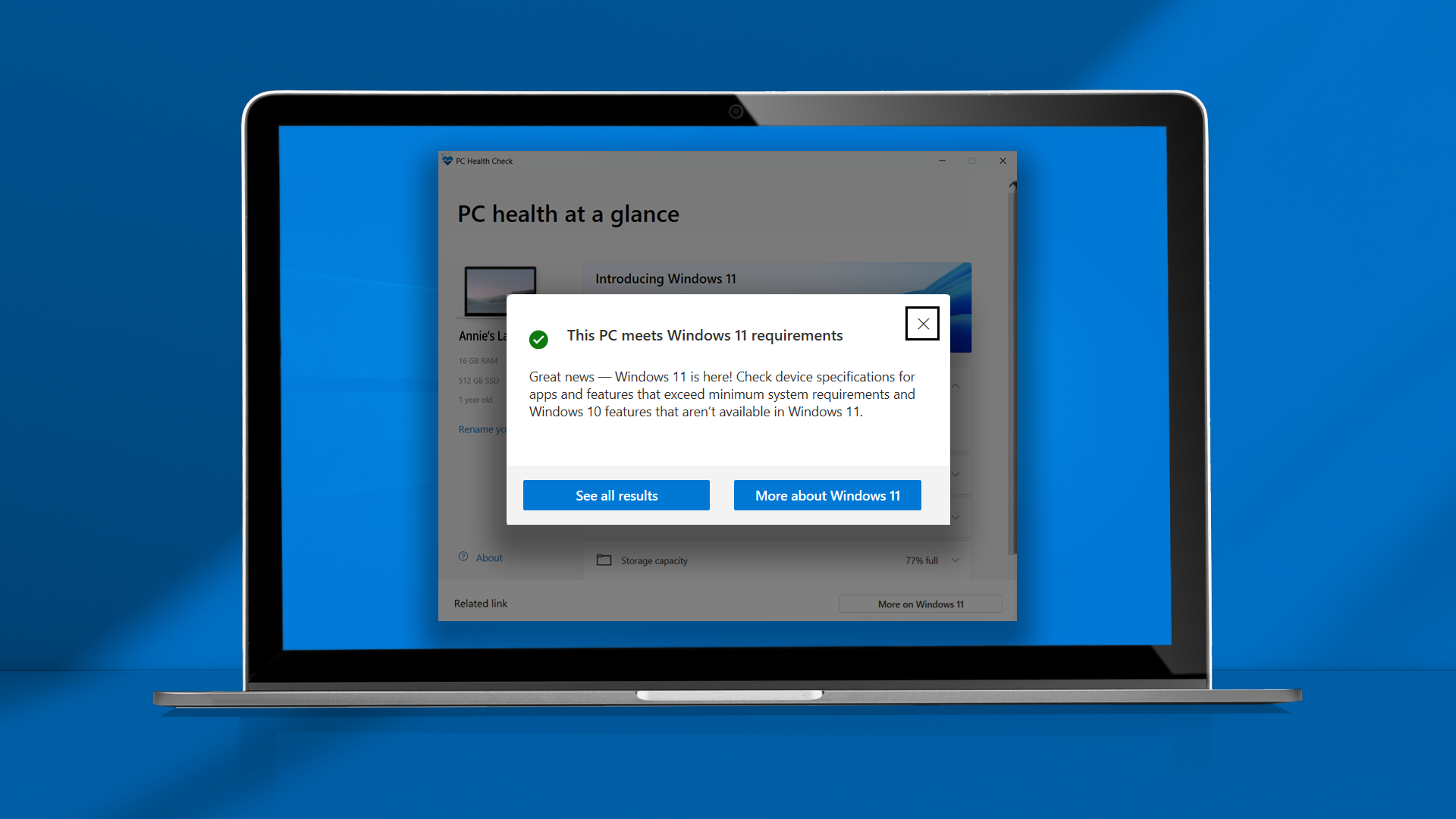
If you do not know the processor model currently in your system, then you follow this link over to Microsoft's official support page. From there you will be directed to download and install their PC Health Check app. This app will determine if your system can run the latest Windows operating system. It checks your compatibility and looks for features like the necessary TPM 2.0 integration, which is an enhanced security protocol.

If you happen to know the model of processor currently inside your desktop or laptop, you can head over to this Microsoft support page. There you will find a list of processors supported by Windows 11.
If your system passes the PC Health Check app or your processor is on the supported list, then good news! This means you are ready to take the next step into downloading and installing Windows 11. Otherwise, it may be time for an upgrade. Since one of the older processors on that list dates back as far as 2017, we can say that it might be time to pick up a new system.
Before You Get Started
While you may be excited to experience the latest Windows operating system, there are a few things you should do beforehand. The most important of which is to backup your files. Windows will keep all your files, documents, and applications, but it is always a good idea to have a backup. If you don't have an external storage device, take a look at this list of the best external hard drives and SSDs. Even if you are not upgrading, you should be regularly backing up your data.
Another idea that might be important to you is to make sure that the applications that are most important to you are compatible with Windows 11. If there is an update to some software, especially subscription-based programs, it would be nice to know. This way, you can make sure there are minimal issues on the day you make the switch.
As you see, the end of service for Windows 10 is incredibly important and impactful. Getting ahead of the curve is perhaps one of the best moves that you could commit to before diving directly into the upgrade process. This will help get you familiarized with the various new features found within Windows 11 rather than waiting till last minute.
Are you looking to upgrade to Windows 11 now or are you waiting a little bit longer before making the big move? Let us know in the comment section below. Have any questions, let us know and we will do our best to get back to you as soon as possible. For more information about Windows 10 end of service and what to expect in the future, keep your eyes on B&H.