
Choosing a Digital Audio Workstation, or DAW, is a major decision. For beginners, it will define their learning curve, workflow, and operating knowledge—for professionals, compatibility, functionality, and familiarity is key. In this guide, we will give some detailed overviews of the most popular DAWs in the audio industry, what their strengths and weaknesses are, and some of their unique features.

If you’re in a rush, here’s a quick rundown of the best DAWs for a variety of common purposes:
-
If you’re a songwriter/producer: Ableton, Logic, FL Studio, Cubase
-
If you’re a mixing/mastering engineer: Pro Tools, Logic, Cubase
-
If you’re recording/live tracking: Pro Tools, Cubase, Reaper
-
If you’re film scoring: Logic, Cubase
-
If you’re doing sound for a film (ADR, Foley): Pro Tools
-
If you’re performing live: Ableton, Bitwig
-
If you’re a scientist or want to experiment: Reaper, Audacity, Ableton
-
If you’re on a budget: Reaper
Of course, all these DAWs are capable of anything the others can (with an exception of Reaper, which can do far, far more than the rest—see why below), but certain designs and workflows are more appropriate for some tasks than others.
Pro Tools
AVID’s Pro Tools is the industry standard digital audio workstation for professional recording studios and production houses due to its powerful proprietary DSP hardware systems called HDX cards. These expensive machines provide near-zero latency recording and processing, taking the load from the host computer, making it perfect for professional large-scale operations, especially when working with Dolby Atmos.

Pro Tools has the powerful ability to automatically read metadata from field recorders to instantly replace and align low quality camera audio with high fidelity microphone captures over massive timelines. It also can use spot mode to place audio clips based on specific timecodes or timestamps, vital for ADR, Foley work, and SFX, making it the go-to for film and TV projects.

Pro Tools is the preferred DAW for any professional recording or post-production environment with a rigid UI that is tailored to live recording and precise audio tracking/editing—all audio professionals should at least familiarize themselves with its use. However, it has a steep learning curve, is quite expensive, and AVID’s support for both the DAW and its users is … underwhelming.
The included plug-ins are poor, working with MIDI is cumbersome, and its workflow doesn’t lend itself to creative fluidity or loop-based composition, making Pro Tools a less-than-ideal choice for musicians and producers who want to use it as a creative tool. Audio pros should consider the base version of Pro Tools to learn the workflow and to be able to take a session from a studio to their home—leave Pro Tools Ultimate for the studio.

Notable users: Charlie Puth, Radiohead, every recording studio in existence
Ableton Live
Ableton Live uses a unique architecture that can switch between a session view for live looping and performance and a traditional timeline view for music production and recording—making it a powerhouse in both settings.
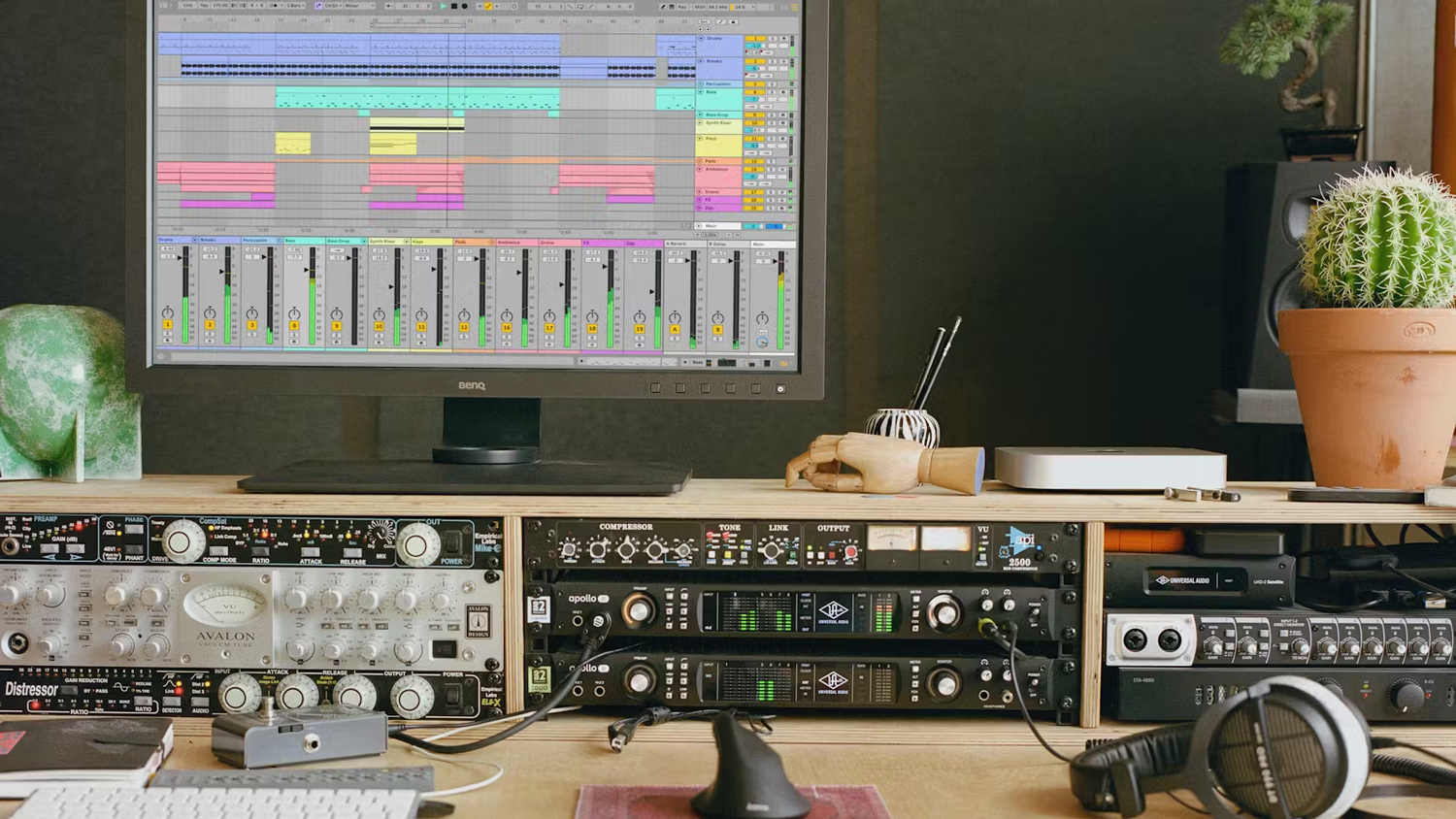
Ableton has become extremely popular with musicians and producers of all genres due to its powerful audio manipulation and warping capabilities, bevy of excellent stock plugins, and an incredibly intuitive modular workflow. Session view allows for experimentation and creativity in a way other DAWs struggle to provide, especially with Ableton’s integration with Max MSP (Max for Live)—a visual programming language that deals with real-time signal processing and audio manipulation; a powerful engine for creating new and entirely bespoke instruments and effects.
Live is not well suited for traditional audio tasks like large-scale live tracking and professional post-production and is unable to natively support multichannel audio formats like 5.1 surround or Dolby Atmos, making it a tool more appropriate for individual producers or smaller collaborations. Mixing in Ableton is entirely viable, but perhaps not the most comfortable workflow for the task.
Ableton is best suited for those making pop, EDM, hip-hop, or performing live. It’s also fantastic for sound designers and experimenters with its native integration with Max MSP and intuitive modular plug-in architecture.
Notable Users: Tame Impala, MUNA, Mac Demarco
Logic Pro X
GarageBand’s big brother, the Mac-only Logic Pro X is a standard DAW with exceptional value and bundled content. At $299, Logic Pro X comes with over 70GB of virtual instruments, loops, samples, and royalty-free producer packs, along with robust studio-grade plugins including EQs, compressors, reverbs, and amp-modelers. Also featuring software instruments like the powerful Alchemy synthesizer and enhanced samplers, you can get started songwriting, recording, and even mixing and mastering right away with only one purchase.

Logic borrows the functionality of other DAWs making it a great multipurpose tool, but it’s more of a jack of all trades. Logic’s Live Loops and Mainstage functions imitate the workflow and live performance capabilities of Ableton—while both are serviceable, Ableton would be the clear choice for either function. Logic also has solid integration with film editing software with SMPTE timecode support, reading metadata much like Pro Tools—however, its workflow, automation, and hardware integration are inferior to the industry standard.
One of the only downsides of Logic is its Mac-only platform limitation, which also means it doesn’t support VSTs—AU plug-ins only. Some producers don’t like its plug-in management, which is less modular and requires more menu-diving than some other DAWs on this list—but that comes down to personal opinion.
Logic is an extremely versatile DAW, a great choice for songwriting, recording, editing, mixing/mastering, and small-to-medium-scale film editing/scoring. It can do a little bit of everything, meaning it will never be a bad choice.
Notable users: Billie Eilish and Finneas, Coldplay, Nathan Chapman (Taylor Swift)
FL Studio
FL Studio, formerly known as Fruity Loops, is particularly great for EDM and hip-hop production because of its unique and intuitive pattern-based workflow, arguably superior piano roll functionality for MIDI editing, and drag-and-drop arrangement style. This style of workflow is ideal for rapid iteration and permutation of song sections, breaking away from the traditional timeline-based approach of most other DAWs.
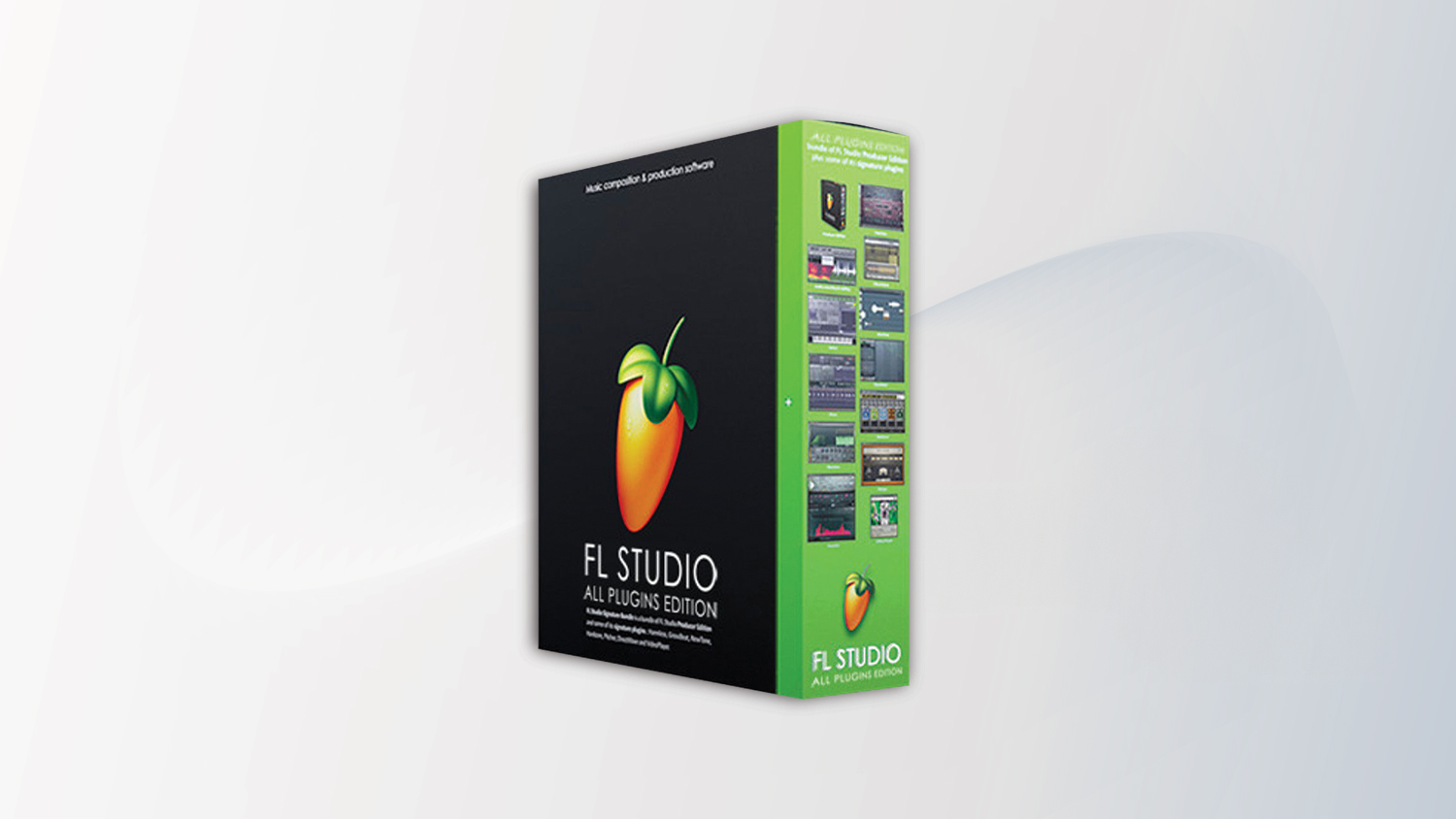
FL’s modularity is impressive with its Patcher Plugin, an environment where you can visually chain together multiple instruments and effects using virtual patch cables, so building complex effects chains and deeply layered instruments is incredibly easy. With its high creative potential and widespread adoption among the youth, FL Studio is a mainstay in music production culture and maintains a rivalry with Ableton Live.
FL Studio falters when it comes to audio recording and editing—an issue with most alternative style DAWs. Its functionality is quite different—while a beginner could find the UI intuitive, it can confound a seasoned professionals who would need to unlearn some typical workflow habits useful for other DAWs. There is also somewhat of a negative perception in the industry where FL can be seen as unprofessional—something that seems to be fading away as time goes on and more chart toppers get made with it.
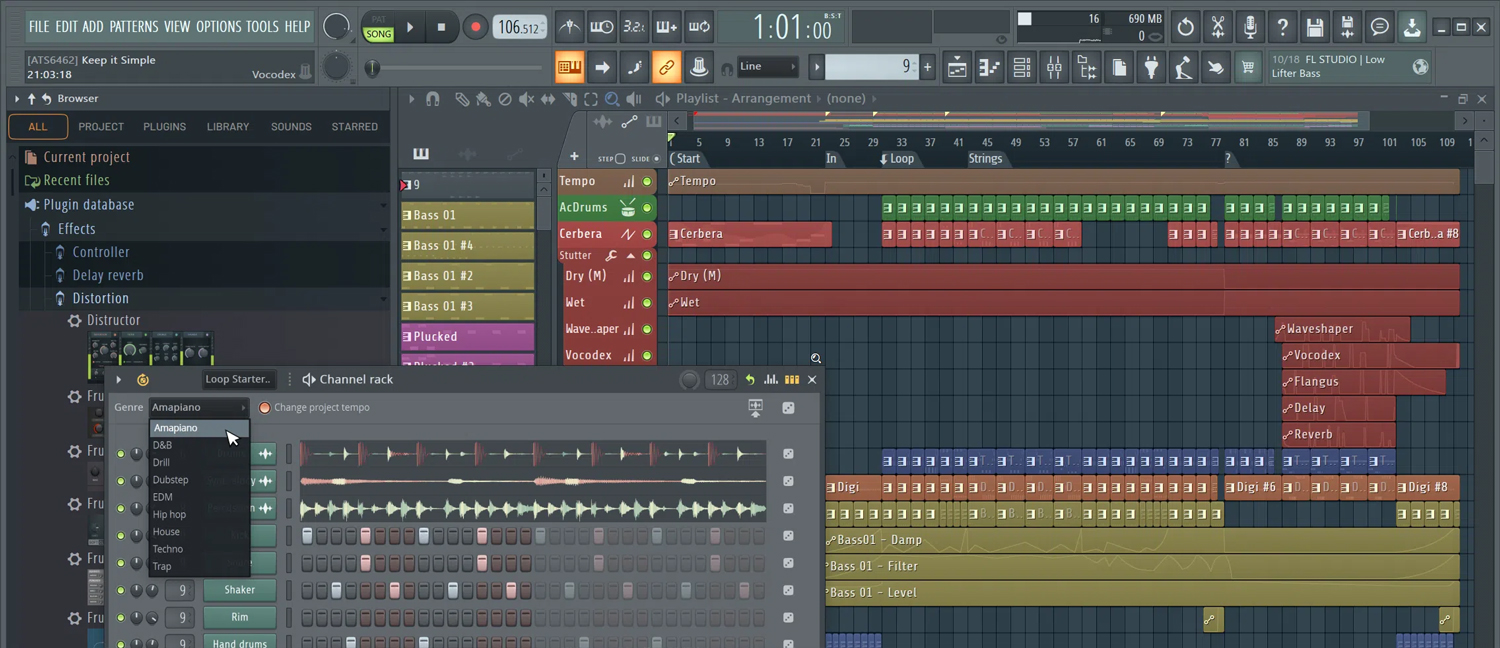
If you’re a beat maker or EDM producer, FL Studio’s modularity and workflow make it a fantastic choice. For those looking for a more traditional style DAW or do a lot of recording/mixing/mastering, look elsewhere.
Notable users: Metro Boomin (Drake, The Weeknd), 9th Wonder (Jay-Z, Kendrick Lamar), Martin Garrix
Cubase
Cubase has been a long-standing DAW first released way back in 1989, the first to combine MIDI sequencing and audio recording in one application. Its developer Steinburg is notable for the development of the industry-standard VST, or Virtual Studio Technology plug-in format.
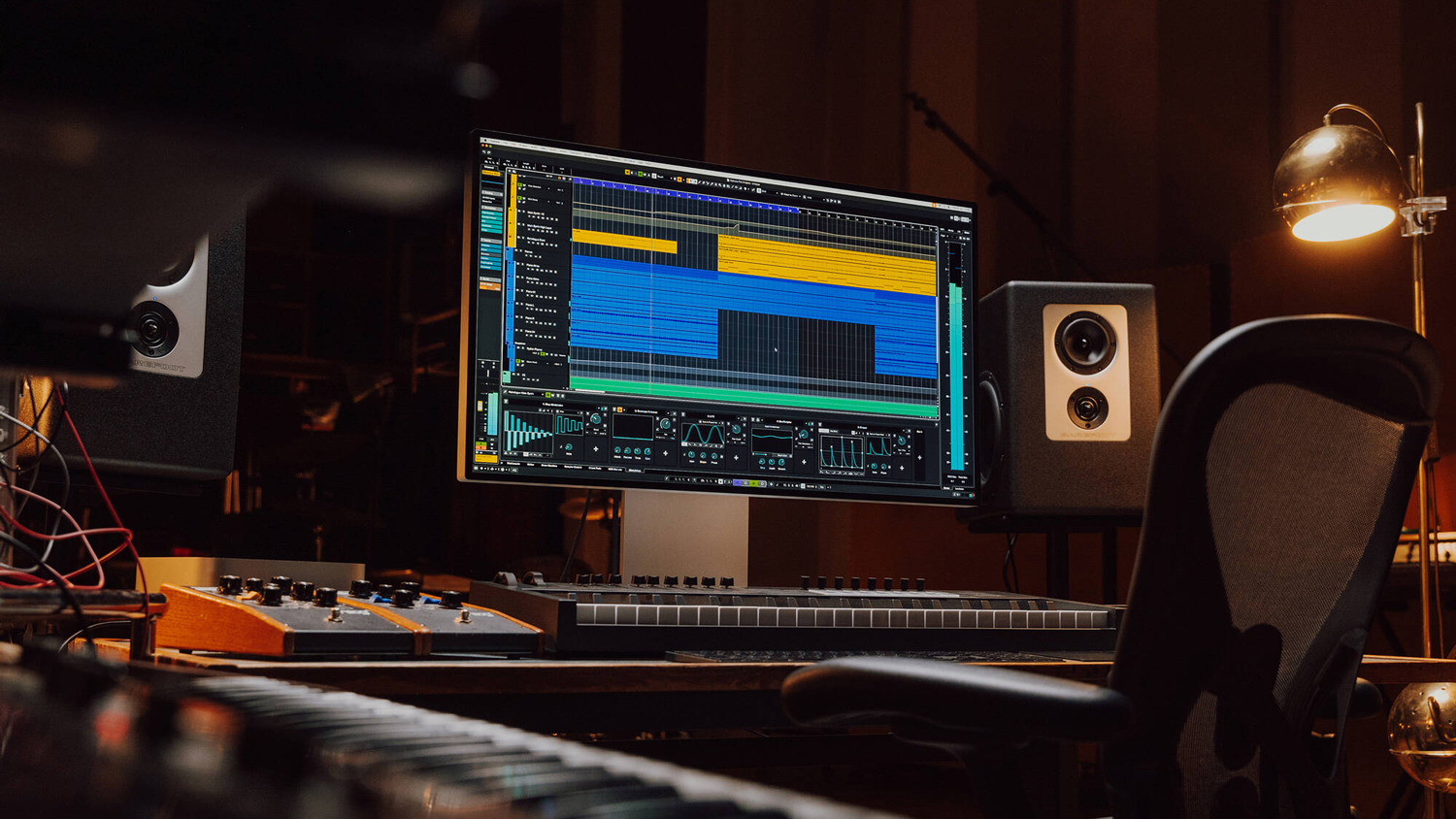
Cubase today is a fully featured professional level DAW with all the capabilities its competition has, including audio warping, pitch correction, multichannel support, and monitoring tools. It comes with some great compositional tools and has a robust MIDI and audio editing timeline environment. The fully upgraded version comes with a plethora of plug-ins and tools bundled in.
Cubase is a DAW that everyone knows and has respect for, but not a lot of people seem to use. This may be due to its old-school image; marketing to industry professionals and recording engineers rather than EDM producers and beatmakers. It has far more widespread popularity in Asia, particularly Japan.

Cubase is a great alternative to Pro Tools, having similar excellence when recording and live tracking, while also having a more user-friendly environment for MIDI sequencing, composing, and looping like Logic or Ableton. In our overview, it’s the only DAW we recommended for all four music creation categories—it’s a great DAW, and I’d love to see more people use it.
Notable Users: Ian Kirkpatrick (Dua Lipa, Selina Gomez), Hans Zimmer, Tiesto
Reaper
The Rapid Environment for Audio Production, Engineering, and Recording, or Reaper, is a super-customizable DAW great for multi-track recording/editing, MIDI recording, mixing, track looping, and even video editing. It is an extremely inexpensive and resource-light program that allows it to run on nearly any system. At $60 for a personal license, Reaper is the least expensive paid DAW on the market and is great for budget-conscious users or for low-spec computers.
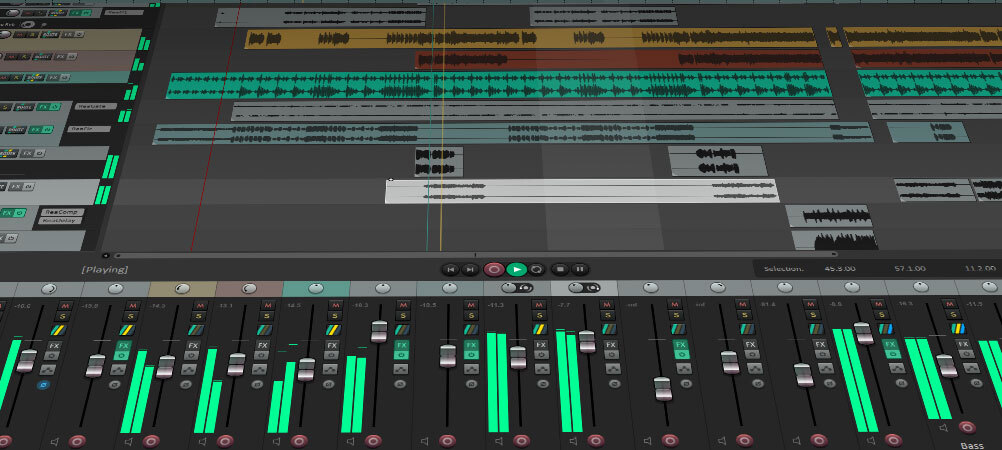
Reaper is extremely unique and incredibly powerful for pro users. Its routing concept allows each track to be anything—audio, MIDI, a bus/aux, or video simultaneously—simplifying project organization and enabling creative signal flows. Its extreme customizability allows users to do many things other DAWs cannot—you can, for example:
-
Combine complex function sequences with user-defined macros, allowing a series of actions to be completed with a single keystroke.
-
Customize the GUI according to themes and specific needs.
-
Customize workflow and functionality by running scripts in EEL2, Lua, and Python, allowing for development of user-created themes, macros, and comprehensive extensions.
-
Create a theoretically infinite number tracks that each support multichannel configurations of up to 64 channels per track.
-
Adjust and customize JSFX plug-ins through an editable text file.
-
Make it behave like Pro Tools, Ableton, or anything in between.
Reaper is an “unlimited” DAW, whose power is defined by the power of the machine running it and the knowledge of the user, and can do many things other DAWs would either not allow or not be capable of doing. This makes it a perfect environment for experimental routing and parameter modulation, feedback loops, procedural audio/glitch effects, and generative sound design.
While Reaper comes with all the basic tools needed for audio recording, editing, and mixing, it lacks any professional level virtual instruments, loops, or samples—you’ll have to make or buy your own. Learning how to use Reaper can be a daunting task—and you’ll need to spend the time building your preferred routing methods, customizing actions, and configuring themes before you achieve a custom workflow you’re comfortable with. With that said, Reaper is an incredible program that can be used in literally any context—if you know how to set it up properly.
Notable users: Deadmau5, Tim Henson (Polyphia), a large portion of the video game audio industry
Reason
Reason is an interesting inclusion on this list, as it is both a DAW and a VST plug-in you can use inside of another DAW. Its flagship feature is “The Rack”—a virtual studio environment that mimics a physical rack of outboard gear that you can “flip” to see the back of. This allows you to stack gear and use virtual patch cables to chain them as you see fit—Reason is infinitely modular, allowing you to route anything to anything. But the most interesting inclusion of Reason is “The Combinator.”
The Combinator acts as “a device within a device” and allows for the grouping of multiple instruments and effects into a unique “piece of gear” on The Rack, even allowing you to design custom front panels with the ability to place knobs, faders, and buttons that can control any number parameters from multiple pieces of gear with one interface. The amount of customization this can enable is incredible, and the fact you can run this within a separate DAW is an amazing feature.
Reason comes with a suite of built-in instruments and effects, samplers, and synths and can be run standalone with its own timeline and audio editing window. It’s vaunted for its stability, rarely crashing or stalling when most other DAWs on this list will likely encounter a crash or three on any serious scale project.
Reason isn’t the best at audio editing or recording, notably lacking the ability to comp takes in a playlist, making editing any live tracked performance a pain. Reason does not natively support video files, so it’s unsuitable for any film or video production work.
Reason is a great second DAW or addition to your current DAW, but it’s more of a supercharged studio/sound design playground than it is a serious audio editing tool.
Notable users: Skrillex, Hans Zimmer, Ian Kirkpatrick
Other Considerations
Studio One – Presonus’s Studio One is a versatile DAW that uses a single-window interface, making its functionality obvious and intuitive. It has begun to see a moderate increase in users, catching on with producers and songwriters.
Bitwig – Bitwig combines a linear timeline arranger with a non-linear clip-launching workflow, not unlike Ableton, making suitable for live performance and production. Its fully modular setup allows for flexibility and experimentation.
Audacity – Not really a true DAW, Audacity is a powerful multitrack audio editor/recorder. It’s perfect for audio-cleanup and restoration, audio format conversion, and audio analysis with built-in features like spectrogram view and frequency analysis. It’s also free and should have a major update overhauling the entire program sometime in early 2026.
Soundtrap – A cloud-based DAW that runs in a web browser, Soundtrap allows for real-time collaboration and offers extensive audio tools and sound libraries. It’s great for beginners, educators, and students.
Nuendo – Nuendo is specifically designed for audio post-production, particularly for film, game, and VR audio applications with its integration with middleware tools like Wwise and FMOD. It’s very specialized and quite powerful, but not something useful for a beginner or a music producer.
Now that you’re armed with some knowledge of these DAWs, you should be able to make a choice for the one that’s right for you. All these programs, despite their differences, can make great music and professional sounding audio. It’s not about the tool, but how you use it.
