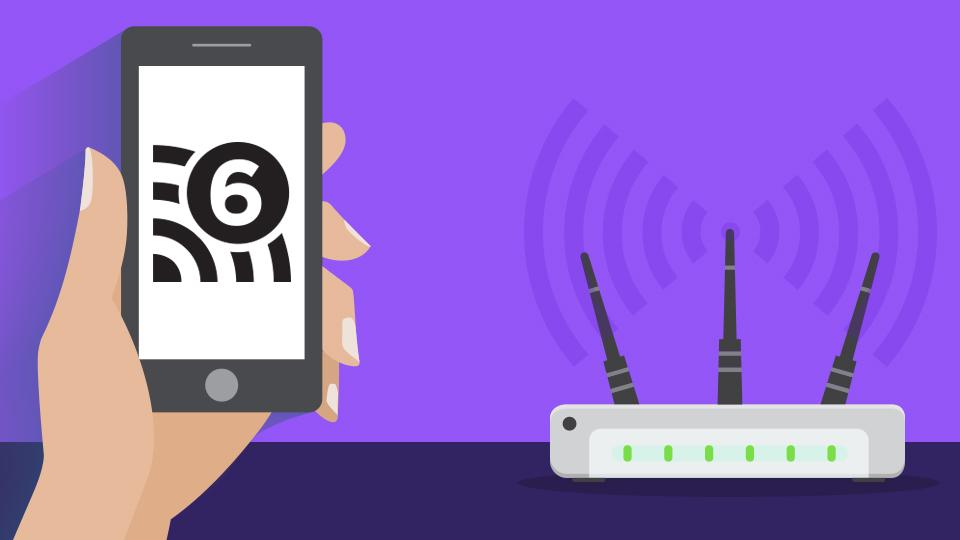
The Wi-Fi Alliance has recently introduced the next generation of Wi-Fi connectivity, known as Wi-Fi 6, based on 802.11ax technology, along with a new naming convention. Most consumers are familiar with the 802.11 standards; however, this new sequential number rebranding is intended to simplify things in the long run. Previously, the naming design used the alphabet, starting with a to b to g and n, with each one representing the next generation. We'd expect z to be the last or fastest one, or until they have new names, but suddenly we're on 802.11ac, which is faster than all previous versions, so it's understandable that users would be a bit confused. Thus, starting from 802.11n, Wi-Fi will be referred to as Wi-Fi 4, 802.11ac as Wi-Fi 5, and 802.11ax as Wi-Fi 6. Moving forward, you may start to see products, specs, and menus labeled as such.
Following the naming pattern, it makes sense to refer to older standards such as 802.11a as Wi-Fi 1, 802.11b as Wi-Fi 2, and 802.11g as Wi-Fi 3, unofficially of course; however, they won't be included because they are outdated, with 802.11g being introduced in 2003. There are also other lesser-known standards: c, d, e, f, ad, ah, ak, and plenty more, but are designed for specific or other uses aside from consumer Wi-Fi. These also won't be making the cut.
| What the technology is called |
What the technology will be called |
| 802.11ax | Wi-Fi 6 |
| 802.11ac | Wi-Fi 5 |
| 802.11n | Wi-Fi 4 |
Wi-Fi 6, like all next-gen upgrades, is designed to be better, this time with higher data rates, increased capacity, enhanced performance in dense environments, and improved power efficiency. Operating on the same 2.4 GHz and 5 GHz band as Wi-Fi 5, Wi-Fi 6 is rated to support transfer speeds of up to 10 Gb/s, which ranges from four to ten times faster than the current standard. One of the biggest issues with current-gen Wi-Fi is congestion. Nowadays, each person has roughly a minimum of two devices, a computer and smartphone, connected to a network in a home environment, which can easily start piling up once you factor in Smart TVs, tablets, smart home systems, and other IoT devices. To solve this, 802.11ax utilizes OFDMA (Orthogonal Frequency Division Multiple Access), one of the big advancements with LTE technology, and to understand OFDMA, we'll first have to cover MU-MIMO.
To explain these terms, we'll use a fast food restaurant and hungry customers as an example. With standard 4 x 4 MU-MIMO, there are four cashiers serving four lines of customers. Each cashier can only serve one customer at a time. With OFDMA, each cashier can serve four customers simultaneously. While customer A is counting out the exact change for his order, the cashier can serve customer B, and so on. Unlike 802.11ac, which separates the 2.4 GHz and 5 GHz bands, 802.11ax operates in both ranges, creating more available channels.

What do I do about it?
Nothing. Wi-Fi is designed to be backward compatible. If you have a Wi-Fi 6 router, expect it to be compatible with Wi-Fi 5 devices, and so on. Please note that you won't receive Wi-Fi 6 speeds just because you have Wi-Fi 6 router, since you are capped by the plan you have with your Internet service provider. Additionally, while it may be enticing to future-proof your network with Wi-Fi 6 infrastructure, the 802.11ax standard has not yet been approved by the IEEE committee and is expected sometime late 2019. So, for now you can continue to enjoy Wi-Fi 5 and be on the lookout for 8K video streaming with up to four times as many devices via the up-and-coming Wi-Fi 6.
While not finalized, what do you think about the sample user interface icons? Be sure not to confuse them with the number of devices connected.
