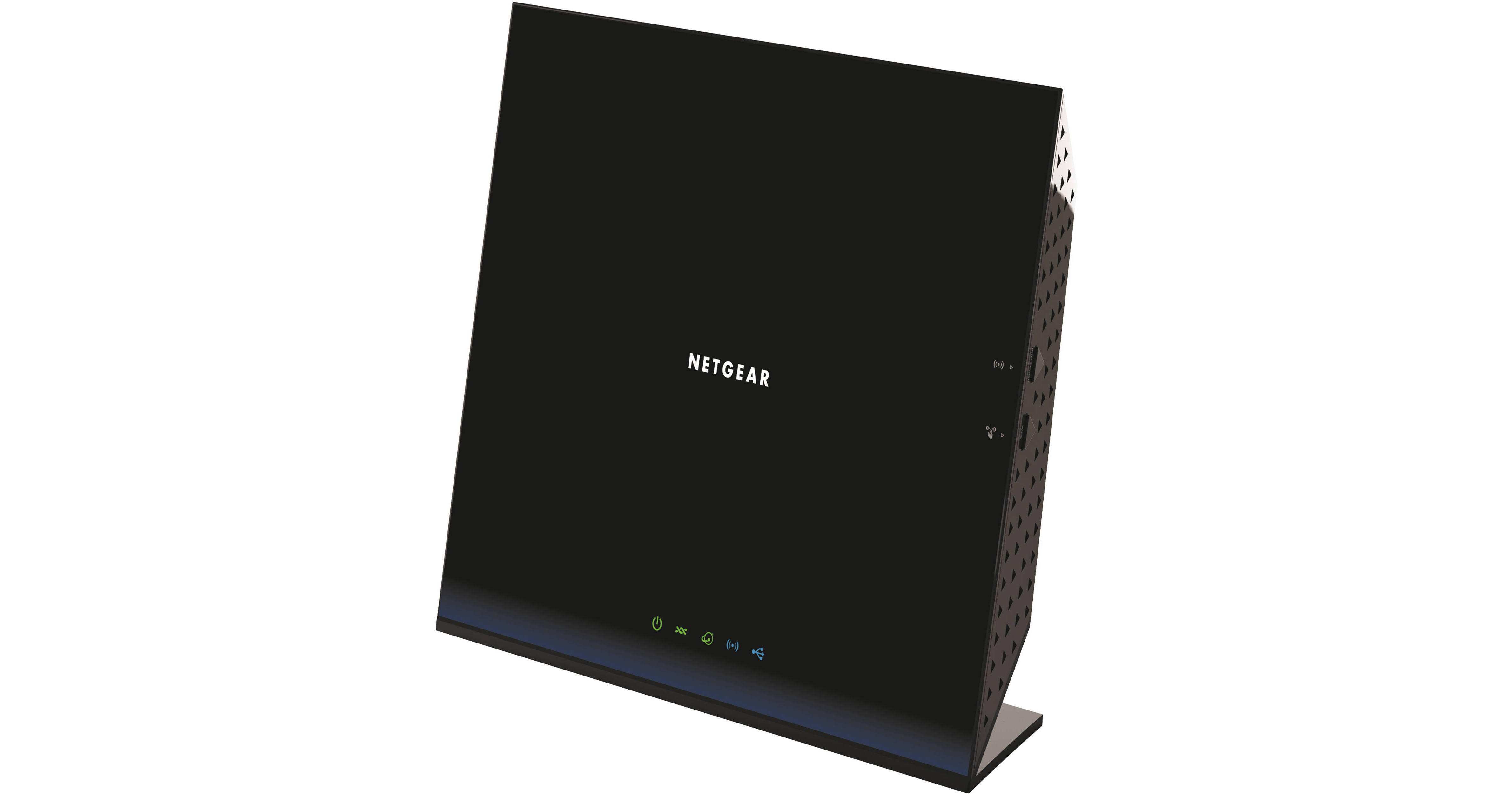
The D6200 802.11ac Dual-Band Gigabit Wi-Fi Modem Router from Netgear delivers Wi-Fi at 300+867 Mb/s speeds. With a built-in ADSL2+ modem, it creates an Internet gateway with speeds up to three times faster than 802.11n. With simultaneous dual band, the router enables HD streaming and is ideal for larger homes with multiple devices. It also features ReadySHARE Cloud which allows for remote access to a USB hard drive.
Sharing your media and printer is simple with the D6200 Wi-Fi Router. This DLNA compatible router allows you to easily share your media with any other DLNA compatible device on the network regardless of make, model, or brand. ReadySHARE USB access and printer capabilities lets you plug in the hard drive or printer directly into the router, giving you the ability to wirelessly access your USB drive and print from virtually any connected device. With Easy Install, the Genie App, Push 'N' Connect, and Wi-Fi and Power on/off, installation and setup of the router are convenient and easy. Easy Install gives you the ability to set up the router from your computer, iPad, tablet, or smart phone. The included Genie App is a personal dashboard used to monitor, control, and repair the home network. With Wi-Fi Protected Setup (WPS) via the Push 'N' Connect button, you can easily setup secure wireless connections. Once configured, you can easily turn your router or Wi-Fi connection on or off with the Wi-Fi and Power on/off button. Security is a major concern with any wireless network. The router has you covered with parental controls, guest network access, and secure Wi-Fi connections. With parental controls you can create web filters effectively limiting access for all connected devices. Guest network access is a separate network within the router specifically for guests, allowing them limited access to the Internet and the network. Utilize the WPA/WPA2 encryption standards to create secure wireless connections for authorized devices.Genie Home Networking
Simple to install - no CD required
User-friendly dashboard to monitor, control, and repair your home network
Connect smart phones and tablets to your network by scanning a QR code using EZ Mobile Connect
MyMedia App: Use your smart phone to find and play media remotely on any DLNA device
AirPrint: Print on any USB printer from your iPad or iPhone
Live parental controls, guest network access, broadband usage meter, one-click fix for common network issues and more
PC, Mac, iPhone, iPad, and Android devices compatible
User-friendly dashboard to monitor, control, and repair your home network
Connect smart phones and tablets to your network by scanning a QR code using EZ Mobile Connect
MyMedia App: Use your smart phone to find and play media remotely on any DLNA device
AirPrint: Print on any USB printer from your iPad or iPhone
Live parental controls, guest network access, broadband usage meter, one-click fix for common network issues and more
PC, Mac, iPhone, iPad, and Android devices compatible
Wi-Fi Range
The router comes equipped with 802.11ac technology, offering better range for mobile devices with speeds up to 300+867 Mb/s. The four integrated LAN ports provide Gigabit Ethernet speeds ideal for HD gaming and video
Reliable Connections
With dual band connectivity, the router reduces interference for better connection to more Wi-Fi devices. The advanced QoS technology prioritizes media streaming applications for smooth HD video streaming and low-latency online gaming
Sharing
With DLNA (Digital Living Network Alliance) support, the router allows you to find and play the media on DLNA TVs and game consoles. DLNA allows you to easily share your media with any DLNA compatible device regardless of brand. The integrated ReadySHARE USB Access gives you the ability to wirelessly access and share your USB hard drive through the USB 2.0 port. Printing is simple with any ReadySHARE Printer giving you wireless access to your USB printer. ReadySHARE Cloud enables to remotely access and share files on a USB hard drive
Ease of Use
Installation of the router is simple with easy setup for iPad, tablets, smart phones, and computers. The included Genie App comes equipped with a personal dashboard to monitor, control, and repair your home network. The Push 'N' Connect easy push button is a Wi-Fi protected setup option, giving you the ability to create secure wireless connections. Save power with the Wi-Fi and power on/off button for convenient power savings
Security
Integrated parental controls give you the ability to create filters for all of your connected devices, while guest network access provides separate and secure access for guests. Utilize high levels of wireless security with WPA/WPA2 encryption standards
Green Features
Power on/off button
Wireless on/off button
80% recycled packaging
CEC (California efficiency)
RoHS compliant
WEEE compliant
Wireless on/off button
80% recycled packaging
CEC (California efficiency)
RoHS compliant
WEEE compliant