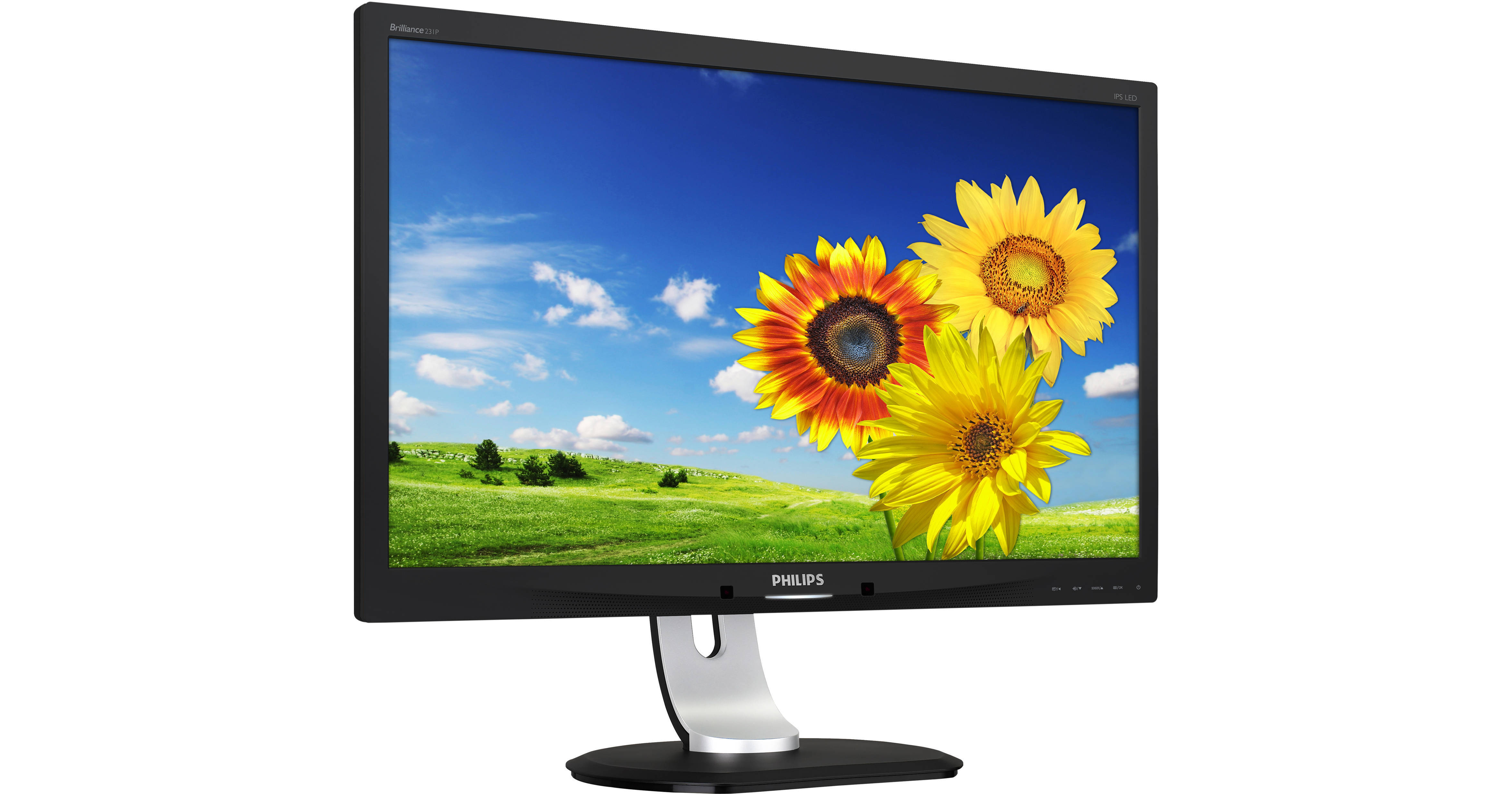
The 231P4QUPEB 23" 16:9 IPS Monitor from Philips features a Full HD resolution of 1920 x 1080 and an aspect ratio of 16:9, allowing you to enjoy crisp and clear pictures and videos at 1080p, without any letterboxing. Built with an IPS (In-Plane Switching) panel, it offers better viewing angles and color reproduction compared to TN (Twisted Nematic) panels. Supporting 16.7 million colors, the 231P4QUPEB has a static 1,000:1 contrast ratio that further enhances colors, providing you with darker blacks and brighter bright colors. This display also has a built-in USB hub consisting of one USB 2.0 and two USB 3.0 Type-A ports. Use these to connect peripherals such as keyboards, mice, and headsets. Additionally, you can use this display as a notebook dock as it grants extra USB ports, audio in and out, and Internet connectivity with just a single USB cable connection. Connect this monitor to your main system via VGA and tilt, pivot, and swivel it to your viewing preference.
Ask Our Experts800-606-6969
Hello, Log InAccount & Orders
Key Features
- IPS (In-Plane Switching) Panel
- Built-In USB 3.0 Type-A Hub
- VGA Input
- Full HD 1920 x 1080 Resolution
The 231P4QUPEB 23" 16:9 IPS Monitor from Philips features a Full HD resolution of 1920 x 1080 and an aspect ratio of 16:9, allowing you to enjoy crisp and clear pictures and videos at 1080p, without any letterboxing. Built with an IPS (In-Plane Switching) panel, it offers better viewing angles and color reproduction compared to TN (Twisted Nematic) panels. Supporting 16.7 million colors, the 231P4QUPEB has a static 1,000:1 contrast ratio that further enhances colors, providing you with darker blacks and brighter bright colors. This display also has a built-in USB hub consisting of one USB 2.0 and two USB 3.0 Type-A ports. Use these to connect peripherals such as keyboards, mice, and headsets. Additionally, you can use this display as a notebook dock as it grants extra USB ports, audio in and out, and Internet connectivity with just a single USB cable connection. Connect this monitor to your main system via VGA and tilt, pivot, and swivel it to your viewing preference.
More DetailsNo Longer Available
Philips 231P4QUPEB Overview
Notebook Docking Display
This Philips display enables easy port replication for any notebook. With a built-in USB 3.0 hub, Ethernet, and stereo speakers, it enables you to transmit video, audio, and connect to the Internet with just a single USB cable connection. You can now expand your desktop using both your notebook and this display's real-estate without having to worry about cumbersome resolution adjustments or mess around with cables.
SmartErgoBase
This monitor base delivers ergonomic display comfort and provides cable management. The base's people-friendly height, swivel, tilt and rotation angle adjustments position the monitor for maximum comfort that can ease the physical strains of a long workday; cable management reduces cable clutter and keeps the workspace neat and professional.
PowerSensor
PowerSensor is a built-in 'people sensor' that transmits and receives harmless infrared signals to determine if user is present and automatically reduces monitor brightness when user steps away from the desk, cutting energy costs by up to 80 percent and prolonging monitor life.
Philips 231P4QUPEB Specs
Display
| Size | |
| Panel Type | |
| Native Resolution | |
| Maximum Brightness | |
| Contrast Ratio | |
| Response Time | |
| Refresh Rate | |
| Adaptive-Sync Technology | |
| Finish | |
| VESA Mounting-Hole Pattern | |
| Lock Slot |
Packaging Info
| Package Weight | |
| Box Dimensions (LxWxH) |
Philips 231P4QUPEB Reviews
See any errors on this page?