Video Chat with a Photography Expert - Live

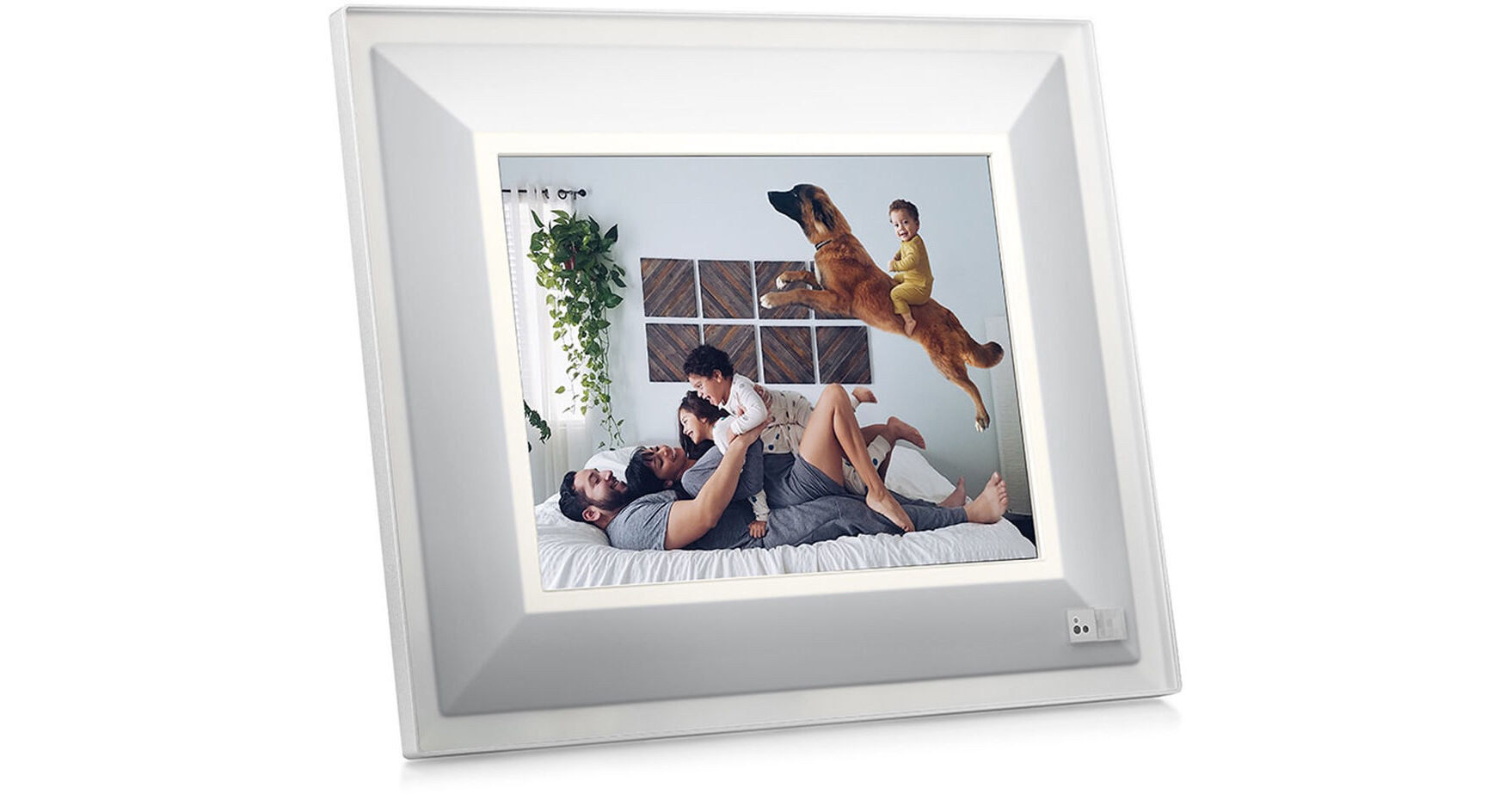
Aura Frames 9.7" Smart Frame (Quartz with Silver Trim)

BH #AUWWFQU • MFR #QUARTZ
Print
Aura Frames 9.7" Smart Frame (Quartz with Silver Trim)
Key Features
  • Display Photos Wirelessly
  • 9.7" LED-Backlit Display
  • 2048 x 1536 Resolution
  • 802.11b/g/n Wi-Fi & Bluetooth 4.2
The quartz Aura 9.7" Smart Frame, which is decorated in silver trim, lets you directly share photos from your compatible smartphone running iOS 9.1 or later and Android KitKat 4.4 or later. Using the free Aura app, you can add as many photos as you'd like into a Smart Frame via 2.4 GHz 802.11b/g/n Wi-Fi or Bluetooth 4.2 technology, and photo libraries of almost all sizes are supported. Photos can change at a pace you choose, or Aura can take cues from the environment, while it is also possible to change photos using hand gestures. This frame is also energy conscious and uses a minimal amount of power with auto dimming and automatically goes to sleep when the room is dark.
More Details
No Longer Available
No Store Display
Ask an Expert
800-606-6969

Aura Frames QUARTZ Overview

The quartz Aura 9.7" Smart Frame, which is decorated in silver trim, lets you directly share photos from your compatible smartphone running iOS 9.1 or later and Android KitKat 4.4 or later. Using the free Aura app, you can add as many photos as you'd like into a Smart Frame via 2.4 GHz 802.11b/g/n Wi-Fi or Bluetooth 4.2 technology, and photo libraries of almost all sizes are supported. Photos can change at a pace you choose, or Aura can take cues from the environment, while it is also possible to change photos using hand gestures. This frame is also energy conscious and uses a minimal amount of power with auto dimming and automatically goes to sleep when the room is dark.

Aura's 9.7" Smart Frame has a resolution of 2048 x 1536, a 4:3 aspect ratio, and LED backlighting. No texting, emailing, or social media is required to display photos.

General Features
A Proper Gift
Aura's Smart Frame is the gift that literally lights up the room. After you give someone an Aura, you can send as many photos as you want, from your phone to their frame.
No Social Media Required
Aura lets you share your favorite photos directly to your loved ones' homes - instantly, privately, and without going through social media.
Elegant Design
The Aura is elegant. The frame, with its clear display, makes a glowing impression in any room. Instead of feeling gadgety and electronic, it's a natural way to display photos in your home. It has no buttons and is controlled 100% through the free Aura app, so the whole family can drop in their photos, or sit back and enjoy the memories.
Unlimited
There are no limits to the number of loved ones you can invite to add photos to an Aura Smart Frame, or the number of photos it can display.
High-Resolution, Clear Display
Photos display in vibrant clarity, presenting photos in a beautiful manner. Photos will look as good in the frame as they do on your phone.
Well Timed
Change photos at a pace you choose, or let Aura show you something new when you walk into the room.
User-Friendly App
Simply choose the photos you want to share, and which frame(s) you want them to appear in.
Gesture Control
Not in the mood for that photo? Don't have the app nearby? Change photos with the wave of a hand.
Smart Slideshow
The Aura takes cues from its environment and will change photos based on its surroundings. You can also set it to change on a timer.
Energy Conscious
The Aura uses a minimal amount of energy, and the display will automatically go to sleep when the room gets dark.
Auto Dimming
Your brightness of the frame's display adjusts accordingly, no matter the time of day.
Many Ways to Display
Hang your Aura on a wall or display it on its stand. Landscape or portrait, Aura will optimize your photos for a proper fit.
Add Photos
To manually choose individual photos for your frame, open the Aura app and click into Photos, Collections, or Albums. Select the photos for your Aura Frame by checking the small circle on the bottom right of each photo (a green check will mark the selected photos). All the photos you have checked will be added to Selected photos in the app.
Invite Others
To invite others to your frame, simply open the Aura app, click the Settings icon, and tap on your frame. Under Family Share, click Invite Family Member. Select one of your contacts or enter the first name and email address of the person you are inviting to your frame.
Wi-Fi Required
Aura must be connected to Wi-Fi at all times in order to display photos. This is important so that Aura can always show the latest photos on your frame as you take them, and also so that it can download software updates to the frame.

Aura Frames QUARTZ Specs

General
Resolution
2048 x 1536
Display Size / Type
9.7" diagonal LCD (Unspecified Type)
Aspect Ratio
4:3
Backlight Type
LED
Memory Cards
No
Built-in Speakers
No
Wi-Fi
Built-In
Bluetooth
Yes
Supported File Formats
Video
No
3D Display
No
Audio
No
Physical and Environmental
Dimensions (W x H x D)
With Frame: 11.75 x 10.0 x 0.75" / 29.84 x 25.4 x 1.91 cm
Weight
3.2 lb / 1.45 kg
Packaging Info
Package Weight
4.85 lb
Box Dimensions (LxWxH)
15.04 x 12 x 4.5"

Aura Frames QUARTZ Reviews

See any errors on this page?
Whatever You Need, We've Got It