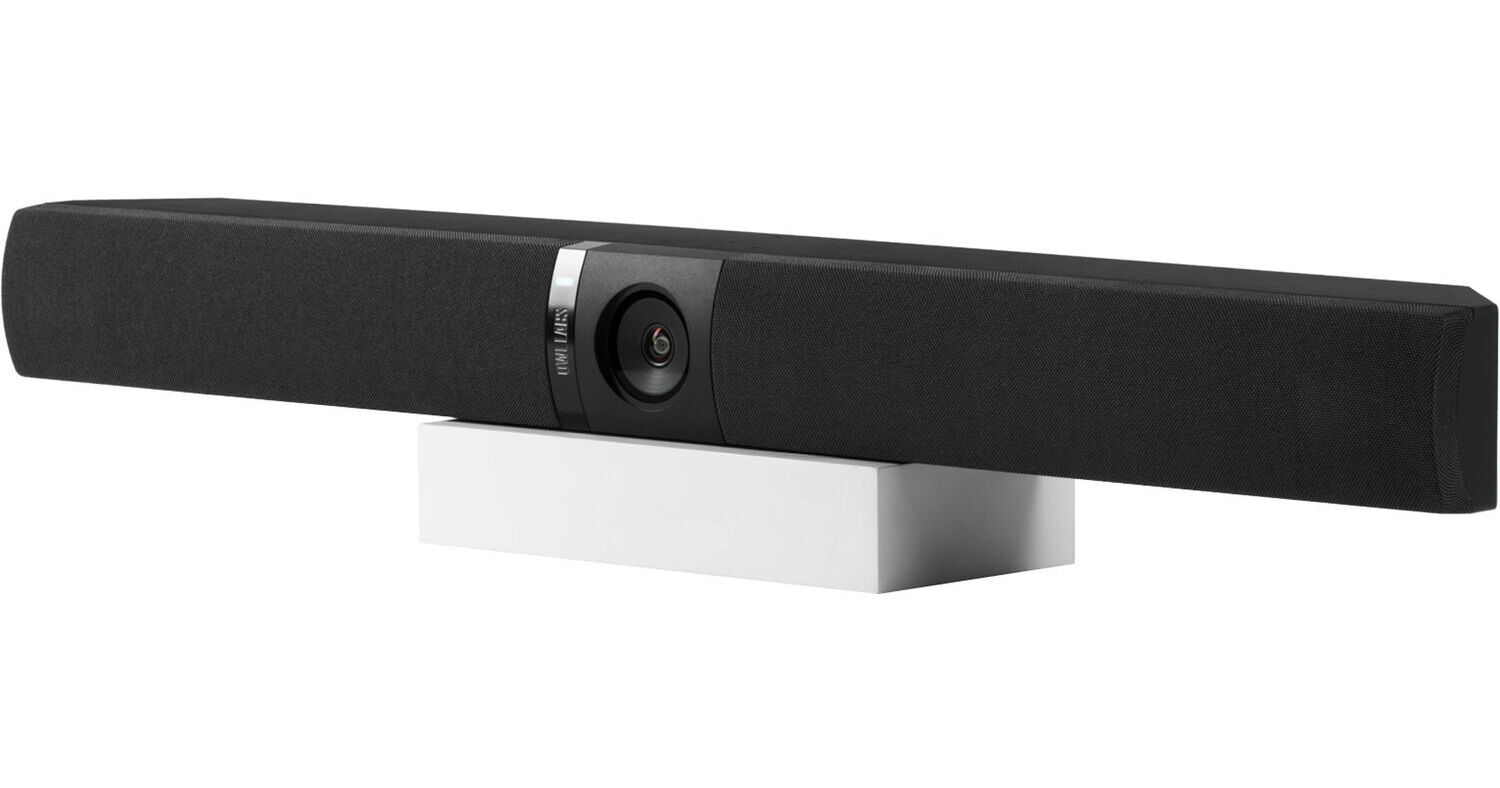
Do not buy: a soundbar that only functions as a camera
By Steve
Rated 1 out of 5
Date: 2025-04-08
Rarely do I encounter a product that compels me to go online and warn others, but the Owl Bar was so exceptionally bad that we not only returned it but also felt obligated to advise others against experiencing the same disappointment.
We intended to build a TV cart that we could roll into some of our classroom and meeting spaces, pairing it with existing Owls to provide users with an enhanced video conferencing experience. To begin with, this device is absolutely not meant to be on a cart.
The microphones require one foot of clearance above them. The first design flaw we noted with the Owl Bar is that the microphones are located on top of the unit, rather than on the front. This means that when mounting it below a TV, you need a foot of clearance below to accommodate it—an especially challenging requirement for a TV cart. The microphones themselves seem to pick up audio adequately, provided there is sufficient clearance.
The camera quality is far worse than expected. The zoomed-in AI clips it displays are significantly inferior to the video quality of the standard Owl 3.
However, the most baffling design flaw is the sound bar portion of the Owl Bar, essentially non-functional as a speaker. After connecting our system, we tested it with a basic Zoom call and, quite frankly, our laptop speakers were significantly louder. If you tried to use it at any level other than max volume, you could barely tell it was playing audio through the soundbar. Even with all volumes maxed out, the soundbar was barely audible in a 20x20 room. When I contacted support, I was told that the soundbar isn't a typical soundbar, whatever that means. We didn't expect it to project movie theater audio, but we did expect voices to be clear on Zoom. After pairing it with an Owl 3, the Owl 3 was significantly louder. Support confirmed that the Owl 3 has three speakers, whereas the Owl Bar has just one, which is baffling. I would even say it only functions properly if you have an Owl 3; it's not just an enhancement— it's necessary for functionality. In that scenario, it's really just being used as a camera and mic. This makes me question why they included speakers to the bar instead of simply designing a camera and mic.
Pairing an Owl 3 to the soundbar worked fine after a few failed attempts via their clunky phone app. However, during our testing, the system mostly reverted to the existing Owl 3 video experience and only rarely switched to the Owl Bar camera. Again, this makes one wonder about the actual purpose of the Owl Bar.
Overall, I'm bitterly disappointed in this product, which had so much theoretical potential. If the soundbar was even as loud as TV speakers, the rest of its flaws could be overlooked. However, as it currently stands, I cannot envision a scenario where this is anything but an expensive piece of plastic that ultimately requires an Owl 3/4. Ultimately, designing a soundbar that doesn’t function as a stand-alone speaker is entirely perplexing to me.
My expectations were too high
By Patrick
Rated 4 out of 5
Date: 2025-01-20
The Owl Labs Owl Bar 4K is definitely game changing technology. We've come so far with these webcams in the last handful of years. Owl Labs is doing some amazing things. We have the Meeting Owl 3 in our conference room. This bar was intended to fix an issue with our setup so that when people are looking at the television (i.e. virtual attendees), that those who are remote would feel like our team is looking directly at them.
There are a few small issues with the bar. First, the bar is much bulkier than we anticipated. I'm not sure we understood how big this bar was going to be. When mounted, it feels pretty substantial underneath our 65 television. In addition, when mounting, consider this. The bar's weight can be problematic for some drywall. The anchors they provide in the box are pretty tiny and don't feel like they'll hold the bar. This can be especially true, depending on the type of drywall you're installing it into.
The second issue is that depending on the proximity of the bar/camera to the conference room table, when room attendees are looking at the television, it still feels like they're looking above or below the camera. This isn't a deal breaker, but it's kind of annoying.
Lastly, the software was causing issues when we initially tried pairing the Meeting Owl 3 with the Owl Bar. It told us that the software for both were updated to the latest versions, but they wouldn't communicate or pair with each other. After a couple of hours of troubleshooting, we finally sent an email to the Owl Labs customer service team. This was during the holidays and their team responded right away. That's a huge pro — and I appreciated their quick response. They pushed a software updated directly to our device that fixed the issue. That being said, I was disappointed that the issue existed in the first place. These are not inexpensive webcams. I understand technology can be finicky, but I want my expensive equipment to work out-of-the-box. That might be setting my expectations too high.
I thought it was worth mentioning these issues, to those who are considering the purchase. It's a great product, and works fine. But I do wish these small issues didn't exist.