Search results for: computers buying guide storage for video editing workflows
About 7 filtered results
by Mos Khan · Posted
With summer almost over and the first semester of school starting, it's high time to shop for your back to school supplies if you haven't already. In addition to the standard fare of pens and paper, we'd like to recommend some of our favorite tablets. These devices are some of the most highly reviewed tablets available and many are what we would consider among the best tablets for students heading back to school.
Budget-Friendly: Apple 11" iPad Air A16
Getting your hands on a quality tablet doesn't have to be costly. Take the

by Steven Esposito · Posted
If you work with libraries of large image files, or in audio or video production, you need to be selective about your external hard drive. Reading and writing files directly to or from an external drive can incur some hefty performance demands, so it's best to determine your needs before you buy a drive. With the ever-increasing data-transfer demands brought on by more megapixels, complex audio layering, and higher-resolution video, keeping up with all of that data can be a burden.
The first thing to determine must be how much overall storage

by Jill Waterman · Posted
Heading back to school today means starting from a clean slate, with both students and those who shop for them discovering that—in addition to a fresh wardrobe—tools for study, storage, and safety could use a total refresh.
There is a lot to consider when adding to a tech-savvy student’s back to school arsenal, and many essential items can get overlooked. We’ve created the short list below to help you shop smart and pinpoint the right tools for your needs.
Hi-Tech Writing Implements
Yesteryear’s essential supplies of paper notebooks and
by John-Paul Pale… · Posted
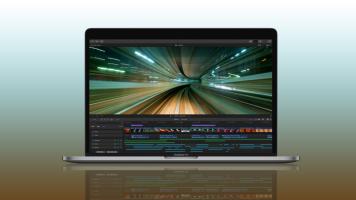
When it comes to shooting and editing, it’s commonplace to see people working with, at minimum, a Full HD setup. However, as technologies such as 4K, HDR (high dynamic range), HFR (high frame rate), and log gammas become more available and consumer-friendly, users will need a system that can effectively handle these increased bitrates, broader color spaces, and greater number of frames per second. With many workflows also becoming more mobile, editors are now working on-location as footage rolls in, and Apple’s
by Shawn C. Steiner · Posted
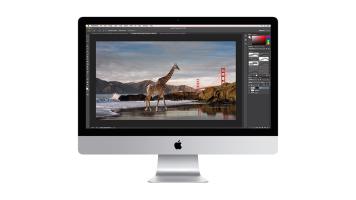
Among Apple’s latest taglines is, “Power to the pro” and, if you are looking for the ultimate photo editing experience, you can get on a Mac platform—the desktop models are where you are going to want to look. There are currently three main series to check out if you want a Mac workstation: the iMac Pro, iMac, and Mac Pro.
iMac Pro
I think many people would be surprised if, a couple of years ago, you told them an iMac would be the most powerful machine Apple makes. Well, that is certainly the case since the release of the
by David Adler · Posted
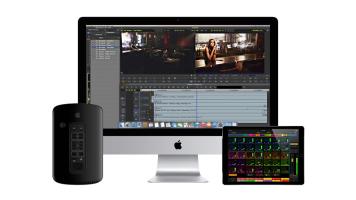
For a long time, professionals the world over have been using Apple computers to create some of the most notable content available. It says something about a company when its customers refuse to use anything but the products made by that company. While it may seem “cultish” to some, there’s a good reason for it. Apple computers have generally always been stable, reliable, innovative, and run some fantastic professional software with aplomb. Full disclosure—I am a Mac user and I own an iPhone, but the reason I own them is not necessarily

by Shawn C. Steiner and Bjorn Peterson · Posted
Photographers have always held Apple products in the highest regard, with their beautiful interface, exceptional design, and revolutionary feature sets. With an ecosystem encompassing products meant for use as a full-blown workstation, as well as having an assistant in your pocket, you will be sure to find exactly what you need. So, in order to guide you on your decision, what follows is a walkthrough of some of the most relevant products for photographers.
MacBook Pro
Go mobile with one of the most