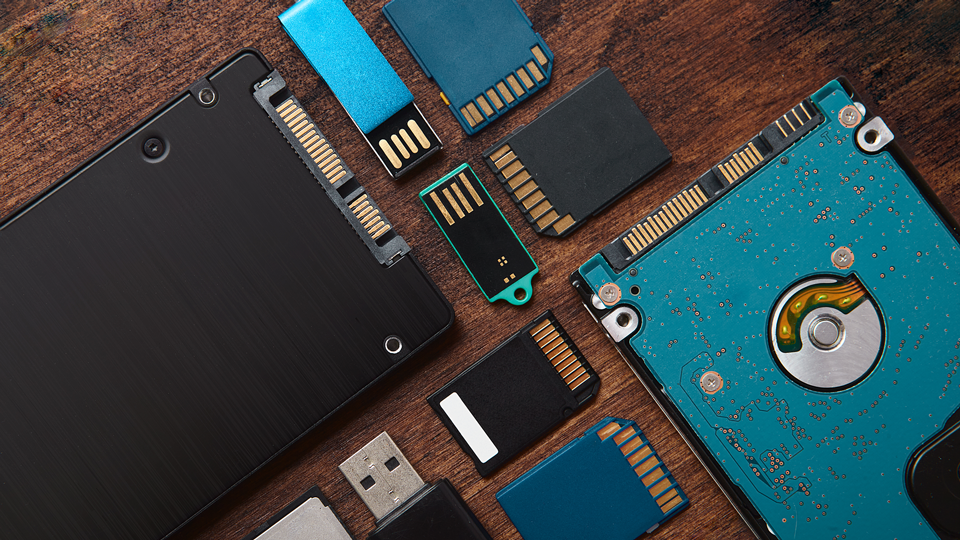
Have you ever needed to save your data to a storage drive that isn't located on your computer? Chances are you have and in doing so ran into questions like "Why is this taking so long?" or "Why does this thing weigh five pounds?" I'm here to answer those questions and more in this ultimate guide to portable storage.
What Is Portable Storage?
Let's start off by answering the most basic question here. As a form factor, portable storage is used to save data outside of your computer. They can be anything from flash drives to SSDs. There are tons of differences, and one form factor doesn't fit every scenarios. There are some cases where a flash drive makes a lot more sense than an SSD and vice versa. But before we can present those, let's go over each of these real quick!

Flash Drives
These are fairly common these days and were the first storage drives used en masse. Carrying around a large disk-based storage drive wasn't really the best solution for a lot of people, and cloud storage wasn't invented at the time, so flash drives became the go-to solution for a lot of people.
Flash drives are small and tend to use flash memory, a medium that can be easily formatted to the system of your choice. Developed back in 1980, the memory format has been improved upon greatly, allowing other storage memory types to leverage the technology to perform incredible tasks.
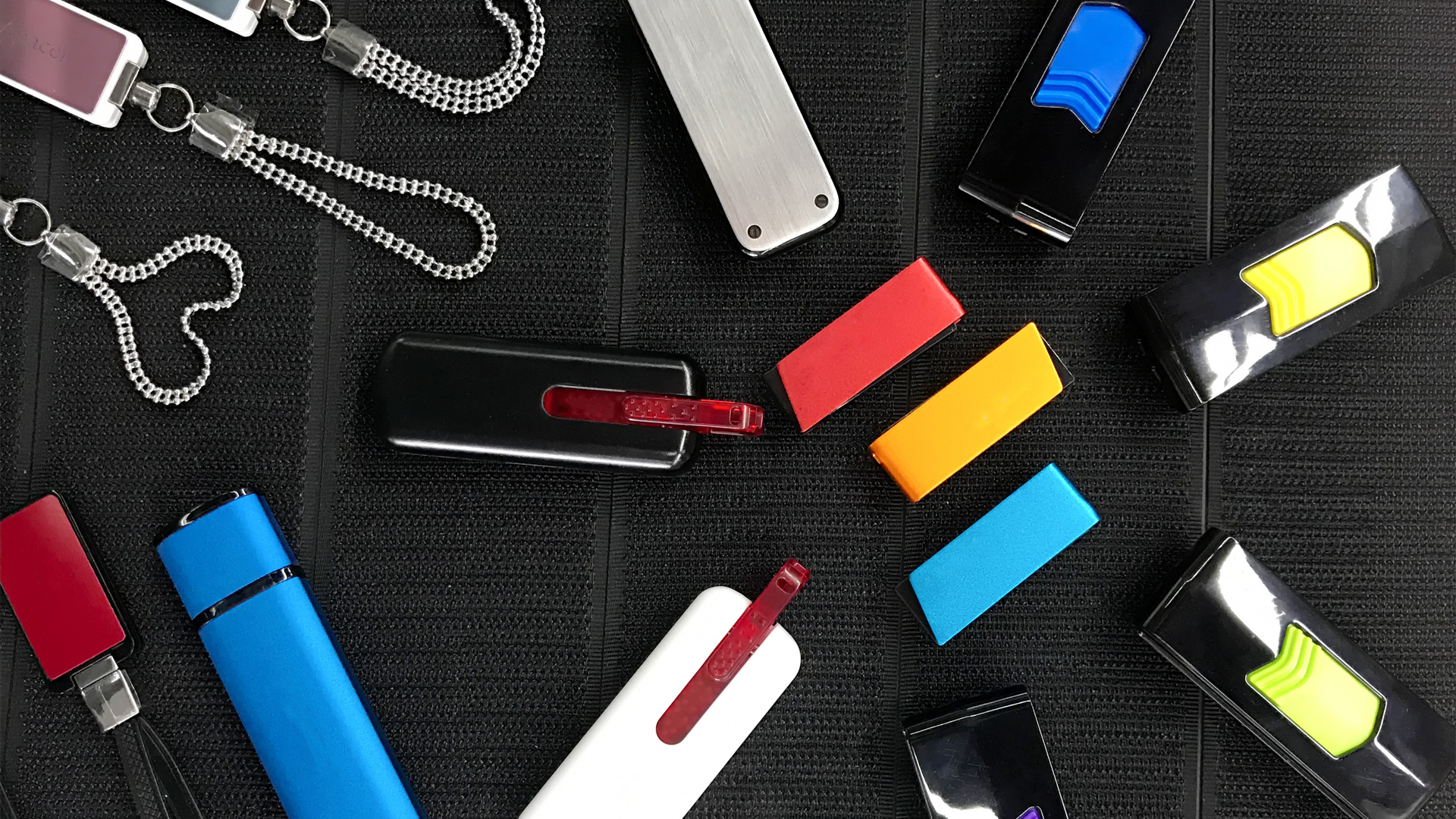
But what made flash drives so good was that it was a small, portable form factor that could be pocketed or secured to a lanyard. It doesn't require electricity to operate, ensuring anyone can use the drive on any sort of computer with an available USB port. Most importantly, they were fast enough to transfer small documents quickly. Although, they weren't great when dealing with larger files like highly detailed photos.
Flash drives are used by many companies, and they are quite affordable no matter where you go. Not only do people use them to back up their important documents, but they are also used for distribution of materials. Those who work in certain industries like public relations will hand journalists and other media agents' information via the USB drive because they are affordable and easy to use.
Flash drives shouldn't be used for larger files. High-quality photos, audio, and general media files should use a different type of drive so that the information can be accessed quicker. Additionally, flash drives are not suitable for long-term solutions. They can also fall subject to extreme environmental conditions and compromise the information provided within.
Portable HDDs
At one point, Hard-Disk Drives (HDDs) were used specifically for internal system storage. As time went on, manufacturers would figure out ways to have them operate outside systems. People loved the idea of having an external storage system, but HDDs were big, heavy, and weren't very portable. On top of that, due to the electrical requirements, portable HDDs ended up needing both a data cable and a power supply to operate properly. Instead of using them as portable storage to bring from one location to another, portable HDDs saw a lot of use in homes and small businesses as more of a backup.

Eventually, HDDs did become more portable with the advancement of both USB and storage technology. Not only did storage drives become smaller, but we also went from needing two cables to a singular cable that managed both electrical load and data bandwidth. At that point of time, a new form factor was beginning to come into the fray with the rise of Solid-State Drives (SSD).
Portable HDDs are great for storing those large media files we mentioned before. They can also be used as an entry point for achieving data due to their internal design and overall reliability. They also happen to have an excellent price to capacity ratio. You can find a great storage drive for less than $150 with ample room to hold all your data.
The only downside to HDDs is durability and speed. Since portable HDDs use platters and heads to read and write information, a drop from high enough could incapacitate the drive making data incredibly difficult to recover. Speed wise, a drive is typically limited to the speed of the platters, which means if you are on a time crunch, a portable HDD just won't do you any favors.
Portable SSDs
Made to be faster, more durable, and overall, more efficient than HDDs, the Solid-State Drive made portable storage more viable for many creatives out there. While HDDs used spinning disks and readers to store and recall information, SSDs were all chip-based and platter free. This enabled SSDs to operate at speeds over ten times faster than HDDs!
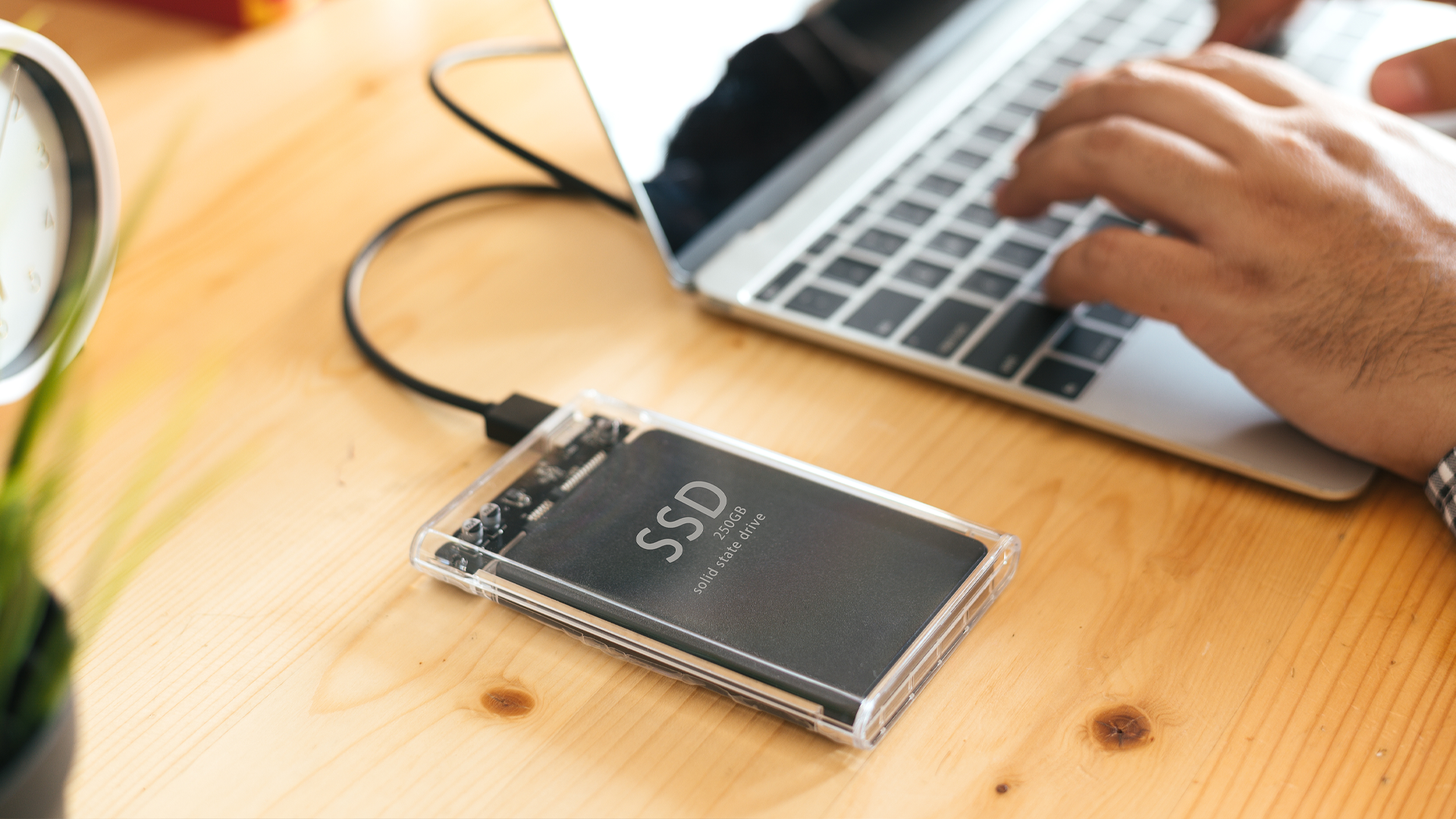
If you are looking for speed, durability, and utility, a good portable SSD might be what you want. These are great for folks who are creating out in the wild. Maybe you're filming a segment for a story, a portable SSD will allow you to quickly store your best shots and transfer this data back and forth from the computer to the drive. Some SSDs even allow you to record directly from the camera onto the drive, saving you even more time! They are also lightweight and compact, great for on-site videographers, photographers, and even gamers.
The only downside to portable SSDs is their price. While the 1TB entry point can be quite affordable, we see prices begin to become exponentially more expensive when we look at higher capacities.
Speed and Performance
I talked a lot about speed, mentioning how important it is especially if you need to transfer files quickly. This is where things can get a bit complicated since everything is shrouded in numbers and jargon that people don't really care all that much about. So, we are going to simplify it right here.
Drives have speeds called bandwidth and that operates in either megabits per second or gigabits per second, also seen as "Mb/s" and "Gb/s" respectively. Any storage drive that states is Thunderbolt 4/5 or USB4 operates incredibly fast. If your system has either of those types of ports, you will get the fastest speeds possible up to 40 Gb/s. USB 3.2 Gen 2x2 drives go up to 20 Gb/s, USB 3.2 Gen 2 is 10 Gb/s, and USB 3.2 Gen 1 is 5 Gb/s. All you need to do is look at the name of the product and in many cases, it will tell you what the connection speed is.
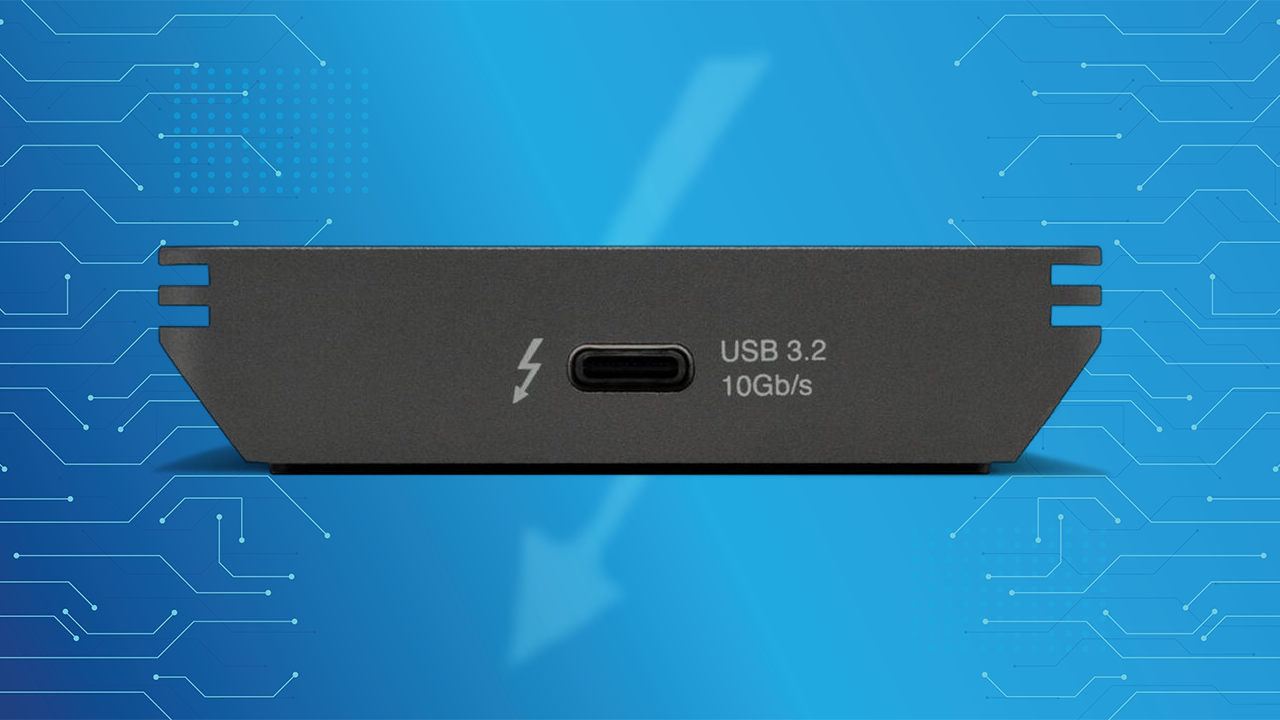
Not every drive will work at 5, 10, or even 20 Gb/s speed. That is just the ceiling that is possible if your system is well optimized. In some cases, you won't get fast read and write speeds and instead get what is called "sustained" speed, which is the minimum speed the drive can operate at while in use. Some companies will opt for sharing their sustained data transfer speeds to be a bit more honest with their customers when it comes to real-world usage.

Other Nice to Haves
So, we knocked out a lot of the types of portable drives out there and now it is time to dig into some of the niche things you need to know when going for a portable drive. There are a few things you should keep an eye on, and my personal favorite is ruggedness. Some drives will state that they are "rugged," which is a fancy way of saying there is an anti-shock layer protecting the drive. Manufacturers like LaCie feature their signature orange bumper around their silver drive to prevent any sort of accident from causing damage. Of course, there is a limit to how much damage a drive can take. Much like bike helmets, if you experience a bad physical crash, it is best to backup that data and replace the drive as soon as possible before going back out. Also, most rugged drives tend to have a port cover, which is always a great thing to have to prevent damage caused by debris.
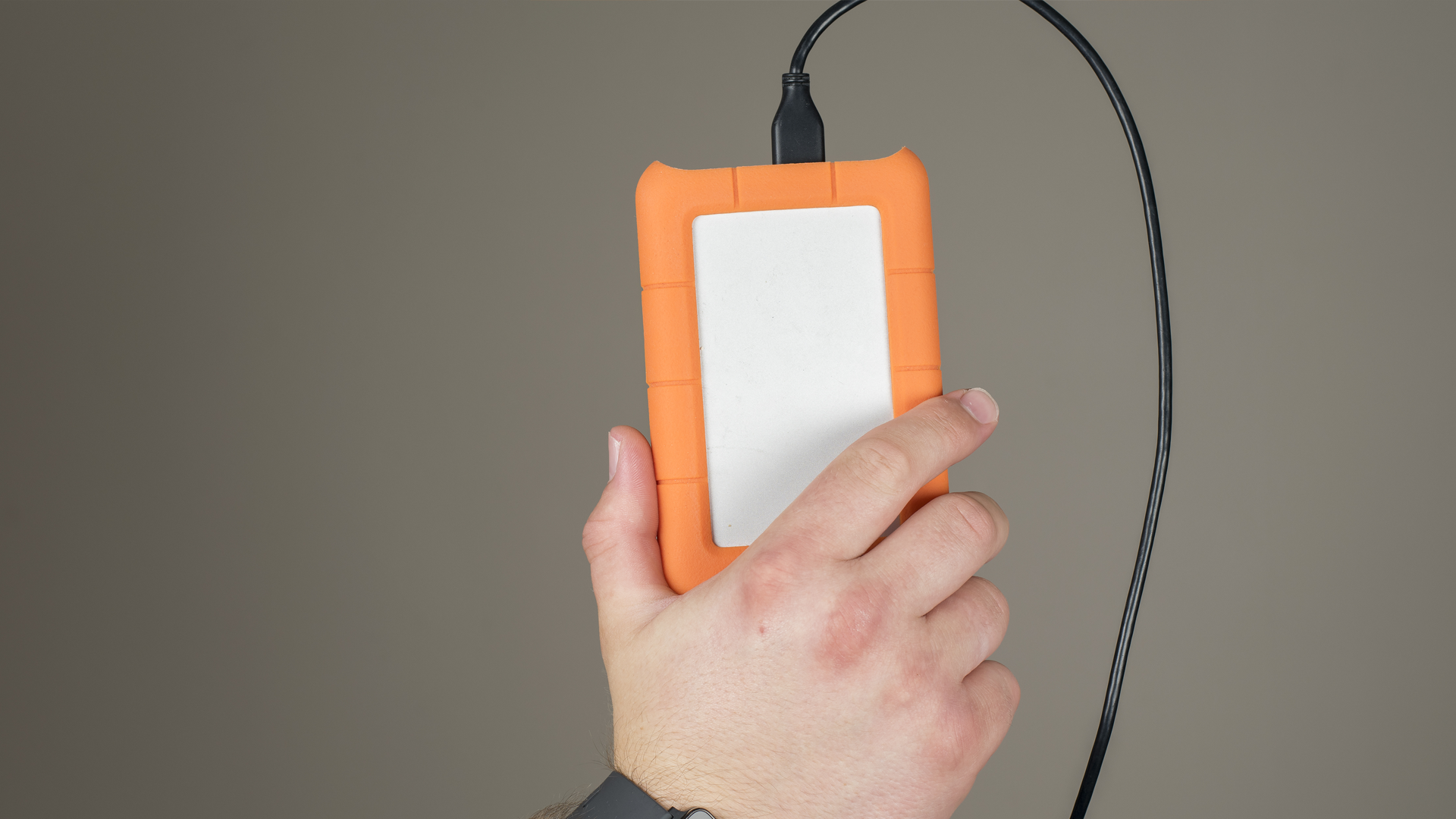
To go along with the rugged drives, it is a good idea to check the IP certificate level of the drive. A few drives might say something along the lines of "IP68," which means the drive is fully protected against dust and can withstand full water immersion up to one meter. This is good for wilderness users out there.
Drives that feature some sort of LED are also important! This tells you when a drive is powered when connected to your system and can assist when you feel like something might be off a bit. LEDs can also tell you if a drive is currently transferring data at just a mere glance. Not all drives use LEDs the same way, so make sure you check with the user manual just in case.
There are some drives that have built-in carrying options allowing you to secure the drive to a bag, strap, or carabiner. These are great for outdoor travel and to ensure the drive doesn't accidentally fall.
While all types of storage drives can use AES encryption to prevent access to important files and media, there are select storage drives with built-in keypads! These are used for those who want an extra layer of security. These will also have some element of tamper defense, which would prevent operation if someone were to brute force their way into the drive itself.
One final thing to note is in some cases you can create your own portable drive. I wouldn't do it unless you are confident. Many manufacturers make something called an enclosure, which allows you to install the drive of your choice. It requires a bit more know-how, but these enclosures can be incredibly effective in many cases.
When it comes to storage, there are so many options out there for your use case, but make sure you find the drive that features everything you're looking for. If you need some inspiration, make sure you check out our recommended products worth investing in!
