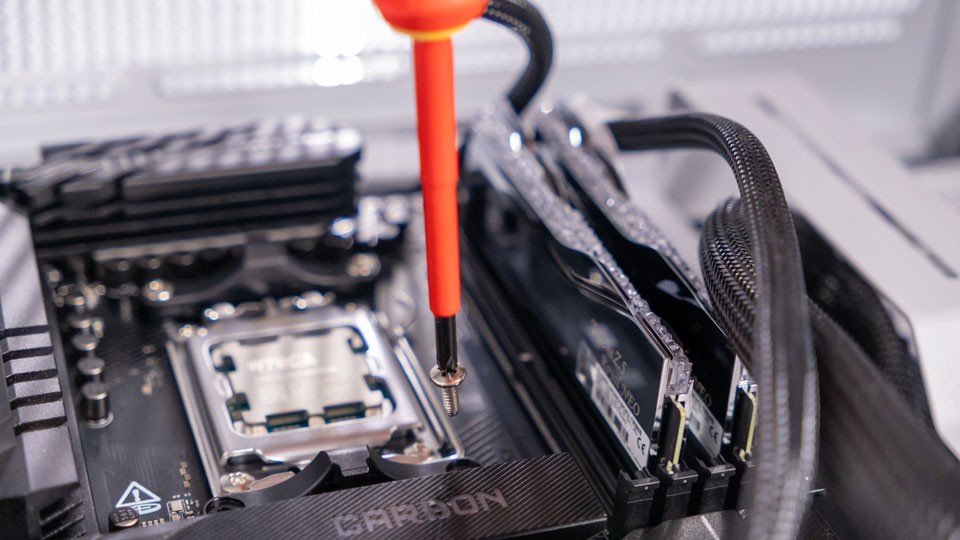
You’ve spent hours shopping around for PC components and you finally pulled the trigger on exactly everything you wanted! Congratulations! It takes a lot of time and careful planning to get to that point. But even as all the boxes slowly make their way to your home, there might be some additional materials you need to make the building experience quick and easy. So today, we are going to look at a few tools that can make your job easier.
Screwdrivers
You cannot build a PC without a screwdriver, but you shouldn’t just grab any old screwdriver you have laying around. You’re going to want to make sure the head of the screwdriver matches the screw that you are using.

If the head is not properly sized, you are prone to jumping the head of the screw, ultimately stripping it. This means if you want to remove the screw, you’re going to need to drill out the center and remove it in a process that is ultimately annoying and time consuming. You need the right tool for the right job!
This is where toolkits come in handy! Usually, toolkits come with a body for the screwdriver and multiple tips for various scenarios and components. While you might not need all of them, it is nice to have in the event you want to tackle more than just building a PC. Remember: It is always better to have too much rather than too little.
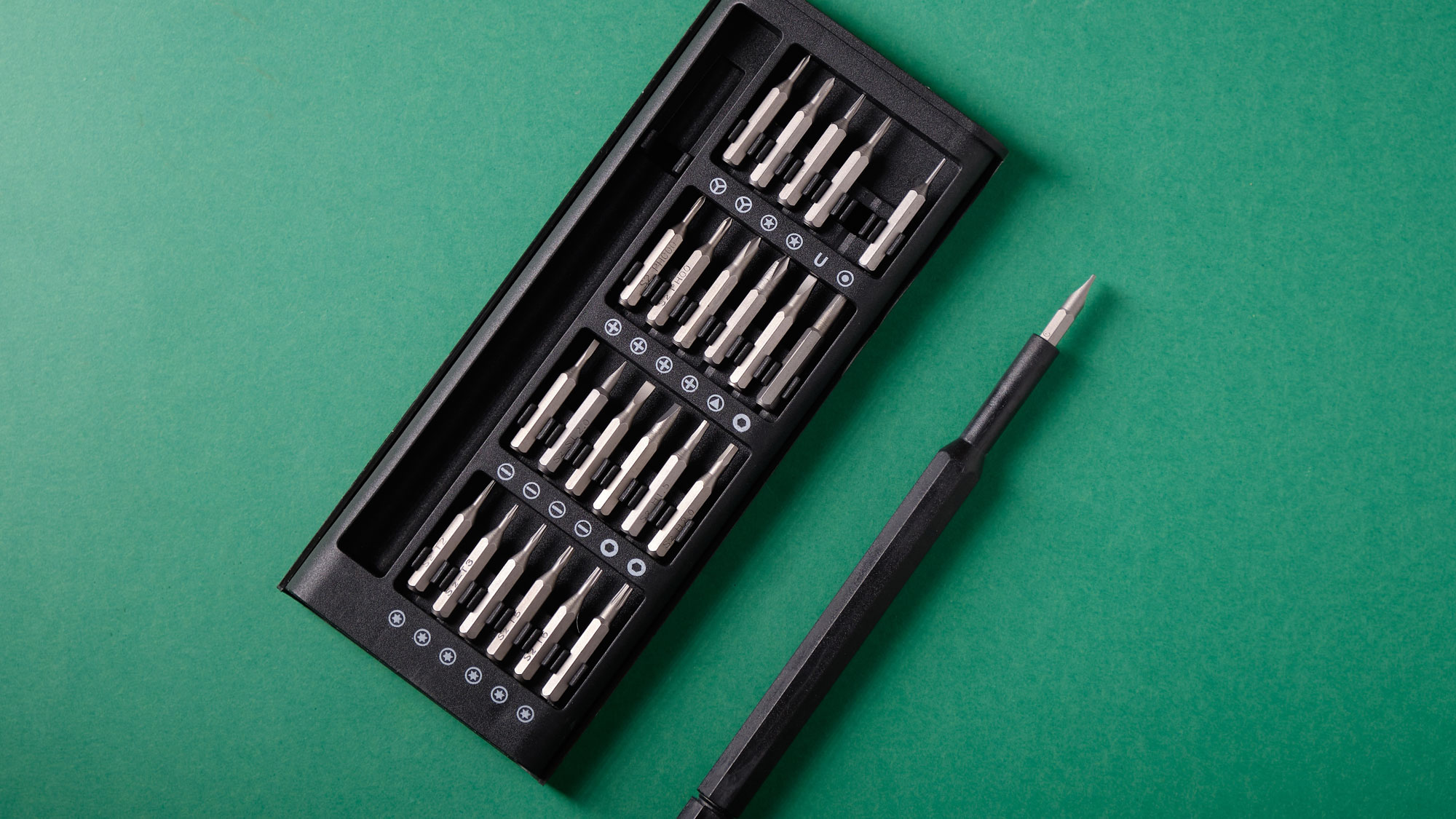
The one question remains: magnetized tips or non-magnetized? Years ago, it was said that magnetized tips could cause some damage to sensitive parts within the computer. But these days, parts are designed to be more efficient and reliable. This means that you can now use screwdrivers with magnetized tips. Not only do they have zero effect on the components surrounding the tip, but they are useful when you are trying to reach hard-to-reach places on the motherboard.
Headlamps
Unless you have someone to hold a flashlight for you like I used to whenever my dad worked on the car at night, you should get a headlamp of sorts. Balancing your phone somewhere just won’t do the trick, and sometimes you need both hands to perform some action, which is why a headlamp comes in handy. You don’t need anything too crazy; a simple single-light mode headlamp will be just fine.

Anti-Static Devices
Not everyone believes in using an anti-static wrist strap, but I am one of the few people who believe that you are better using one than not. The strap takes any sort of static electricity that you might generate and grounds it to whatever you connect the alligator clip to, like the PC case you are building in.

I would specifically suggest one of these is if you are working in a carpeted area and are barefoot or wearing socks. Static electricity can damage components to a significant degree. Keep in mind, spending a few dollars on a tool like this is better than losing a few hundred on a part.
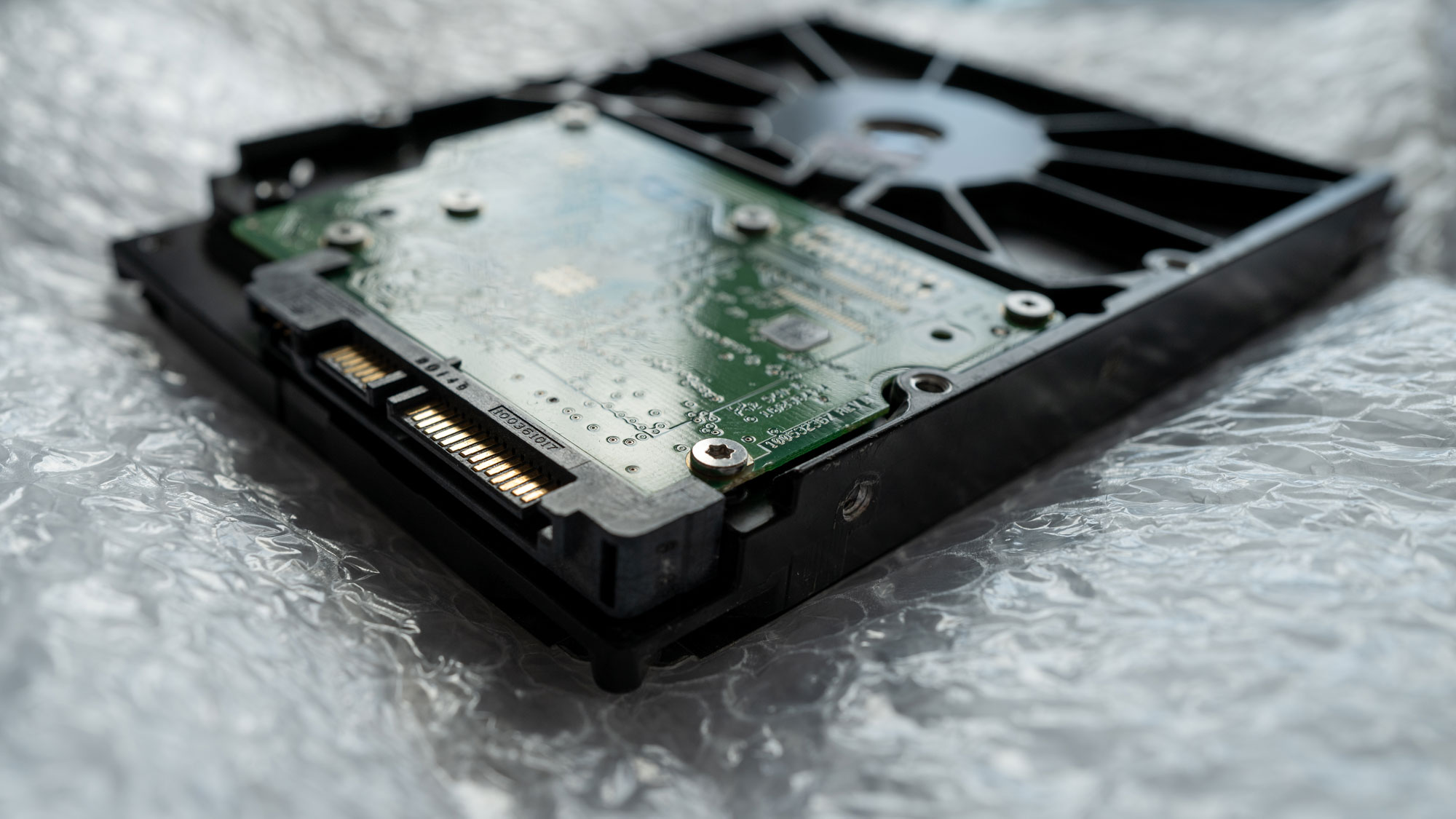
If you want to double your protections, an anti-static mat can help protect your computer and components. When you take your motherboard out to insert the CPU and memory, this is a good tool to rest those components on if you don’t want to use the motherboard box as the foundation.
Cable Ties
You might not need cable ties as they are often included as accessories for other components. PC cases tend to include a handful of these. But, in the event you want more to obtain that super-neat look with your wire management, it is always nice to have a few on hand. Once again, you are better off with too much than too little.
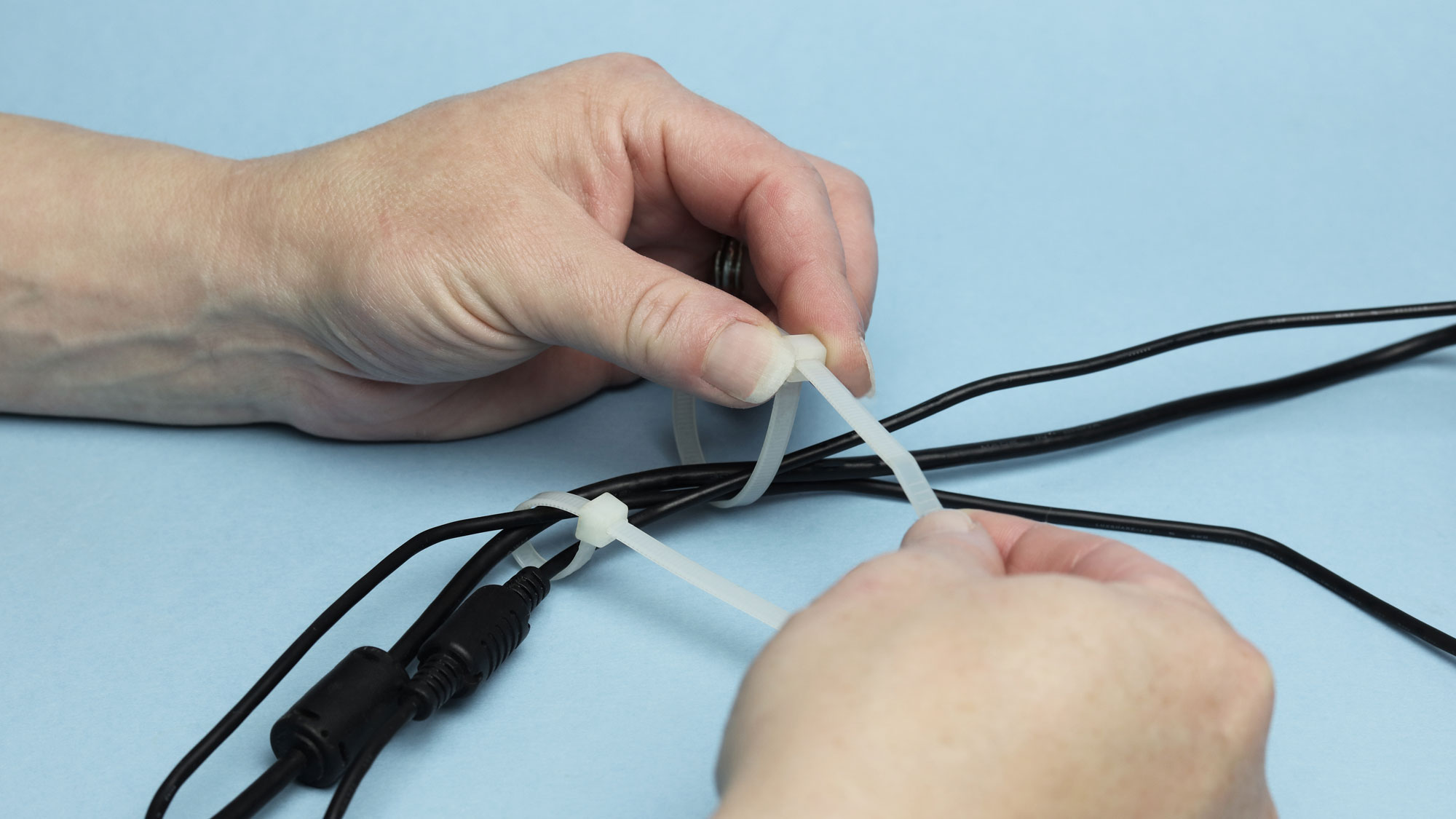
For smaller wires within your case, you are fine with four-inch ties. Just do not make them too tight where you can’t get a scissor or blade between the wire and the cable tie. Give yourself some slack to prevent any pulling from any side of the cable as well. You want just enough wiggle room without clamping too hard on the cables.
Thermal Paste
Thermal paste is a bit of a gray area, literally. This is not only because the substance tends to be a grey or silver color, but because there is a lot of conversation surrounding it. Most CPU coolers already come with thermal paste in an applicator or are pre-applied on the cooler. Some say that the stock thermal paste isn’t good enough, especially when you begin to climb up to the higher thermal ranges.
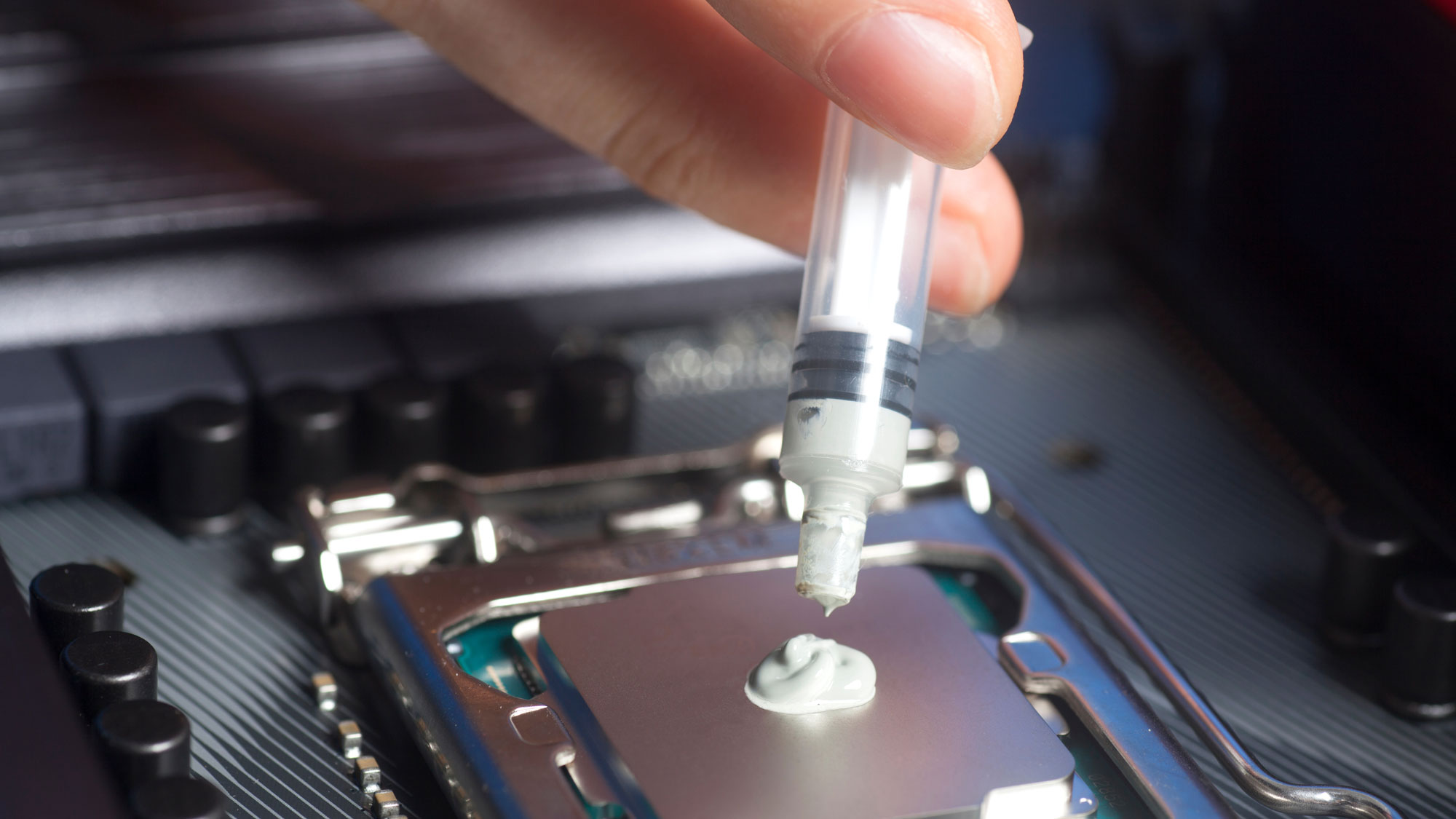
If you are running a high-end processor, sometimes it is better to splurge, especially when the cost is quite small compared to everything else. Higher-end thermal paste compounds tend to be made from materials to help with thermal conductivity. This results in less fan noise and less thermal throttling. It also helps prevent evaporation of thermal compound, meaning you do not have to re-apply the material as often as lower-end thermal paste.
Good Building Practices
As a good reminder, here are a few best practices when it comes to building and using these tools:
-
If you can build on solid ground rather than carpet, do so. As covered before, static discharges can affect components and cause failure in the most sensitive areas. Avoiding static at all costs is paramount.
-
While microfiber cloths are seen as helpful in many cases, this is not one of them. If you are looking to clean your PC during your routine maintenance period, it is important to know that not every cloth is anti-static. You must pay close attention to what you are grabbing before you use it. This also applies to brushes and even vacuums as well.
-
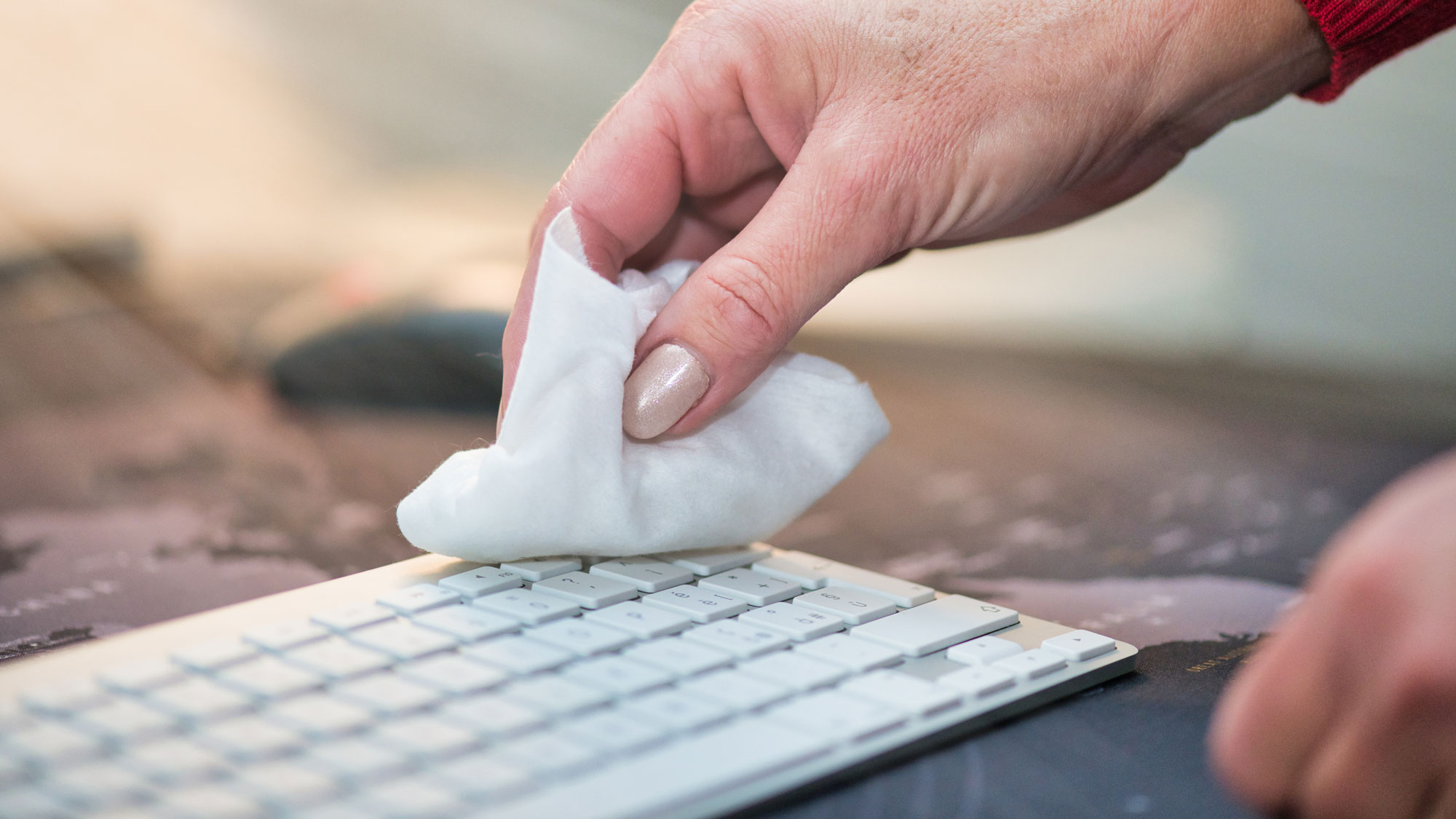
If you need to clean something like thermal paste, don’t use a standard wet wipe or a moist paper towel. You should use alcohol pads as the material and the liquid are non-conductive. If there is any residue left over unbeknownst to you, the system should still operate just fine and any alcohol should dry out by the time you hit the power button.
-
Do not leave your glass side panel on tile. These are prone to shattering. Instead, place the panel on a soft surface, maybe with a towel between the glass panel and whatever material you lay it down upon.
-
When either installing fans or cleaning them, do not let them spin freely. Inside the fan is a motor which contains copper coils. These coils power the fan spindle thanks to the power of electricity! In some instances, even when completely unplugged, a spinning fan can generate electricity and potentially cause a slight spike, rendering various components broken. It is always a good idea to unplug the fan first, then clean it.

-
While they are useful for many scenarios, I would not use a Leatherman or multi-tool to install components. More times than not, these tools don’t have the length to reach various screws and tend to be large, bulky, and heavy than the standard screwdriver.
-
It is always nice to have at least two USB drives. One can be used specifically to install your operating system while the other has other important files or applications. If you are looking for something to backup your data, use an external storage drive as those tend to be quicker and have a much larger capacity.
There we have it; a few tools and some guidance on how to use them properly. Of course, the most important rule of them all is to learn and have fun. Keep that curious mind going and stay tuned to B&H for more articles about the wondrous world of PC building.
