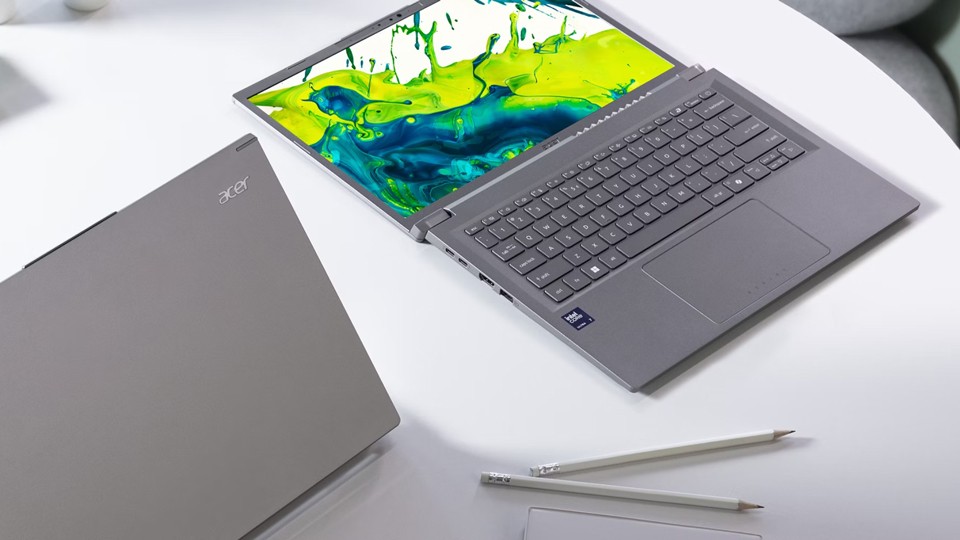
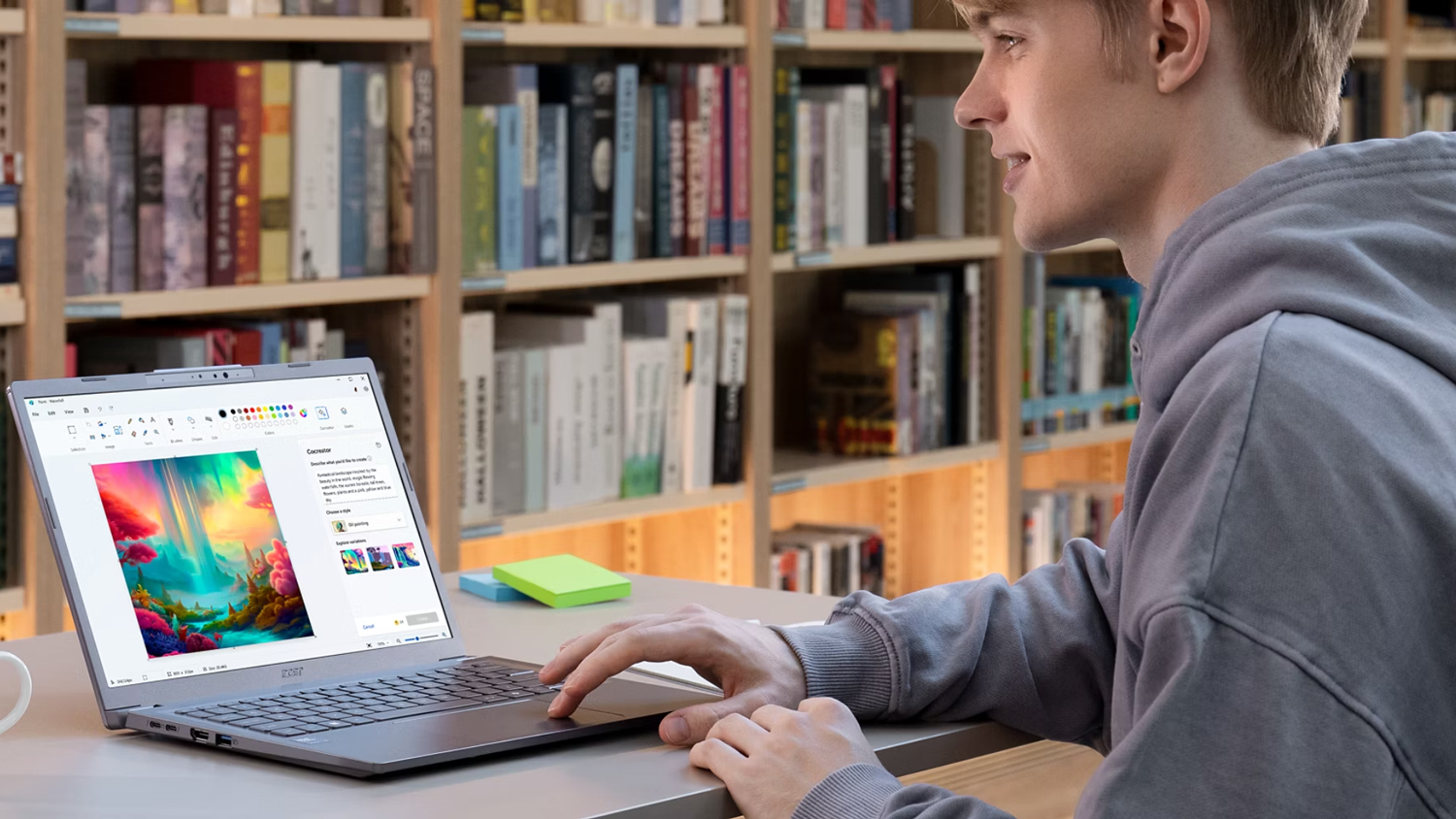
Students and those taking their first steps into the creative world don’t need the best and most expensive systems out there. Just like riding a bike, you need some training wheels before you become a world-class cyclist. As you become more seasoned with your capabilities and your workload becomes more intense, that is when you can start looking at more advanced systems. But for now, let’s take a look at what makes a good entry-level laptop for creative tasks.
Check Your Software
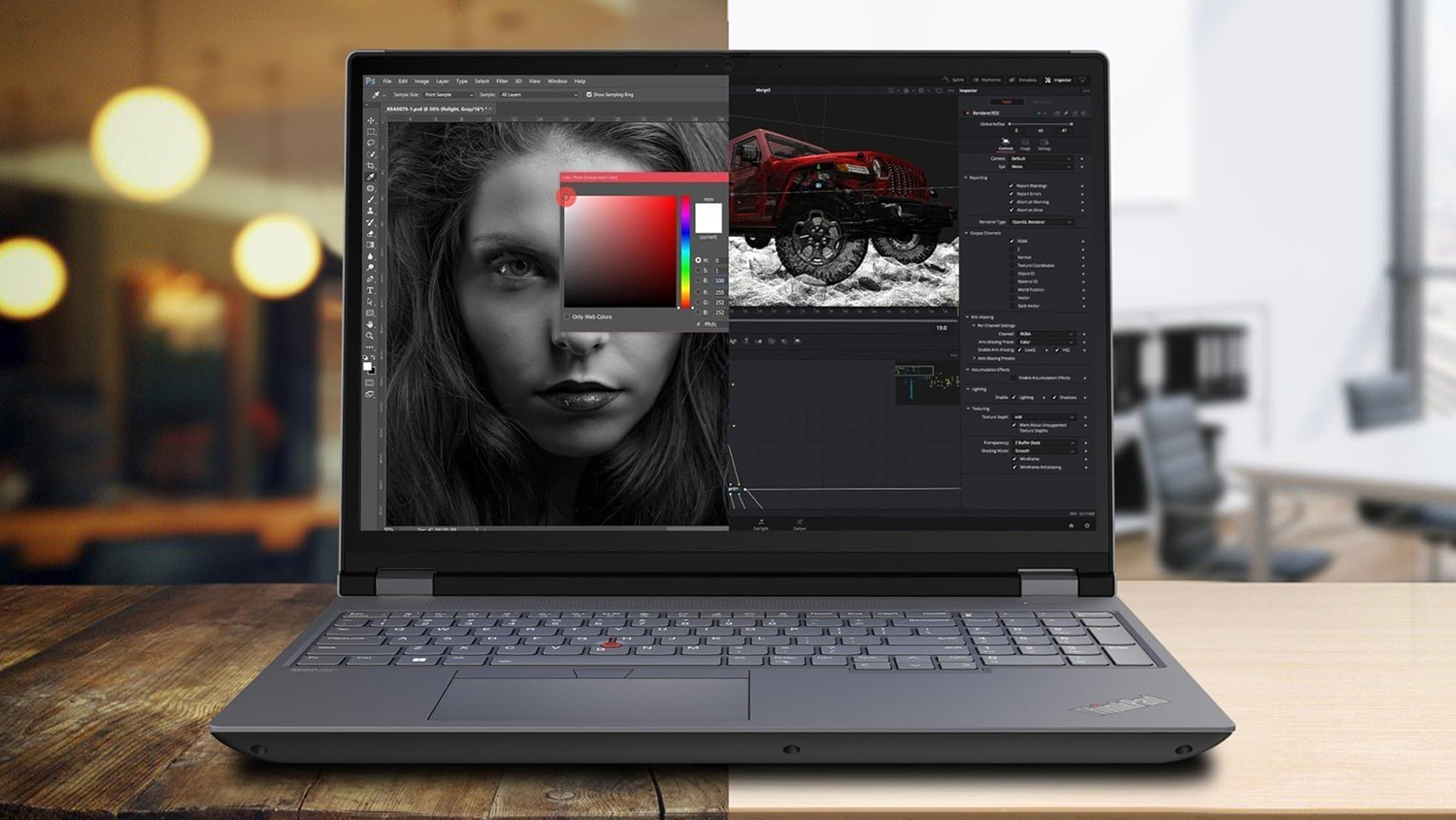
The first thing we need to look at is what type of software you are using. Photo-editing software like Adobe Photoshop requires different system preferences compared to Premiere, which is for video editing. Each program has a minimum system requirement which features a list containing the minimal-spec system that can run the applications. Meanwhile, recommended system requirements are what you should have in your system to ensure proper operation free from operational inconsistencies. Anything less than that will give you wavering results in whatever you are doing. Applications can run slow or experience massive bugs if not used on a system that meets some sort of technical requirement.
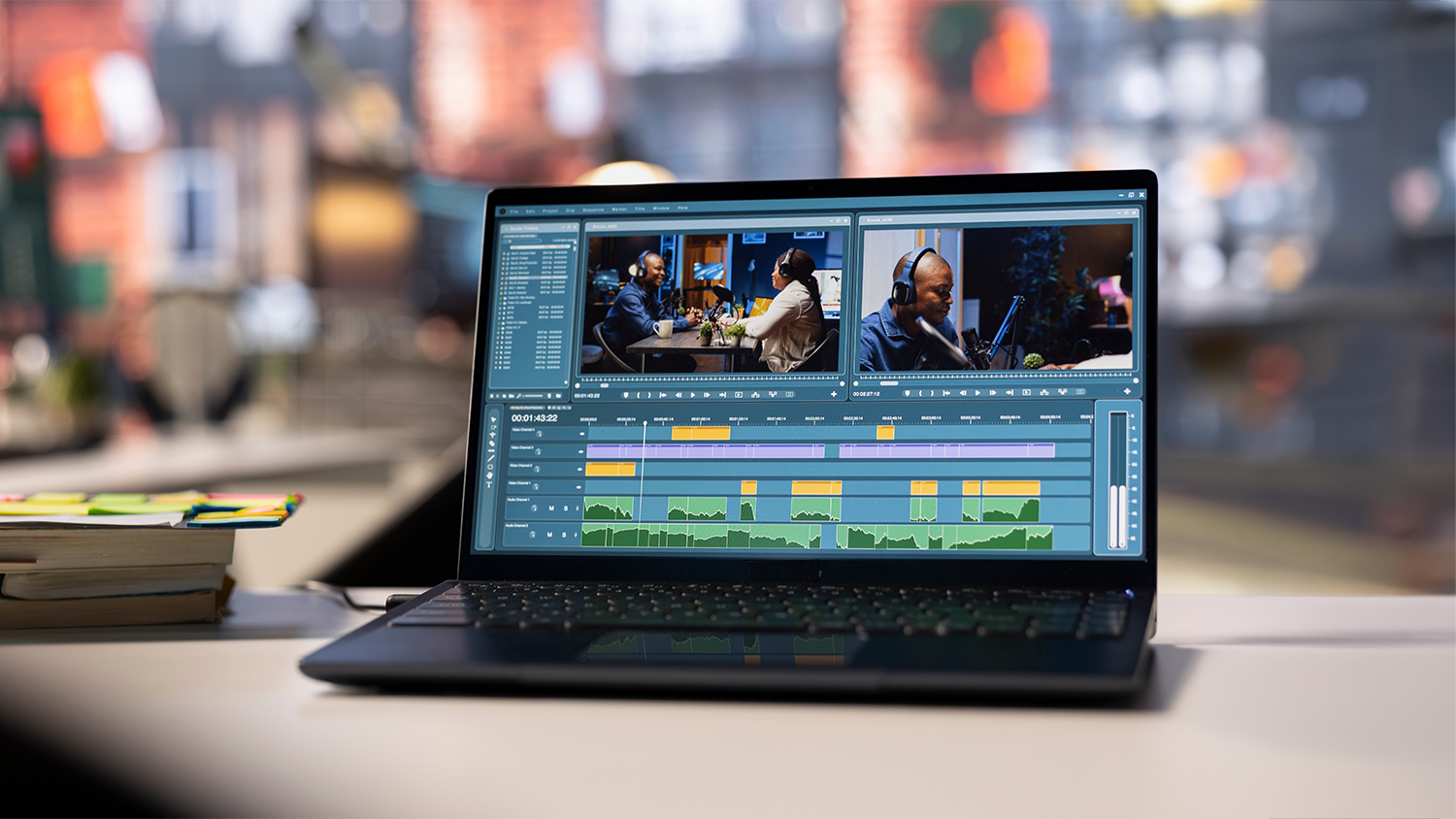
When it comes to using creative software, rendering and exporting your media, anything within the minimal specifications can perform the task. For argument’s sake, let’s say it takes 20 minutes to render a high-quality 30-minute video, which isn’t great. In some cases, you could experience a situation within the exporting process that could kill the video or maybe you notice something a bit off in your final product. If you ever need to go back in and tweak something, that is another 20 minutes gone!
Having a system that meets the recommended specifications, or in this case, something that is way better can reduce the time it takes to render. This doesn’t mean you should buy the best system out there right out the gate, especially if you are just starting out. We can get close to recommended as possible, and in many cases, it will be quite easy to do.
Processor, Memory, and Storage
Now let’s briefly talk about the hardware. When looking for a entry-level creative laptop, you want something that is better than a casual or basic laptop. You’ll also want to avoid any and all Chromebooks. While still useful in specific scenarios, they are not the robust systems you’ll want to handle your creative tasks. They are typically underpowered and a bit lackluster in the productivity area.
So, let’s start with the processor. Right now, the two biggest companies are Intel and AMD, and they have similar naming conventions. In this case, anything that features an Intel Core Ultra 5 or an AMD Ryzen 5 is a great first choice. These are both very strong processor families that can render photos and videos quickly. They surpass the recommended specs for programs like Adobe Photoshop and Premiere.


For memory, I would suggest something with 16GB or more, as long as the price isn’t too expensive. You might see a computer with 8GB of memory and while that meets a ton of minimum specifications, it won’t be able to render fast enough. This is why I suggest 16GB or more. Also, a lot of systems now have RAM soldered directly to the motherboard for faster operation which means you can’t upgrade this like you used to in the past.
Storage wise, this is all about how much you plan on keeping on your computer. You’ll find a lot of computers with 256GB of storage and that is fine for lighter workloads but the second you start working on RAW photos or video files, that space will be taken up quickly. For starters, I would suggest at least 512GB of storage and rely on external storage solutions for bigger workloads. It might sound a bit crazy, but this will save you money in the long run and it is always nice to have a backup option.
Graphics and Display
Some computers will have either integrated graphics or dedicated graphics. Integrated graphics found on some systems will present themselves as “Integrated Intel Graphics” or “Integrated AMD Radeon Graphics.” This means that your processor and memory are working together to deliver the image you see on the screen. When it comes to photo editing and designing logos in various software applications, integrated graphics will get you by with ease.
When it comes to something more powerful, you’ll want to keep an eye for dedicated graphics which is a separate hardware configuration that leverages various graphic capabilities. You’ll find these a lot in gaming laptops and a few creative laptops. Are they necessary? Like I said before, it isn’t fully needed for beginners, but it is nice to have as long as it doesn’t go over your budget.
Whether you go with integrated or dedicated graphics, the display is going to play into which type of graphics is available. For example, a standard 14” In-Plane Switching (IPS) display leans on being the industry standard and still a solid option for beginners. They have a wide range of resolution options from 1080p to 4K. Do you need a 4K display on your laptop? Not when you are just starting and trying to get a grasp of the software you’re using.
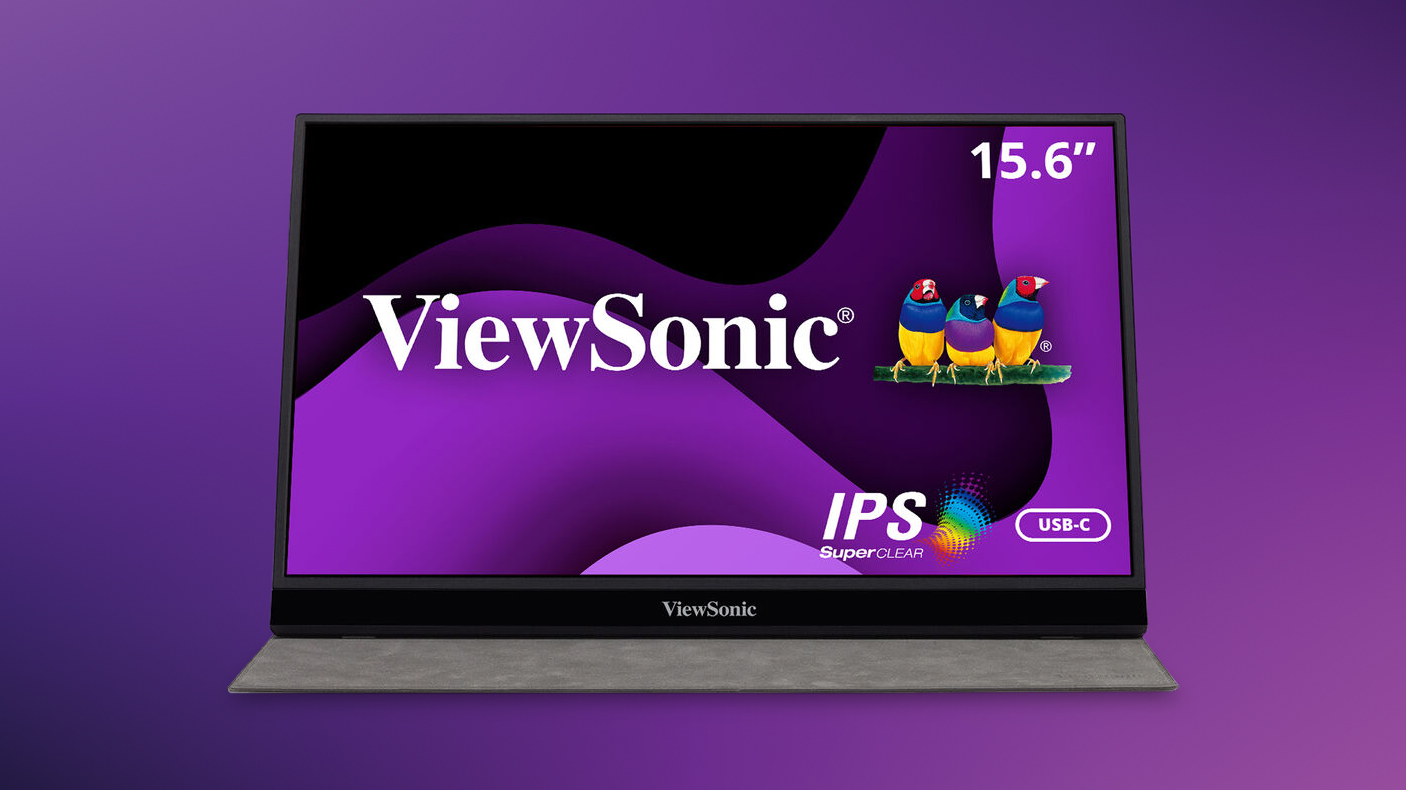
You’ll see a lot of 1920 x 1200 resolution displays out there in the market and those are a step up from HD 1080p. You actually get a bit more verticality on a 1200p display over a 1080p display. This could mean you get extra canvas space while the toolbars rest a little higher than usual.
What might matter though is color space and accuracy. A lot of IPS monitors will support a wide range of color spaces and it is important to make sure you are getting the right coverage. Color spaces themselves (otherwise known as color gamut) is a range of spectrums determined by various companies like Pantone, Adobe, and more. The space that a display covers will be represented in a percentage, often like this: 99% sRGB. This means that the display covers 99% of the sRGB color range.
So, unless it is strictly required by a school or affiliation, you can get any sort of system with a half-decent display to start with. Color gamut might be a bit advanced, but it is nice to pay attention to.
Ports
Ports are important. You want to have a laptop that offers a handful of options when it comes to unleashing your creative side. When it comes to beginner artists, a USB-A port or two are nice to have and are often seen as a necessity. The more you have the better, but not every laptop can be outfitted with a ton of them. There is a balance to it all. Either way, some folks like to use a mouse while at a desk, maybe connect a drawing pad, or anything else. At the very least, you want anywhere from one to two USB-A ports. Sometimes you’ll get a USB-C port which is nice to have but not always necessary.
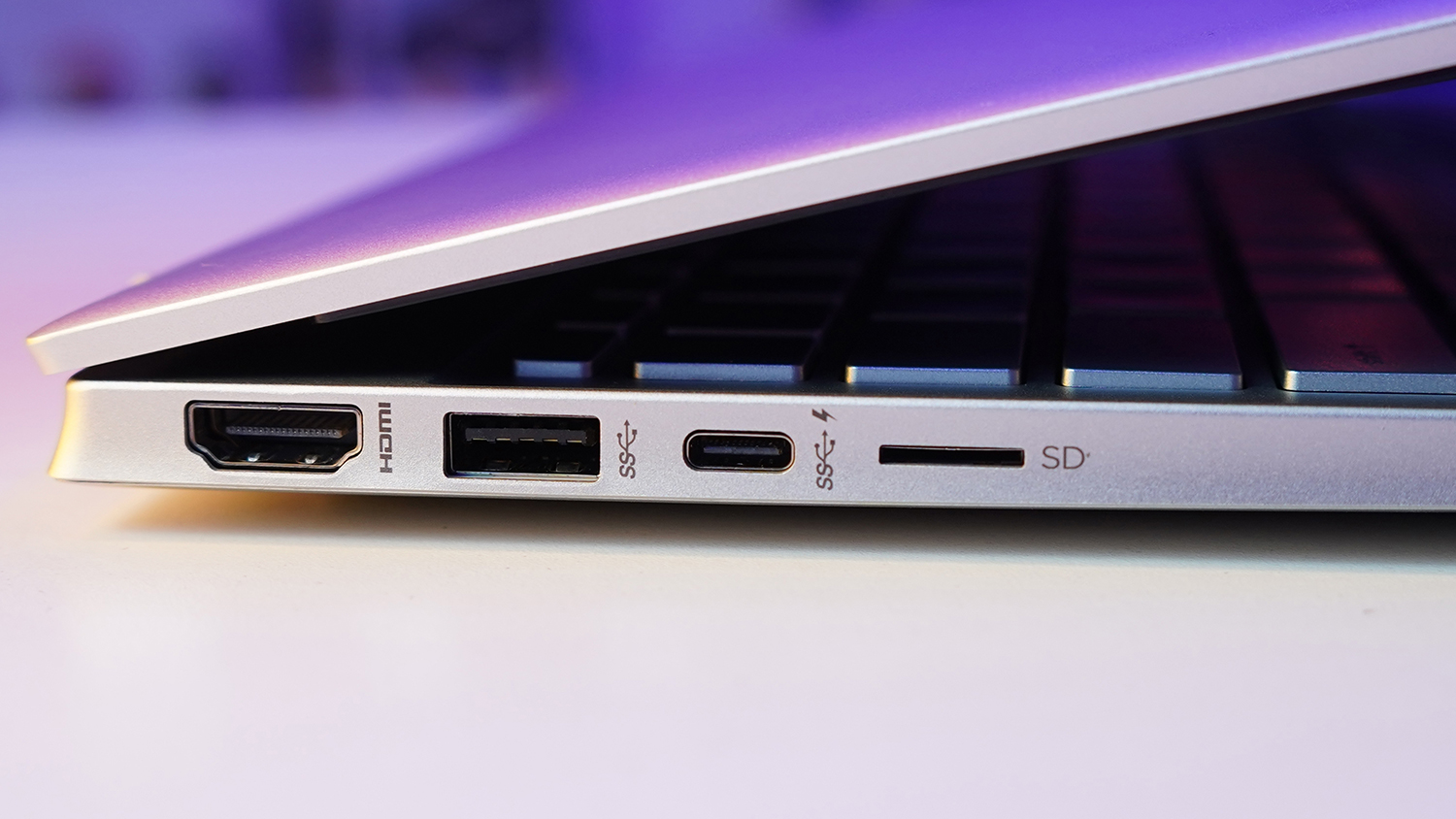
Another type of port that people don’t often think about is an ethernet port. Not every laptop has one, but a few do and they are great if you can’t connect to a Wi-Fi signal, but you happen to find a Lan line somewhere like a dorm or library. You’ll especially want the reliability that comes with a hardwired connection so you can upload your content quickly and even enjoy some streaming media.
While not necessarily a port, two things are vastly important, and they are Wi-Fi and Bluetooth. Now, the versions themselves aren’t too critical, but you want something a bit recent just to take advantage of any faster networking and peripheral speeds. Both of these are wireless protocols which means you’re not running a cable to an ethernet jack or connecting a mouse.
Conclusion
When it comes to the finite essence of what makes a good creative beginner laptop, these are the features you should look out for. The idea is that you learn the software you need before taking a leap into something more advanced. Just like the skills you learn, you must crawl before you walk. But, if you are someone with knowledge and need an idea of what would make a great system that stands in the middle of beginner and pro, we have a few ideas for you. So, make sure you stick around B&H and find out more!
