
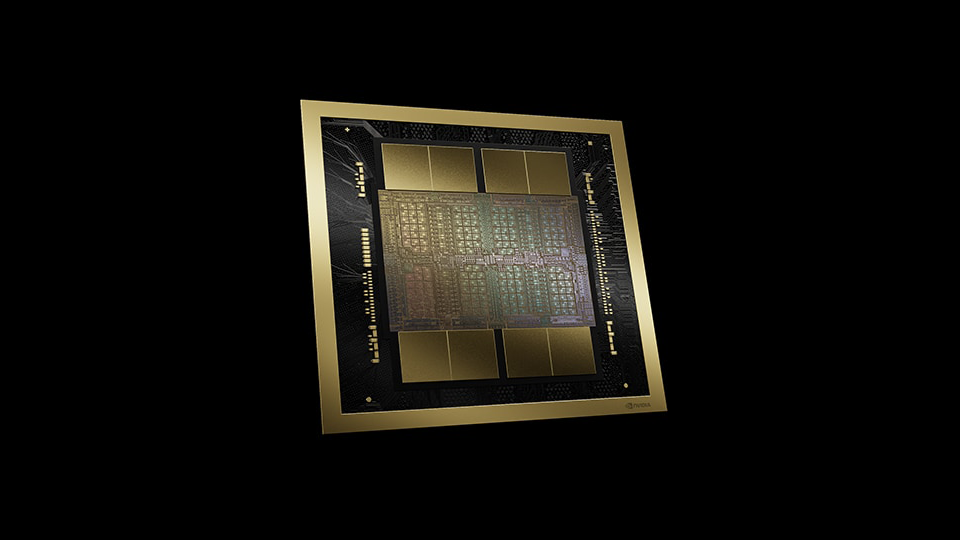
When it comes to delivering amazing graphical experiences across the board, no one does it quite like NVIDIA. With the 50 Series of GPUs now fully out into the market, users have plenty of options when it comes to completing their gaming rig with one of the most powerful platforms to date. By leveraging the power of NVIDIA’s Blackwell technology, users can experience greater speed and performance when it comes to gaming. But it can do so much more, and I am here to test it. Taking a special hands-on approach, I will see exactly how NVIDIA is bringing content creation and development to new heights.
AI Utility in Gaming
When it comes to gaming, NVIDIA is best known for Deep Learning Super Sampling, or DLSS. This technology allows games to run smoother by using AI to predict and construct frames based on what is happening on the screen. Sometimes this could cause syncing issues which affect overall responsiveness, which is why Reflex is here. Reflex optimizes your games, enabling faster target acquisition, reaction times, precision, and more!
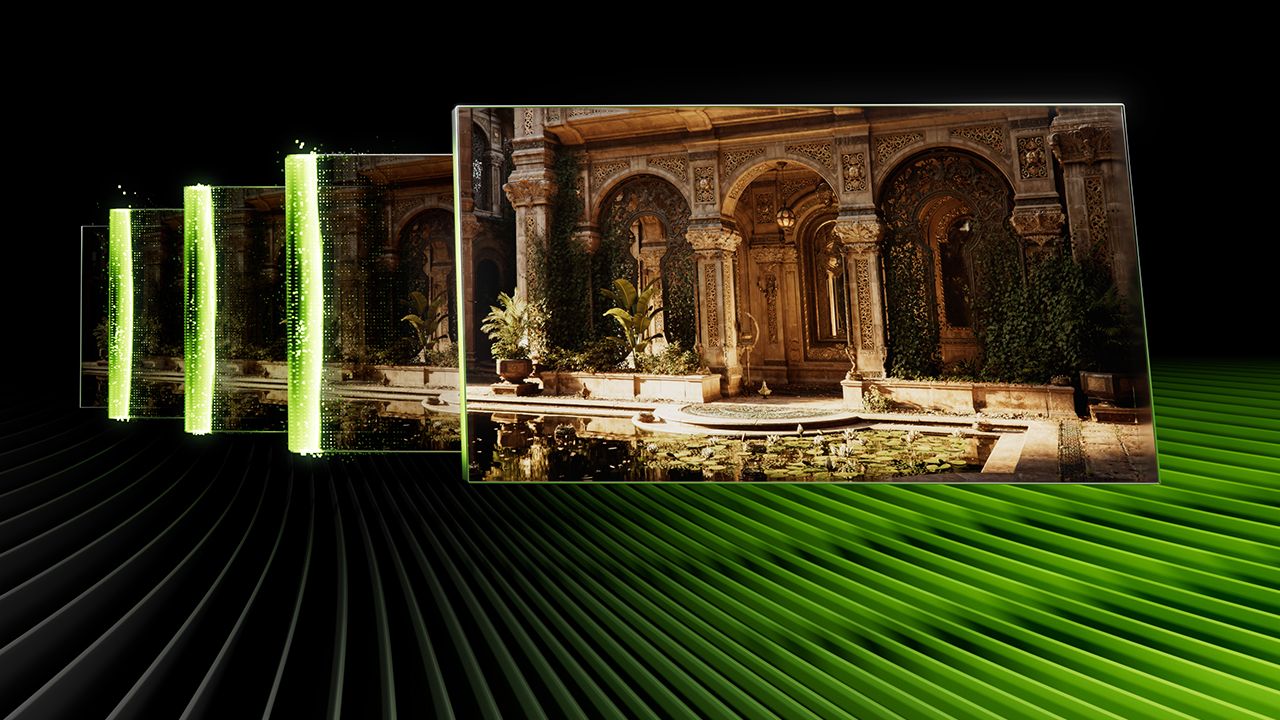
I’m quite familiar with DLSS and have been using it for years on previous generation cards. On both my RTX 3070 Ti and 4070, I found DLSS to deliver on its promise. But Blackwell technology found in the RTX 50 Series is designed for greater uplift, making DLSS and Reflex even more powerful than we have ever imagined. Games ran smoothly and I had zero complaints about the experience. Some of my favorite titles like Cyberpunk 2077 and Baldur’s Gate 3 look fantastic with crisp details! I even connected it to an external monitor and found performance to be absolutely solid.
So, what does this have to do with creative ambition? Well, it is all about system resources and how they are utilized. If you are running multiple programs such as NVIDIA Broadcast and a game that you are streaming to the internet, you’re going to see resources utilized all over the place. Applications and behind-the-scenes tools will try to pull from your system to ensure smooth and fluid production.
DLSS enables you to play your games while also streaming it, lowering the impact of resources across your entire system. And this is important because it acts as the foundation of everything else. As NVIDIA has seen a great deal of positive feedback from gaming enthusiasts across the board. Bringing that same sense of admiration to creatives only makes their jobs just as simplified and rewarding.
Audio Enhancement
I remember the day NVIDIA released the first build of their noise suppression technology. A man, equipped with a hammer, hit his desk. Several thuds could be clearly heard along with the sounds of various equipment jumping upon the impact. He then enabled NVIDIA’s sound reduction tool on and hit the hammer upon the desk once again, revealing how effective the application was. You could hear him clearly without the thudding of the hammer on his desk.
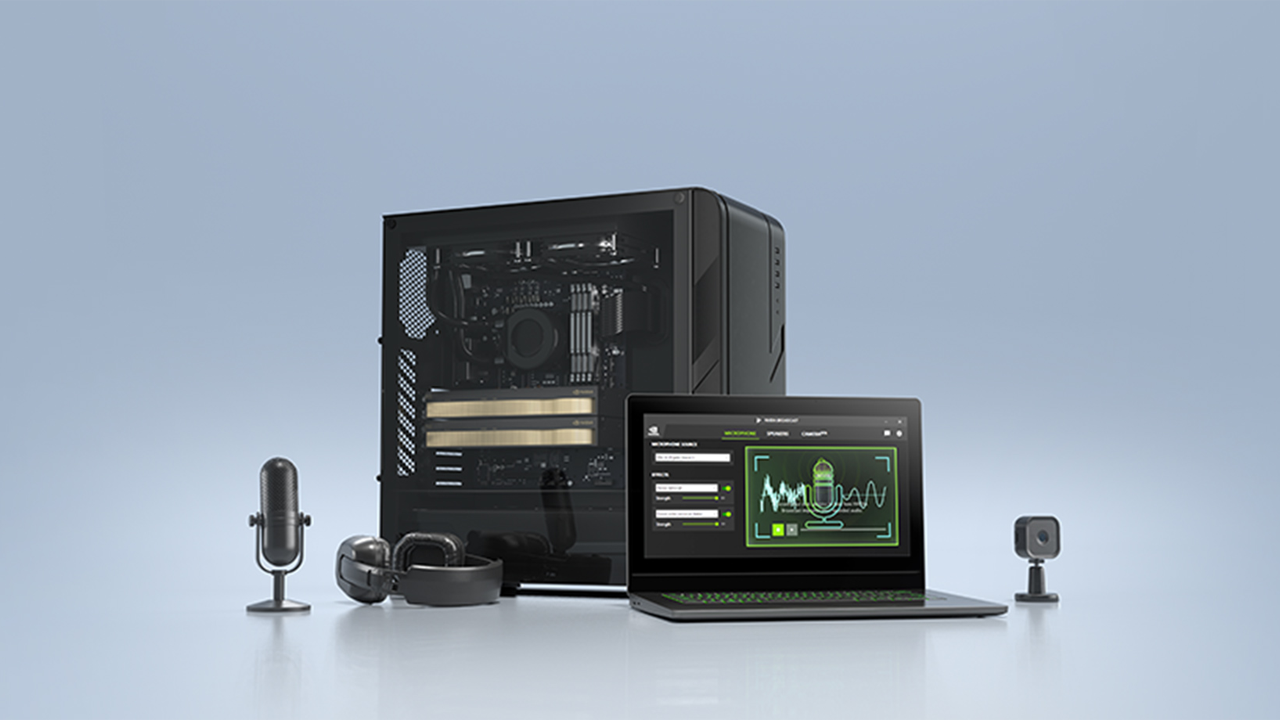
Not only did I find that to be incredibly impressive, but it is amazing how far that technology has grown. Instead of just one simple setting, I was surprised to see NVIDIA expand their audio capabilities. Microphone effects within the NVIDIA Broadcast app gave me many different options including the ability to modify external noise, echoes, and reverb. Studio Voice (currently in beta) is such an essential piece of software that enhances the quality of anyone’s stream! At this point, it is almost completely necessary, at least for me. Last but not least, there are speaker effects that can also be used to help with monitoring your audio. Noise and Room Echo Removal techniques help with optimizing your playback.
Video Enhancements
One of the more popular techniques in streaming is greenscreens. They can be a bit tough to work with because you need the right amount of lighting. Thanks to Virtual Background, this changes. I can remove my background, blur parts, and create the content I want to without the complex lighting setup. For the most part, it works well. I could easily make adjustments to the blur and even customize my backgrounds which is a nice touch.
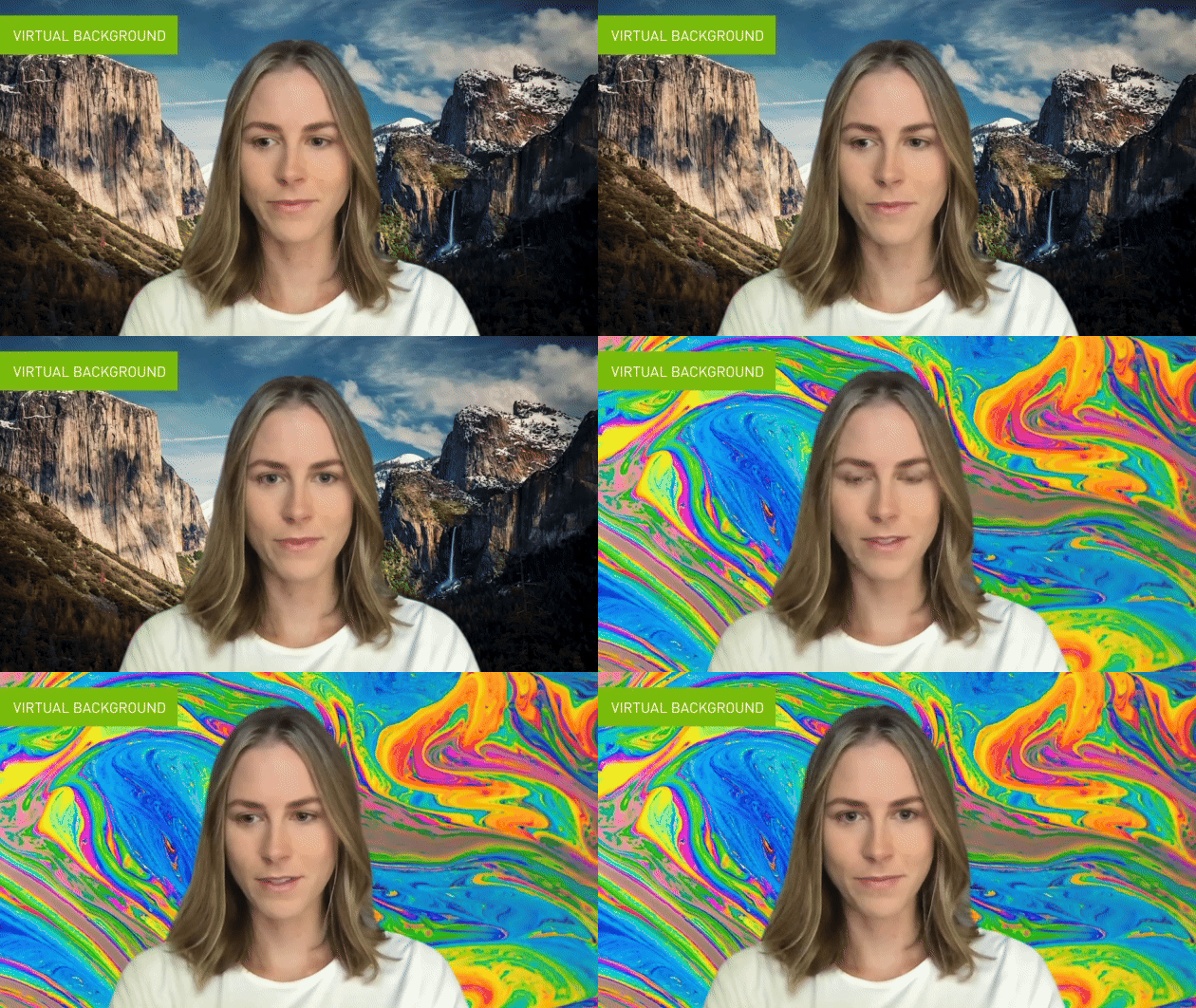
Removal of my background is a really nice feature, but it has its flaws. While a traditional greenscreen offers a clear and crisp cutout, background removal is not as accurate. Moving quickly produces breaks and visual artifacting. But it works incredibly well for those who do not have the necessary tools or space to utilize greenscreen technology. I strongly believe that this feature is one of the strengths of the Broadcast suite and can be used for so many scenarios.
Virtual Key Light is a unique feature that brightens up darker areas. Relighting my face to become more prominent but not overly saturated. It does require a little bit of light, which could come from your display or another device. Granted, this is still in beta, and I would love to see how this grows in the future.
Eye Contact is another AI-enabled feature that I found to be quite interesting and usable in certain situations, specifically for video essayists who are on camera most of the time. Looking into the camera has always been a physical concept that makes the viewer of the program feel like they are being addressed directly. Sometimes a simple look at a teleprompter that is just off screen could be noticeable and distracting. Thankfully, the Eye Contact feature removes that. My content doesn’t necessarily require a teleprompter, but for those who might want something to be more direct, I can see this being incredibly useful.
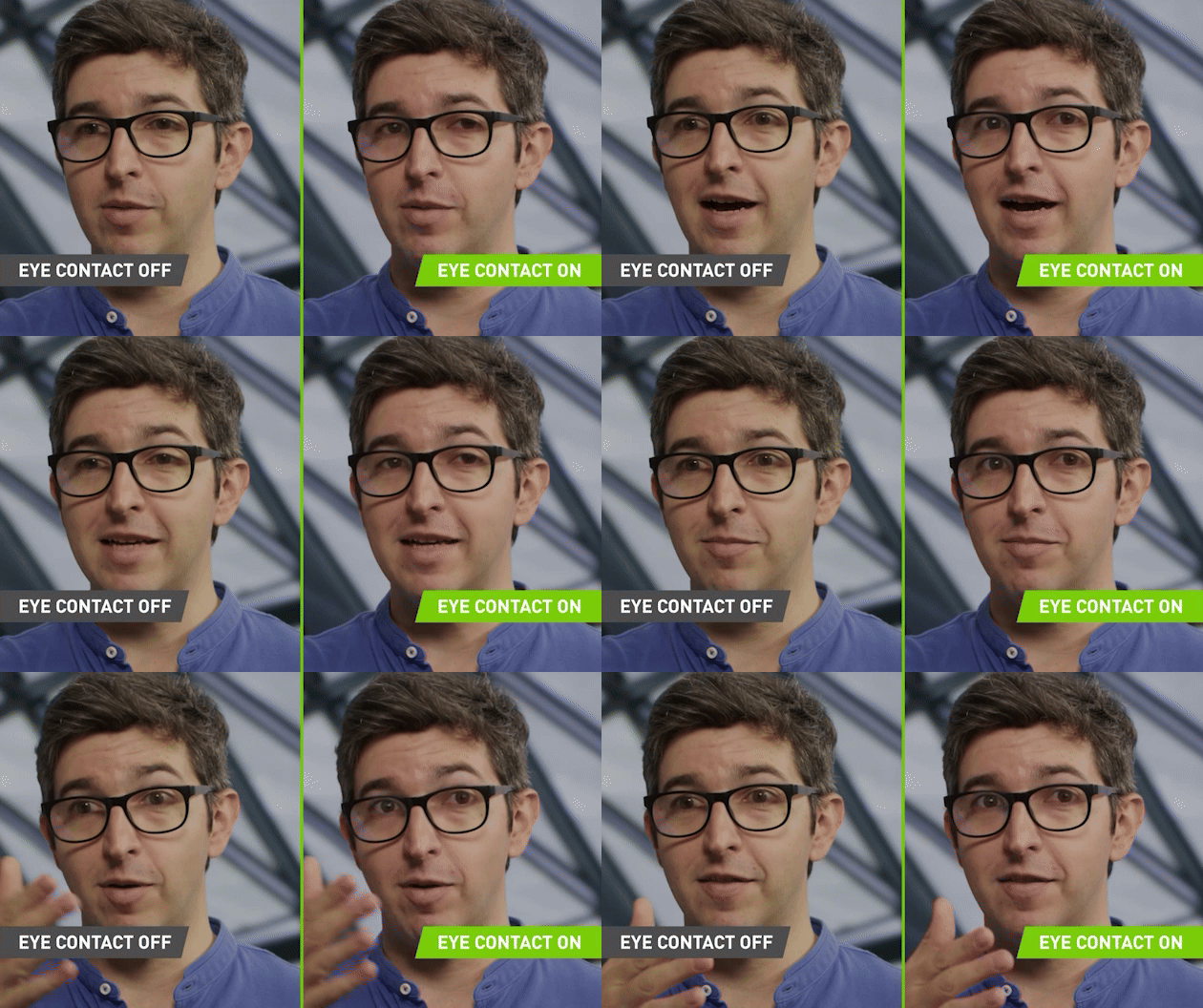
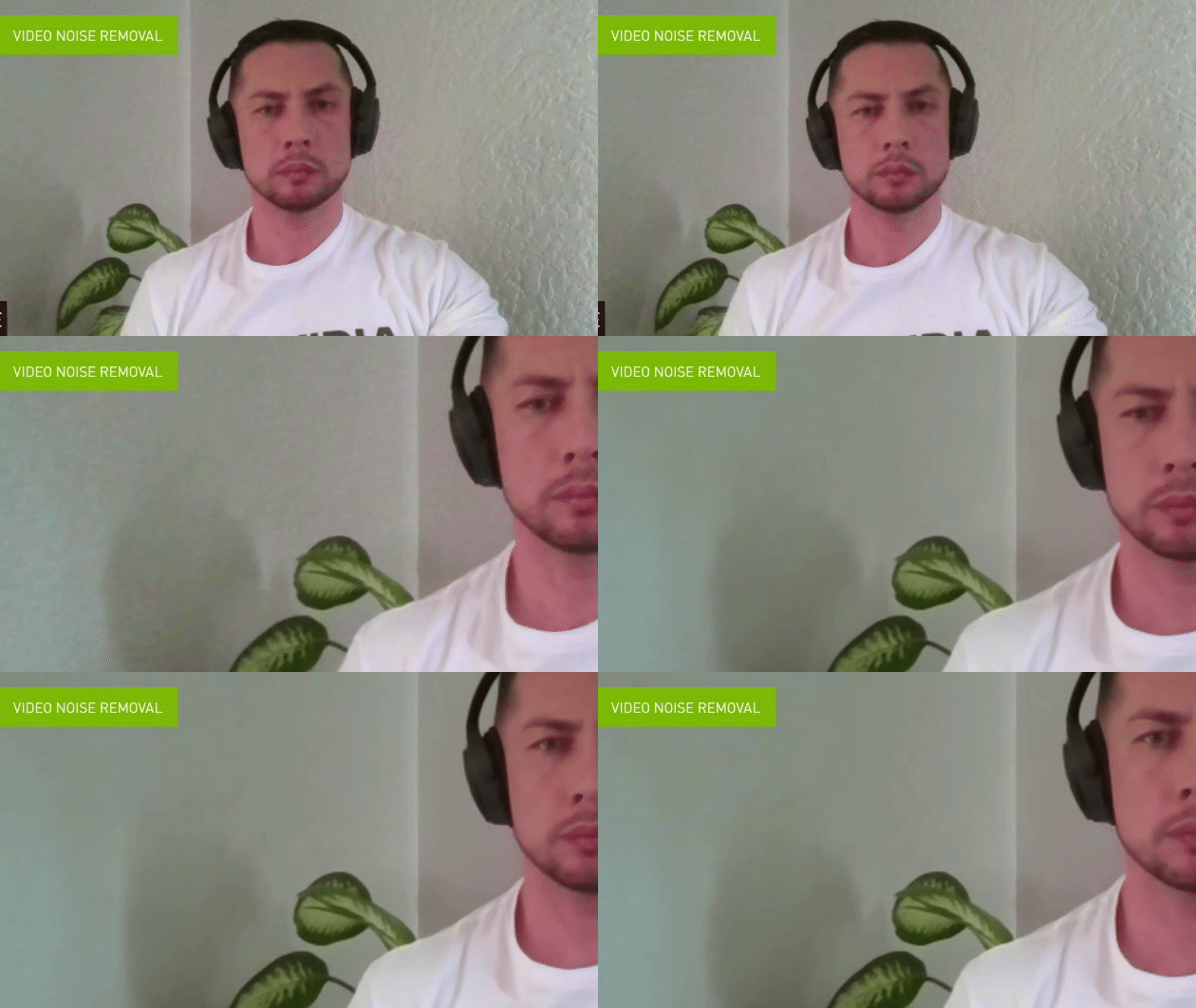
There are two other elements that I found useful. The Video Noise Removal and Auto Frame technologies are really interesting and feel presenter focused. Video Noise Removal cleans up elements caught on camera which is great for video presenters who don’t have the highest quality video capture capabilities with their webcam. Auto Frame keeps the presenter in focus, which is great when you’re talking directly to an audience. I find that this works really well with the Eye Contact feature.
Nice to Haves
NVIDIA prides itself on simplicity. As technology grows and becomes more obtuse, it is important to maintain a level of utility that is quick and easy for someone to pick up. NVIDIA succeeds with their Broadcast software, enabling these technologies with as little as a single click.
On top of that, NVIDIA Broadcast works seamlessly with other video software platforms like OBS! All you need to do is select NVIDIA Broadcast as your video source and you are good to go! You can even make adjustments in Broadcast to see them take effect in real time.
Conclusion
If you are a creator running NVIDIA hardware, then there really isn’t a reason to not use this software. If you’re looking for extra controls and options to help elevate your content creation to new levels, Broadcast just makes perfect sense. Most importantly, the software is free to use. You have nothing to lose and everything to gain.
