
You sit down at your desk and start up your system. As the fans whirl and the lights glow, ideas start to enter your mind. A collection of colors and designs begin to manifest within your mind. And as you begin to open up your software to bring your imagination to life, you wonder if this could all be done much quicker. Luckily for you, we are going to tell you about some of the best accessories to enhance your workflow. So, let’s take a look.
Logitech MX Master 3S

When it comes to productivity, you cannot beat the Logitech MX Master 3S. It is a solid professional mouse designed for both comfort and utility. There are buttons located all around the MX Master 3S including where your thumb rests. Horizontal and vertical scroll wheels are located on the front and side, giving you a comfortable feel while you work.
Logitech Lift
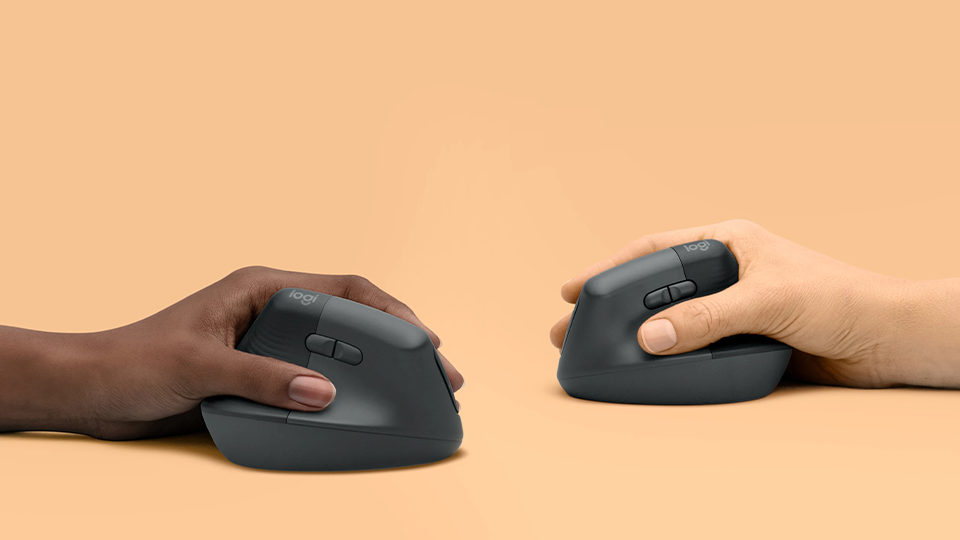
While the MX Master 3S is a great mouse, you might consider the Logitech Lift vertical ergonomic mouse. It is designed for the ultimate comfort, placing your right hand in a natural, relaxed position. You still get a handful of extra buttons to streamline your workflow plus a rubberized scroll wheel for precise scrolling.
Logitech Wireless ERGO K860 Split Keyboard Kit
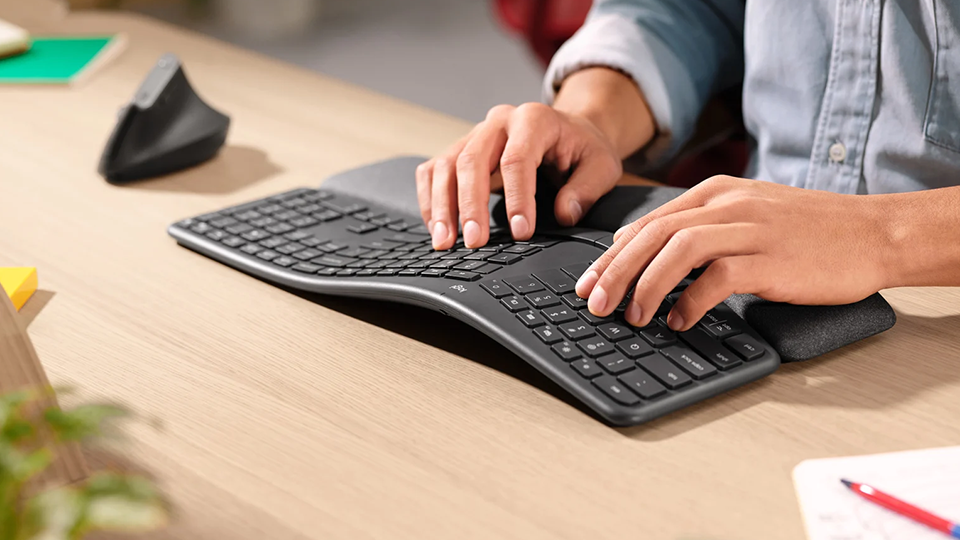
So, you love the idea of having an ergonomic mouse, but what about an ergonomic keyboard? The K860 is a split keyboard that features a wavelike pattern designed for long-lasting comfort. It also includes a comfortable, pillowed wrist rest for additional care. This particular kit includes the previously mentioned Lift mouse, completing your entire setup in a single box.
Logitech MX Creative Console
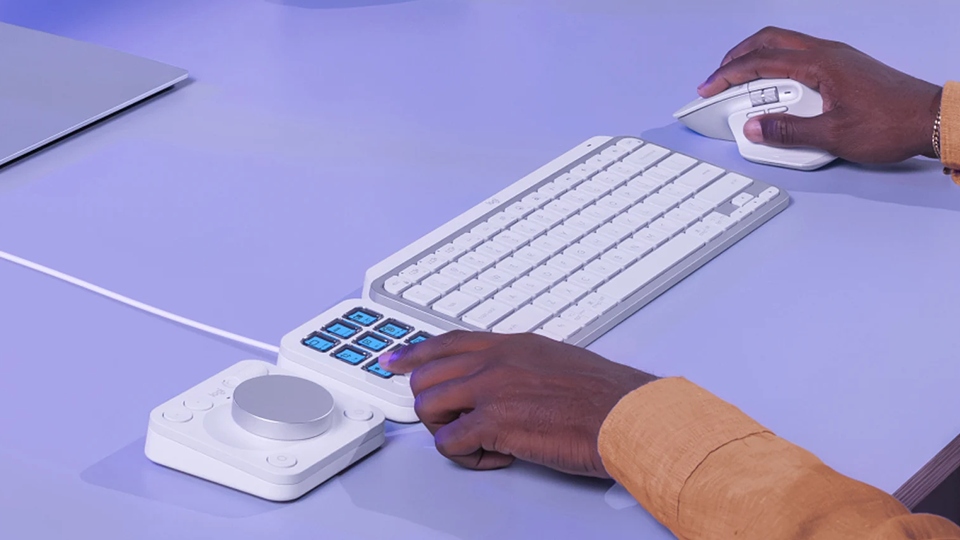
Streamlining workflow, the Logitech MX Creative Console is one of my personal favorite devices out there. One panel features nine customizable buttons with LCD screens as well as two additional buttons to swap between multiple layouts. The other panel is a Bluetooth-enabled dial with four buttons and a roller for extra control whether you are using Adobe products or other applications available on Logitech’s online marketplace. Each button can be customized to your liking, placing shortcuts and your most used features right at your fingertips.
HyperX Pulsefire Mouse Pad
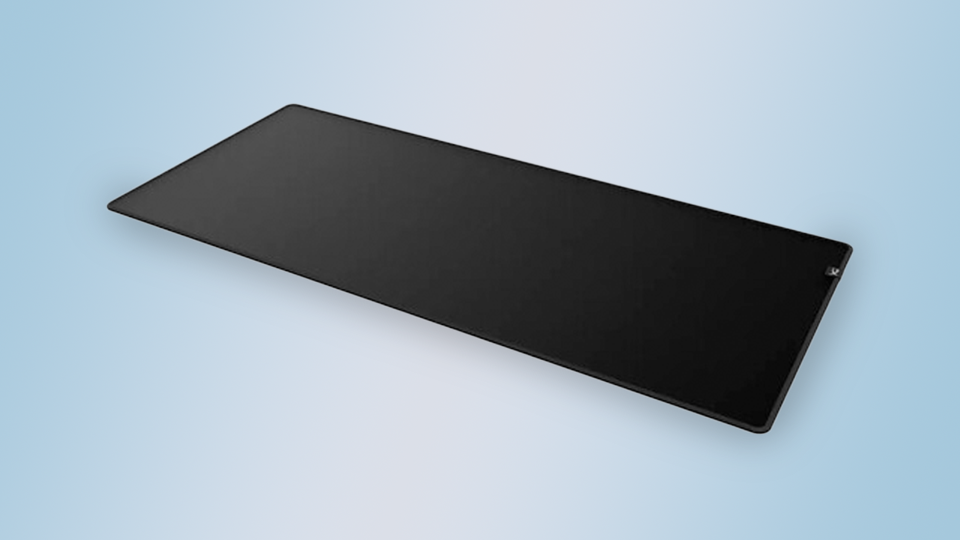
Once you get a full-length mousepad, you’ll never go back. The HyperX Pulsefire mousepad is durable and reliable, The edge of the pad is stitched to prevent the top layer from curling upwards and rubber bottom prevents it from sliding around. But the reason you buy an extended mousepad is for movement! You don’t have to limit your mouse to a specific area. Plus, in many cases, longer mousepads are stylish and can really tie the room together.
3M Privacy Filters

If you are in the office and working on something that is quite sensitive, 3M’s Privacy Filters support a wide range of screen sizes. These filters block prying eyes from viewing whatever’s on your screen, reducing the viewing angles down to just 60 degrees. It also has two sides, one glossy and one matte to better accommodate your eyes.
Gabor Laptop Flex Stand
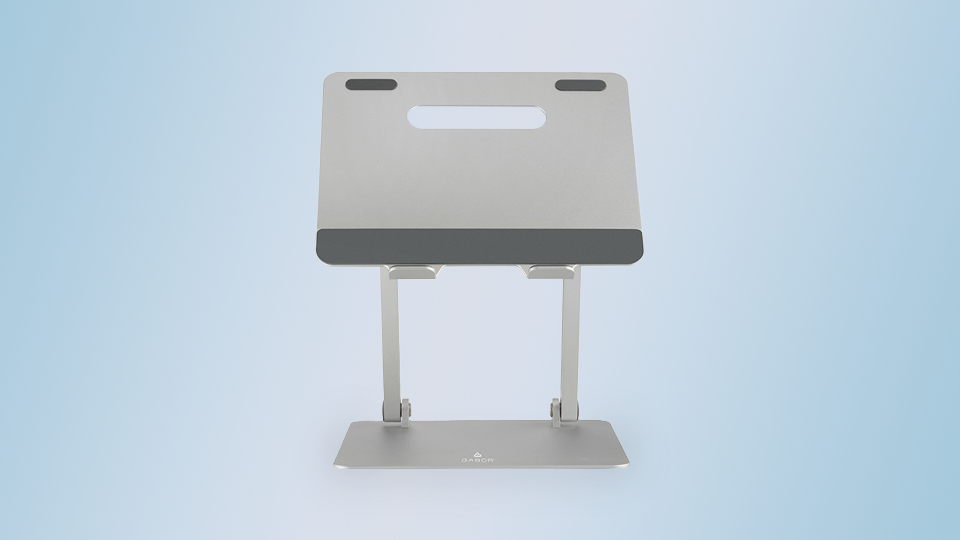
Laptop stands are quite useful, especially if your computer is the centerpiece of your workflow. Stands like the Gabor Laptop Flex Stand are great because they allow you to fine-tune the height and angle of your laptop. There are multiple versions of this stand, and each one gives you something different—like a higher reach or rotatable base. If your workstation revolves around your laptop, then this is a must-have device.
IOGEAR 2-Port 4K Dual View KVM Switch

Some users might have dual systems and a single display, mouse, and keyboard setup. This is where a device like the IOGEAR 2-Port 4K Dual View KVM comes into play. This enables you to connect two computer systems to a single desktop setup and easily swap between the two. You can finish a project and render it in real time while swapping to another system to continue some backend work or render another project. This particular version features dual DisplayPort inputs with dual HDMI outputs that still retain the highest resolution possible.
OWC 11-Port Thunderbolt 5 Docking Station
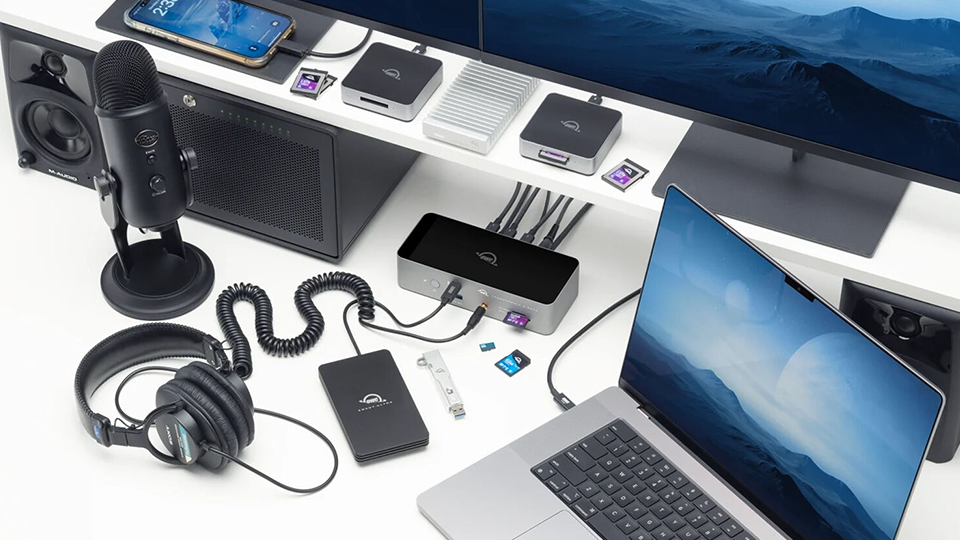
Devices like the OWC 11-Port Thunderbolt 5 Docking Station feature a robust array of connectivity options, expanding the capabilities of your system, transforming your laptop to a fully functional workstation. While it is noted to support Thunderbolt 5 interface, it can also support Thunderbolt 4, as well as Mac-centric Thunderbolt 3 devices with performance that scales to the host device. There are a ton of ports on this docking station, including USB-A, USB-C, Ethernet, SD and microSD card slots, and more. This streamlines your productivity and makes it much easier to connect to the devices you need.
ASUS Slim External DVD+RW Optical Drive
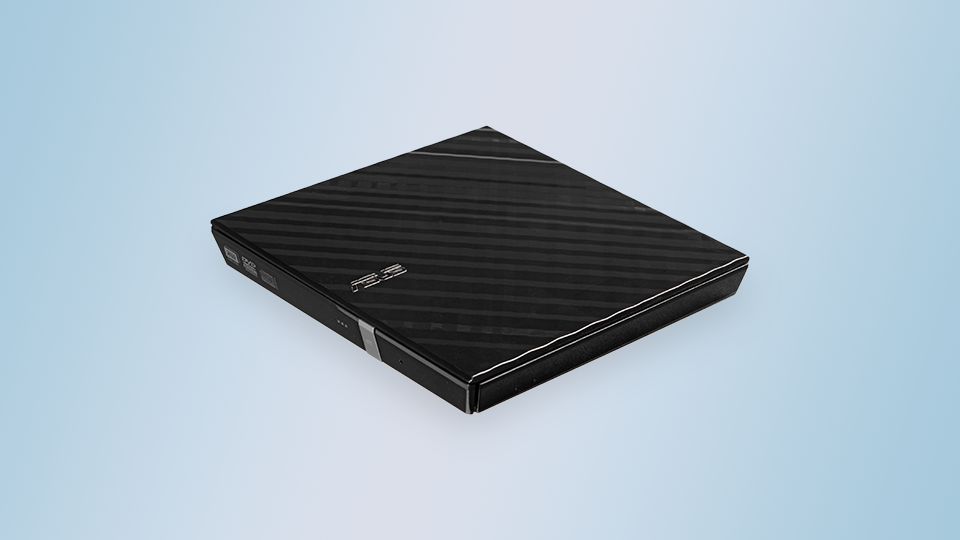
While we live in an age of digital downloads, sometimes you can’t download a piece of legacy software to your system. This is where ASUS’s Slim External DVD+RW Optical Drive comes in, giving users a way to download legacy software, media, and even write copies when needed. It is a great tool especially if you wish to archive information in a physical format. It connects to your system via USB, making it easy to use when needed and quick to store a way when you don’t.
CyberPower Sinewave UPS
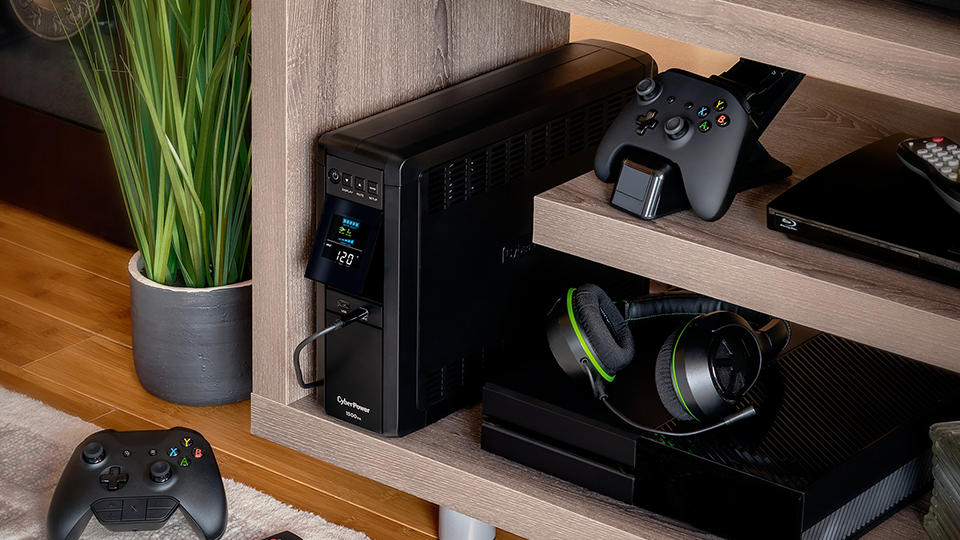
The last and definitely not least product is something a bit more passive, but still important. That is the CyberPower Sinewave UPS, which is a battery backup unit designed to keep your system active for a certain amount of time in the event of a power failure. In many cases, if you lose power, you will also lose progress on your projects. This UPS uses internal batteries to give you some time to properly shut down your system to prevent data loss.
When it comes to the products that could help elevate and streamline your productivity, you can’t beat these. For more information on each of these items, make sure you hit the links.
