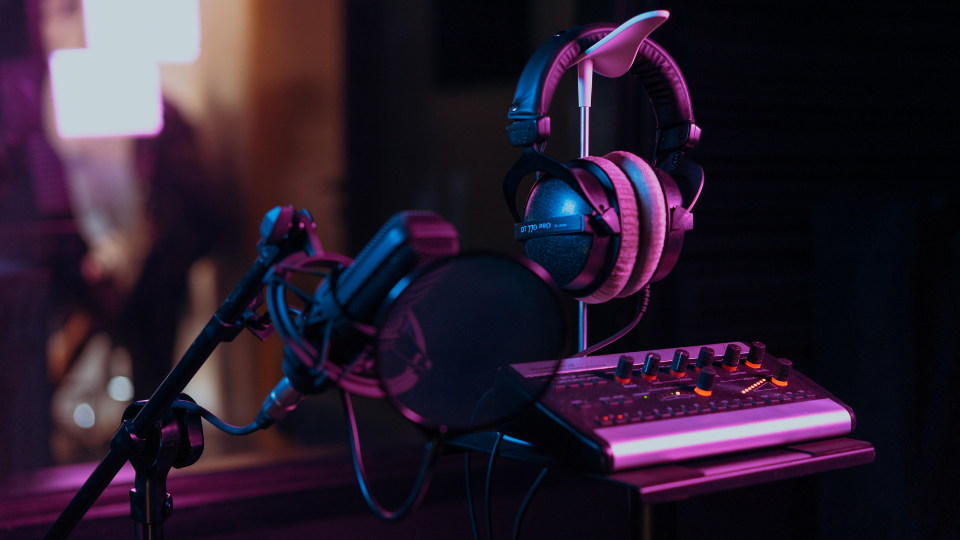
One of the most common aspects of podcasting that gets in the way of a newcomer’s success is setting and adjusting proper levels. Too quiet and your podcast won’t grab the listeners’ attention, too loud and it will be fatiguing to listen to—and if it’s too quiet and too loud, the listener will be adjusting the volume for the entire podcast!
Proper leveling and loudness are key for audience retention and the success of any podcast. In this short guide, we will go over the basics of leveling out the audio for your podcast.
Getting the Right Loudness – Metering and Terms to Know
LUFS
Loudness Unit Full Scale, or LUFS, is a single unit measurement that defines the average perceived loudness of a given length of audio; be it a couple seconds of audio or an entire feature length film, LUFS can be represented with a single number. Without going into the science, LUFS uses a function that weighs the objective decibel measurement of sound intensity to more closely reflect how our human ears perceive loudness over time.
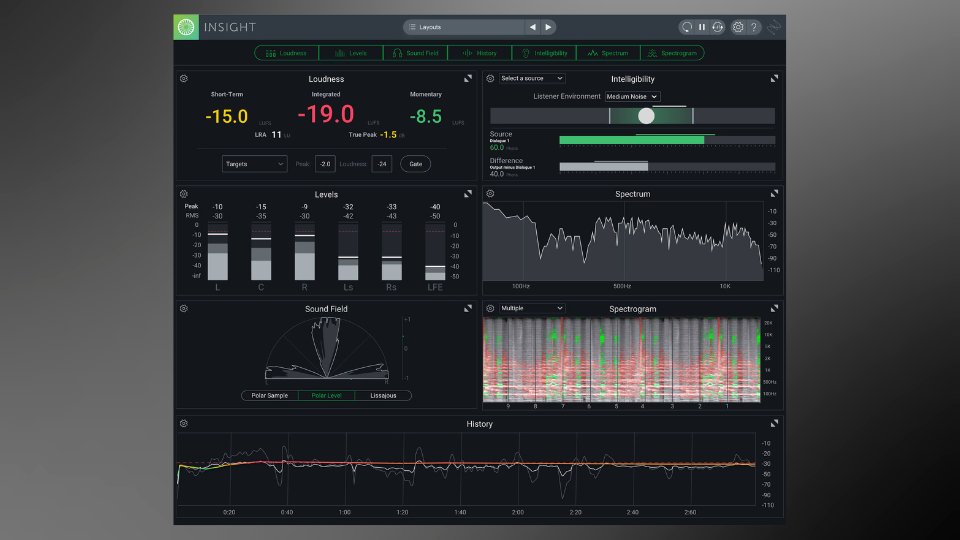
LUFS are measured in negative values (with exception to its maximum value of 0 LUFS). Apple’s recommendation for podcast loudness is -16 LUFS; Spotify’s is a bit louder at -14 LUFS. When metering for LUFS, the main value you want to look at is “Integrated LUFS”—that’s the one that takes the entire length of audio into account.
The YouLean Loudness Meter 2 is a fantastic (and free) solution to audio metering, but loudness meters can be found as stock plug-ins in many DAWs and in audio mastering suites like iZotope Insight, RX, and Ozone—there are even tools that can automatically match levels from multiple input sources at once, like Waves Playlist Rider.
Peak and True Peak Metering
Peak metering is the measurement of the maximum level of an audio signal in decibels relative to full scale (dBFS) at a specific point in time. This is an important measurement in digital audio as it helps avoid digital clipping, where an audio input source exceeds the maximum input limit of a digital system (0 dBFS).
While making sure to never exceed 0 dBFS on the peak meter at any specific point in time, also check when leveling with LUFS that your podcast doesn’t exceed -1.0 dB on the “True Peak” meter. True Peak metering is a more advanced form of peak metering that accounts for the conversion of digital audio back into analog (which is the stage that your podcast will be heard). Staying between -2.0 to -1.0 dB True Peak will make sure your podcast is loud enough throughout its duration while never clipping or adding nasty digital distortion.
Other Tools, Considerations, and Mixing Tips
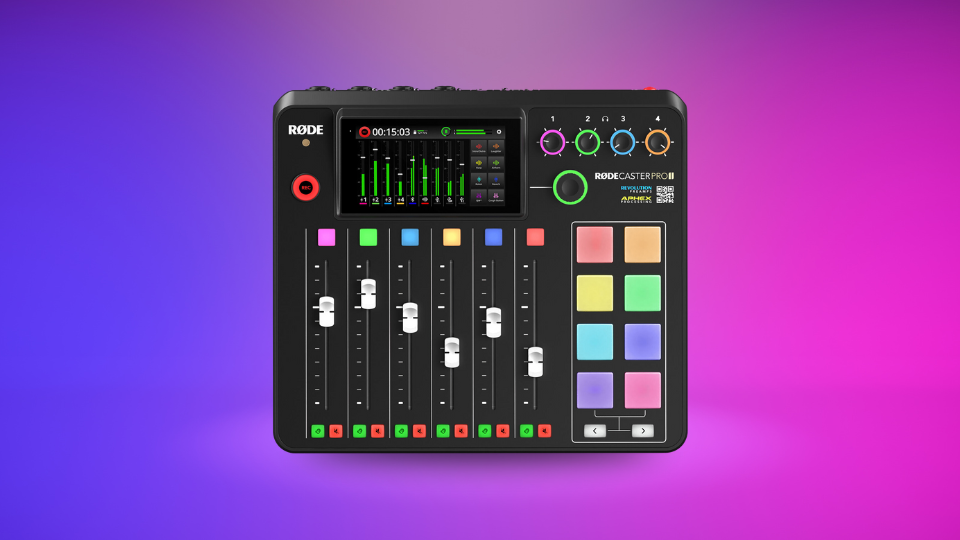
Podcasting software and workstations often come with tools like auto-gain or auto-leveling, which can make the leveling process extremely easy or even completely hands-off (though it’s still prudent to double check the audio with a metering tool to make sure your levels are appropriate). Products like Rode’s RODECaster series have built in audio effects processors that can make setting your levels a breeze.
Oftentimes when exporting an audio file, your DAW will have a “normalize volume” option on a drop-down menu. In my experience, selecting this option has always introduced awful sounding nonsense to my recordings, and I’ve avoided it ever since—but recent updates to normalization algorithms have improved the performance of this feature. It may work better for podcasts as opposed to other music projects..
Using a high pass filter around 80-200 Hz on your voice can help reduce unwanted or useless frequencies and perhaps help reduce LUFS if they’re going over -14 LUFS. Most speaking voices don’t generate anything below 85 Hz, so you won’t be missing anything.
Some people will tell you to just slap a limiter at -1.0 dBFS and call it a day. While you’ll never have any issues with clipping if you do this, this can slam louder recordings into the dust, making every sound equally as loud by removing all dynamic range and contrast. It can also sound very strange if there are particularly loud moments in your recording. Limiters should be used to increase the perceived volume of an already good sounding podcast, not decrease and “fix” the sound of a podcast that is too loud.
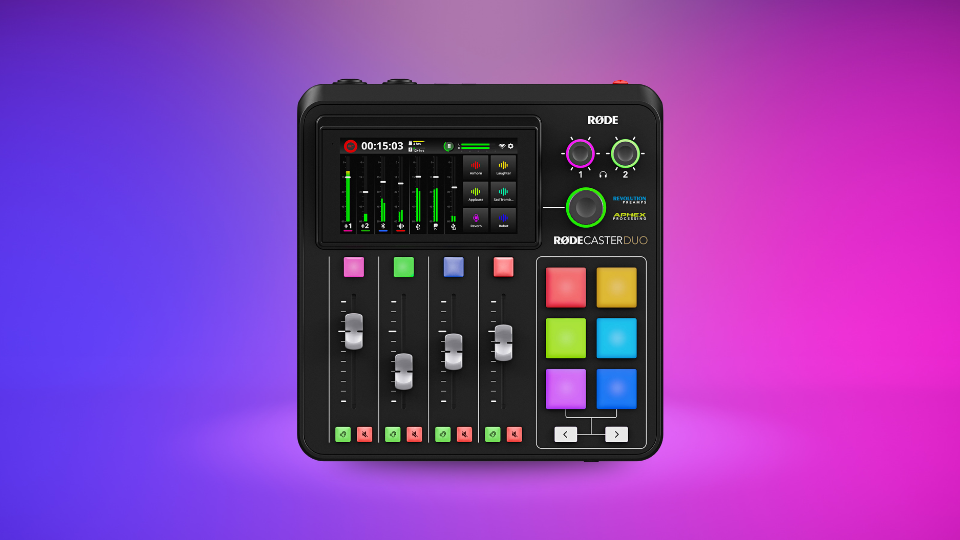
A better option is to make sure your recording doesn’t have those loudness issues in the first place. Make sure your input levels are correct before recording (I usually ask the speakers to talk at their speaking volume, then make a loud fake laugh to test louder input signals). If you’re having issues in post, use light compression to control overly loud dynamics—you can even use sidechain compression on music or sound effects so that your voices will always soar above the background noise. If all else fails, using a limiter won’t be the end of the world—it just shouldn’t be plan A.
Conclusion
Audio for podcasts should aim to be about -16 to -14 LUFS with a true peak at or under -1.0 dB. Use light compression to help increase the overall volume of your podcast while still maintaining consistent loudness. De-essing can help reduce sibilance and other harsh frequencies, and a lot of this can be done through mastering assistants like iZotope Ozone or the built-in audio processing effects of hardware podcasting workstations.
Leveling podcast audio is not a hard thing to do, but it can be a daunting task for beginners. We hope this brief guide has helped you gain confidence; you can do it too! Feel free to reach out to our experts at B&H if you have any questions or read our in-depth guide to metering (add when article goes live) if you want more explanation. Happy podcasting!
