
Whether you’re a musician who’s building a studio or rehearsal space, setting up an audio system at a venue or house of worship, an aspiring streamer/podcaster, or a production house, the audio mixer may be the most important (and expensive) purchase you make—but with multitudes of options, you’ll want to know exactly what you need before pulling the trigger.
This guide will help you sort through the factors to consider when searching for the perfect mixer for the job. If you’ve got a case of choice paralysis when it comes to mixers, or if you just want to learn more about them, you’re in the right place!
What Does a Mixer Do?
Multiple audio signals from microphones, musical instruments, or other sources are sent to an audio mixer whose main function is to combine, or mix, them together into a “sum.” The sum can then be adjusted, processed, and routed to a speaker system, a recording device, another mixer, or wherever that signal needs to be.
This is the essential role of all mixers—but this practical application can be extrapolated into a staggering number of situations and contexts. As a result, many mixers exist, all with different sizes, shapes, and functionalities. Let’s begin by understanding the broad categories of mixers and what defines their platform before we narrow it down to specific considerations.
Should You Choose an Analog or Digital Mixer?
Analog
Analog mixers are straightforward with fixed wiring and construction—what you see is what you get. Operation and configuration are consistent and intuitive; its shallow learning curve makes it easy to set up and use.
Analog mixers are fairly affordable. True analog mixers like the Yamaha MG10 will only have basic built-in functions on some or all channels such as a three-band EQ, compression, and high pass filters (effects can only be applied by using outboard gear via inserts or aux sends—more on that later).

If you want built-in effects, consider a hybrid analog mixer like its big brother, the Yamaha MG10XU, which includes digital internals like a USB audio interface and an SD port along with built-in digital effects. If you plan on using an analog mixer with DAW, you’ll need a hybrid mixer with digital host connections like USB—otherwise, you’ll have to route output through a separate digital audio interface.

Like most analog gear, the circuitry is reliably durable and sonically affective, tending to add pleasing warmth and character to the input, but it also adds physical weight to the machine. Only the most luxurious and unobtainable analog mixers have a recall function, so if you’re in a shared studio space or have done a sound-check and have a mix dialed in, be sure to take photos of the settings and make a few “Don’t Touch!” signs. It’s also important to consider that if you’re using the mixer at a stage venue, you’ll require a multi-channel snake to connect to a stage box, and the number of inputs/outputs are fixed outside of getting a second mixer.
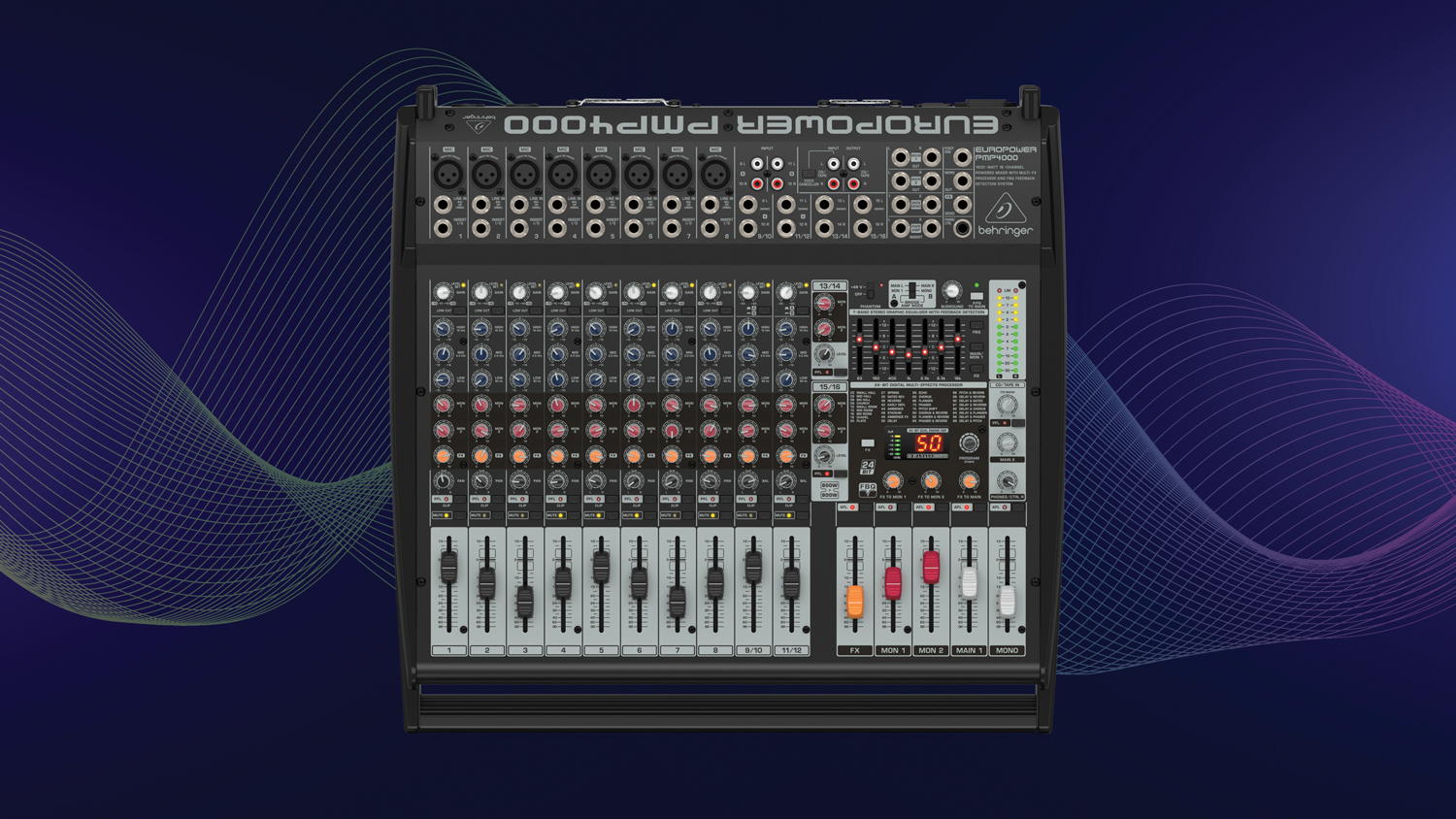
Analog mixers come in some convenient variations such as powered mixers like the Behringer Europower PMP4000, featuring built-in FX and powered amplifiers and preamps that lets it connect directly to passive speakers and PA systems.
Analog summing mixers like the Tegeler Audio Analog Tube Summing Mixer are strictly studio tools and are somewhat of superfluous luxury—but if you have the budget and the studio space for one, they can pull together a final mix or master in a way that digital compressors and print sums can’t quite muster (at least not without some careful and subtle post processing). Once a core component of high-end mixing in the analog tape days of yore, today they’re used to give the final bounce the proverbial “glue,” adding to the entire track harmonic saturation, cohesive stereo integration, and a radio ready sheen with just one more processing step. But is it worth it to pay a thousand dollars or more for one? That’s ultimately up to you, but if you’re planning to build out a real-deal professional studio, budgeting for a capable summing mixer could be in your best interest.
Digital
Digital mixers convert analog input into digital data where it can be processed using built-in software, offering customizable signal routing and transparent sound reproduction. A digital system’s extensive suite of functions and features outperforms any analog system, but this complexity necessitates multilayered virtual interfaces with steep learning curves and even steeper price tags. They tend to come with thick manuals detailing the intricacies of menu-diving; confounding literature illustrating the multifunctional buttons and toggles that portend the mastery of variable layouts and matrices of routing algorithms—garnished with an assumption of expertise.
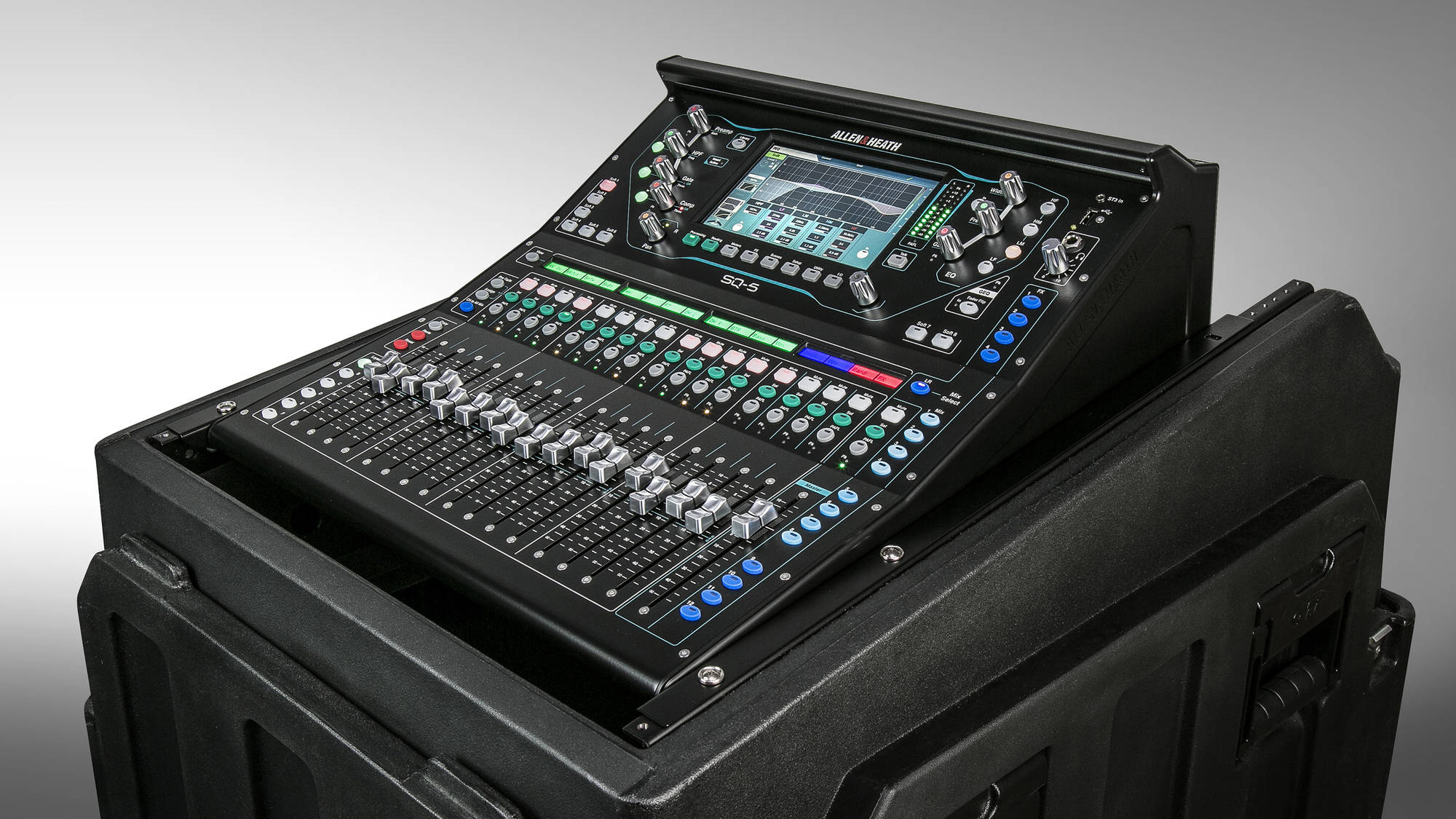
The extra effort pays off in dividends. Digital mixers eschew the need for outboard gear with dozens or even hundreds of built-in audio effects and can record a performance directly to a USB drive, SD card, or DAW. They can have layers of channels—the Allen & Heath SQ-5 is a 48-channel digital mixer with 16 physical channel strips that can toggle between three layers, saving space and weight for such a powerful machine.
Fader positions, effects processing, and other settings can be saved as a “scene,” allowing for the total recall of hundreds of sessions with a few button presses—perfect for venues that have multiple performances back-to-back, for studios that use the same room for multiple projects, multipurpose classrooms and conference rooms, or for reverting a session. Digital mixers can connect to Wi-Fi for wireless control—if the mixer’s placement in the room is less than ideal, you can use a tablet to control the mix from within the audience or anywhere in the room.
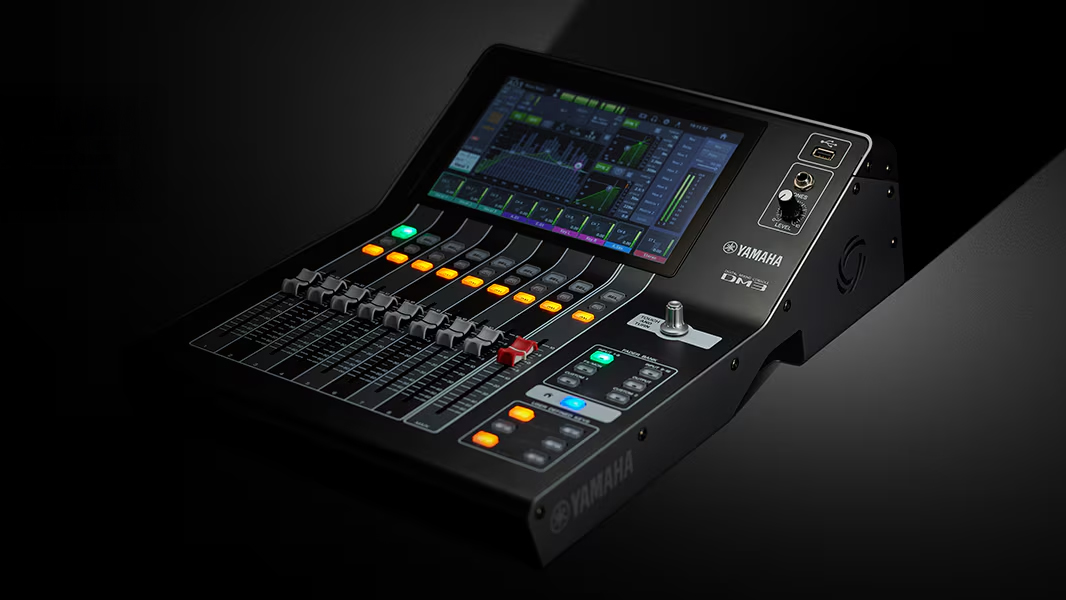
Some digital mixers like the Yamaha DM3-D are capable controlling the audio of entire enterprises or recording studios using scalable network technologies like Dante (Digital Audio Network Through Ethernet), allowing hundreds of high quality audio input signals (up to 512 channels in each direction) to be controlled via a single CAT6 cable—perfect for offices, recording studios, or any mid-to-large scale organization that needs live and recorded audio solutions.
Before you go ahead and buy one, consider digital mixers’ disadvantages: barrier to entry, inevitable obsolescence, higher cost, higher risk of total failure, digital latency, and digital clipping/distortion. Be sure you’ve got the cash and the skill as well as the time and the patience to read technical manuals and practice working with the machine before you decide to go for a digital mixer.
What to Consider When Shopping for a Mixer
I/O – Input/Output
Armed with the understanding of mixing platforms, it’s time to consider the specifics. How many inputs and outputs (I/O) will you need or want to have? This will be your most important decision and will dictate the size and scalability of your mixer’s capabilities as well as the amount you should expect to spend. While mixers can come with any number of I/Os, they usually adhere to the power of two, which is a good way to think about scale.
A four-channel mixer is best for simple and compact setups such as podcasting, streaming, and personal recording projects, often coming with a built-in audio interface if it’s not digital. You don’t necessarily need anything more to create exceptional work!
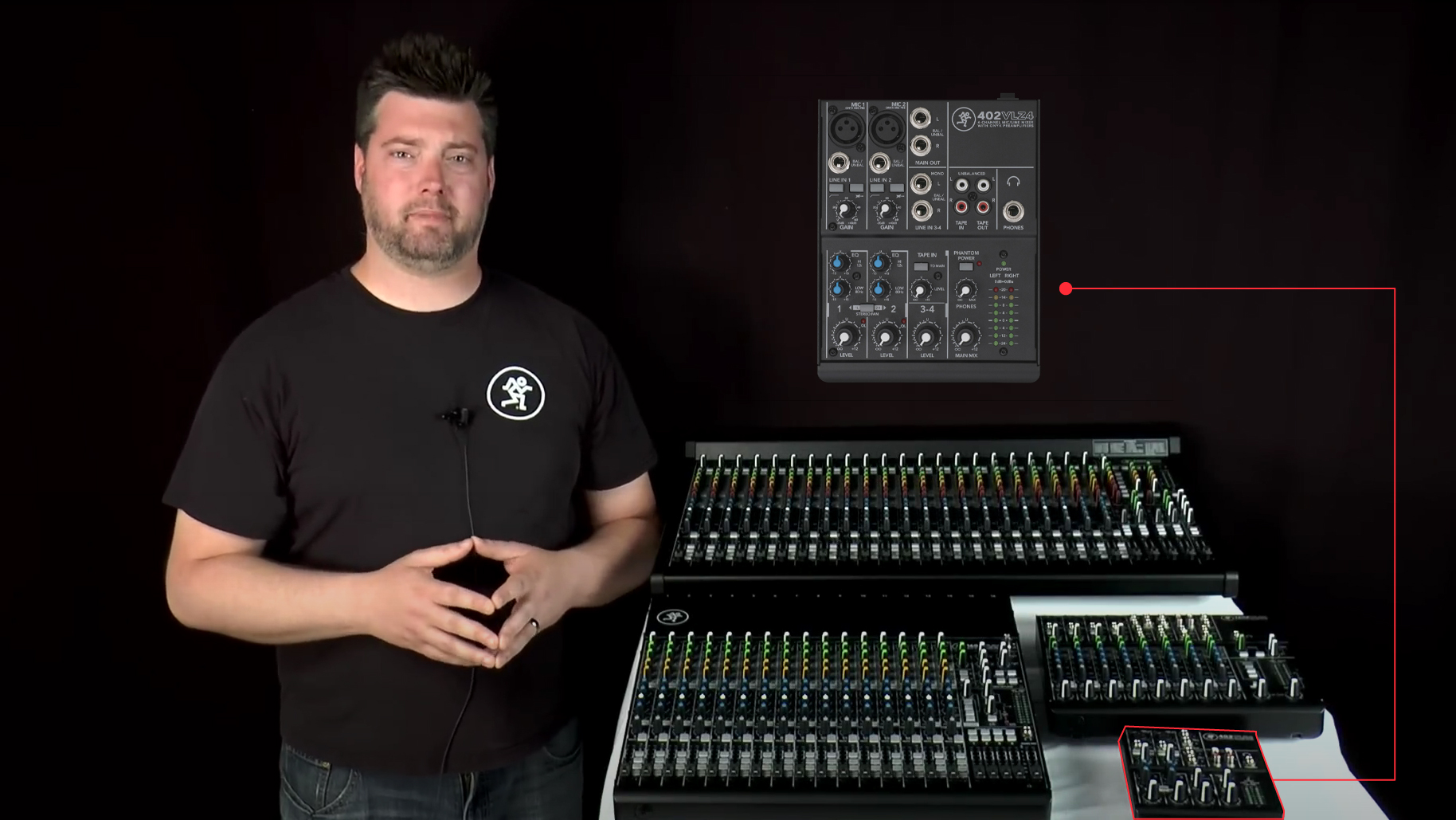
An eight-channel mixer provides scalability for a podcast/streaming setup and enough inputs to fully capture a typical five-piece band—perfect for home recording studios, rehearsal spaces, small stages, and multi-guest podcasts. Recording studios and engineers often use them as a secondary mixer to group submixes and save channels on their big board.
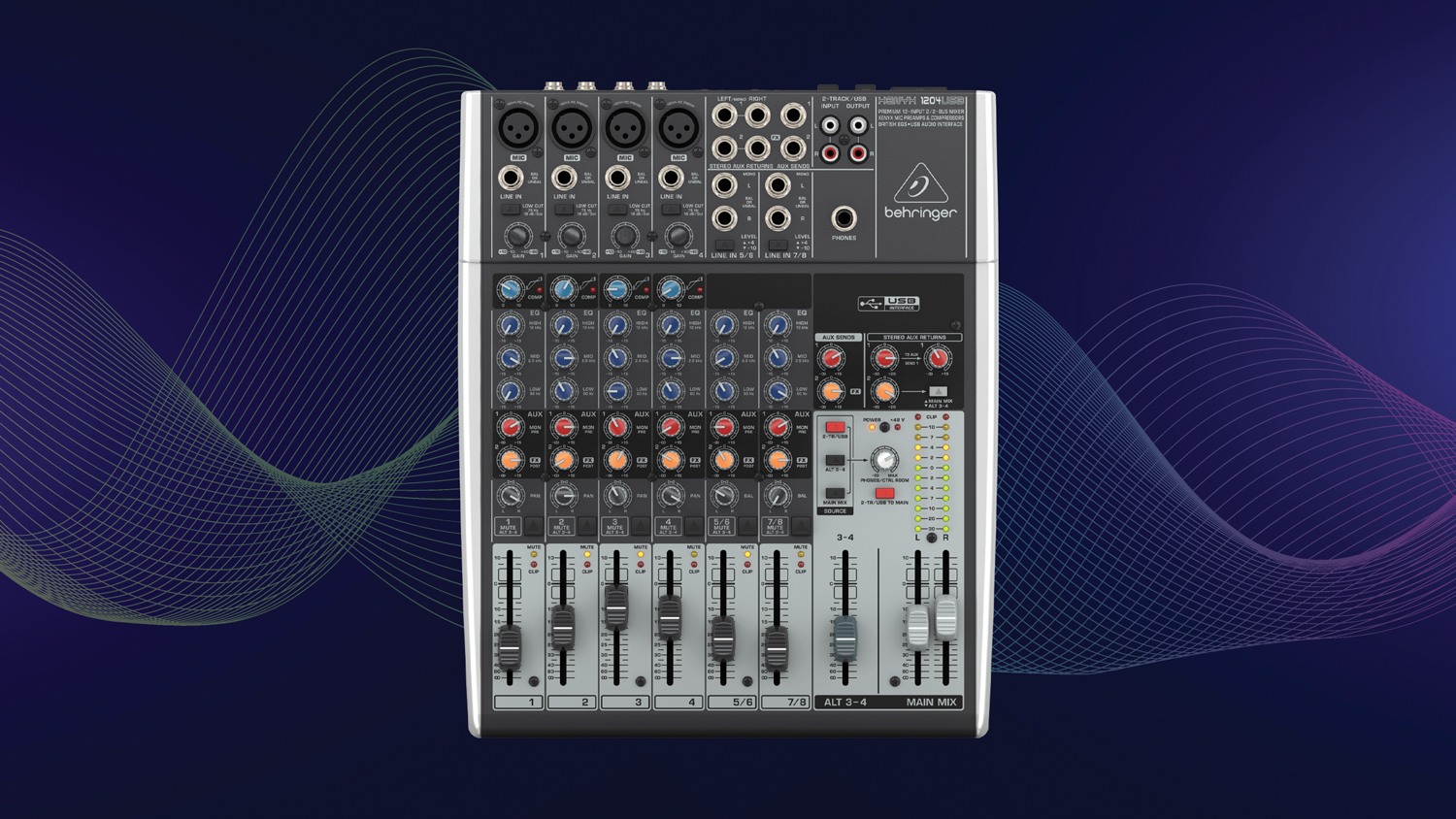
16-channel mixers can accommodate full bands with stage monitor mixes and aux sends for effects, amplify and capture plays, school music programs, and speaking panels, and can be the workhorse of a serious home studio or a secondary/tertiary mixer of a professional one.
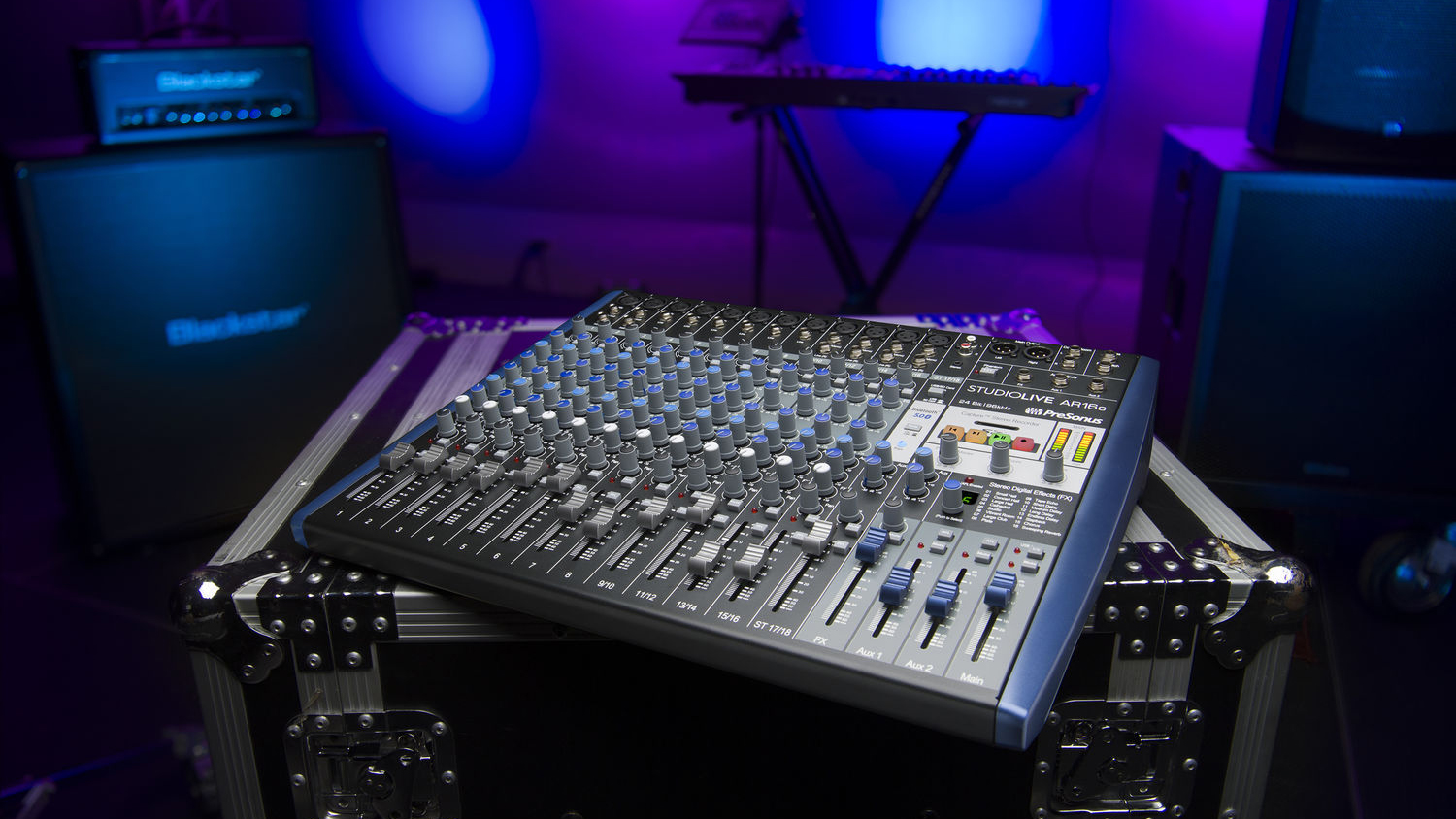
A 32-channel mixer enters the territory of high-level professional audio and might be called a console due to its size. Often used for touring bands that bring their own sound engineers, midsized theater productions, and large corporate events and conferences, a 32-channel mixer could be found in studio B of a high-level recording studio or in the home of a successful or otherwise wealthy musician.

If you need information on a mixer with more than thirty-two channels, you’re no longer looking for a mixer but a large format recording console (which we do sell at B&H, if you’re interested).
Preamps and Line Level
When shopping for a mixer, make sure to take not just the number but the kind of inputs into account. There are typically three different types on a mixer: mic level, instrument level (occasionally labeled Hi-Z), and line level.
A microphone and the pickups of an electric guitar send signal at a voltage level not powerful enough to be transmitted between different pieces of gear, so most mixers have preamplifiers that bring these signals to the correct voltage, called line level. Line level inputs bypass the preamp and are for powered instruments like synthesizers, keyboards, drum machines, or media players.
It’s important to consider that some mixers will have separate inputs for mic, instrument, and line levels, or a switch somewhere near the input that toggles between them. Make very sure that the mixer you choose has enough of the proper inputs for your purpose—if you look at the Yamaha MG10, it has four XLR/TRS mic/line combo inputs, and six TRS line inputs. It’s an eight-channel 10-input mixer but only supports four microphones and zero guitars (while you’d get a serviceable signal level for practice if you were to plug a guitar or bass in, the level would be so low as to begin to clip/distort at realistic performance volumes).

Aux Sends and Inserts
Put simply, auxiliary (aux) sends and inserts are used to route audio signals to monitors, effects modules, dynamics processors, EQs, and wherever else you need them to go. The functionality of aux sends and inserts are useful and even necessary for some applications, but will add complexity to your workflow, increase the weight and size of the mixer, and will cost you more money. Consider whether you need these functions.
Aux Sends: An aux send (sometimes called FX send) is used to route a copy of a channel’s signal to an auxiliary stereo output, creating a separate version of the mix that can be sent or processed without affecting the main mix.
Aux sends are necessary for analog mixers used in live sound and studio recording—essential to create monitor mixes for stage monitors or headphones, as well as recording submixes and integrating outboard analog gear. They are the preferred method of adding reverb and delay through parallel processing.
If you are using your mixer for rehearsals, podcasting, or personal acoustic recording, or plan to use a mixer with built-in effects processing or a digital mixer with matrix outputs, you can forego aux sends. However, they can transcend simple functionality and be used creatively, so they shouldn’t be overlooked.
Inserts: Inserts are typically used for outboard EQs, compressors, and gates using ¼” TRS ports that function bidirectionally, meaning they can send and receive signal and need a Y-split TRS cable. You can compare it to inserting a plug-in on a track in a DAW.
Inserts are most applicable in recording studios that have plenty of outboard gear. While they can be used in some creative ways, if you don’t already have outboard gear, we recommend using a digital mixer with built-in effects or using effects plug-ins with a DAW.
Mixing It Down
We hope this guide has helped you understand what mixers can do and how to find the best one for you. If you’re looking to purchase a mixer for any purpose—be it a hobby at home or for professional live events and studio recording—we’ve got something you can count on at B&H. Visit the website or the SuperStore if you’re in the city, and feel free to ask our expert pro audio team any more questions you might have!
