
Many budding filmmakers have toiled away on the color correction and grading of their first masterpiece, watched it over countless times, hit the export button, pulled it up on a TV, and been shocked. "This looks nothing like I was expecting. The colors! The contrast! The saturation!" Although there's no universal fix for differences in how devices display an image, the most common culprit of these headaches is editing on a computer monitor not designed for video work. These monitors often display video way differently than televisions, smartphones, and other consumer tech. The easiest fix is also the simplest–get yourself a monitor built for video editing and other creative applications. Though some cost a pretty penny, others won't break the bank and can still get you a more consistent, reliable look for editing your next video. Let's break down some popular options, ordered by price point.
Apple 32" Pro Display XDR 16:9 Retina 6K
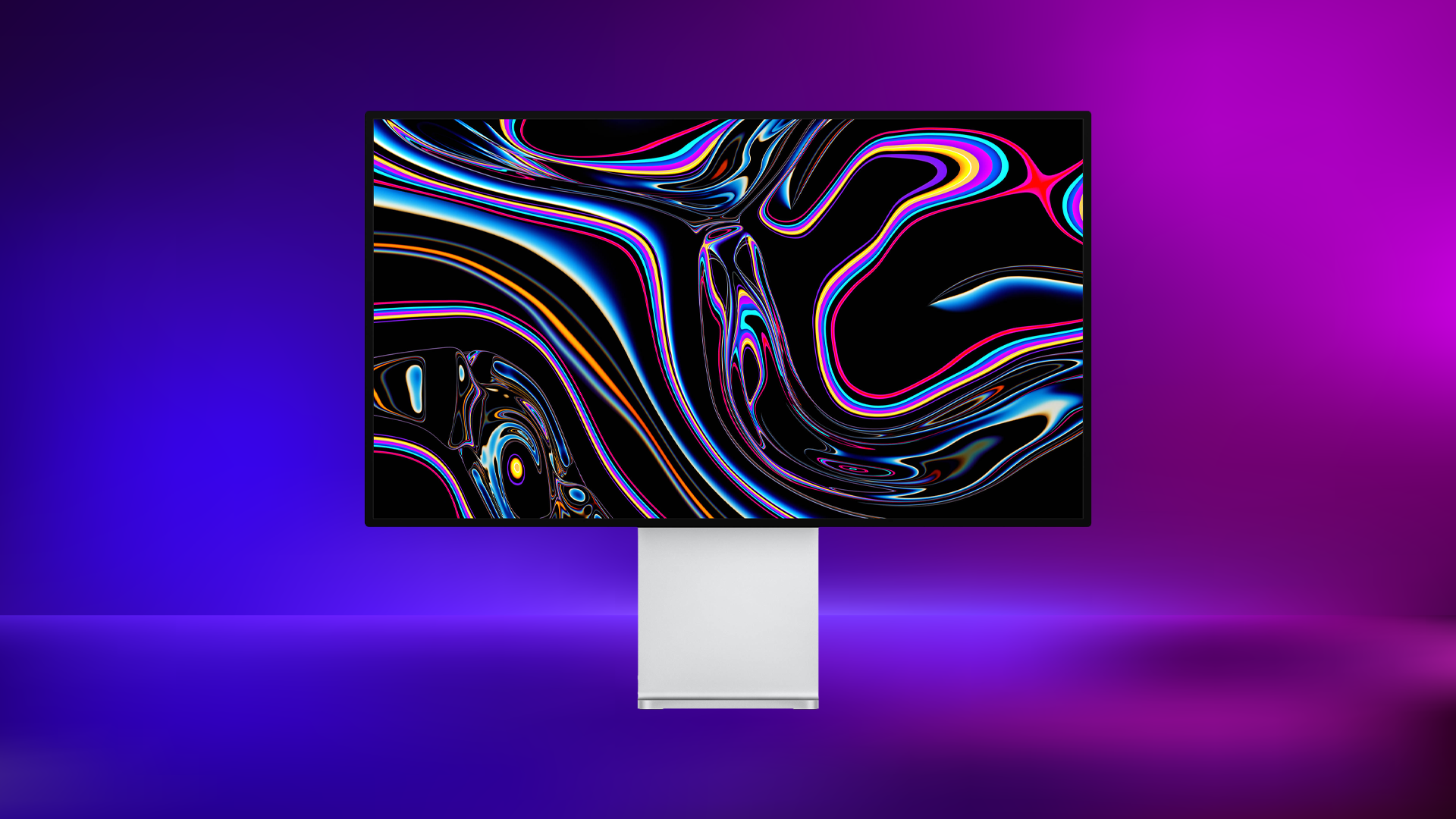
If only the best of the best will do, the Apple 32" Pro Display XDR 16:9 Retina 6K HDR IPS Display is the one to watch. 6016 by 3384 resolution, a 1,000,000:1 contrast ratio, 218 ppi, and a P3-wide color gamut with over a billion producible colors are just some of the stats of this absolute monster of a monitor. This isn't a monitor you ever have to worry about calibrating, it's one that will produce stunning and color-accurate images straight out of the box, helping you step up your filmmaking and editing game for years to come. Longtime Apple users also know it's not the stats that make their products great, it's the special sauce, some combination of quality and usability that hit the sweet spot for choosy creatives. If you want to definitively know you're seeing your images in the best possible scenario, this is the monitor to get.
BenQ SW321C 32" 16:9 4K
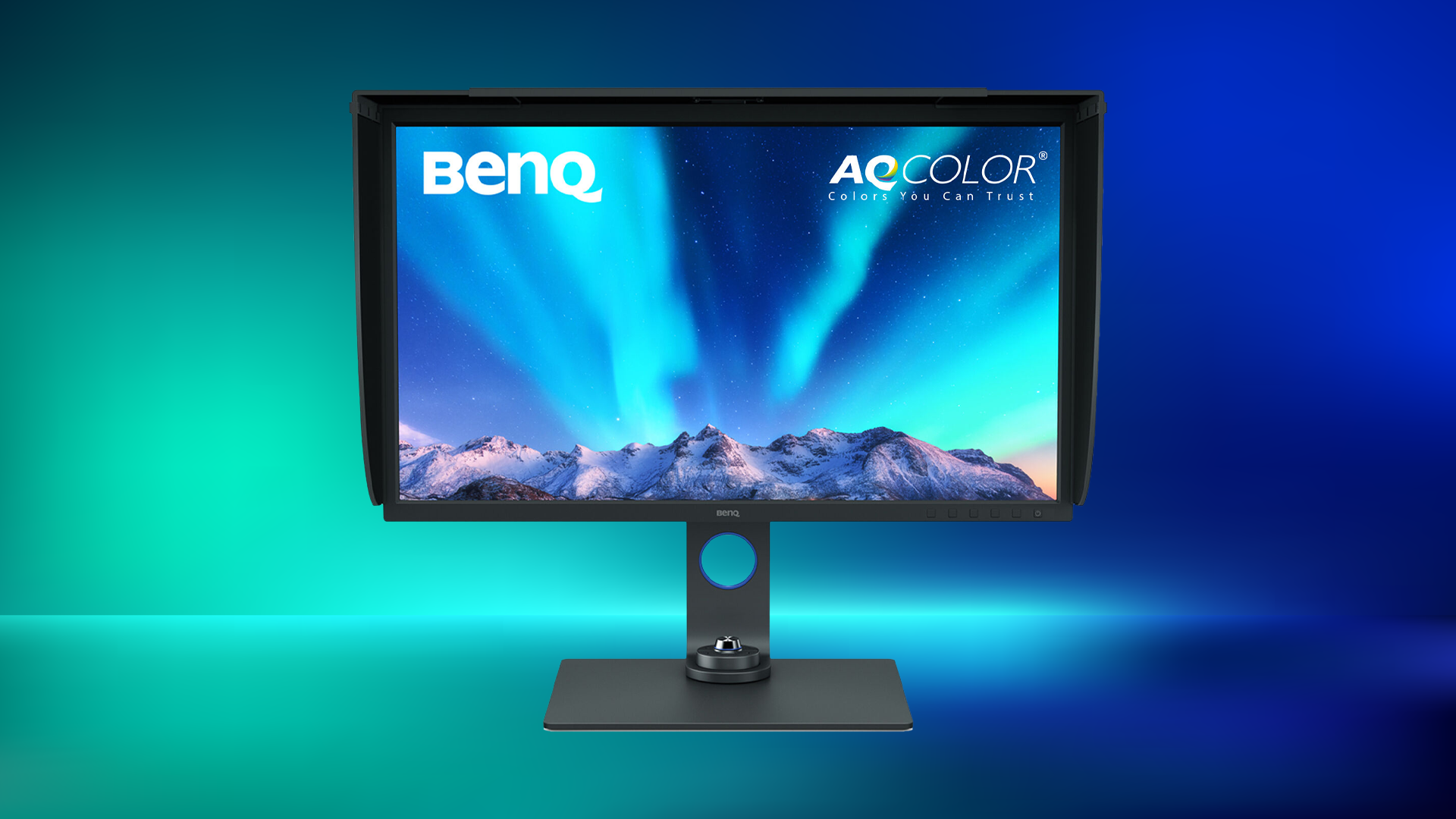
BenQ has been a favorite in the color-accurate monitor game for a long time, and one of their most popular and well-regarded offerings is the BenQ SW321C 32" 16:9 4K HDR IPS Photo and Video Editing Monitor. Sporting a solid 3840 by 2160 resolution and 60 Hz refresh rate, this IPS monitor covers 100% of the sRGB and Rec. 709 color gamut, 99% of the Adobe RGB gamut, and 95% of the DCI-P3 gamut. The monitor can't get quite as bright as its competitors, maxing out at 250 nits, but that's more than enough for coloring in a dark environment (which is the ideal) and allows for an astounding 20,000,000:1 dynamic contrast ratio. Ports include two HDMI 2.0 inputs, a DisplayPort 1.4 input, and USB-C.
LG UltraFine 32U990A-S 31.5" evo 6K Nano IPS Black Monitor
This LG monitor was built from the ground up for demanding creative professionals and it shows in the specs, from Thunderbolt 5 connectivity to true 10-bit color. The LG UltraFine 32U990A-S 31.5" evo 6K Nano IPS Black Monitor offers sharp 6144 x 3456 resolution at 60 Hz with 224 PPI and impressive gamut coverage, including 98% of DCI-P3 and 99.5% of Adobe RGB. The monitor’s also VESA DisplayHDR 600 certified, with a 2000:1 contrast ratio and 450 nits of brightness. LG is working hard to establish themselves in the editing space, and this monitor, the first 6K monitor with Thunderbolt 5, proves they know which boxes to check.

ASUS ProArt Display PA32QCV 31.5" 6K HDR Monitor
If resolution and value are top priorities, the ASUS ProArt Display PA32QCV 31.5" 6K HDR Monitor is certainly worth a look. Supporting UHD 6K 6016 x 3384 resolution at 60 Hz, the PA32QCV also packs Thunderbolt 4 connectivity, LuxPixel anti-glare technology, 218 ppi pixel density, and a 3000:1 max contrast ratio. This Calman-verified panel is calibrated for Delta E <2 accuracy, with 98% DCI-P3 and 100% sRGB coverage. ASUS even included an M Model-P3 color preset designed to match macOS devices. The PA32QCV has accomplished specs at a reasonable price, and with 600 nits peak brightness, the monitor is ideal for home or office spaces that sometimes have natural light.

BenQ PD3225U DesignVue Designer 31.5" 4K
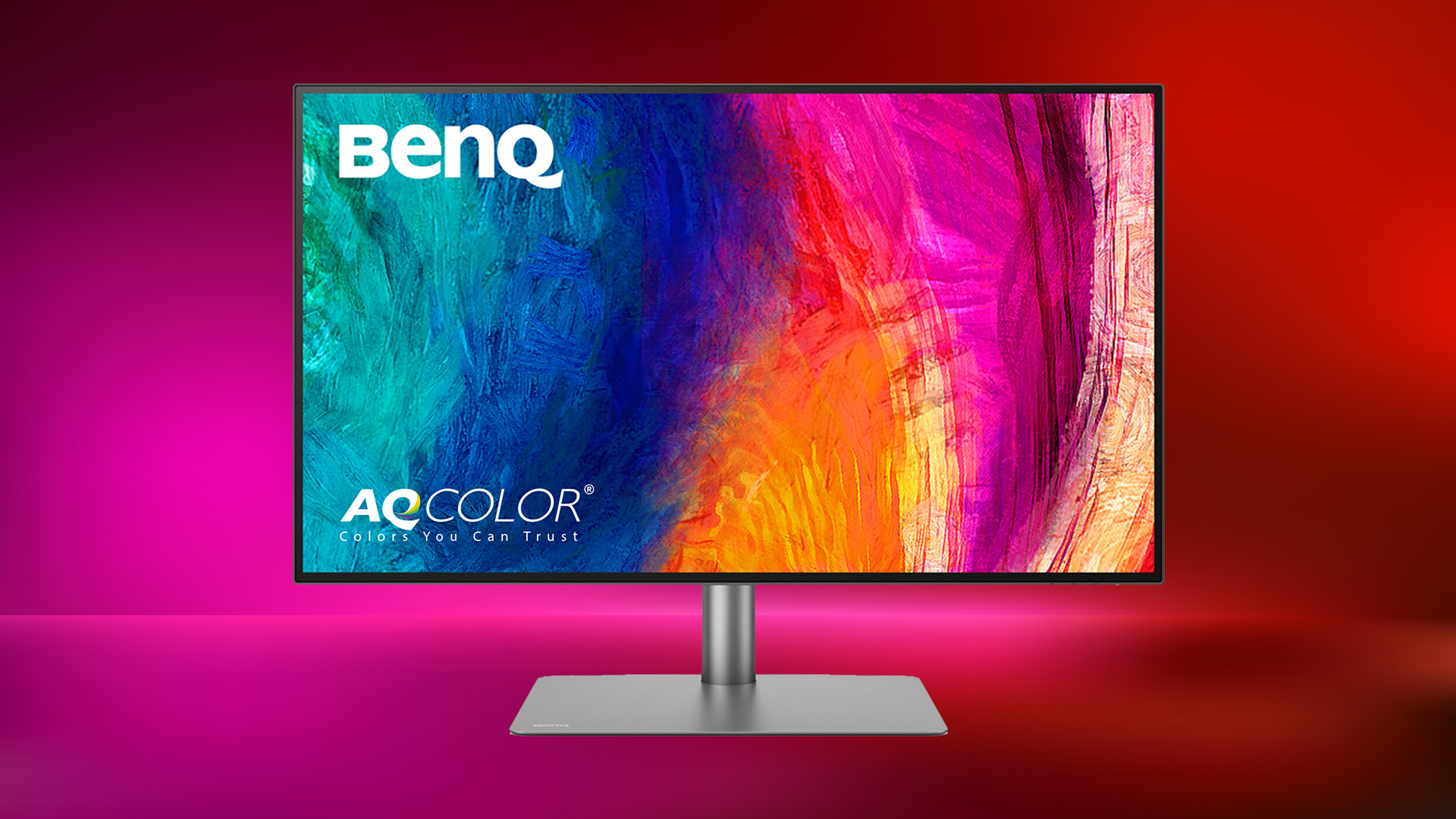
If you want that sterling BenQ quality standard but are also looking to save some dough, the BenQ PD3225U DesignVue Designer 31.5" 16:9 HDR 4K IPS Monitor is worth a look. You know the drill here – 3840 by 2160 resolution at 60 Hz. HDMI, DisplayPort, and Thunderbolt 3. 99% of the sRGB and Rec. 709 color gamuts, 98% of the DCI-P3. The contrast ratio won't quote live up to the monitors previously discussed, but the accurate colors and high quality out of the box calibration will. One feature unique to the PD3225U is Pantone and Pantone SkinTone validation, helping creatives have that extra layer of confidence in their exports. BenQ packs a ton of other unique little features and options too, so check out the item page for all the important details.
ViewSonic ColorPro 27" 4K
While the ViewSonic ColorPro 27" 4K HDR Monitor might not have all the bells and whistles of a high end editing monitor, it can still get you super accurate colors for under a thousand dollars. Resolution and refresh rates match the BenQ's, coverage is very similar with 100% of Adobe RGB and 98% of the DCI-P3 gamut, and ViewSonic even packs in their proprietary Colorbration+ software for an extra layer of customization. Other features of note include a ColorPro Wheel controller for on-the-fly adjustments, ColorPro Sense software that gives advice on alternate palettes, and a foldable magnetic hood to block out ambient light. The image out of the ColorPro might not have quite the pop of higher priced options, but it is far more accurate than run of the mill consumer monitors, and a great entry point into the world of creative-focused options.

Keep in mind that all the monitors mentioned above are great for coloring deliverables destined for computer and phone screens. If you’re preparing the image for more high-end coloring work that will end up on television and movie theaters screens, it’s worth also checking your passes through a production monitor like the MuxLab 17.3" 4K30 HDMI/3G-SDI Single-Display Monitor or other large production monitors that are specifically calibrated for the task.

For more information about all the monitors mentioned above, including features, specs, and highlights, be sure to check out the detailed product pages.
