
Whether you're outfitting a tiny conference room or a massive ballroom, PTZ cameras can help you pan, tilt, and zoom your way to the best angles and most effective ways to communicate your message during a video conference. With PTZ camera setups varying wildly in size, price, and configuration, we're breaking down possible workflows for different kinds of scenarios.
1. Home Office
If you're just outfitting a setup for yourself, a single PTZ camera with auto-tracking and/or auto-framing is the ideal solution. That will ensure you stay centered and in frame even when you lean back, forward, or to the side. Many of these cameras also include basic zoom functionality that is useful if you're reviewing documents or working with a whiteboard. If these camera include microphones, they likely won't be amazing quality, so consider adding a USB mic to your setup to get things sounding more professional.
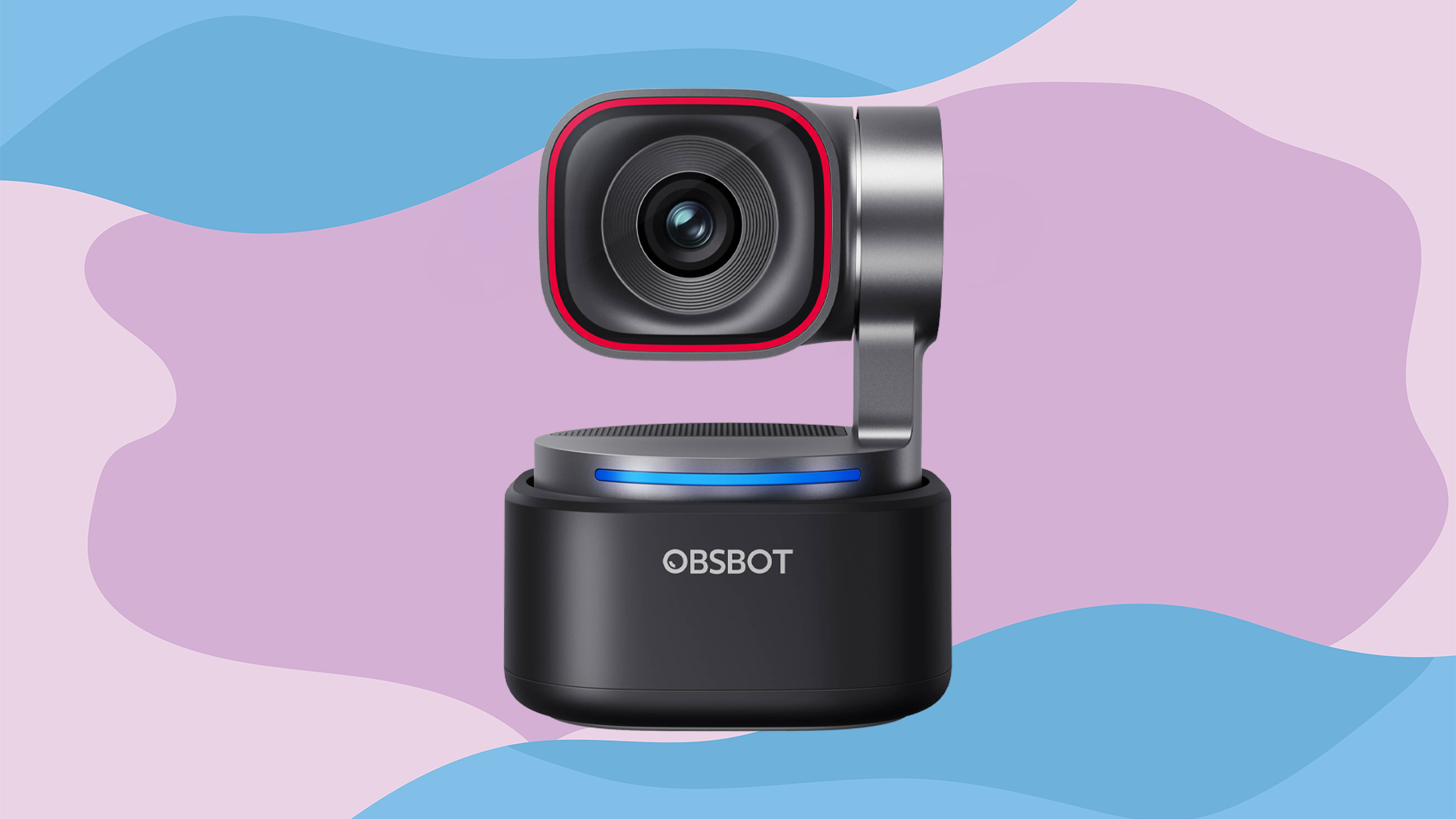
2. Meeting Rooms/Huddle Rooms
If you're outfitting a small to medium sized meeting room, you should be able to create a solid setup with still just a single PTZ camera and a tabletop conferencing microphone. While a traditional web-camera or phone setup often struggles to capture all the speakers in a room, PTZ cameras will move around to maximize your angles and isolate individual speakers. While the mic should go in the center of the table, the PTZ camera should likely be mounted above the room's television to simplify sightlines for whoever conferences in. Do some testing before you lock in a position for maximum results.
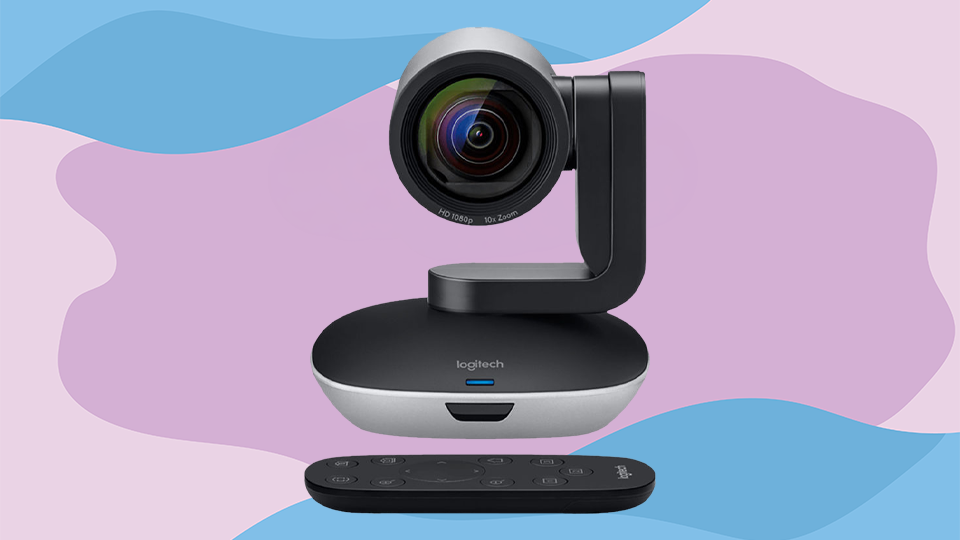
3. Conference Rooms/Boardrooms
If you're building out a larger conference room or boardroom, it's smart to use two to three PTZ cameras, ideally on opposite corners of the space, that way the picture stays sharp no matter who around the table is talking. Similarly try using two or three tabletop microphones spaced equidistance apart. So long as they're linked together in your video conference platform of choice, the software should use whichever one is closest to the current source. Depending on how much you'll be adjusting your setup and accommodating different sized groups, a standalone controller hub is also a worthwhile consideration.
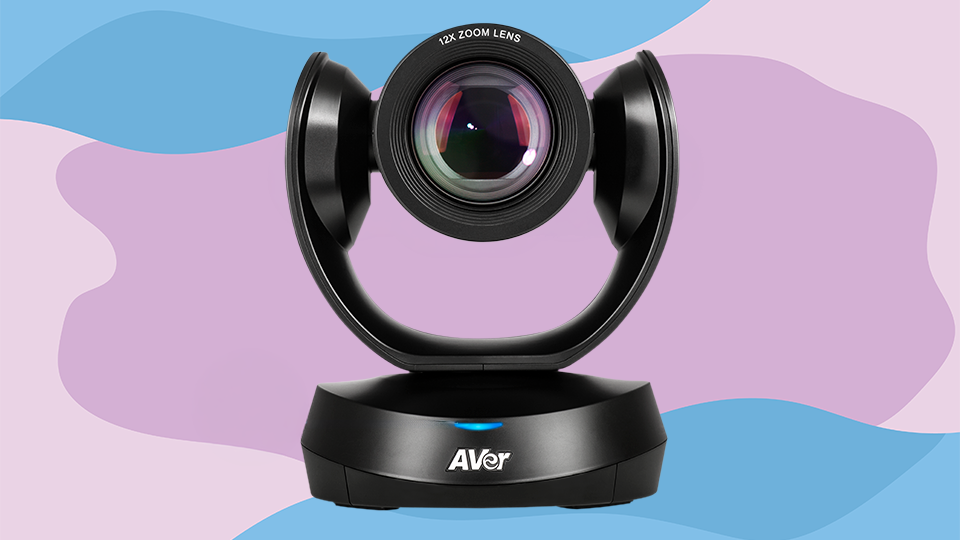
4. Small Events
If you're putting together a small event, consider at least three PTZ cameras: one to get a wide shot of the speaker, one to get a close-up of the speaker, and one to capture the audience for reaction shots and Q&A sessions. On the audio front, consider dedicated presentation mics that can clip on to the presenter or be placed on a podium, as these will get you the cleanest sounding results. Try add a couple televisions or conferencing displays around the room that integrate the live PTZ feeds and can show virtual speakers, accompanying material, or a virtual audience. These screens can also make the event more engaging for people in the room.
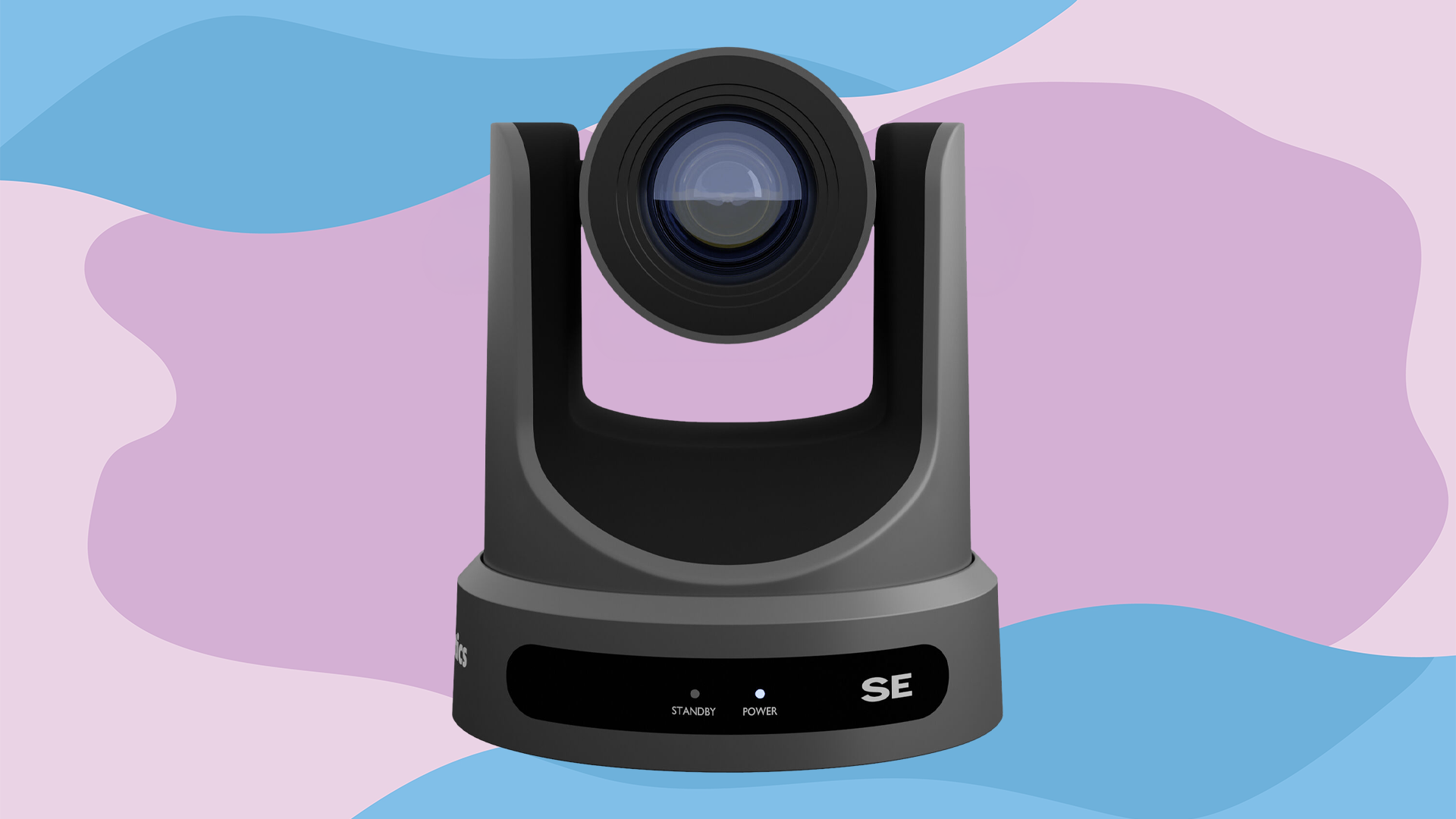
5. Large Events
If your event is going to feature a technically complex stage setup with a video conferencing element, it's often smart to have even more than three PTZ cameras in the room so you can always have a clear shot of the action. Give yourself ample planning and setup time for these larger scale setups, and try to run all the cameras into a live video switcher so you can continually adjust which angle your audience is seeing. Making your audio system wireless is also a great way to cut down on cabling, but test it out first to ensure you won't run into signal interference from walls, concrete, or other wireless systems. On the live feed front, switching from flat panels to projectors can get you a much larger output, but be mindful of the lumen count if you'll have competing ambient room light.
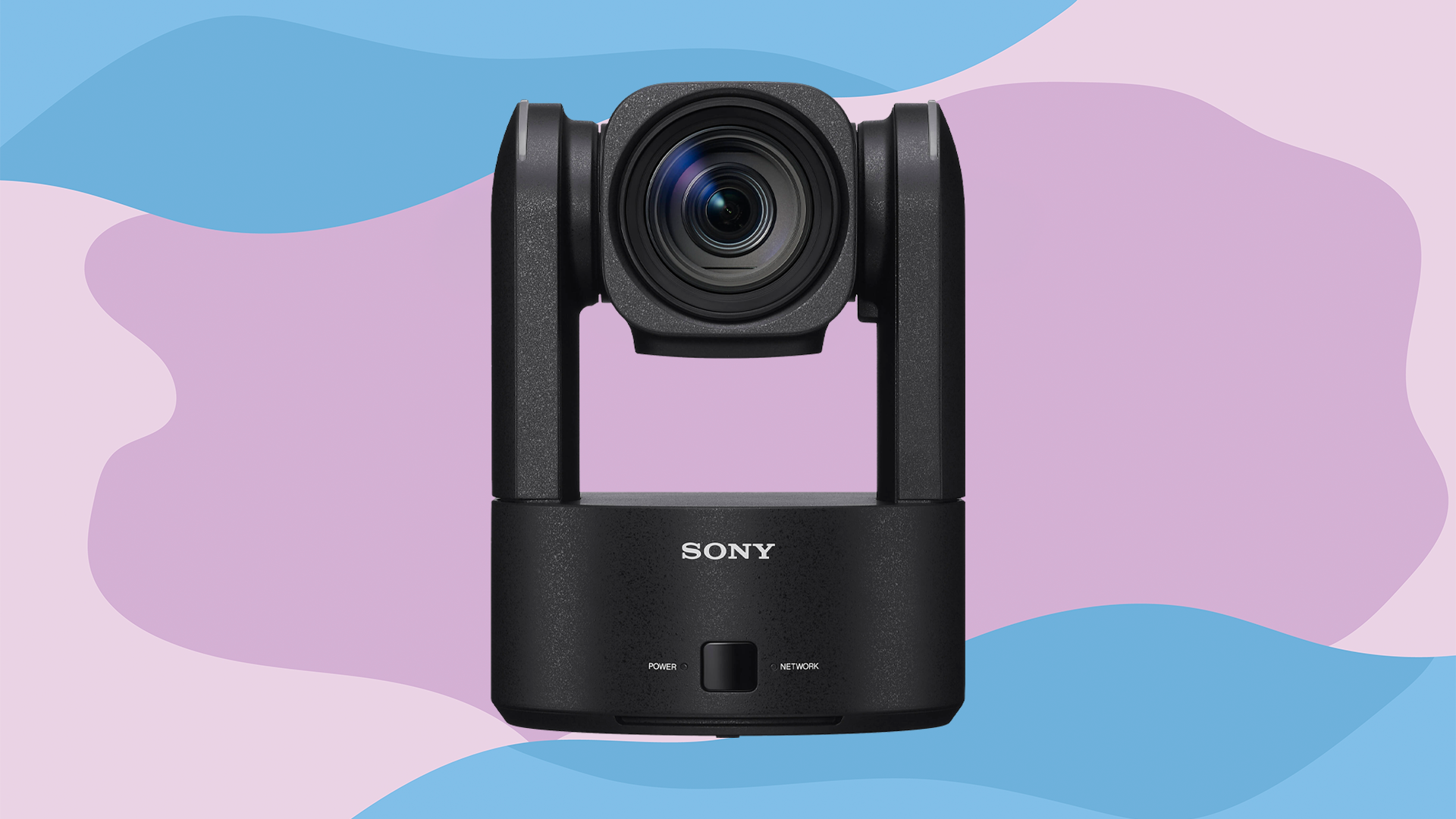
PTZ video conferencing setups start simple but can quickly grow complex. For more personalized advice, calculate your room dimensions and layout, then contact us by phone, email, or live chat for recommendations on cameras, microphones, signal distribution, and more. If you'd like to learn more about PTZ cameras, you can also check out our other guides and articles on the B&H Explora page!
