Video Chat with a Pro Video Expert - Live

ViewCast SimulStream Software Upgrade for Osprey 210e Video Capture Card

BH #VISSSLO210E • MFR #95-05015
Print
ViewCast SimulStream Software Upgrade for Osprey 210e Video Capture Card
Key Features
  • Encode to Multiple Formats
  • For Streaming and Video-On-Demand (VOD)
  • Encode for High-Speed, DSL, and Mobile
  • Supports Multiple Resolutions and Fps
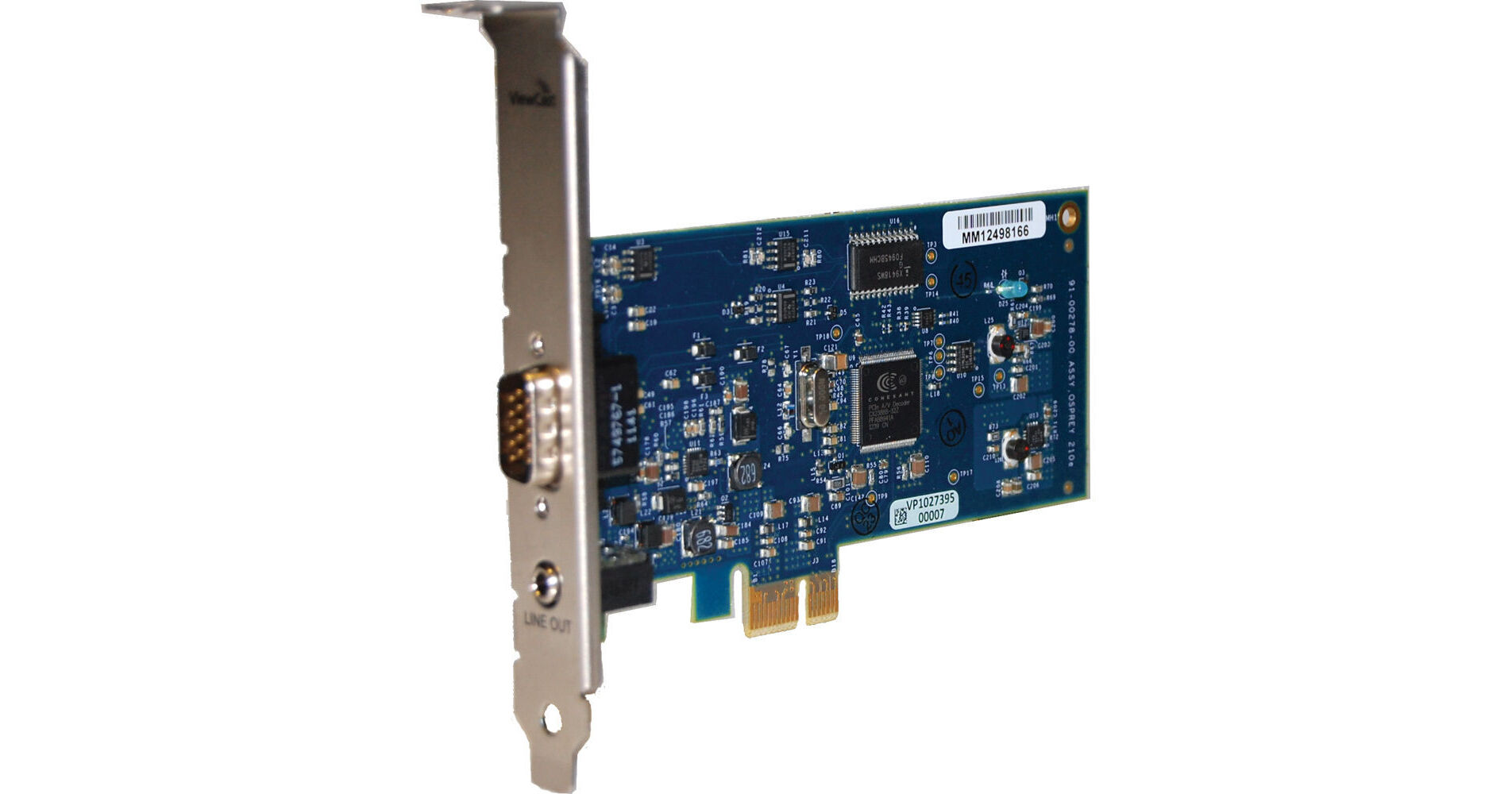
ViewCast SimulStream Software Upgrade for Osprey 210e Video Capture Card is a factory-installed software addition that exposes the ViewCast Osprey 210e's full potential as a multi-format streaming device. By make a single input appear as several sources to the encoding or streaming software, SimulStream makes it possible to encode in multiple formats at once. For example, a high-bitrate stream for users with FiOS and Cable connections, a lower-bitrate stream for users on cable or satellite, and finally a lower resolution, low-bitrate stream for mobile device users.
More Details
No Longer Available
No Store Display
Ask an Expert
800-606-6969

ViewCast 95-05015 Overview

ViewCast SimulStream Software Upgrade for Osprey 210e Video Capture Card is a factory-installed software addition that exposes the ViewCast Osprey 210e's full potential as a multi-format streaming device. By make a single input appear as several sources to the encoding or streaming software, SimulStream makes it possible to encode in multiple formats at once. For example, a high-bitrate stream for users with FiOS and Cable connections, a lower-bitrate stream for users on cable or satellite, and finally a lower resolution, low-bitrate stream for mobile device users.

Although software encoders can often generate streams or files of several different bitrates at once they are generally locked into one resolution and frame rate. Because SimulStream works at the card level it is able to take care of scaling and framerate conversion and let the encoder decide what compression to use.

For installation, after purchasing license you will need to setup an "RMA request" from the "Support" section of the ViewCast website.

ViewCast 95-05015 Specs

System Requirements
USB Authentication Device Required
No

ViewCast 95-05015 Reviews

See any errors on this page?
Whatever You Need, We've Got It