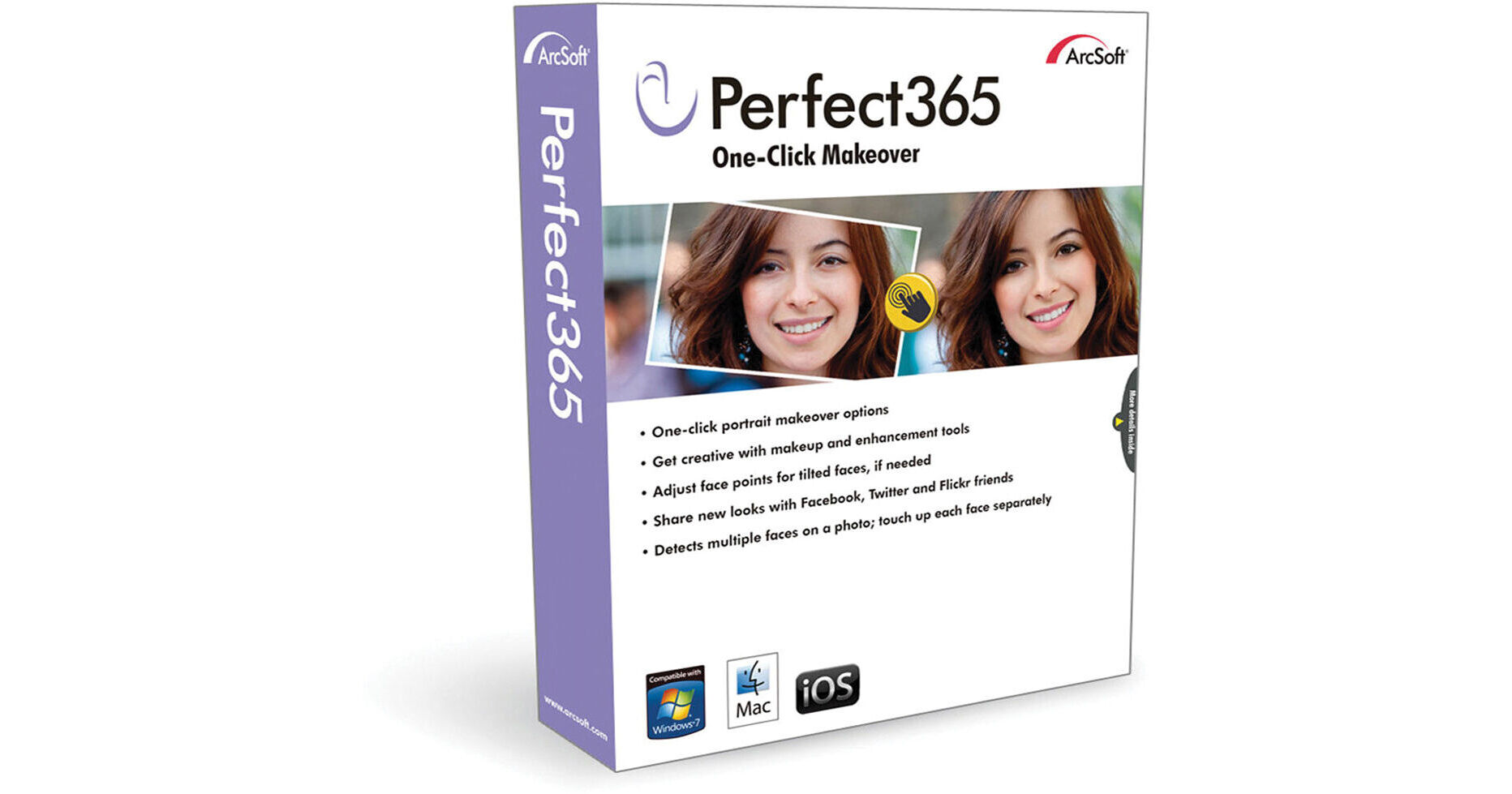
This electronic download of Arcsoft Perfect365 brings one-click portrait editing to your Windows-based machine. It features over 30 preset style templates to choose from and auto multi-face detection for up to 20 people at once. The software will even detect tilted heads and people wearing sunglasses.
Perfect365 provides the tools for full control over your images. The four main areas include Skin, Face, Eyes, and Mouth, with the ability to adjust the intensity of each effect. Additionally, you can easily create slideshows using templates or upload images directly to Facebook, Twitter, or Flickr.
One-Click Templates
Over 30 free templates are included for quickly editing photos with just a single click
Auto Multi-Face Detect
Allows for the automatic selection and retouching of up to 20 faces in one photograph
Fine-Tuning Tools
Manually adjust settings such as skin smoothing, eye enhancement, mouth enhancement, face retouching, lip tattoos, and other presets
Direct Printing
Print photographs directly from the application
Share on Social Networks
Features built-in uploading to Facebook, Twitter, and Flickr
Slideshow Creation
View images in slideshows by using the built-in themes and music with the Photo Viewer
Multiple Format Support
Import and export images as JPG, PNG, BMP, or TIFF files