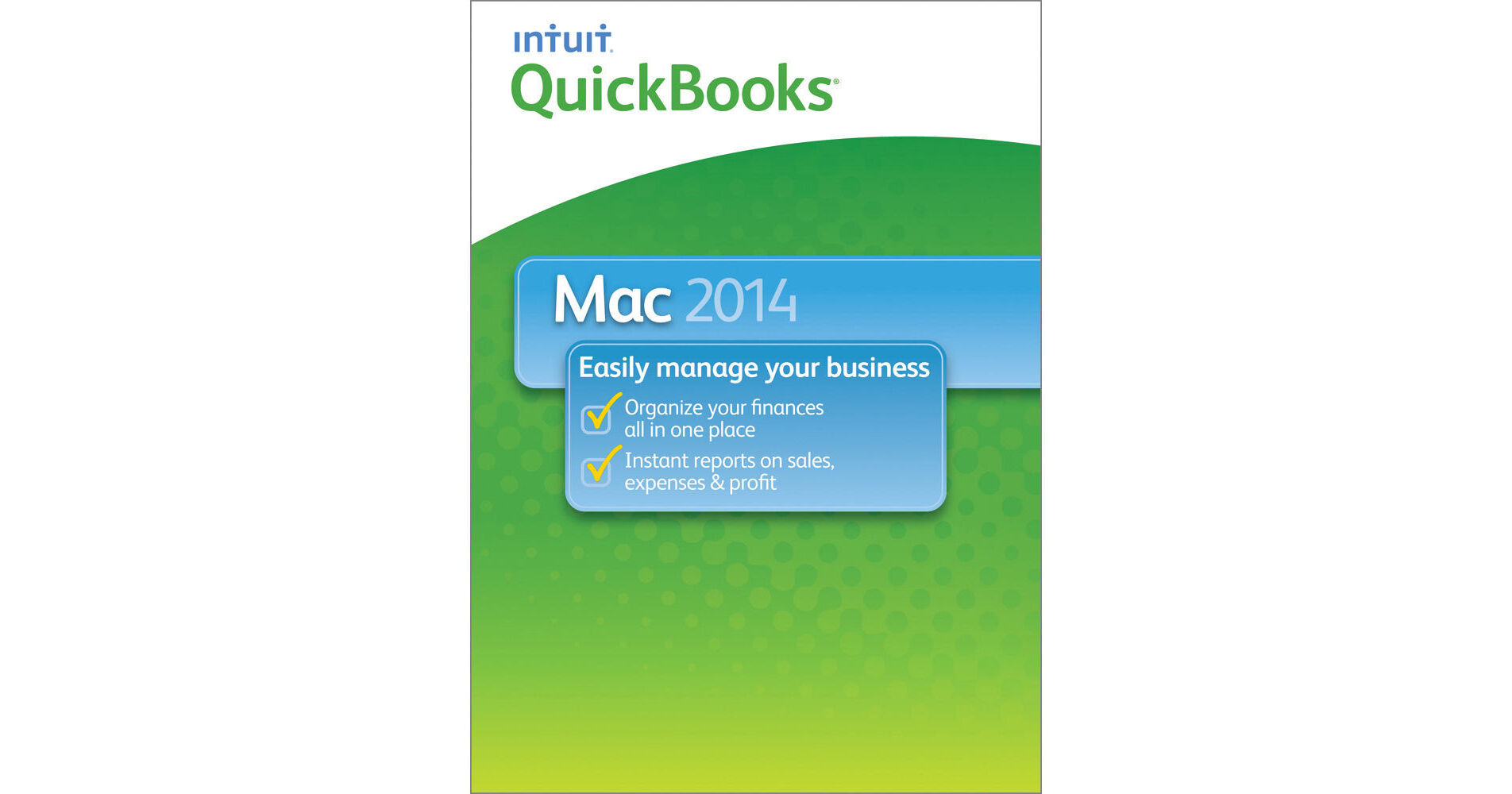
This is the downloadable QuickBooks for Mac 2014 1-User License from Intuit. It helps you organize your business finances all in one place so you can complete frequent tasks in fewer steps. Easy to set up, learn and use, it's built for the Mac, so it looks and works the way you would expect, and is compatible with iCal/Calendar, iChat, and Address Book/Contacts.
Features added or improved for the 2014 version include the following: the Left Hand Toolbar, which lets you create shortcuts; the enhanced, customizable Centers to keep important information close at hand; an Income Tracker that shows all your income-producing transactions in one spot; the ability to easily run reports that identify your top sales performers; and improvements allowing for quick adjustment of sales tax paid to your account.
Create invoices and pay bills with just a few clicks. Easily locate transactions and contacts with Customer and Vendor Centers, and become more organized. Get insights into the performance of your business, and make better decisions with rich, graphical company snapshot widgets, which you can customize to show the most relevant data for your business. Leverage 115+ included reports to analyze your company, and customize each one to show the data you need.
Keep track of important dates, such as payment due dates, with iCal/Calendars. Maintain up-to-date contact information by syncing QuickBooks with Address Book/Contacts. Create invoices and sales receipts to keep track of who owes you money, what they bought, and when they paid you, and add to your invoices with just a few clicks. You can also invoice in phases to get paid faster, and log hours and bill clients for your time. Additionally, enter expenses and track account balances.
Download online banking transactions from your financial institution to QuickBooks and save time by batch entering them.
In-product tutorials take you through key everyday tasks from start to finish, to help you get started using QuickBooks. Contextual help is available to answer your questions when you're in the middle of a task. Hot tips, videos and recommended feature icons help you become efficient quickly.
Bring in existing product, customer or service information from your spreadsheets easily. If there's anything else not in the spreadsheet you need to add to complete your entries, QuickBooks will prompt you, to help ensure that your information is accurate and complete. Easily import contacts from Address Book/Contacts and Gmail and flag them as Customers, Vendors or Employees.
Save time locating important information. You can easily search for names, transaction types, amounts, dates, etc. Click a result category to quickly find the result you're looking for. Quickly access recent or saved searches, and use filters such as transaction date, type, amount and document number, to refine results. Project a professional image to your customers and vendors by customizing forms with your logo, color, fonts, etc.
Online services vary by participating financial institutions and may be subject to application approval, and additional terms, conditions and fees. Supports Web Connect and Direct Connect.
Address Book is included in Mac OS X from Apple, Inc. Synchronization with mobile phones and PDAs requires an iSync 2.1-supported phone or PDA. Contact Sync feature in QuickBooks for Mac is disabled and will not function if you are running on Mavericks
Know when your customers have received, viewed, and paid your invoices. QuickBooks automatically records their payment upon receipt. Benefit from recurring billing you can schedule to fit your needs, and automatic funding to your bank account in as little as two days. Get automatic alerts when payment is made.