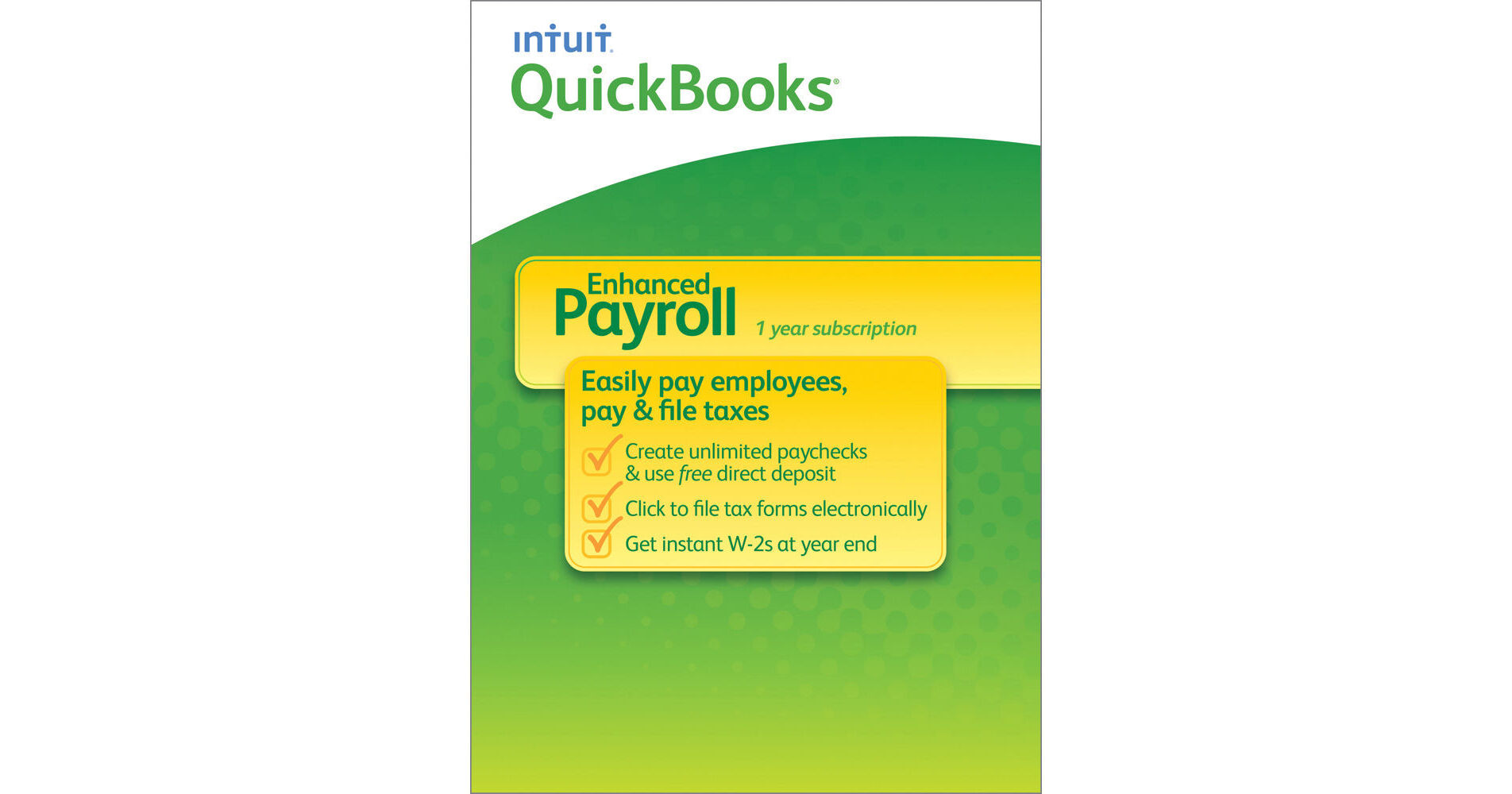
Intuit QuickBooks Enhanced Payroll for Windows 2014 (Download)

BH #INQBEP14WD • MFR #0432461
Print
Intuit QuickBooks Enhanced Payroll for Windows 2014 (Download)
Key Features
  • Pay Employees in 3 Easy Steps
  • Instant Paychecks for W-2 Employees
  • Instant Paychecks for 1099 Contractors
  • Use Free Direct Deposit
QuickBooks Enhanced Payroll for Windows 2014 from Intuit allows you to pay employees in 3 easy steps. Create and print unlimited instant paychecks or use free direct deposit. Enjoy unlimited payroll runs; integration with your QuickBooks Pro, Premier, or Enterprise software for Windows; and live support from payroll experts.
More Details
Digital
No Longer Available
No Store Display
Ask an Expert
800-606-6969

Intuit 0432461 Overview

QuickBooks Enhanced Payroll for Windows 2014 from Intuit allows you to pay employees in 3 easy steps. Create and print unlimited instant paychecks or use free direct deposit. Enjoy unlimited payroll runs; integration with your QuickBooks Pro, Premier, or Enterprise software for Windows; and live support from payroll experts.

The program automatically calculates taxes for you, and lets you easily pay and file taxes electronically via included forms. Account for all types of compensation, including salary, hourly rate, sick time, overtime, vacation time and bonuses. Easily track health benefits and 401k deductions. Pay hourly and salaried employees all at once, from the same screen. You can also add new employees or update employee information at any time with no trouble at all.

Easy Setup
Payroll Setup Checklist and detailed, step-by-step guide help you easily set up the program.
QuickBooks Integration
Information you enter in Payroll is automatically recorded in QuickBooks, so you can run bookkeeping reports with the latest payroll data.
Employee Compensation
Account for all types of compensation, including salary, hourly rate, sick time, overtime, vacation time and bonuses. Easily track health benefits and 401k deductions. Pay hourly and salaried employees all at once, from the same screen. QuickBooks automatically calculates earnings, deductions and payroll taxes using up-to-date tax rates automatically downloaded as part of your subscription.
Paychecks
Easily prepare and print paychecks for W-2 employees and 1099 contractors from your PC anytime, or use free direct deposit for W-2 employees. Additional fees apply for direct deposit to vendors. You don't need to be in the office anymore to sign and print checks on payday.
Pay Taxes
When you process your payroll, the program tracks your liabilities and automatically applies the correct amounts to the correct accounts in your QuickBooks register. Liabilities payments for federal and state are calculated and prepared for you.
Fill in Payroll Tax Forms
Easily pay and file taxes electronically via the latest federal and select state tax forms, which are included and automatically get filled in for you. Local tax forms not included. Get instant W-2s at year end for electronic filing. Additionally, benefit from email reminders for taxes and forms.
Quick Additions and Updates
Easily add new employees or update employee information at any time.
Working with Your Accountant
You can e-mail reports and your company files to your accountant.
Support
Free help from experts via phone, chat and email, including free year-end assistance. Phone support is available Monday through Friday, 6 AM to 6 PM PT
Security
On paydays, all online transactions are protected using the same kind of encryption used by leading banks.
Additional Services
Benefit from several optional add-ons, including the ability to track and account for workers' compensation benefits with ease. Display mandatory State and Federal labor law posters and reduce your risk of HR issues and government fines. Start saving time and avoid costly errors by automatically calculating total hours worked with Time Tracking. Online time sheets option allows employees to enter their hours online, any time, onto the password-protected timesheet, while online time clock enables them to clock in and out online. Additional fees apply for these add-on services.

Intuit 0432461 Specs

System Requirements
QuickBooks Pro or Premier 2011 or later for Windows, or QuickBooks Enterprise Solutions for Windows (available separately), updated to the most current maintenance release
Not compatible with QuickBooks Online editions or QuickBooks for Mac

Windows Vista Starter/ Home Basic/ Home Premium/ Business/ Enterprise/ Ultimate/ Home Basic x64/ Home Premium x64/ Business x64/ Enterprise x64/ Ultimate x64, Windows 7 (all versions) or Windows 8 (all versions)

2.0 GHz processor or greater; 2.4 GHz recommended
Minimum 1.0 GB of RAM for single user; 2.0 GB recommended for multiple users
Minimum 2.5 GB available disk space (additional space required for data files)
Minimum 1024x768 screen resolution, 16-bit or higher color, default DPI settings
Internet connection for all online features/services
Federal Employer Identification Number (FEIN)

Intuit 0432461 Reviews

See any errors on this page?
Whatever You Need, We've Got It