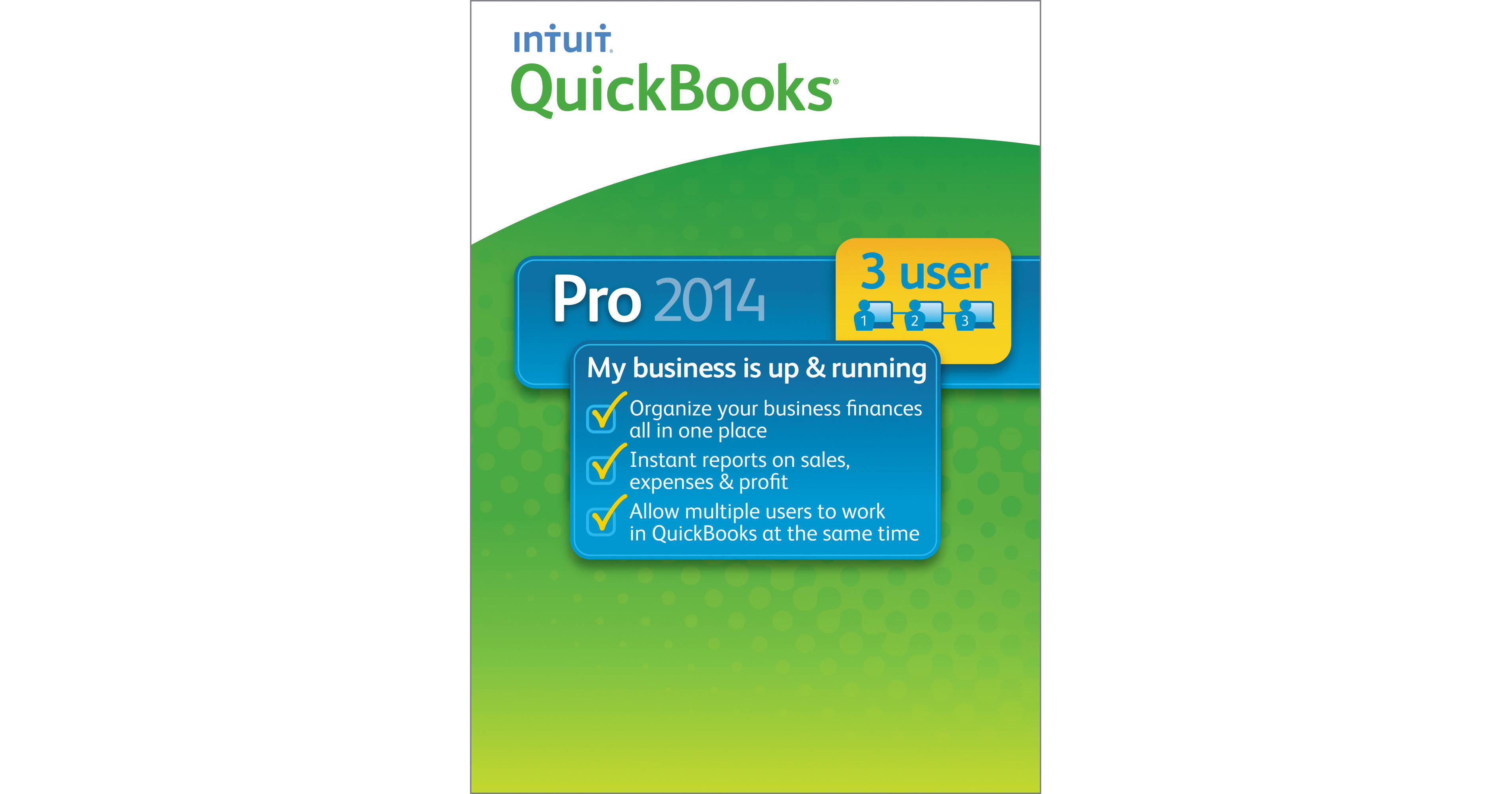
The 3-user QuickBooks Pro 2014 from Intuit is a small business accounting software which saves your time by organizing your finances in one place. It is easy to set up, learn and use; no accounting knowledge is necessary. Invoicing with QuickBooks is easier; no need to start from scratch every time. You can turn estimates into professional looking invoices in one click.
You can stay organized and never be late with payments, because this software shows you which bills are due and which are not. Tracking income and expenses can be time consuming, but with QuickBooks, this is just a click away. In addition, get complete and reliable records during tax time.
Powerful Email Capabilities
You can now add multiple attachments, customize email templates to include customer or job information, and see prior email conversations
See All Your Banking Transactions
Improved bank feeds pull in all your banking transactions from multiple banks and accounts so you can view and categorize them for tax time
Income Tracker
The new Income Tracker shows all your income-producing transactions in one spot, including overdue invoices so you can remind customers to pay up
Little Things to Make Business Easier
Track bounced checks and see key reports in just one click, and other improvements
Create Invoices and Track Sales
Easily create invoices and sales receipts to keep track of who owes you money, what they bought, and when they paid you
Send invoices and estimates right from your business Yahoo!, Gmail, or Hotmail account
Send invoices and estimates right from your business Yahoo!, Gmail, or Hotmail account
Stay on Top of Your Expenses
Enter and pay bills from vendors, and download your bank and credit card transactions directly into QuickBooks
Gain Insights into Your Business
Drill down to see the details behind the numbers, and export your reports and all of your QuickBooks formatting to Excel
Add-On Applications
Do more with add-on applications and services available in QuickBooks, such as Payroll, Point of Sale, Salesforce, etc.
Simplified Customer Forms
Complete everyday tasks faster with simplified customer forms
Easy Information Access
Keep customer, vendor, and employee contact information at your fingertips
Easier access to data and transactions with simplified navigation
Easier access to data and transactions with simplified navigation
Calendar
See your invoices, billing, and other important tasks in a Calendar View
Lead Center
Track and follow up on sales leads in the Lead Center
Document Center
Attach and store documents in the Document Center
Accessing Reports
Access industry-specific report templates created by other QuickBooks users
Customer Snapshot
See all key customer information at a glance with the Customer Snapshot
Memorized Transactions
Set up Memorized Transactions for recurring billing, invoices, and estimates
Save Formatting
Save your worksheet formatting when you export QuickBooks reports to Excel
Multi-User
Allows three users to work in QuickBooks at the same time
Set individual user permissions to control access to sensitive information
Set individual user permissions to control access to sensitive information
All-in-One
Track inventory, set reorder points, and create purchase orders
Create and print deposit slips
Easily print checks, pay bills, and track expenses
Get a real-time view of your business activities with Company Snapshot
Get insights to make better business decisions in the Report Center
Import your contacts from Excel or other email address books
Create a copy of your company file for your accountant
Create professional-looking invoices and forms
Track sales, sales taxes, and customer payments
Import data from Excel, Quicken, Microsoft Office Accounting, and prior QuickBooks versions
Download bank and credit card transactions directly into QuickBooks
Create and print deposit slips
Easily print checks, pay bills, and track expenses
Get a real-time view of your business activities with Company Snapshot
Get insights to make better business decisions in the Report Center
Import your contacts from Excel or other email address books
Create a copy of your company file for your accountant
Create professional-looking invoices and forms
Track sales, sales taxes, and customer payments
Import data from Excel, Quicken, Microsoft Office Accounting, and prior QuickBooks versions
Download bank and credit card transactions directly into QuickBooks