Video Chat with a Pro Video Expert - Live

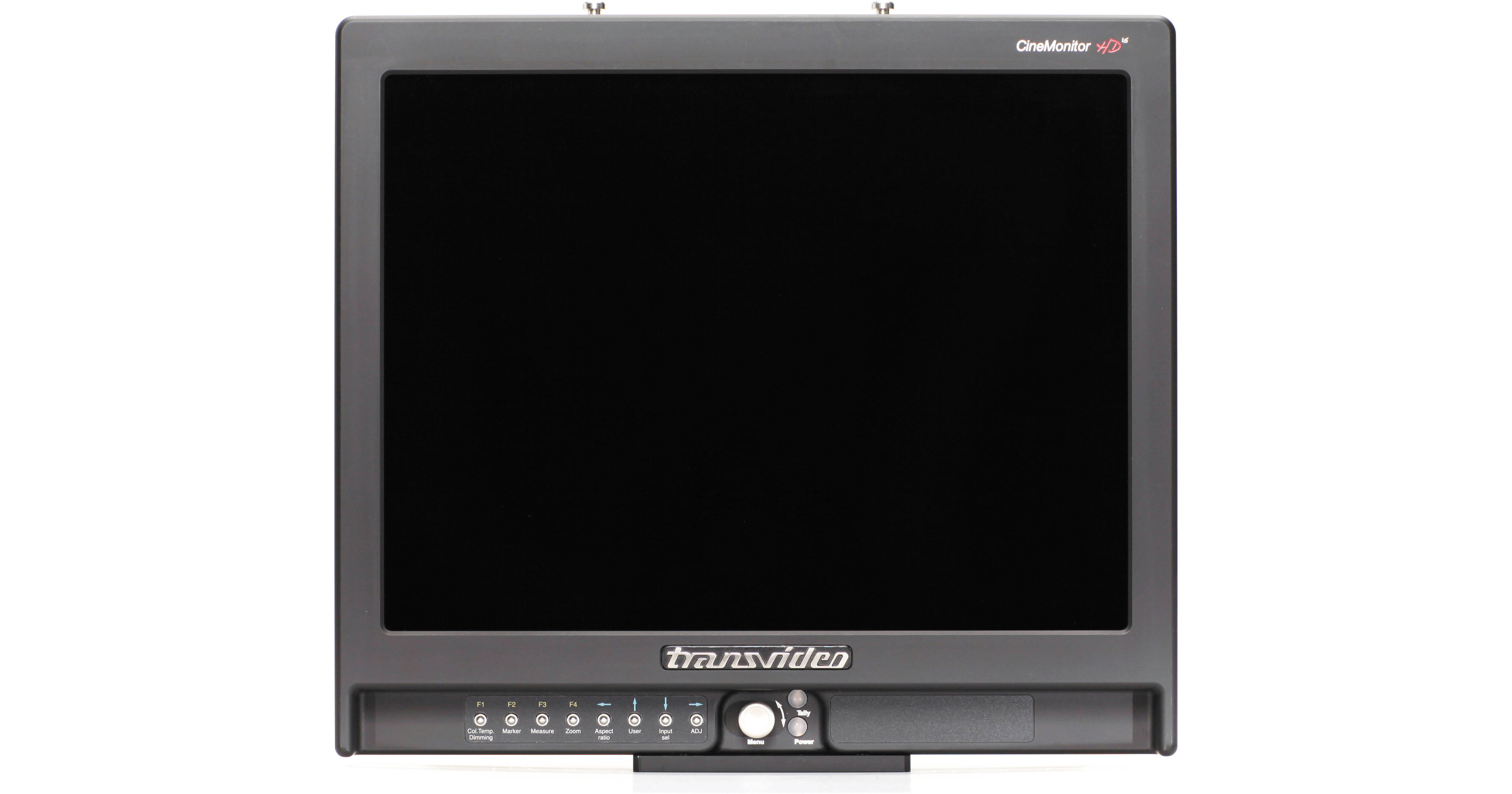
Transvideo CineMonitorHD Evolution Studio 15" Production Monitor

BH #TR15CSEM • MFR #917TS0053
Print
Transvideo CineMonitorHD Evolution Studio 15" Production Monitor
Key Features
  • 1024 x 576 Resolution Picture Zone
  • Displays Data in Separate Window
  • SDI Input with Reclocked Loop Through
  • HDMI Input on Mini Type C Connector
The Transvideo CineMonitorHD Evolution Studio 15" Production Monitor is a 350 Nits monitor for studio and video village applications that ships precalibrated following the D65 ITU-R BT.709-5 and D56 specifications. It features a 4:3, XGA resolution panel that breaks the image into two zones: a 16:9, 1024 x 576 resolution picture zone above and a data zone below. The data zone can be used to display may types of useful information, including lens metadata, waveforms, histograms, SDI-embedded audio levels, and more. It also features various overlays for the picture zone, including user-definable makers and framelines, focus peaking, timecode, mattes, and OSD tallies.
More Details
No Longer Available
No Store Display
Protect Your Gear
Add a protection plan from $279.99

Business Financing Options

Ask an Expert
800-606-6969

Transvideo CineMonitorHD15 Overview

The Transvideo CineMonitorHD Evolution Studio 15" Production Monitor is a 350 Nits monitor for studio and video village applications that ships precalibrated following the D65 ITU-R BT.709-5 and D56 specifications. It features a 4:3, XGA resolution panel that breaks the image into two zones: a 16:9, 1024 x 576 resolution picture zone above and a data zone below. The data zone can be used to display may types of useful information, including lens metadata, waveforms, histograms, SDI-embedded audio levels, and more. It also features various overlays for the picture zone, including user-definable makers and framelines, focus peaking, timecode, mattes, and OSD tallies.

The monitor supports standard definition PAL and NTSC signals as well as 720p, 1080i, and 1080p. It features an HD-SDI/SD-SDI input with reclocked loop through, an HDMI input on a mini type C connector, a dedicated composite input with loop through, and an analog combo jack on an 8-pin Lemo connector for component, RGB, or composite input. The screen adapts to non SDI-native aspect ratios, and can provide anamorphic squeeze and de-squeeze; the aspect ratios it supports are: 1.33:1, 1.78:1, 2.40:1, and 3.20:1. In addition, framelines can be used to "safe-in" a secondary aspect ratio in cases where multiple delivery formats are anticipated.

The monitor also features two data ports for tally and GPI. GPI is a general purpose input with user-configurable pins to remotely actuate various settings. The tally port accepts two tally sources; in addition, the third tally source can be derived from metadata in the SDI signal.

LensReader for /i and LDS lenses and Cine Tape
Displays metadata from /i and LDS lenses as virtual scales the below the video image. Scales include: focus with depth of field and hyperfocal point, iris, zoom (if any). LensReader is compatible with: Cooke 5/i, S4/i, and mini S4/i; Arri/Zeiss MasterPrime and UltraPrime LDS; Arri/Fujinon Alura lightweight zooms; and Fujinon Cabrio series
AvengerLeveler
Formerly VirtualHorizon, AvengerLeveler is a color coded electronic leveler with several renditions, adjustable sensitivity, and direction. The leveler cam either be driven by a built-in sensor or use an external sensor, such as the Betz-Tools external horizon
Waveform
The monitor offers two waveform modes:

Sweep Mode: Shows a line representation of the picture in two sub-modes: In Line Mode, showing the Y, R, G or B component of the signal; in Parade Mode, showing RGB, GBR, YRGB, or YPrPb. Sweep Mode can display frame, twelve lines, or one specific line waveforms. In addition, the waveform can also be displayed as overlay above the video image

Frame Mode: Shows a frame representation of the Y component of the signal
Vector Scope
Plots color vectors on a circular graph to provide objective data on the color composition of the image
False Color
Tints specific tonal values in the frame with a particular color to assist in gauging accurate exposure. Safety limits for clipping as well as maximum and minimum exposure values can be user defined
Markers
Includes preset markers for 4:3, 14:9, 16:9 as well as "TV safe". In addition, user-defined frame lines can created, composed of solid lines, dots, dashes, or corners with or without a crosshair and with or without matting. Matting includes four solid colors and four shades of semi-opaque gray
Focus Peaking and Magnification
Choose between ten levels and nine colors. Peaking puts an colored overlay of increasing density over high-contrast parts of the frame to help identify what is in focus. Additionally, the image magnification scales the image at pixel to pixel to make critical focusing easier
Audio Detect
Places an icon on the display indicating whether embedded audio is detected in the SDI signal alongside a digital VU meter showing one stereo pair out of the possible eight stereo channels SDI carries
LED and OSD Tally
Up to three tallies may be displayed simultaneously: two from an external source and one based triggered by the camera REC/STOP command embedded in the SDI signal. The tally can be a colored LED Displays and/or an on-screen tally. The OSD tally can take the form of frameline, "REC" style, or a big "ON AIR" exclamation
Timecode Overlay
Displays SDI-embedded LTC, VUTC1, or VITC2 timecode
Image Flip
The image can be flipped horizontally or vertically as well as reversed, in case the monitor will be mounted upside down. Reversing can either automatically flip the image when the monitor is rotated or be locked in manually
Display Adjustments
Basic display adjustments include brightness, saturation, contrast, saturation, and hue. Advanced settings include gamma correction, with presets for linear, Rec. 709, Log C, and S-Log
11 to 36V DC Power
Allows the monitor to be powered from a wide range of mobile power sources, including professional battery systems. The 4-pin XLR power input features galvanic isolation to help prevent ground loops in case of reverse polarity
Reclocked SDI Loop Through
Reclocking helps rebuild a weak digital signal following a long cable run. Reclocking restores the signal to its original level so that next device in the chain receives the same strength of signal as if it were connected directly to the source

Transvideo CineMonitorHD15 Specs

Key Specs
Display Size
15.00" / 38.1 cm
Native Resolution
1024 x 576
Power Consumption
44 W
Display
Panel Type
LCD
Display Size
15.00" / 38.1 cm
Native Resolution
1024 x 576
Viewing Angle
Horizontal: 170° (85/85)
Vertical: 170° (85/85)
Maximum Brightness
350 nits / cd/m2
Contrast Ratio
:1
Inputs/Outputs
Power I/O
1x XLR 4-Pin (36 VDC) Input
Other I/O
1x DE-9/DB-9 (RS-232/RS-422)
Power
Input Power
11 to 36 VDC
Power Consumption
44 W
General
Operating Conditions
-4 to 131°F / -20 to 55°C
Storage Conditions
-40 to 176°F / -40 to 80°C
Dimensions
13.5 x 12.2 x 3.4" / 34.29 x 30.99 x 8.64 cm
Weight
9.4 lb / 4.3 kg

Transvideo CineMonitorHD15 Reviews

See any errors on this page?
Whatever You Need, We've Got It