Ask Our Experts800-606-6969
Hello, Log InAccount & Orders

Video Chat with a Pro Video Expert - Live
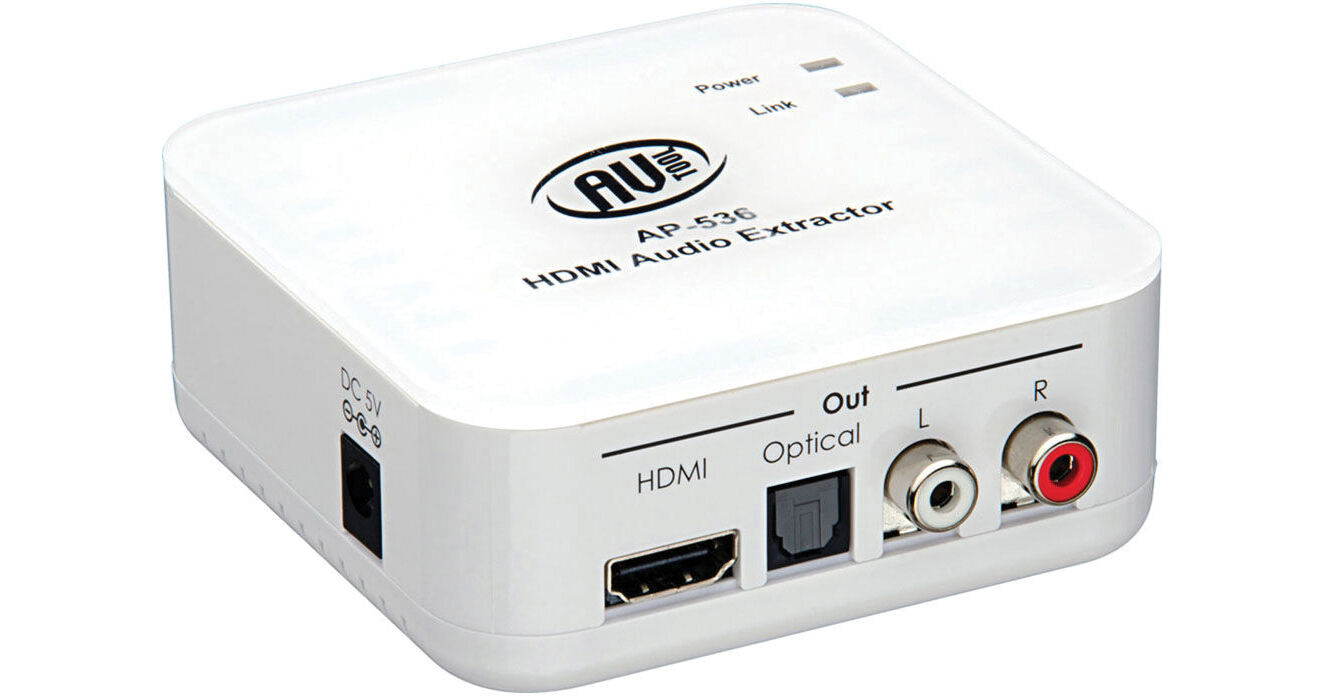
Key Features
- De-Embed Audio from an HDMI Signal
- Route Audio via RCA or Optical Outputs
- Audio EDID Selector
- HDCP Compliant
The AP-536 HDMI Audio Extractor from AV Toolbox allows you to de-embed the audio from an HDMI signal and route it separately via optical or analog outputs. You may want to route the audio to an independent amplifier/speaker system for various reasons, including if your display is incapable of processing the audio from your HDMI source.
More DetailsIn Stock
Protect Your Gear
Add a protection plan from $22.00
See Options
See any errors on this page?
question
Does unit support ARC? My case is BD player and Cable TV HDMI inputs to AV receiver and AV receiver HDMI ARC output to Sony Bravia TV ARC input. I want to extract stereo audio from HDMI output of AV receiver without preventing ARC communication between AV receiver and Sony TV.
This de-embedder does not work with ARC.
Date published: 2021-01-18
I see that the HDMI still puts audio at the ...
I see that the HDMI still puts audio at the Sametime as the secondary audio outputs. My question is, Does the HDMI still output in 5.1 Dolby while simultaneously putting signal to analog Left and Right? My need is to have 5.1 through hdmi while sending rca L and R to my analog zone 2.
Yes, the specifications for HDMI protocol include LPCM 2.0, 5.1, 7.1, Dolby 5.1, DTS 5.1, DD+ Dolby TrueHD, and DTS-HD Master Audio.
Date published: 2020-05-07
question
does the hdmi out still have audio or is it muted ?
I believe the answer is yes. I will tell you our scenario. The out to the extractor runs the video and audio to our projector. We are able to hear audio through our projector as well as the main sound system that the sound is extracted to. in essence, we have the option of listening to sound through the projector only or through the sound system only or both. Hope this information helps.
Date published: 2018-08-25