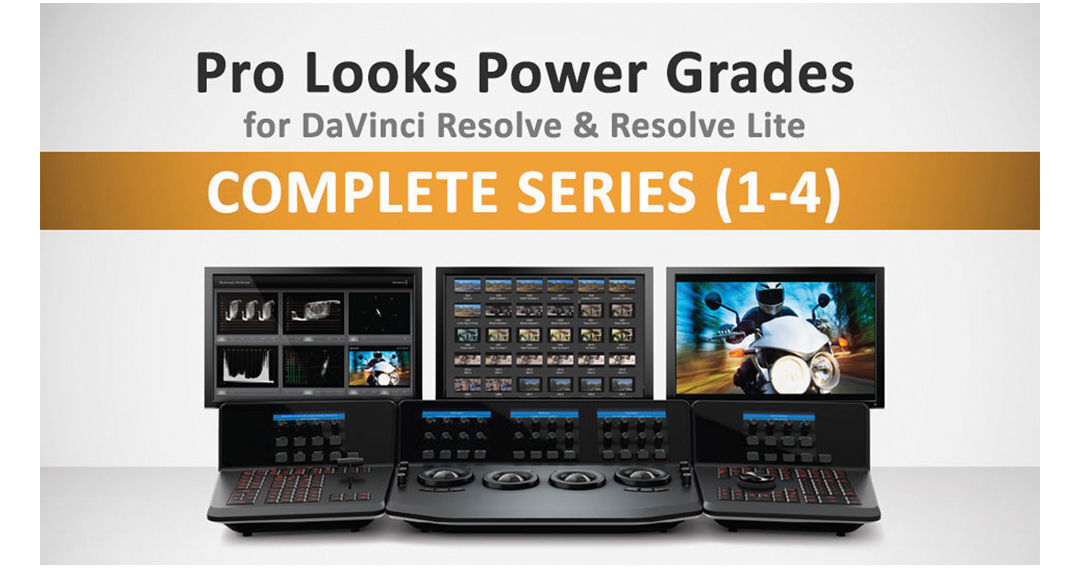
135 Pro Looks for DaVinci Resolve from Class on Demand is the complete tutorial series on using Pro Looks Power Grades in Blackmagic Design's DaVinci Resolve color grading software. It includes all four individual Pro Looks series titles, providing a total of 135 looks and 42 video tutorials. Bob Sliga, a professional colorist with over 30 years of experience, is your instructor for the series.
Complete Series
Series 1
Shows you some overall color grading looks that affect the dynamic range of your clips. From there, you'll discover how to use Resolve filters to create skin softening effects and grit looks.
Series 2
You will learn about warming and cooling the scene to simulate different times of the day. You'll also learn how to add atmospheric effects such as mist to your scene.
Series 3
Shows you how to isolate certain areas of the scene to make grading adjustments, such as power windows. Power windows can produce an effect where the inside of the room is dark but outside the window is bright.
Series 4
You will learn the power of the multiply function and Resolve's node graph function. Power Grades can be combined and modified to create a endless amount of looks. Your instructor will also show you how to create various TV show looks such as flashbacks, dream sequences, and overall tones for drams, sitcoms, mysteries, and more.
Instructor
Bob Sliga is a professional colorist with 30 years of experience. He was the demo artist and trainer for Silicon Color's FinalTouch. Apple hired Sliga as the lead Quality Assurance person after Apple purchased Silicon Color and FinalTouch. He also created all 110 Color FX room preset signature looks.