
Video Chat with a Photography Expert - Live

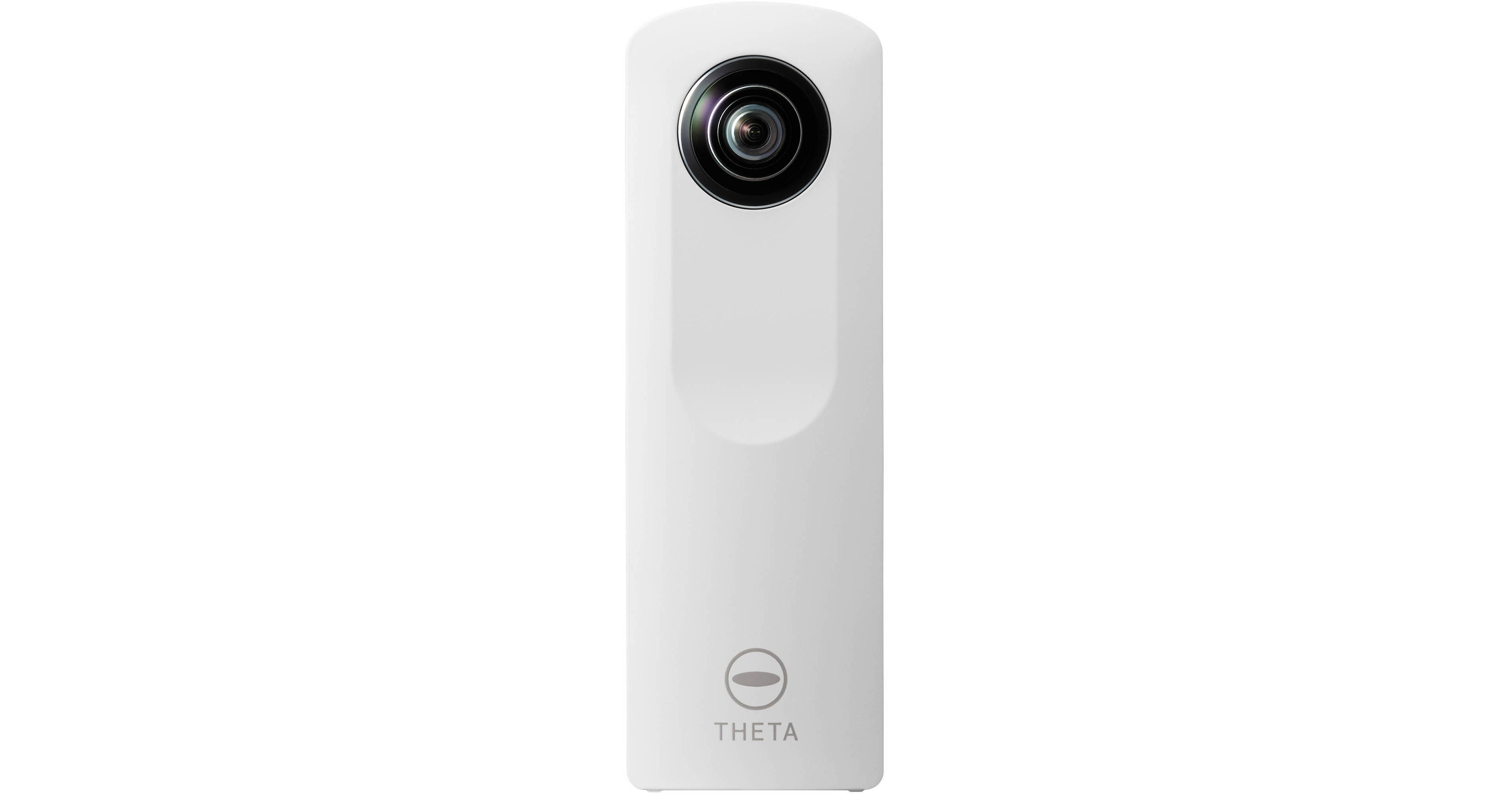
Ricoh Theta Spherical Digital Camera

BH #RITH • MFR #S0175760
Print
Ricoh Theta Spherical Digital Camera
Key Features
  • 360° Spherical Panoramas
  • Lightweight: 3.3 oz
  • Simple Operation
  • Sync with iPhone
The Theta from Ricoh is a compact and lightweight (3.3 oz) camera that has a lens on both the front and back, allowing you to take full 360° spherical panoramic images in a single snap of the shutter.
More Details
No Longer Available
No Store Display
Ask an Expert
800-606-6969

Ricoh Theta Overview

From Manufacturer

The Theta from Ricoh is a compact and lightweight (3.3 oz) camera that has a lens on both the front and back, allowing you to take full 360° spherical panoramic images in a single snap of the shutter.

The camera itself has only three buttons, so it is very simple to use. There is a power button, a wireless button and a shutter release. When you press the shutter release, both lenses fire at the same time to capture the entire scene around you making a 360° interactive spherical image. When viewing the images, you can zoom in or out, and turn them around a full 360°. The Theta can be wirelessly synced to your iPhone or connected to a computer with the included USB cable.

The Theta has a built-in Li-Ion battery that is rechargeable via the included USB cable, as well as built-in memory that holds approximately 1,200 images. The battery will allow you to take about 200 images before it needs recharging.

iPhone App
The Ricoh Theta app for the iPhone allows you to remotely fire the shutter on the Theta as well as view and share images to Twitter, Facebook, and Tumblr.
Geo Tagging
By syncing your Theta to an iPhone, you can embed location information into your images using the phone's GPS.
Tripod Mount
A 1/4"-20 threaded tripod mount on the bottom of the camera allows the Theta to be mounted to a tripod or other support for remote triggering.
Windows/Mac App
The Ricoh Theta for Windows/Mac application allows you to connect your Theta to a computer and transfer your images via the provided USB cable. In order to connect to your computer, you must download the app and have Adobe Air installed.

Ricoh Theta Specs

Exposure Control
White Balance
Auto
Environmental
Waterproof
No
Packaging Info
Box Dimensions (LxWxH)
7.1 x 4 x 2"

Ricoh Theta Reviews

See any errors on this page?
Whatever You Need, We've Got It