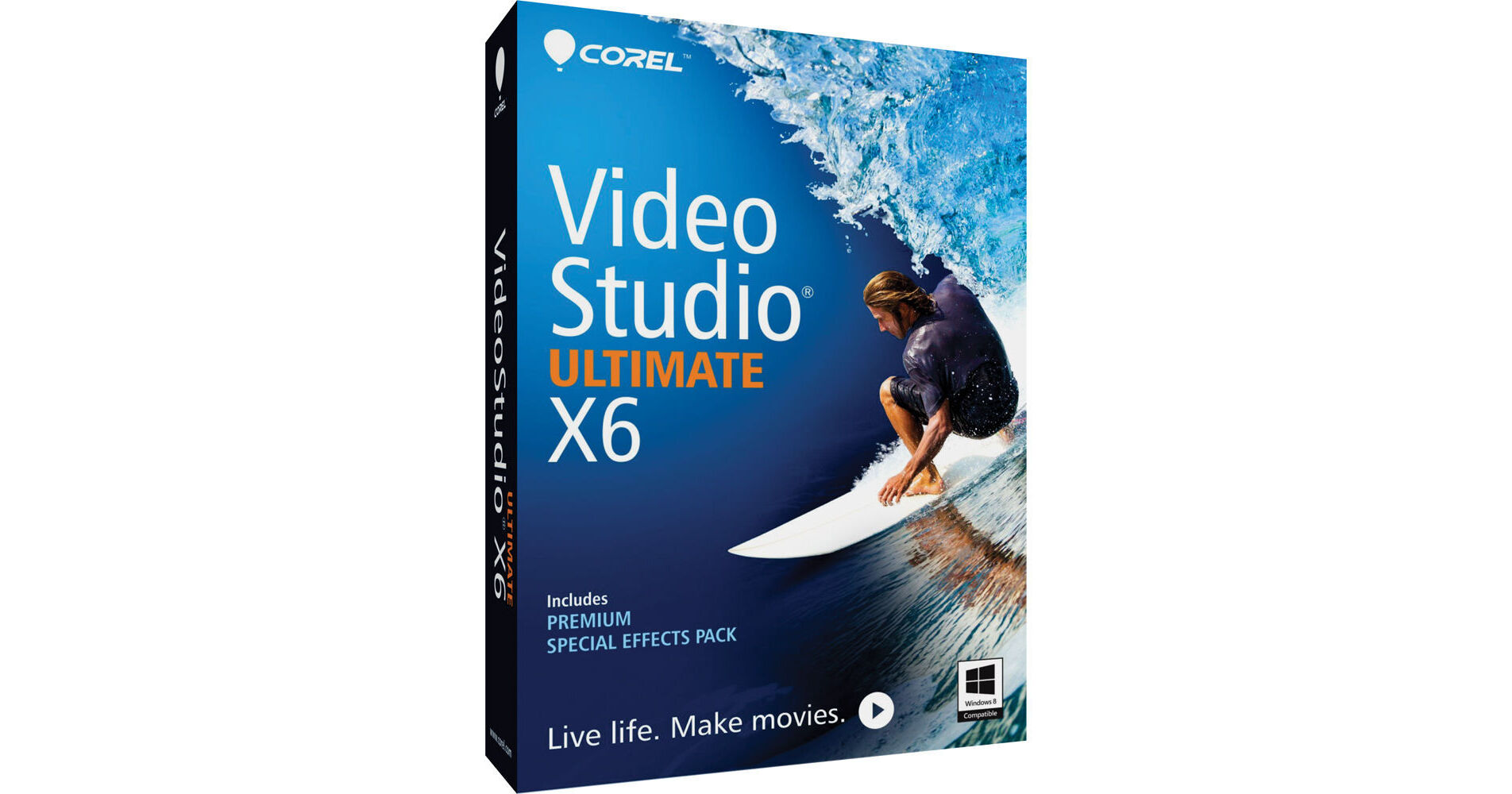
The Corel VideoStudio Ultimate X6 (Electronic Download) is a user-friendly video editing software for the enthusiast and semi-professional. It includes all of the features of VideoStudio Pro X6, a Premium Special Effects Pack, and over a dozen new features available only in Ultimate X6.
One of the new features is Motion Tracking, which lets you connect text and graphics to moving objects and have them move along with the objects. For example, imagine attaching a thought bubble to someone walking down the street. VideoStudio Ultimate X6 supports various video/photo formats and resolutions up to Ultra HD 4K.
Aside from the numerous effects available for sprucing up your movies, there are also creative features such as Stop Motion Animation and Time-Lapse Photography. There's also a Screen Capture tool that lets you record whatever you're doing on screen. This tool is useful for creating online tutorials or general presentations. You can have your mouse cursor highlighted with this feature every time it's clicked so that your audience can better follow along. There's also a DVD/Blu-ray authoring feature that'll let you create an interactive disc menu and burn your videos to disc. And there are many more features.
The included Premium Special Effects Pack consists of proDAD's Handscript Animation toolset, proDAD Mercalli SE for image correction and video stabilization, proDAD Vitascene V2 LE customizable transitions and film-style effects, proDAD Rotopen animated pen effects for maps/graphics/photos, NewBlue's ColorFast for color correction and grading, NewBlue's Video Essentials transitions and filters, and Boris's Graffiti 6 animated titles.
Motion Tracking
Target and track moving objects on screen and connect them to elements such as text and graphics. Attach a thought bubble to someone walking down the street or place security mosaics over moving license plates and faces.
Customizable Motion
Customize the movement of graphics, titles, objects, and video clips. Create dynamic videos featuring picture-in-picture and other pro-quality effects. Save your customizable motion to a Path library for quick and easy reuse.
DSLR Stop Motion
Create full-HD stop motion videos using your DSLR.
DSLR Enlarged Mode
Mimic your DSLR camera's controls on your computer or Windows tablet. Just set up and shoot the frames you want, without jostling your camera.
Ultra HD 4K Support
Work with high-resolution, Ultra HD photos and videos.
Support for QuickTime Alpha Channels
Create animations with transparent backgrounds in other popular 2D/3D animation programs and then import them into VideoStudio X6.
AVCHD 2.0 Support
Get full support for AVCHD 2.0, AVCHD 3D, AVCHD Progressive, and AVCHD 3D/Progressive formats. Plus, save AVCHD content to an SD card for viewing on SD-compatible devices.
Subtitle Editor
Match subtitles to speech in your video using new voice detection technology.
Customizable Random Transition Effects
Customize the built-in Random Effects category to include only the transition effects you want.
Enhanced Variable Speed Control
Slow down or speed up of any part of your video without having to work with multiple clips.
Enhanced Screen Capture
Record tutorials, product demonstrations, gameplay, and more. Guide your audience more effectively with animated mouse clicks. Choose from a variety of frame rates.
NewBlue ColorFast
High-quality special effects, color correction tools, and video tune-up tools.
proDAD Handscript Animation
A variety of templates to turn titles into realistic on-screen handwriting.
Boris Graffiti 6
A set of template-driven, broadcast-quality titles and effects.
Editing
- 21 video tracks
- 4 audio tracks
- Smart Proxy
- Chroma Key (green screen)
- Multi-trim video
- Single clip trim
- Import DVD subtitle
- Smart Pan & Zoom
- Dolby Digital 5.1
NewBlue Video Essentials
High-end filters and effects.
proDAD Mercalli SE
Advanced image correction and video stabilization.
proDAD VitaScene V2 LE
100+ customizable, high-speed effects, transitions, and filters.
proDAD RotoPen
Animated pen effects to maps, graphics, and photos.
NewBlue TitlerEX
2D and 3D title graphics with easy-to-use titling.
Multi-Core Performance Support
Supports running more processes simultaneously, enabling faster rendering.
HTML5 Support
Create interactive video with onscreen graphics, integrated hyperlinks, and titles, using HTML5 output and HTML5 Instant Project templates.
21 Multimedia Tracks
Make content-rich videos with 20 media, graphic, and title overlay tracks.
Import Multi-Layer Graphics
VideoStudio supports importing Corel PaintShop Pro layers, allowing you to apply individual layers of an image onto individual tracks for exotic compositing.
Template Library
Make your own templates or download some from Corel Guide or the free photovideolife.com community, and drag templates right onto the Timeline to jumpstart your production.
Workspace Scalability
Undock, drag, and place your interface any way you want.
Support for More Cameras
VideoStudio Ultimate X6 supports 3D cameras, DSLRs, and 60/50p camcorders.
DVD and Blu-Ray Disc Authoring / Burning
Burn your videos onto disc, apply on-screen graphics, menus, and titles.
Stop Motion Animation
Quickly create an animated movie starring people, toys, and objects.
Time-Lapse Photography
Start with a video clip or series of photos and accelerate it to make a time-lapse movie; and remove frames to achieve a strobe effect.
Instant Projects
Create, import, and export movie templates. Make templates of title sequences, effects, or complete movies.
Advanced Upscaling
Upscale standard definition videos to fit your HD display.
Work on Any PC
Combine elements of a project into one "Smart Package" that you can take with you to any PC.
GPU and CPU Acceleration
VideoStudio Ultimate X6 is optimized for Intel Core i7 and AMD processors and supports NVIDIA CUDA.
High-Speed Filters
Apply and playback effects in real time with GPU and CPU accelerated filters.
Title Effects
Add and customize multiple title tracks and effects.
Multi-Track Overlay Effects
Add filters and effects to any video track.
Mood Music from SmartSound
Set a multi-layered audio track as background sound, and then fine-tune individual instruments to complement the motion in your movie.
Online Sharing
Upload videos and slideshows to YouTube, Facebook, Flickr, and Vimeo directly from within VideoStudio.
Smart Proxy Editing
Lets you work in a lower resolution until you're ready to export, so you can work faster.