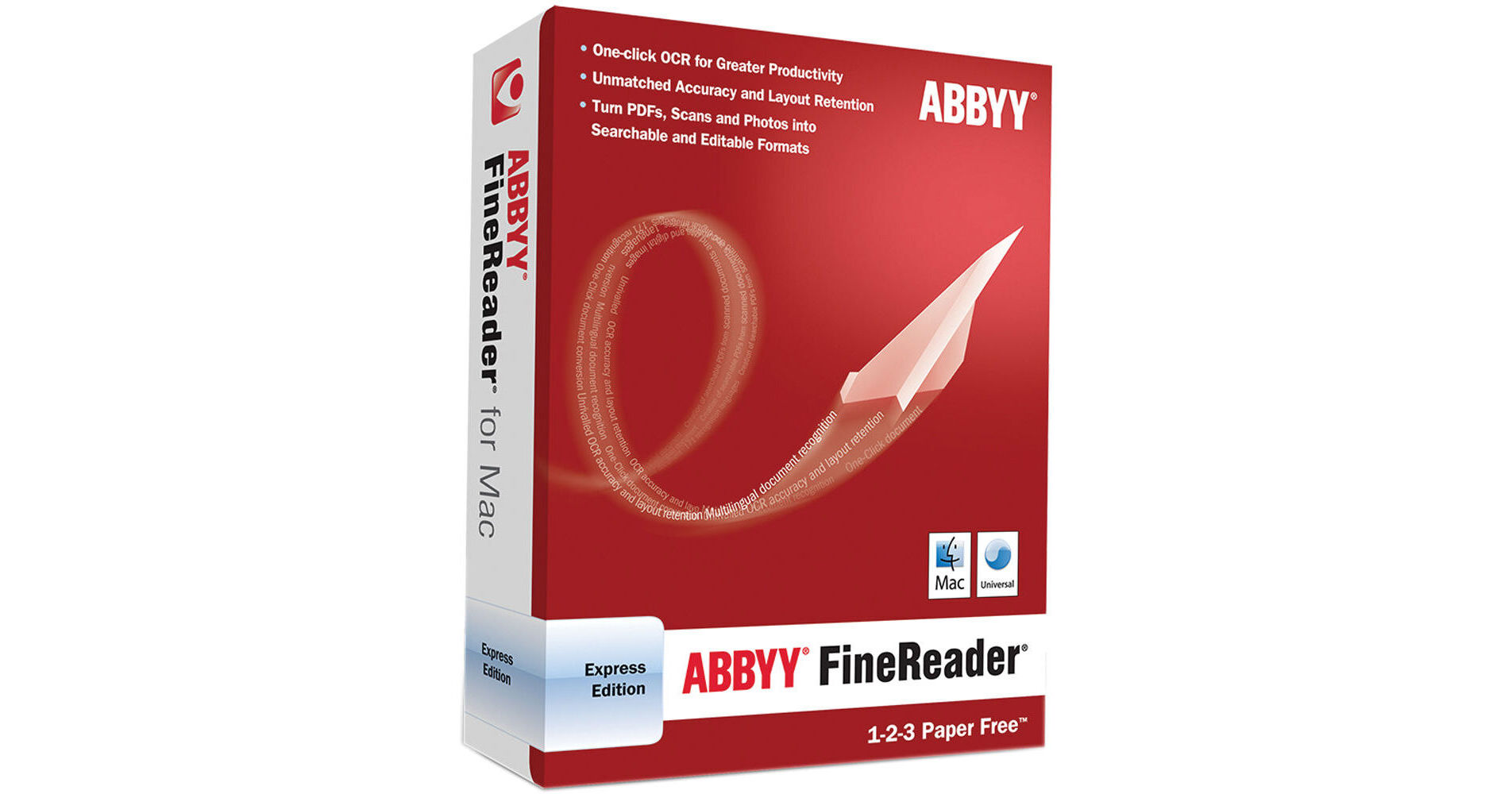
The ABBYY FineReader Express Edition For Mac is an accurate and easy-to-use multilingual OCR (Optical Character Recognition) software download designed specifically for Mac OS X users. Based on ABBYY's intelligent document recognition technologies, FineReader Express for Mac quickly turns any scanned paper document, PDF files, and digital camera images into formats you can search and edit. The original layout and formatting will still be preserved during the conversion.
Features
Accurate Text Recognition & Layout Retention
The FineReader Express Edition for Mac delivers accurate OCR & PDF conversions of a variety of document types into popular editable and searchable formats, such as RTF, XLS, HTML, and searchable PDF. It can also utilizes difficult-to-read images, such as faxes, images taken with a digital camera, and documents scanned at a low resolution. It can also precisely recreate formatting elements of original documents, such as tables, graphics, columns, bullets, and numbering. When analyzing a document, the application automatically detects three areas: text, image, and table areas, which ensure accurate layout retention. If necessary, areas can also be manually selected and corrected before recognition
Comprehensive Lanugage Support
The application supports 171 recognition languages including English, German, French, Greek, Spanish, Italian, Portuguese, Dutch, Swedish, Finnish, Russian, Ukrainian, Bulgarian, Czech, Hungarian, Polish, Slovak, Malay, Indonesian, and many others. Of those, 36 languages have dictionary support to provide accurate OCR and PDF conversion results. It also accurately recognizes multilingual documents written in up to three different languages
One-Click Conversion Tasks
The ABBYY FineReader Express Edition for Mac comes with four pre-defined QuickTasks for the most common document conversion procedures, including "Convert to text document", "Convert to spreadsheet document", "Convert to HTML document", and "Convert to searchable PDF". QuickTasks allow documents to be opened, recognized, and saved in a specified format with just a single click of the mouse
PDF Conversion on Mac
The FineReader Express Edition for Mac will allow Mac users to work with PDF documents. It can convert any type of PDF document (except secured PDFs) into popular formats for further editing, repurposing, or archiving. It can also be used to convert image-only (or scanned) PDFs to searchable PDF format
Intelligently Recreated Tables and Spreadsheets
The ABBYY FineReader Express Edition for Mac automatically detects tables in original documents and precisely reconstructs them in the resulting files. In addition, it provides special tools for editing table areas in documents that enable adding table separators, deleting table separators, splitting table cells, and merging table rows or columns
Digital Camera OCR
With ABBYY FineReader Express Edition for Mac, you can convert them into text files. Go beyond the capabilities offered by traditional scanning devices, like capturing text from large posters, banners, and timetables on the street, or capture pages from thick, bound documents such as books, which are typically hard to scan
Multiple Image Processing and Merging
The ABBYY FineReader Express Edition for Mac can open and process several document images simultaneously and then merge and save them as a single file in a specified format. This feature saves time and effort when converting pages of books, magazines and any multi-page documents. It's also useful when combining several PDFs in a single file for compiling a report or other larger document
User-Friendly Interface
The ABBYY FineReader Express Edition for Mac has an intuitive, easy-to-use interface that makes working with the software simple, convenient, and efficient - regardless of the tasks performed
Typical Usage
Efficiently Manage Paper Documents & PDFs
Make the text contained in scanned images of documents, digital photographs, and PDF files easily editable. From documents previously considered inaccessible, it's possible to extract the whole text or specific parts of a document, change formatting, correct data and misprints and save the resulting text in a variety of formats
Share Information
Convert books, articles, publications, agreements, and other documents to electronic format and share them with friends and colleagues
Create Electronic Archives
Easily convert paper documents to a searchable PDF format, which is ideal for creating an efficient and highly accessible electronic archival system
Read Books & Articles on Electronic Devices
With an iPod, iPhone, or other similar device it's simple to read on the go converted to Plain Text format books and notes