Ask Our Experts212-444-6615
Hello, Log InAccount & Orders
ABBYY Lingvo x5 8-Language Dictionary Upgrade (Download)
Key Features
- Two-Way Translations for 8 Languages
- Pronunciation Keys/Audio Pronunciations
- Windows Compatible
- Utilizes Approximately 70 Dictionaries
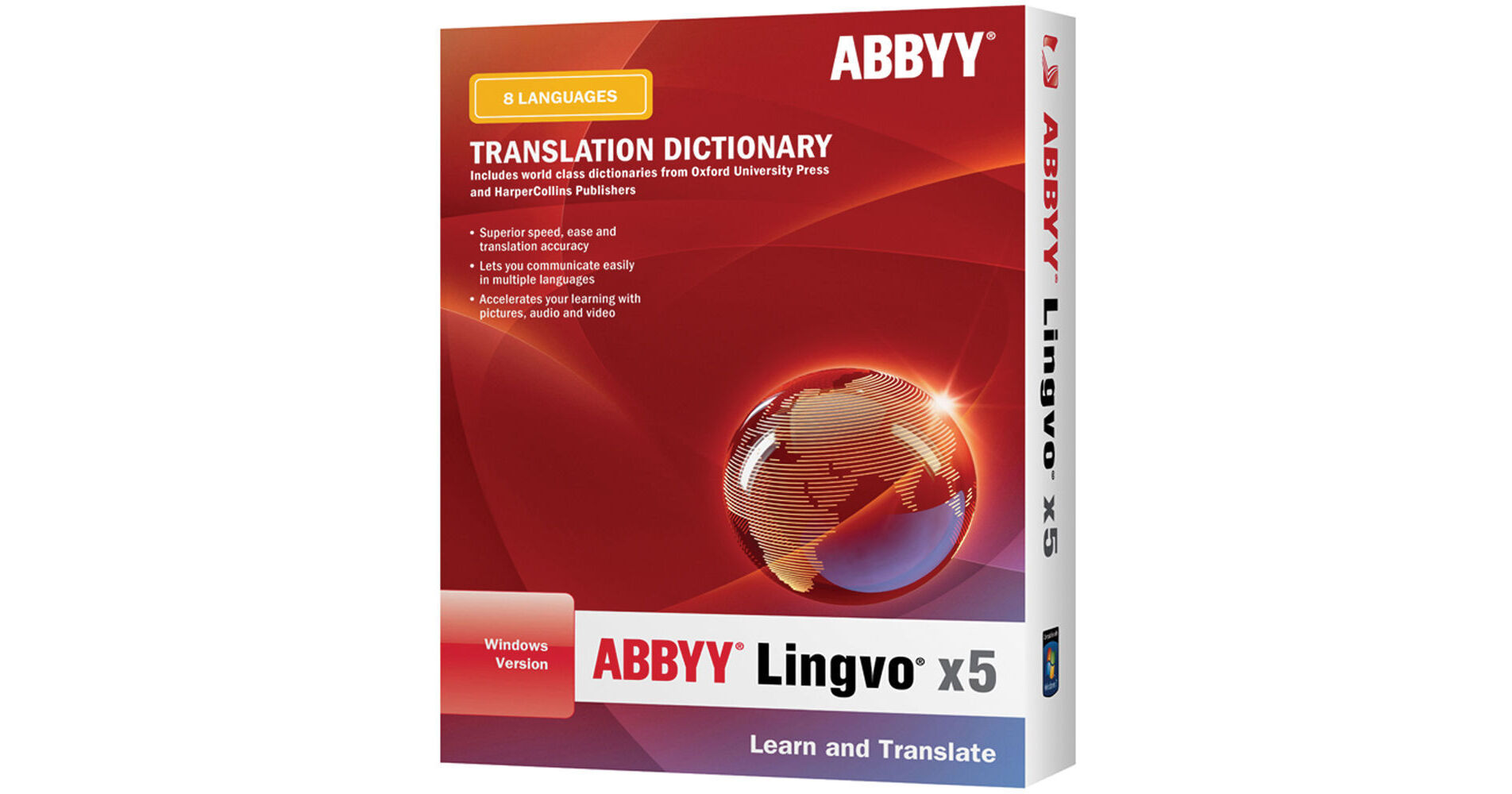
The Lingvo x5 8-Language Dictionary Upgrade (Download) from ABBYY updates your Lingvo x3 or Lingvo 12, 8-Language Dictionary to the Lingvo x5 version for Windows. This upgrade is valid for users who own either a Mac or Windows license of the earlier Lingvo products.
The Lingvo x5 8-Language Dictionary provides two-way translations between eight languages -- English, French, German, Greek, Italian, Portuguese, Russian, and Spanish. It provides grammatical and thematic translations from a collection of approximately 70 monolingual, licensed dictionaries. Translations are presented with grammatical descriptions, example sentences, synonyms, antonyms, spelling alternatives, pronunciation keys, and audio pronunciations recorded by native speakers. A list of dictionaries used for each translation appears on the side. Other than one-word translations, you can also search for compound phrases made up of two or more words, and Lingvo will deliver translations of the components of the phrase.
In addition to standard searches, you can select more advanced search methods such as "Full Text Search" and "Wildcard Search." Full Text Search allows you to search for words and word combinations within all the contents of the included dictionaries, including headwords, translations, example sentences, and comments. This function is useful for translating common expressions and idioms. Wildcard search employs a substitution technique that lets you search for words you're not sure how to spell or phrases containing a particular word. It can also be helpful in solving crossword puzzles. A word history keeps a list of the last 100 words searched in case you need to come back to those words.
Lingvo partially integrates into your computer system to allow you to translate unfamiliar words wherever you come across them on your screen, such as when browsing the web or reading e-mails. You won't have to leave the application you're in but rather the translations will appear in small, pop-up dialogue boxes. You just have to point your mouse cursor at the word and the dialogue box will appear. A set of hotkeys such as CTRL or CTRL+C+C will allow you to look further into the word and pull up example sentences and more.
A collection of virtual keyboards will allow you to type in accents, symbols, and Cyrillic characters if you ever have to look up a word containing any of these. Lingvo also includes a tool for memorizing words called Lingvo Tutor. This feature enables you to set up a study schedule, create lists of words, or use one of the sample word lists. The Lingvo user interface is Windows-like and features separate windows, flexible toolbars, and user-friendly icons. Translations for multiple words can be kept open at the same time so you can refer back to them if working in a separate application.
More DetailsThe Lingvo x5 8-Language Dictionary provides two-way translations between eight languages -- English, French, German, Greek, Italian, Portuguese, Russian, and Spanish. It provides grammatical and thematic translations from a collection of approximately 70 monolingual, licensed dictionaries. Translations are presented with grammatical descriptions, example sentences, synonyms, antonyms, spelling alternatives, pronunciation keys, and audio pronunciations recorded by native speakers. A list of dictionaries used for each translation appears on the side. Other than one-word translations, you can also search for compound phrases made up of two or more words, and Lingvo will deliver translations of the components of the phrase.
In addition to standard searches, you can select more advanced search methods such as "Full Text Search" and "Wildcard Search." Full Text Search allows you to search for words and word combinations within all the contents of the included dictionaries, including headwords, translations, example sentences, and comments. This function is useful for translating common expressions and idioms. Wildcard search employs a substitution technique that lets you search for words you're not sure how to spell or phrases containing a particular word. It can also be helpful in solving crossword puzzles. A word history keeps a list of the last 100 words searched in case you need to come back to those words.
Lingvo partially integrates into your computer system to allow you to translate unfamiliar words wherever you come across them on your screen, such as when browsing the web or reading e-mails. You won't have to leave the application you're in but rather the translations will appear in small, pop-up dialogue boxes. You just have to point your mouse cursor at the word and the dialogue box will appear. A set of hotkeys such as CTRL or CTRL+C+C will allow you to look further into the word and pull up example sentences and more.
A collection of virtual keyboards will allow you to type in accents, symbols, and Cyrillic characters if you ever have to look up a word containing any of these. Lingvo also includes a tool for memorizing words called Lingvo Tutor. This feature enables you to set up a study schedule, create lists of words, or use one of the sample word lists. The Lingvo user interface is Windows-like and features separate windows, flexible toolbars, and user-friendly icons. Translations for multiple words can be kept open at the same time so you can refer back to them if working in a separate application.
Digital
No Longer Available
See any errors on this page?