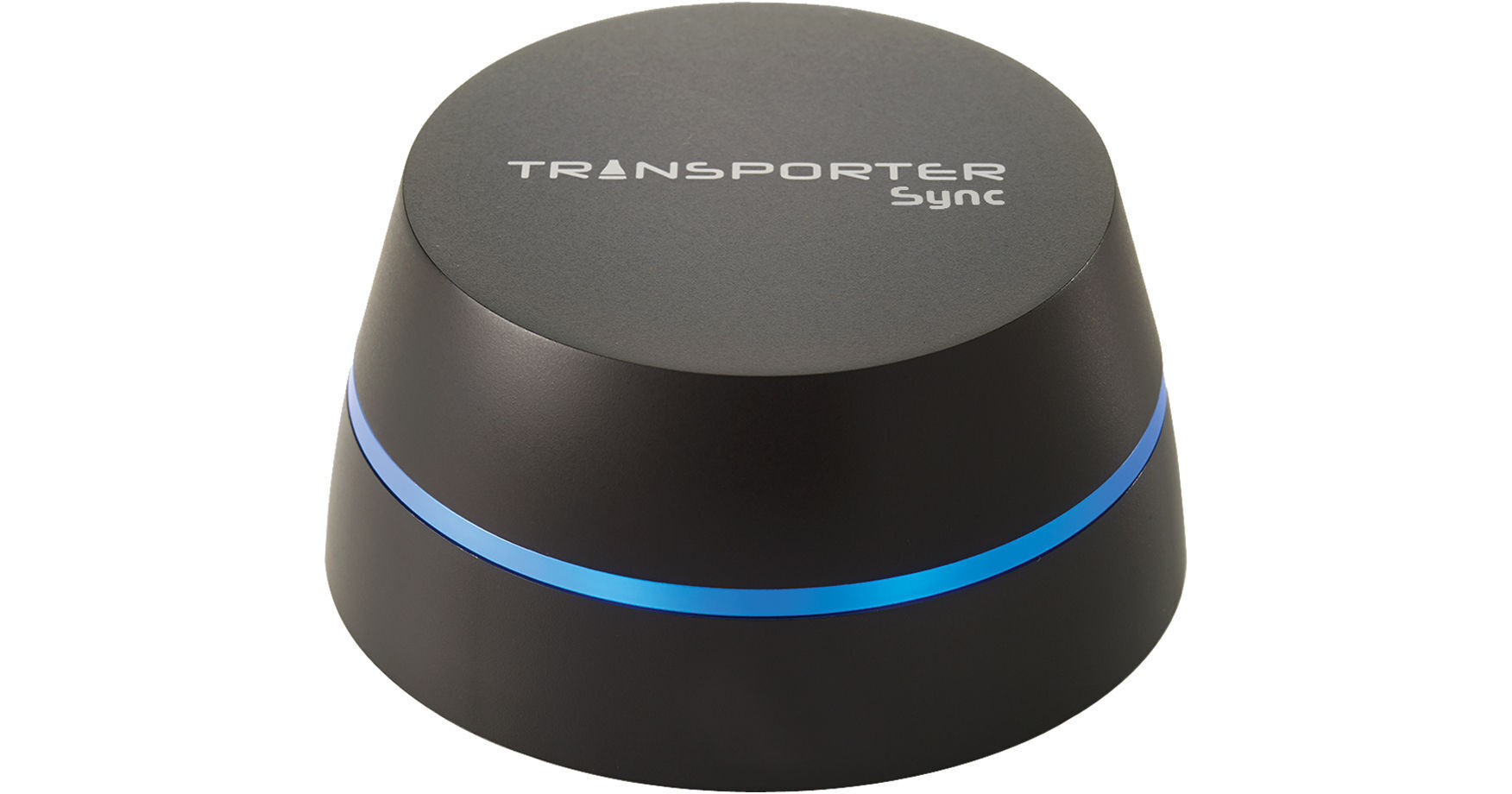
The Transporter Sync Private Cloud from Connected Data makes it easy to create your own private cloud and gain access to all of your files, folders, music, photos and more from virtually anywhere you have a data connection. Simply connect the Transporter to your existing network via the integrated Gigabit Ethernet port and then connect a USB compatible external hard drive to the USB 2.0 port. Once configured, you can begin accessing your data from both Mac and Windows based PCs as well as iOS and Android enabled smartphones via the free mobile app.
Along with remote connectivity, the Transporter Sync plays nice with other Transporter devices allowing you to create a network of Transporter devices giving users access to files spread across the entire network. You can also utilize remotely connected Transporters as backup devices ensuring your data is safe in the case of fire, flood or theft.
• Make use of USB compatible external hard drives
• Easily setup and find on your network
• Access on the go
• Keep things completely private with no recurring fees
Please note, data connection required to access files remotely