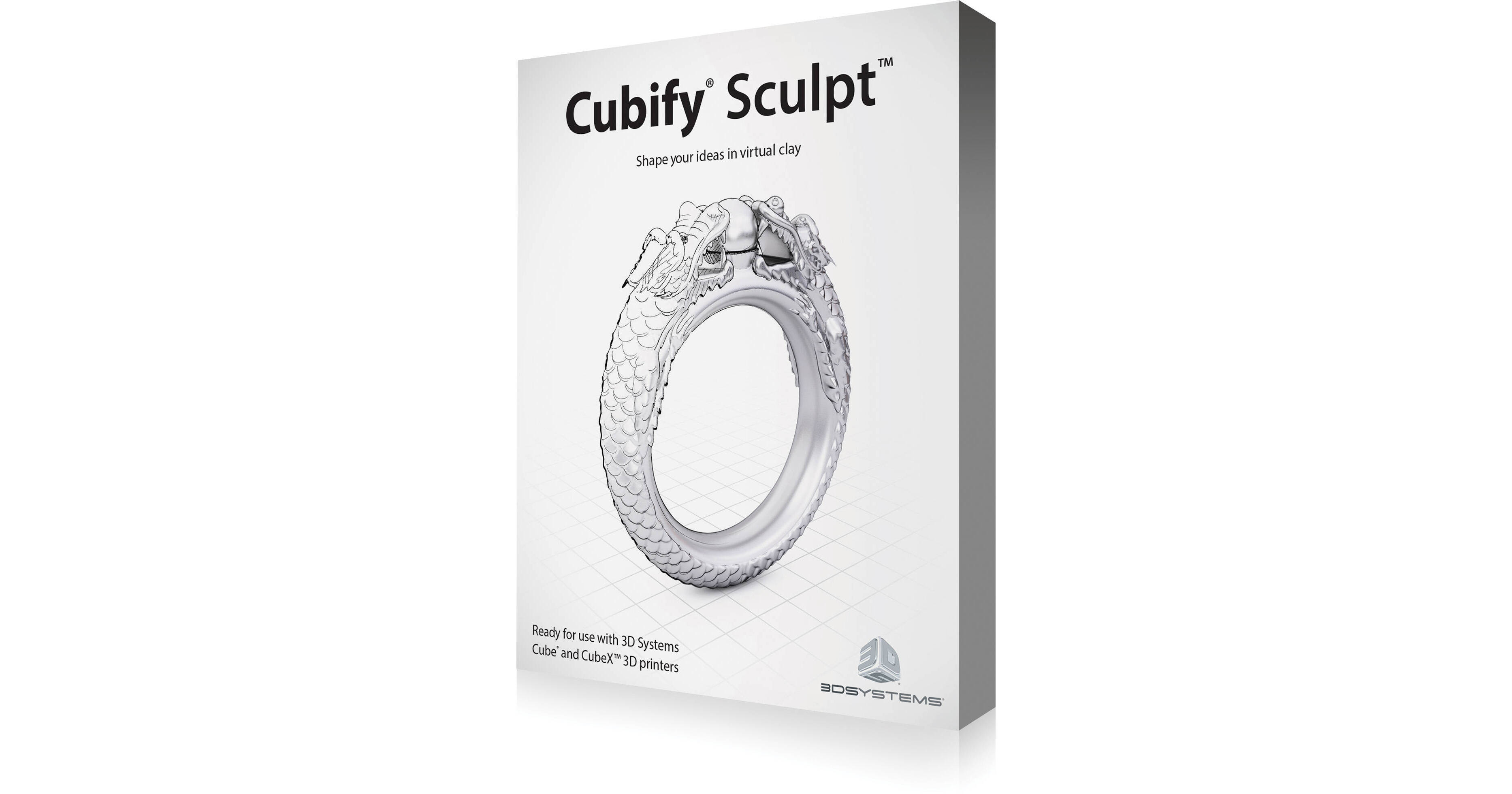
3D Systems Cubify Sculpt Software (License Code, English Version)

BH #3DCSSW • MFR #391260
Print
3D Systems Cubify Sculpt Software (License Code, English Version)
Key Features
  • Design & Modify 3D Models
  • Import STL, OBJ, PLY, & CLY Files
  • Export STL, OBJ, PLY, CLY, & ZPC Files
  • Save as a 3D Print-Ready STL File
The English version of Cubify Sculpt Software from 3D Systems is a powerful application for sculpting digital clay. Optimized for 3D printing, Cubify Sculpt allows you to design and create 3D models.
More Details
No Longer Available
No Store Display
Ask an Expert
800-606-6969

3D Systems 391260 Overview

The English version of Cubify Sculpt Software from 3D Systems is a powerful application for sculpting digital clay. Optimized for 3D printing, Cubify Sculpt allows you to design and create 3D models.

Cubify Sculpt lets you create and modify objects by pushing and pulling on them. You can reshape, stretch, or smush your model to your preference. You can import STL, OBJ, PLY, and other mesh file formats. You can also modify imported models in Cubify Sculpt. During the import of these files, you can try to heal the model to make it 3D printable. Many, though not all, models can be healed. Files originally designed in Cubify Sculpt shouldn't require any healing.

Cubify Sculpt works in conjunction with the Cube software that is included with your Cube or CubeX 3D printer. While files in Cubify Sculpt are saved as CLY files, you can export them as STL files so the Cube software can read it. Cubify Sculpt can also export in OBJ and ZCP formats as well.

Create a 3D Model from scratch starting with a box, sphere or cylinder of virtual clay
Import STL, OBJ, PLY, and CLY files to edit
Export in STL, OBJ, PLY, CLY, and ZPC file formats
Cubify Sculpt can save your 3D models as a 3D print-ready STL file
Use push and pull tools to sculpt your digital clay
Adjust the strength and size of the sculpting tool for exact cavities and extrusions
Design with symmetry when modeling a face or figurine
Deform and reform your model by squishing and pulling whole objects
Emboss with patterns and textures by choosing from Cubify Sculpt's library or importing your own displacement map
Add color with the paintbrush feature. Get your full-color design Cloudprinted with Colorstone material
Cubify Sculpt runs on Windows XP Home or Professional Edition with Service Pack 3, Windows Vista (32- & 64-bit), Windows 7 (32- & 64-bit), and Windows 8 (32- & 64-bit)
This version of Cubify Sculpt software is in English

3D Systems 391260 Specs

Internet Connection
Minimum: 56.6 kb/s
Recommended: DSL, cable modem, T1 or faster
Software Requirements
Internet Explorer 6.0 or later
Microsoft .NET Framework 4.0
OpenGL 2.1 or later
Compatible Operating Systems
Windows XP SP3 Professional or Home Edition
Windows Vista (32- & 64-bit)
Windows 7 (32- & 64-bit)
Windows 8 (32- & 64-bit)
Hardware Requirements
Processor: 2 GHz or greater Intel Pentium or equivalent CPU
RAM: 2 GB minimum
Resolution: 1280 x 1024 minimum
Graphics Card: 512 MB or higher GPU with OpenGL 2.1 or later
Color: 32-bit
Hard Drive Space: 4 GB
Input: Mouse or pointing device
Packaging Info
Package Weight
0.5 lb
Box Dimensions (LxWxH)
7.5 x 5.5 x 0.5"

3D Systems 391260 Reviews

See any errors on this page?
Whatever You Need, We've Got It