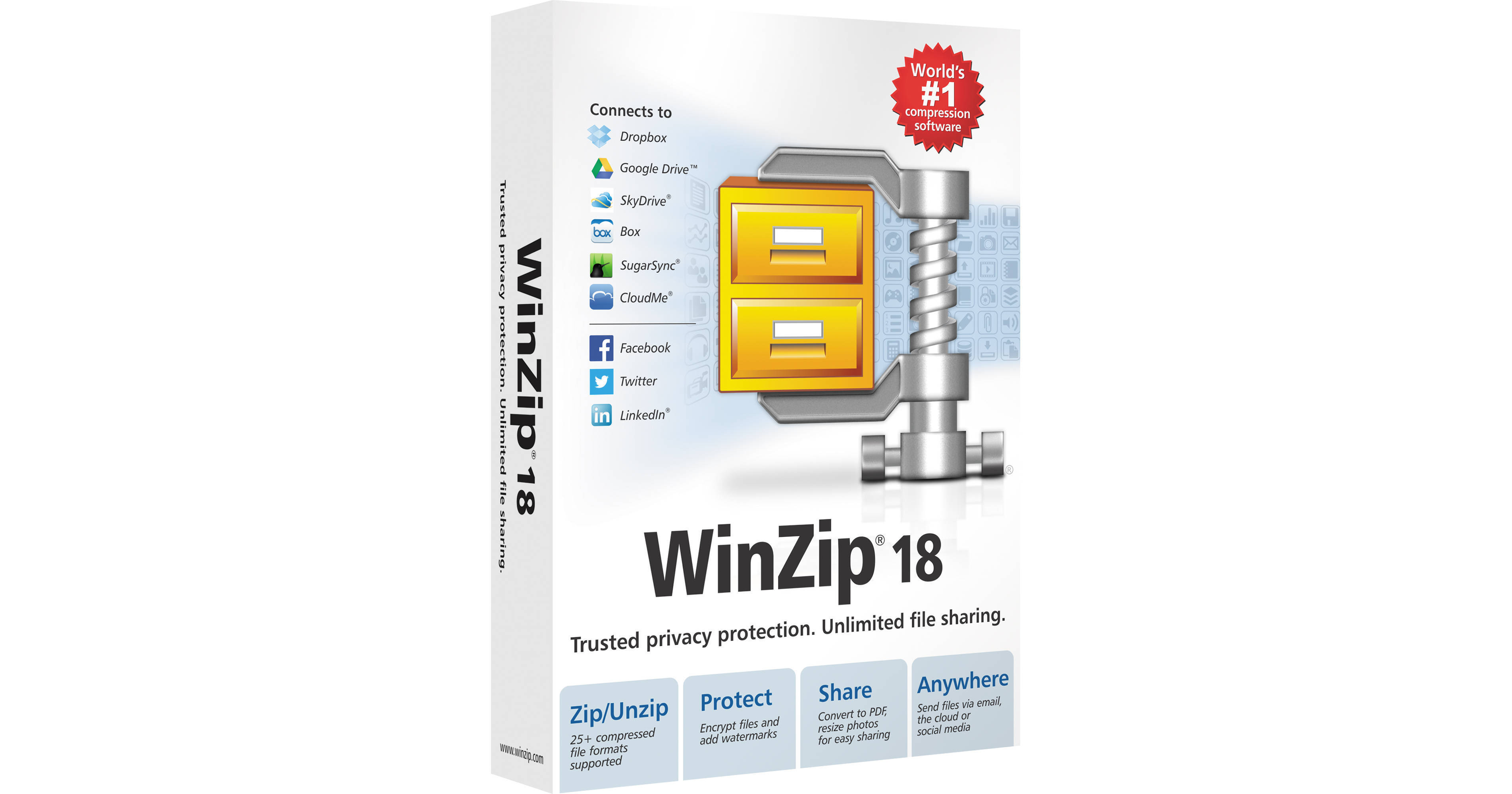
WinZip 18 Standard for Windows from Corel allows you to unzip content from a wide range of compressed file types and zip your own files and folders for easy sharing. WinZip 18 also lets you encrypt files as you zip to keep information and data secure, convert documents to PDF, and add watermarks to deter unauthorized copying. WinZip 18 connects directly to SkyDrive, Dropbox, Google Drive, CloudME, and SugarSync for easy organization, sharing, and security of your cloud files. In addition, you can use WinZip 18 to simultaneously post files to Facebook, Twitter, and LinkedIn.
Zip & Unzip
Save Space by Compressing Large Files
Compressing large files and folders makes them easier to transfer and saves storage space. Choose files from your PC using simple, drag-and-drop functionality or get files you've store on SkyDrive, Dropbox, Google Drive, CloudMe, and SugarSync to zip instantly. Zip files are perfect for sharing because they let you organize multiple files into one convenient package.
Unzip Anything
Extract content from a wide selection of compressed file types, including Zip, Zipx, RAR, 7Zip, BZ2, LHA/LZH, and more. When extracting encrypted files, WinZip auto-wipes all temporarily extracted copies to prevent misuse.
Share
Connect to Cloud Services
WinZip connects directly to SkyDrive, Dropbox, Google Drive, CloudME, and SugarSync, so you can organize all your cloud files at once. Use WinZip to zip and save large files to the cloud or retrieve files or links to share via email. Secure your files and save online storage space by zipping and encrypting them first.
One-Stop cloud File Sharing
See all of your cloud files, across various cloud services, in a single view.
Zip and Share to Social Media
Share any type of file to Facebook, Twitter, and LinkedIn. Keep your friends, family, and co-workers in-the-loop by posting content to all three social networks at once. Simply select the files you want to share, compose your message, pick your message, and pick the social networks where you want your files to go.
Zip and Email with One Click
WinZip's file sharing functionality allows you to zip, encrypt, and share a file directly from the WinZip window, all without having to open any other applications. WinZip provides extensive support for most email and webmail services. Once configured, you can zip and email files using virtually any email address.
Email Oversized Files
Use the integrated ZipSend file delivery service to send oversized files or entire folders using your own email. ZipSend automatically zips and uploads your files to the cloud, then adds a link to the files in your email message. You can send up to 50MB per message. For sending files up to 2GB in size, ZipSend Pro is available, sold separately.
Manage
Convert Files to PDF
WinZip allows you to convert Microsoft Office files to PDF as you zip, making them ready to share. To prevent content alteration, you can choose to make them read-only PDFs.
Create Share-Ready Images
Convert high-resolution images to more convenient sharing sizes instantly when adding them to your Zip. This lets you share entire albums while keeping full-quality originals on file.
Preview and Edit Tools
Preview and edit the content of a Zip file without having to first extract it. You can also 'Unzip and Try' the contents of a Zip file without having to save it to your local drive.
Protect
Safeguard Your Private Information
Protect your files from unauthorized access by applying banking-level security with 128-bit or 256-bit AES encryption. For extra security, set your own password policy by defining complexity requirements that WinZip will enforce for you.
Add Watermarks
Add custom watermarks to images and PDFs to deter unauthorized copying of your files. You control how and where the watermark appears.
Additional Features
Express Add-Ons
Optional WinZip Express Add-Ons for Windows Explorer, Microsoft Outlook, Microsoft SharePoint, and for photo management give you instant access to WinZip features. With just a few clicks, you can set your preferences for zipping, encrypting, sharing, and more.