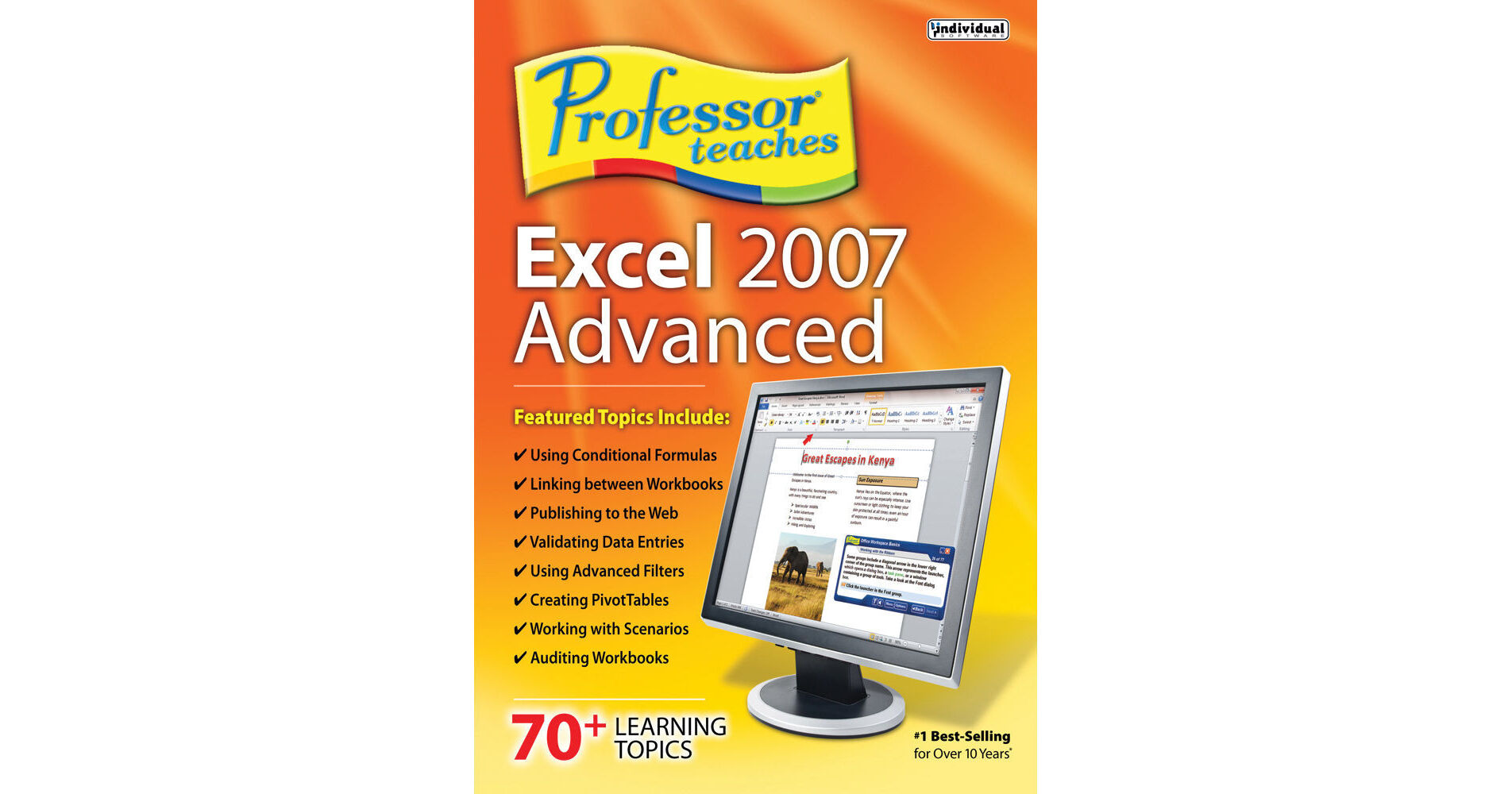
The Professor Teaches Excel 2007 Advanced from Individual Software helps you to learn everything you need to know about the Excel 2007 spreadsheet application. Its tutorials, guides, and interactive lessons help you use the advanced features of Excel spreadsheets. The realistic simulations of the software help you to learn about Pivot-Table views to complex sorting, filtering, and data processing formulas. It features interactive lessons, quizzes, and exercises, which reinforce learning. It trains you to develop spreadsheets using a realistic training environment.
Microsoft Excel 2007 is a data management application that uses spreadsheets to gather, manage, and interpret data for different purposes. Small businesses, large corporations, and schools can benefit from the data that is analyzed.Benefits of Learning Microsoft Excel 2007 Training
Organize large lists of business contacts, sales leads, and employee information for small businesses
Visualize all your important business data in graphs and charts
Get more insight from your business data with advanced Excel formulas, functions, and macros
Visualize all your important business data in graphs and charts
Get more insight from your business data with advanced Excel formulas, functions, and macros
Learn in Professor Teaches Excel 2007 Advanced
Learn to use formatting and functions
Learn to use templates and workbooks
Learn to analyze Excel data
Learn to use Excel 2007 macros and auditing tools
Learn to Share Workbooks
Learn to use templates and workbooks
Learn to analyze Excel data
Learn to use Excel 2007 macros and auditing tools
Learn to Share Workbooks
Professor Teaches Course Includes
Practice in realistic simulations of the software
Hundreds of learning topics
4 to 8 hours of training per course
Self-paced learning objectives
Introductions and summaries
Interactive exercises
Professional voice narration
End-of-chapter quiz questions
Checkmarks for completed topics
Glossary, index, and search
Professor Answers for instant training
Hundreds of learning topics
4 to 8 hours of training per course
Self-paced learning objectives
Introductions and summaries
Interactive exercises
Professional voice narration
End-of-chapter quiz questions
Checkmarks for completed topics
Glossary, index, and search
Professor Answers for instant training