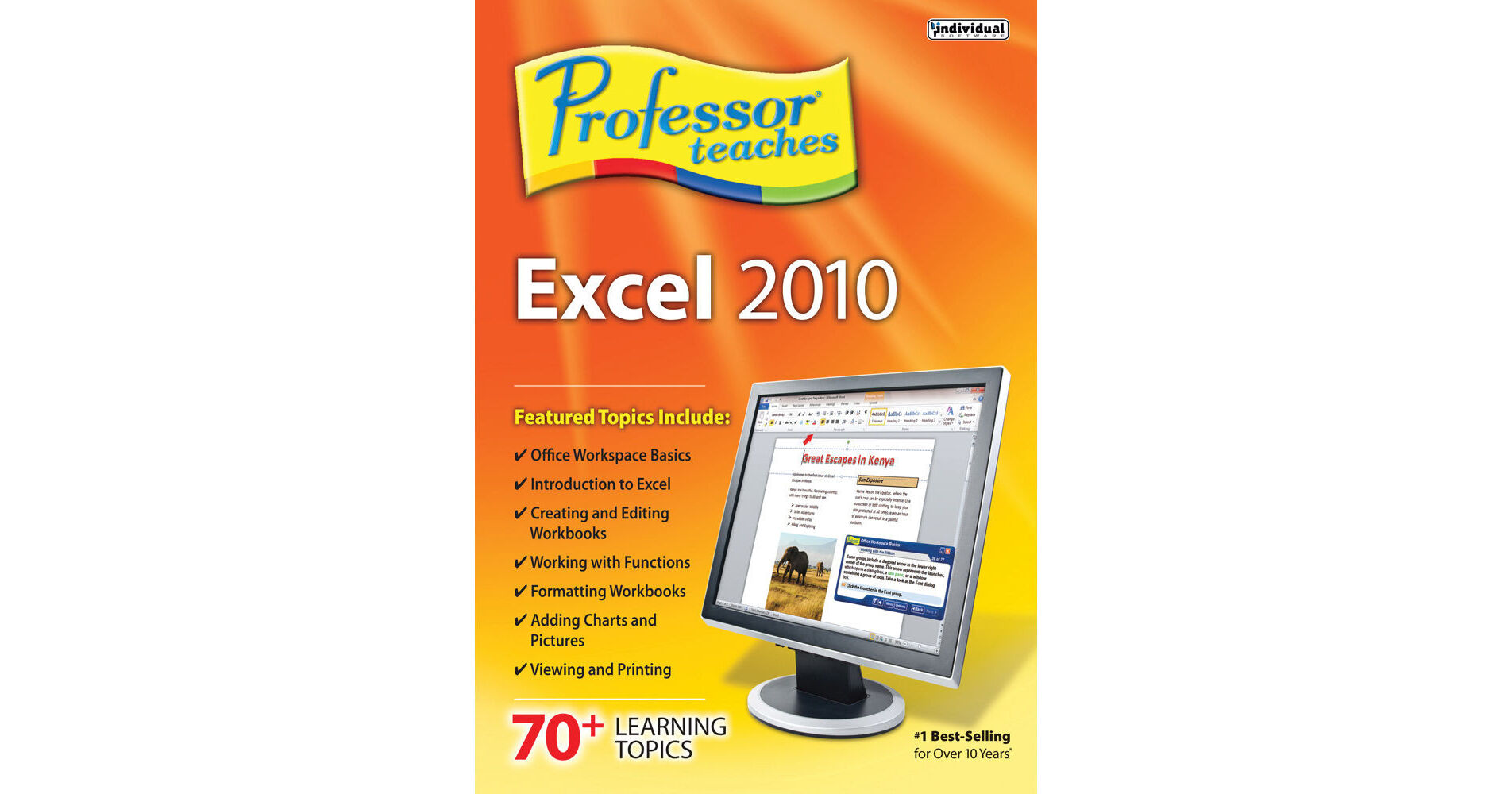
The Professor Teaches Excel 2010 from Individual Software is a computer learning course designed to teach you to use all the basic features and functions of Microsoft Excel 2010. The course provides you hours of interactive lessons in realistic simulations of the software. You can create professional looking spreadsheets and analyze data. It features introductions, summaries, and end-of-chapter quiz questions to reinforce learning.
Microsoft Excel 2010 is a spreadsheet management program developed by Microsoft that allows you to analyze, manage, and share data. With the analysis tool you can track and highlight important data trends.Benefits of Learning Microsoft Excel 2010
Learn job skills that employers require
Organize large lists of business contacts, sales leads, and employee information for small businesses
Visualize all the important business data in graphs and charts
Improve your Microsoft Excel 2010 skills for a high school or college course
Organize large lists of business contacts, sales leads, and employee information for small businesses
Visualize all the important business data in graphs and charts
Improve your Microsoft Excel 2010 skills for a high school or college course
Learn in Professor Teaches Excel 2010
Create, save, and edit workbooks
Enter text, numbers, and data
Work with functions and formulas
Format data and worksheets
Add charts, graphics, and SmartArt
Learn to view, print, and manage workbooks
Enter text, numbers, and data
Work with functions and formulas
Format data and worksheets
Add charts, graphics, and SmartArt
Learn to view, print, and manage workbooks
Professor Teaches Course Includes
Practice in realistic simulations of the software
Hundreds of learning topics
4 to 8 hours of training per course
Beginners to advanced topics
Self-paced learning objectives
Introductions and summaries
Interactive exercises
Professional voice narration
End-of-chapter quiz questions
Checkmarks for completed topics
Glossary, index, and search
Professor Answers for instant training
Hundreds of learning topics
4 to 8 hours of training per course
Beginners to advanced topics
Self-paced learning objectives
Introductions and summaries
Interactive exercises
Professional voice narration
End-of-chapter quiz questions
Checkmarks for completed topics
Glossary, index, and search
Professor Answers for instant training