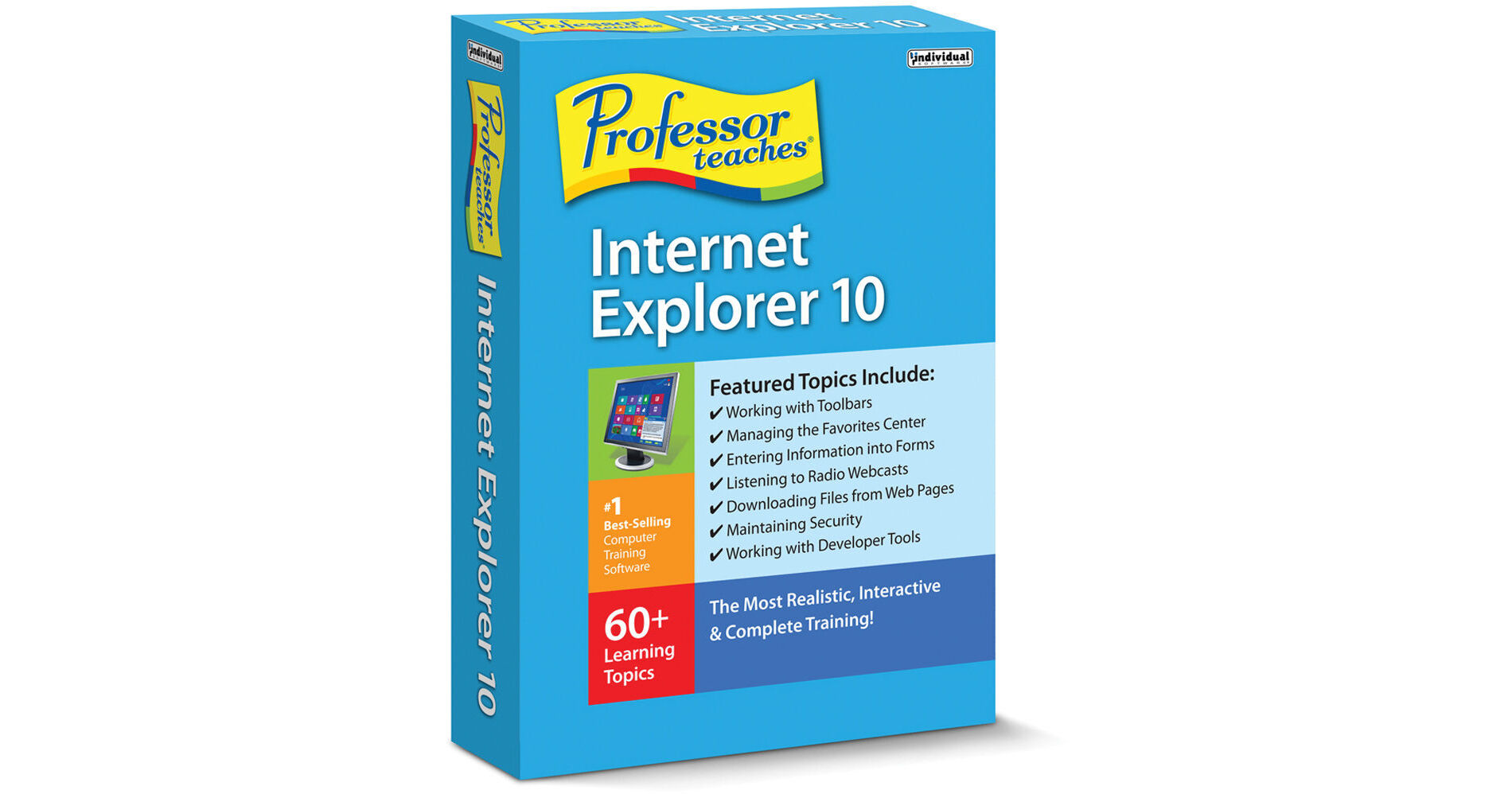
The Professor Teaches Internet Explorer 10 from Individual Software is a computer training course that uses lessons and interactive exercises to help you to learn how to use the Internet Explorer 10 browser. Its interactive tutorials teach you all the features of Internet Explorer 10 such as creating an Online Photo Album, listening to Radio Webcasts, and more. The computer training tutorial will have you navigating the internet with ease in no time.
Internet Explorer 10 is a web browser created by Microsoft, which is an improved version over the previous versions of the web browser. The streamlined looks and features speed up your web browsing experience.Benefits of Learning Microsoft Internet Explorer 10
Save time by learning how to search the Web efficiently
Make surfing the Internet simpler by learning how to use one of the Internet Explorer 7 Browser
Make surfing the Internet simpler by learning how to use one of the Internet Explorer 7 Browser
Extensive Computer Training Course
Using the Internet Explorer 10 interface
Understanding menus, toolbars, and favorites
Interacting with websites and forms
Using the search engines and Bing search
Learning how to save and download
Listening to Radio Webcasts
Creating an Online Photo Album
Using the Internet Explorer App
Understanding menus, toolbars, and favorites
Interacting with websites and forms
Using the search engines and Bing search
Learning how to save and download
Listening to Radio Webcasts
Creating an Online Photo Album
Using the Internet Explorer App
Professor Teaches Course Includes
Practice in realistic simulations of the software
Hundreds of learning topics
4 to 8 hours of training per course
Beginner to advanced topics
Self-paced learning objectives
Introductions and summaries
Interactive exercises
Professional voice narration
End-of-chapter quiz questions
Checkmarks for completed topics
Glossary, index, and search
Professor Answers for instant training
Hundreds of learning topics
4 to 8 hours of training per course
Beginner to advanced topics
Self-paced learning objectives
Introductions and summaries
Interactive exercises
Professional voice narration
End-of-chapter quiz questions
Checkmarks for completed topics
Glossary, index, and search
Professor Answers for instant training