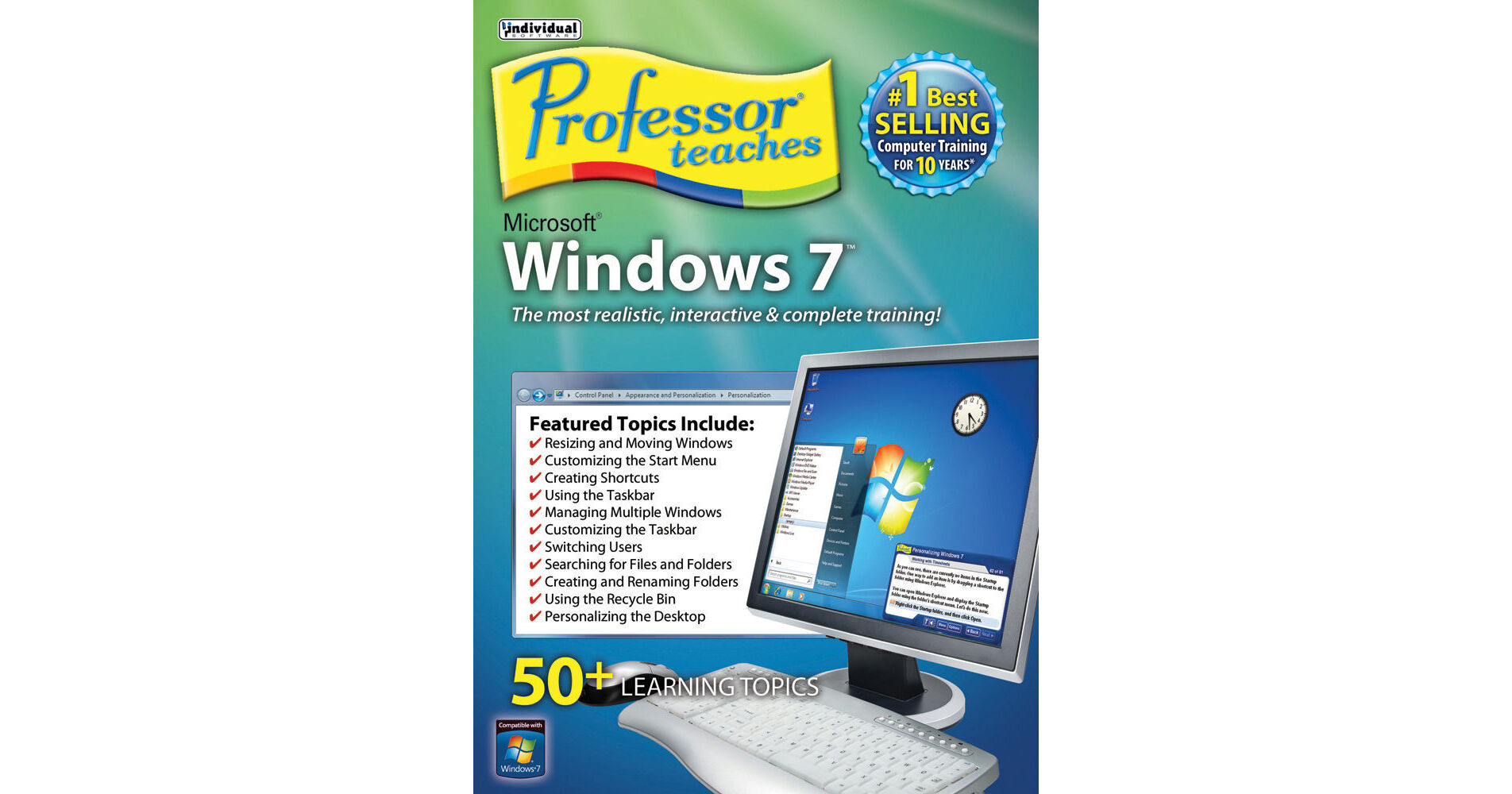
The Professor Teaches Windows 7 from Individual Software is a set of five tutorial programs for Microsoft Windows 7*, Windows 7 Advanced, Internet Explorer 8, PC Security Fundamentals, and Windows Vista. The chapters in the course are organized into specific learning objectives, available from the main menu.
Note:
*: Covers all versions of Windows 7, including Ultimate, Professional, and Home Premium
Realistic, Interactive, and Complete Training
Realistic simulations provide an accurate learning environment so your transition to Windows 7 is user-friendly. More than just videos, you interact to perform the correct action during each exercise, for better learning and retention. Hundreds of learning topics and beginner to advanced subjects are included
Way to Learn Windows 7
Learn from each of the five courses and over 50 lessons. Professor Teaches courses use real-world settings and accurate simulations to help you apply the knowledge directly to daily tasks
Includes Beginner, Intermediate, and Advanced Topics
Chapters are organized into specific learning objectives, available from the main menu
Learning objectives guide you to success
Colorful graphics and clear instructions keep you interested
Professional voice narration assists retention
Learning objectives guide you to success
Colorful graphics and clear instructions keep you interested
Professional voice narration assists retention
Interactive Training Available
Self-paced, interactive lessons allow you to practice in realistic simulations of the software
Accurate screen presentations, menus, and buttons provide a user-friendly transition to the real application
Step-by-step interactive exercises help you achieve high retention rates
Practical exercises and examples make learning user-friendly
Accurate screen presentations, menus, and buttons provide a user-friendly transition to the real application
Step-by-step interactive exercises help you achieve high retention rates
Practical exercises and examples make learning user-friendly
Complete and Comprehensive Content
Introductions, summaries, and end-of-chapter quiz questions all reinforce learning. All five courses (Windows 7, Windows 7 Advanced, Internet Explorer 8, PC Security Fundamentals, and Windows Vista) use the same design and education methods to ensure consistent quality throughout
Windows 7
Learning to use Windows 7 simplifies the way you use your PC. Everyday tasks are made easier when you learn the essentials and advanced concepts from Professor Teaches, such as improved desktop navigation, enhanced searching to help you quickly locate your files, and maintaining system security. This fully interactive tutorial is organized for enhanced learning with practical exercises to build new skills and Windows proficiency
Windows 7 Advanced
Reach expert skill level in the Windows operating system with the courses. Learn how to understand QuickLaunch Bars, use Jump Lists, View Libraries, work with Send To and backing up and restoring files, using Windows Meeting Space, plus much more
Internet Explorer 8
Hone your skills and learn everything you need to fully utilize your web browser. Learn to use the exciting features, from accelerators to the SmartScreen filter, and advanced toolbar searches to tabbed browsing
PC Security Fundamentals
Learn the fundamentals of PC security with over 30 lessons, including defeating malware, managing firewall settings, managing cookies, and protecting your privacy
Includes Just-in-Time Training
Get quick assistance with Professor Answers. Find answers to your questions faster than Microsoft Help. Powerful search and browse features are just one click away to help you locate the specific topic training you need. It provides mini training sessions to give you the knowledge and experience you need
Over 170 Lessons
Windows 7: Over 50 lessons
Windows 7 Advanced: Over 30 lessons
Internet Explorer 8: Over 60 lessons
PC Security Fundamentals: Over 30 lessons
Windows 7 Advanced: Over 30 lessons
Internet Explorer 8: Over 60 lessons
PC Security Fundamentals: Over 30 lessons
Professor Teaches Course Includes
Hundreds of learning topics
4 to 8 hours of training per course
Beginner to advanced topics
Self-paced learning objectives
Introductions and summaries
Interactive exercises
Professional voice narration
Realistic simulations of software
End-of-chapter quiz questions
Checkmarks for completed topics
Glossary, index, and search
Professor Answers for instant training
4 to 8 hours of training per course
Beginner to advanced topics
Self-paced learning objectives
Introductions and summaries
Interactive exercises
Professional voice narration
Realistic simulations of software
End-of-chapter quiz questions
Checkmarks for completed topics
Glossary, index, and search
Professor Answers for instant training